
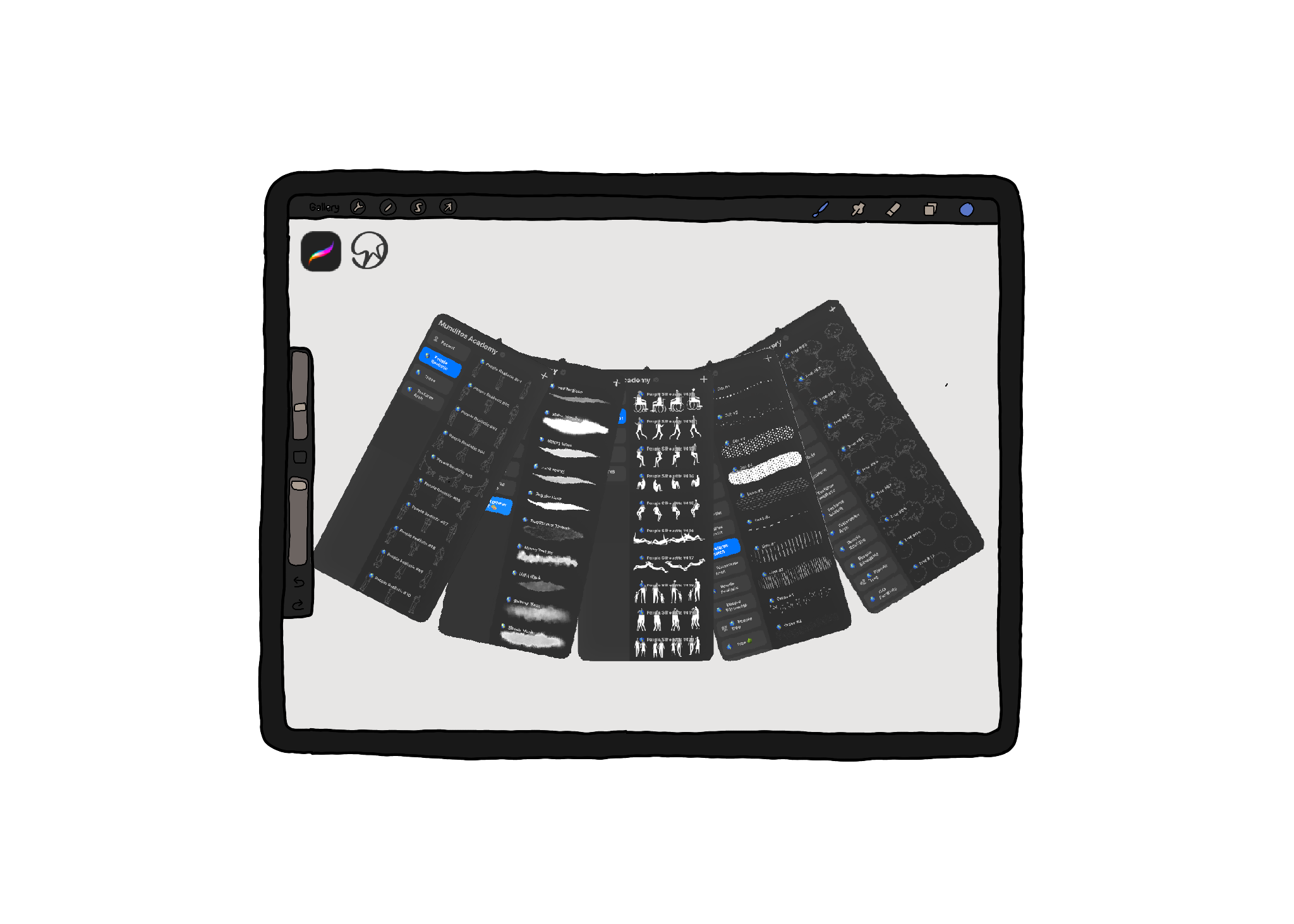
Made Specifically for Architectural Drawing.
✏️ 24 Sketchy Texture Brushes
Hand-drawn linework without the shaky-hand guesswork
🌳 20 Sketchy Tree Brushes
Context that doesn't look like clip art
🧍 16 Realistic People Brushes
A render that needs a human, not a stick figure
🚶 20 People Silhouette Brushes
Scale and life, in seconds
💧 20 Watercolor Brushes
Washes that read as atmosphere, not a stain
📄 8 Paper Textures + 4 Canvases
The surface that ties it all together
100 Brushes & Textures — $50
Bonus: Workflow Tutorial — $99
Bonus: Private Community — $99
Total value: $248 → Today: $25
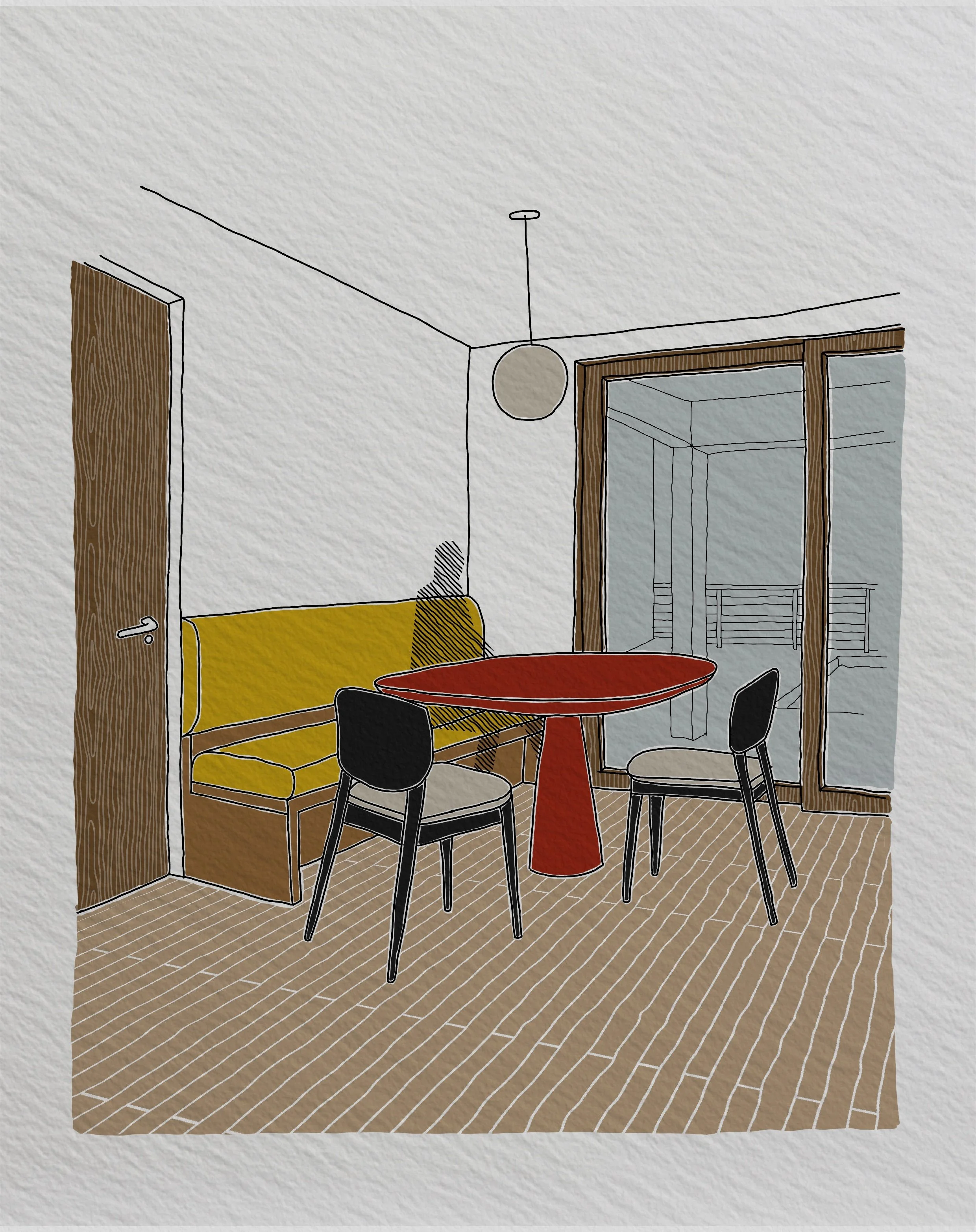
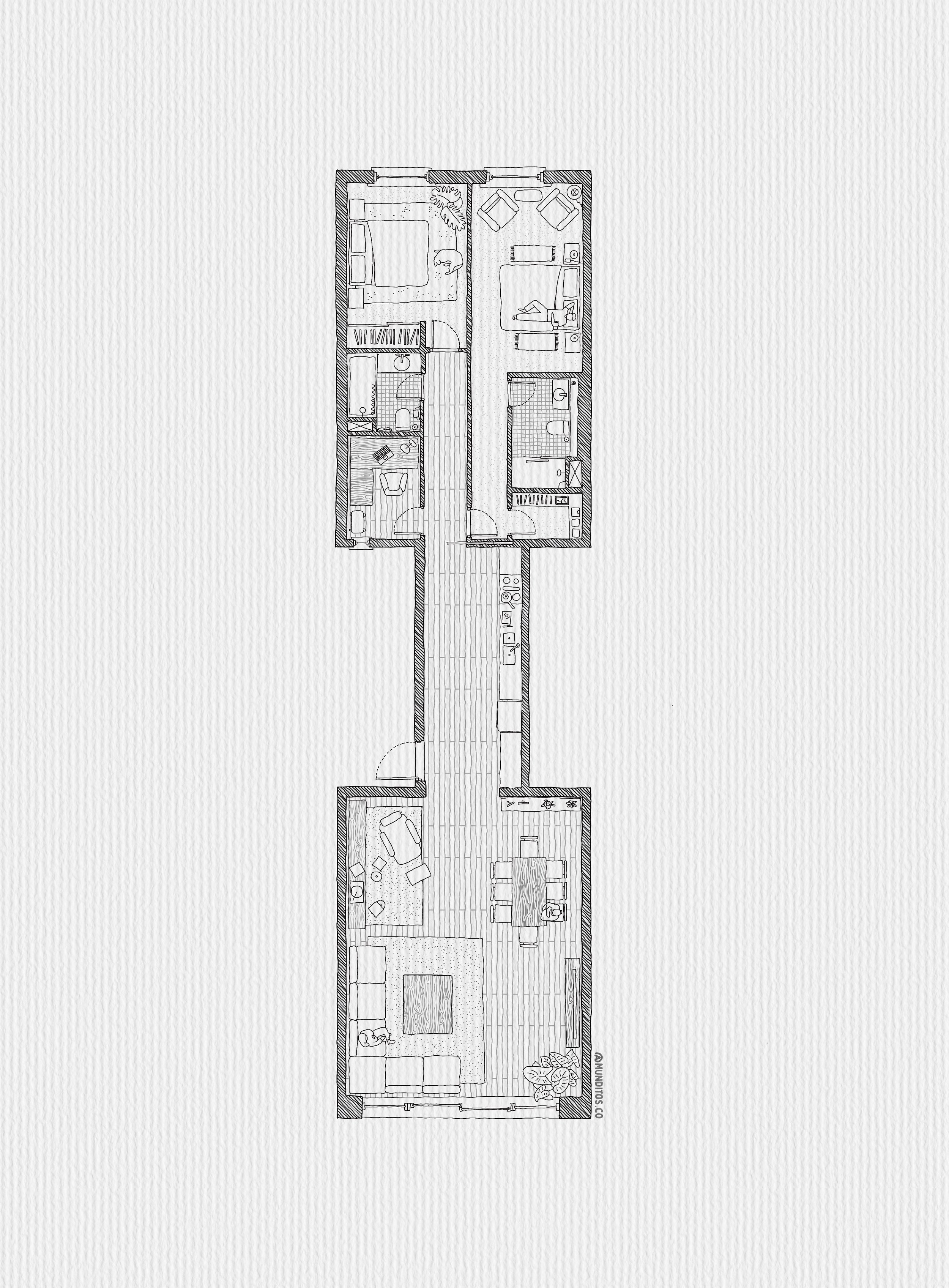
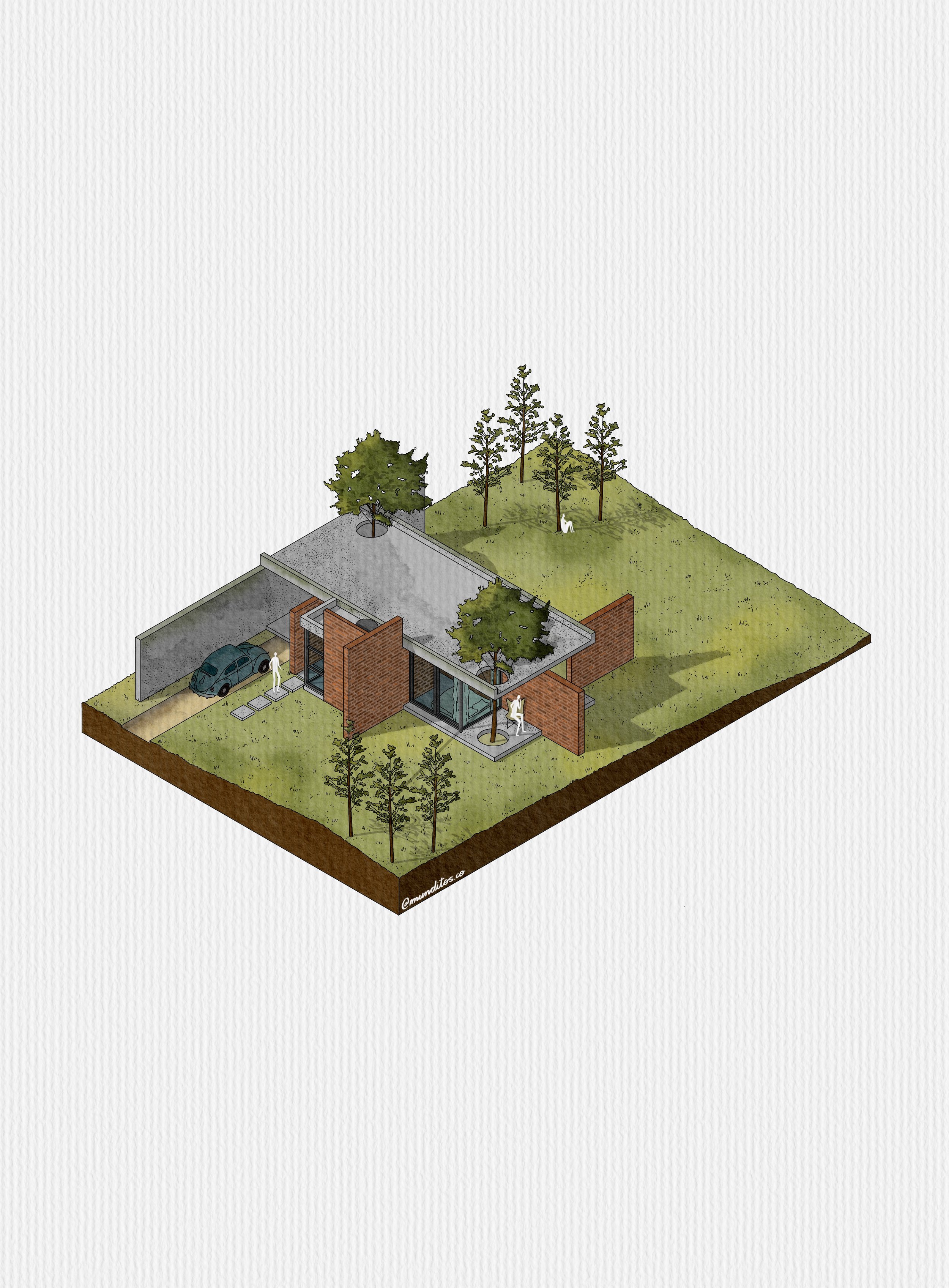
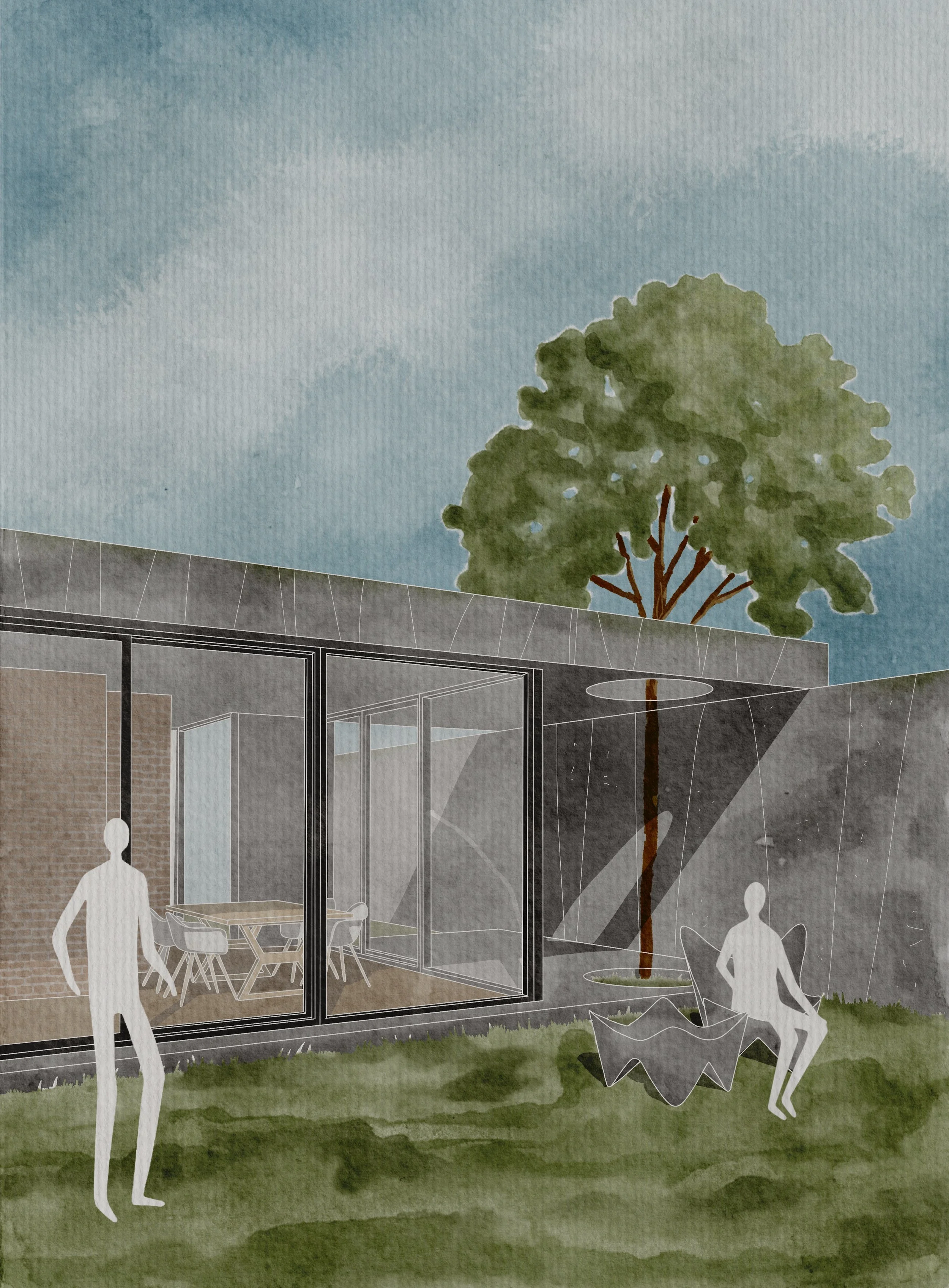
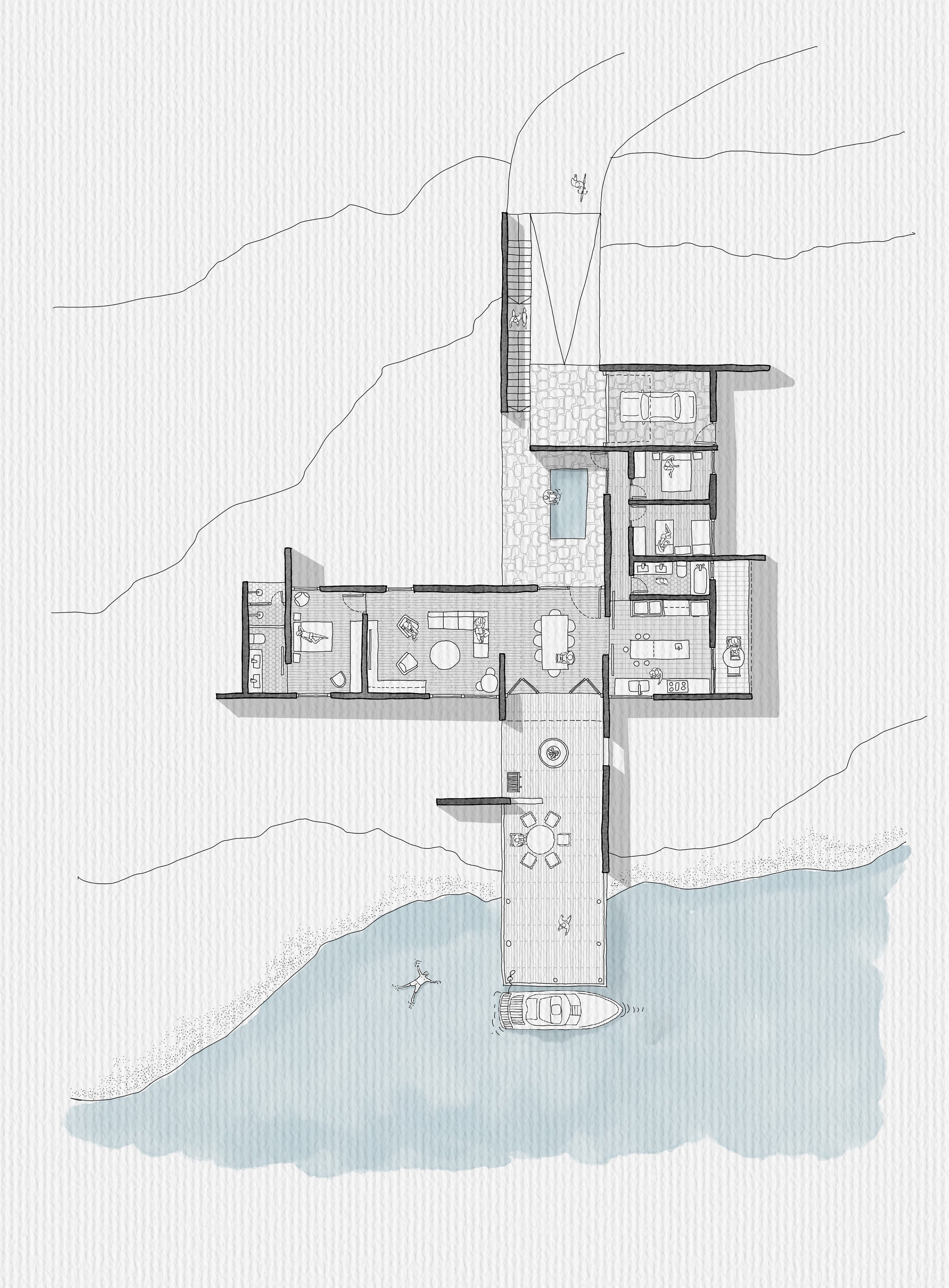
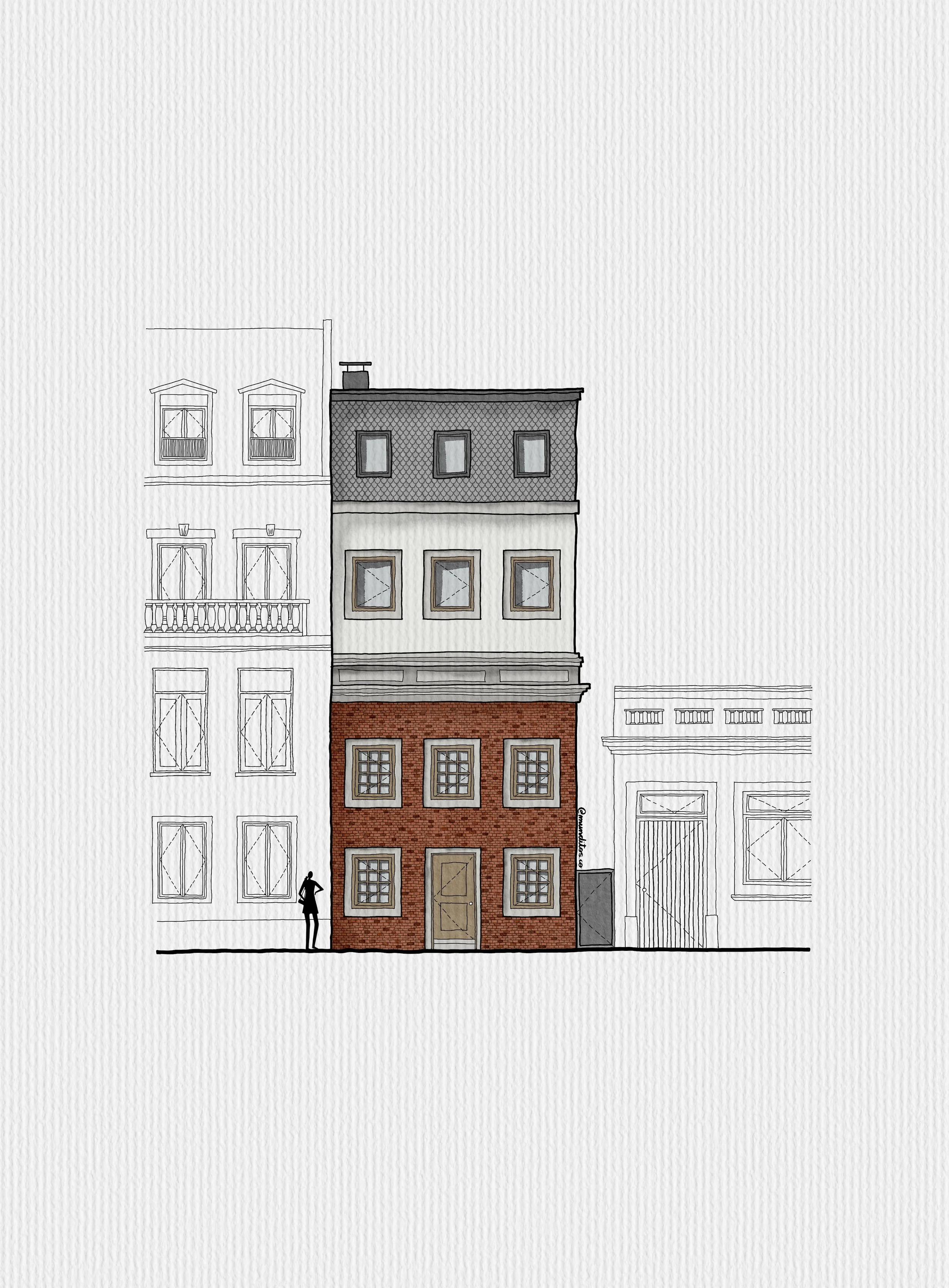
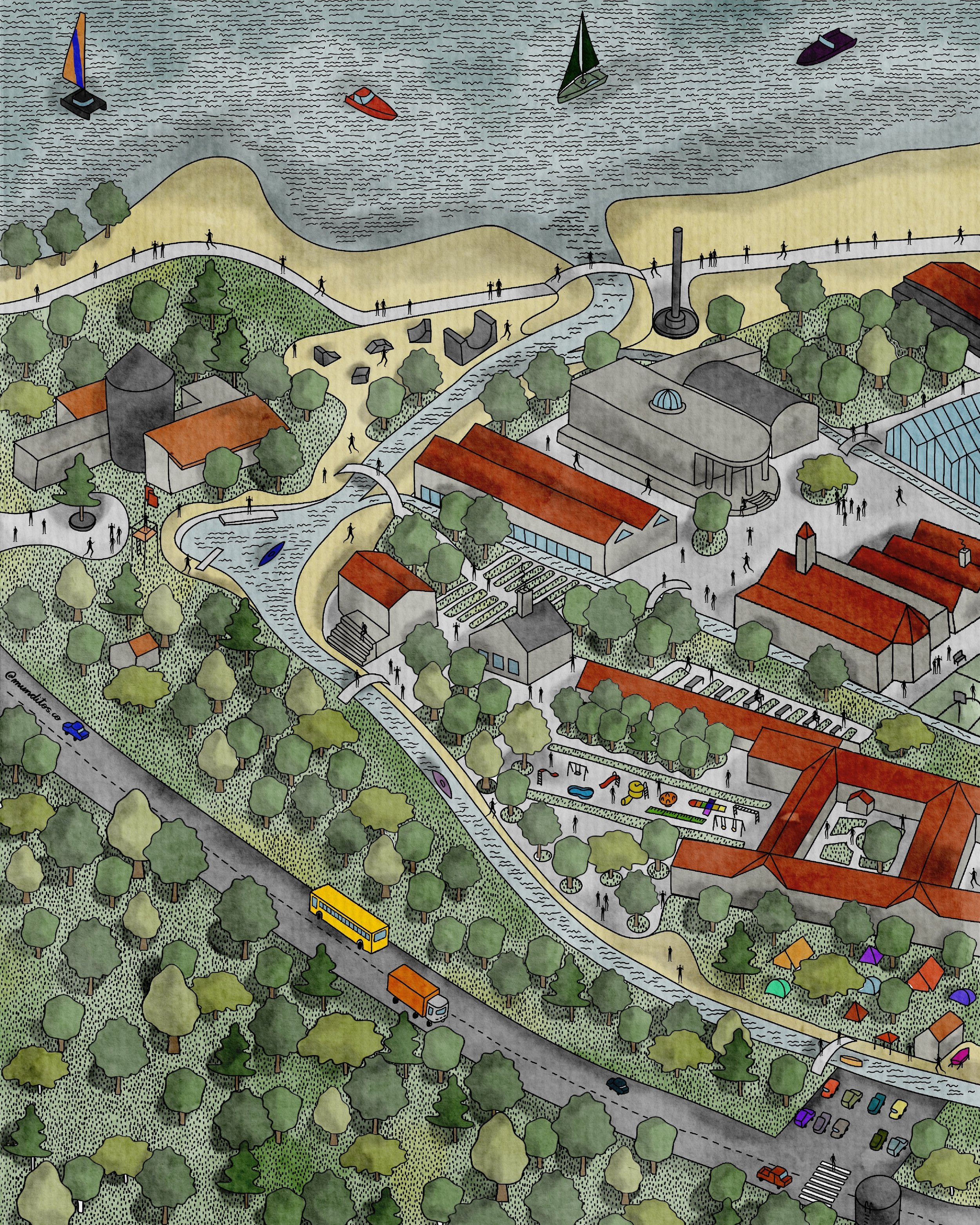
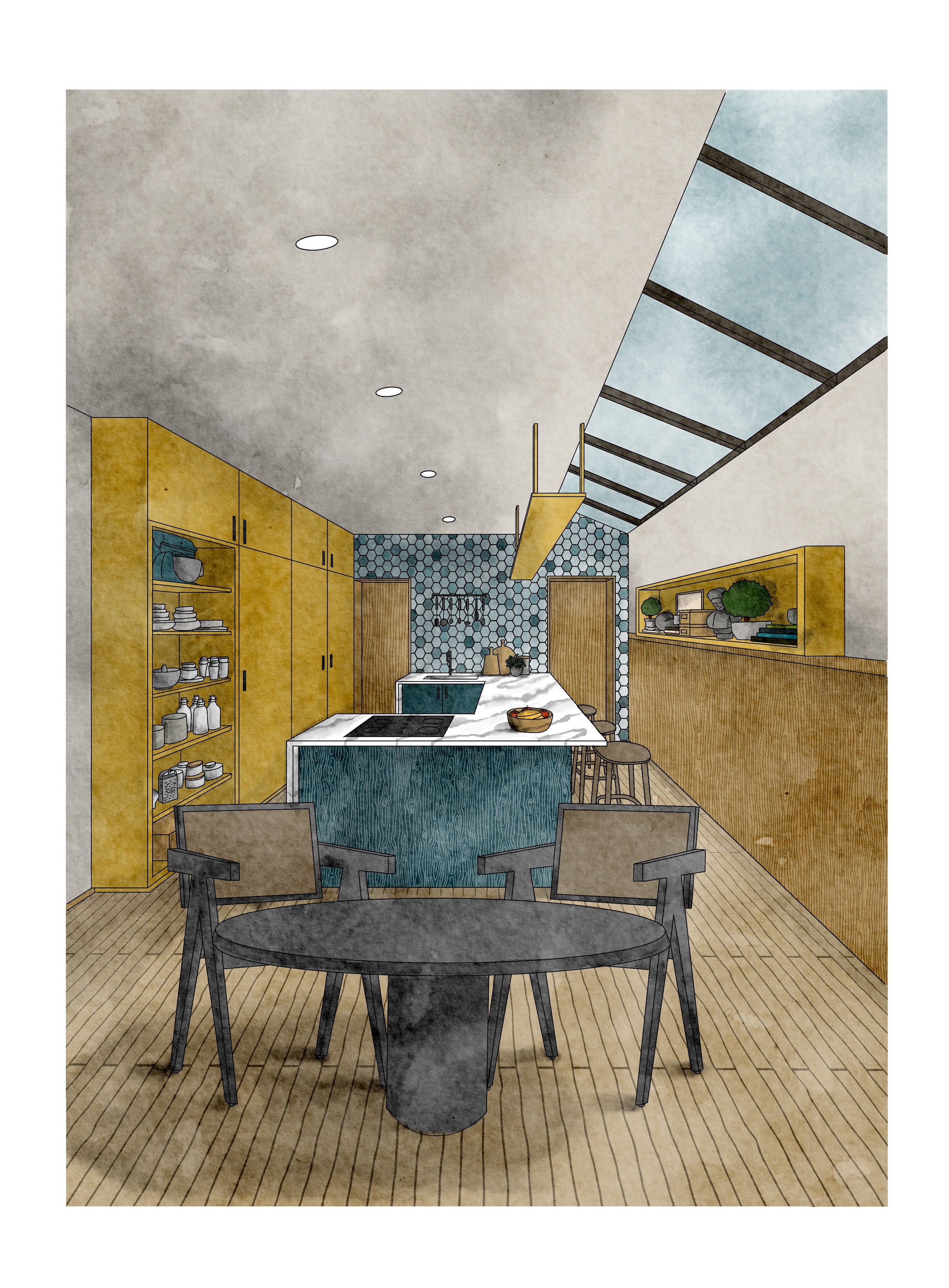
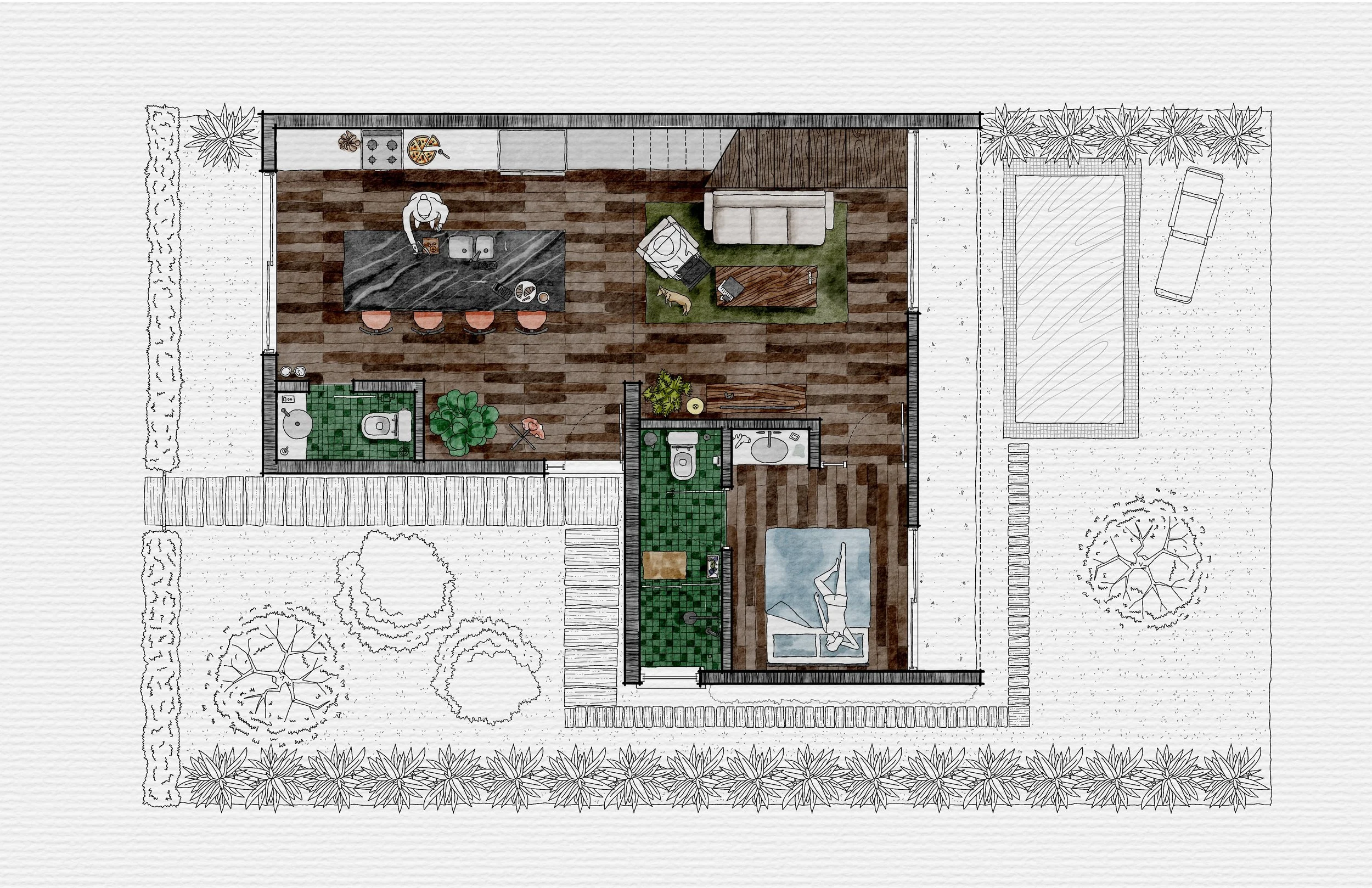
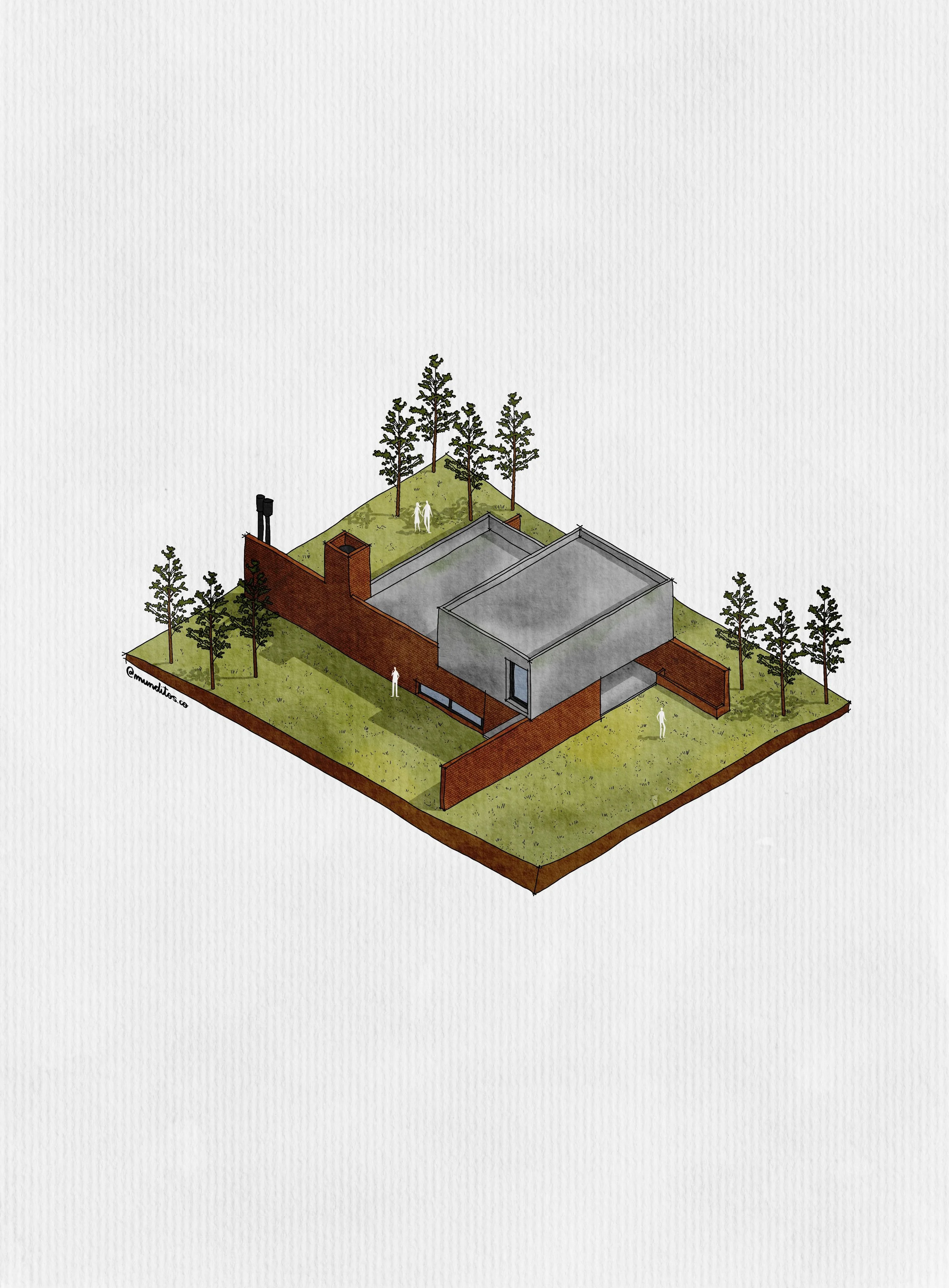
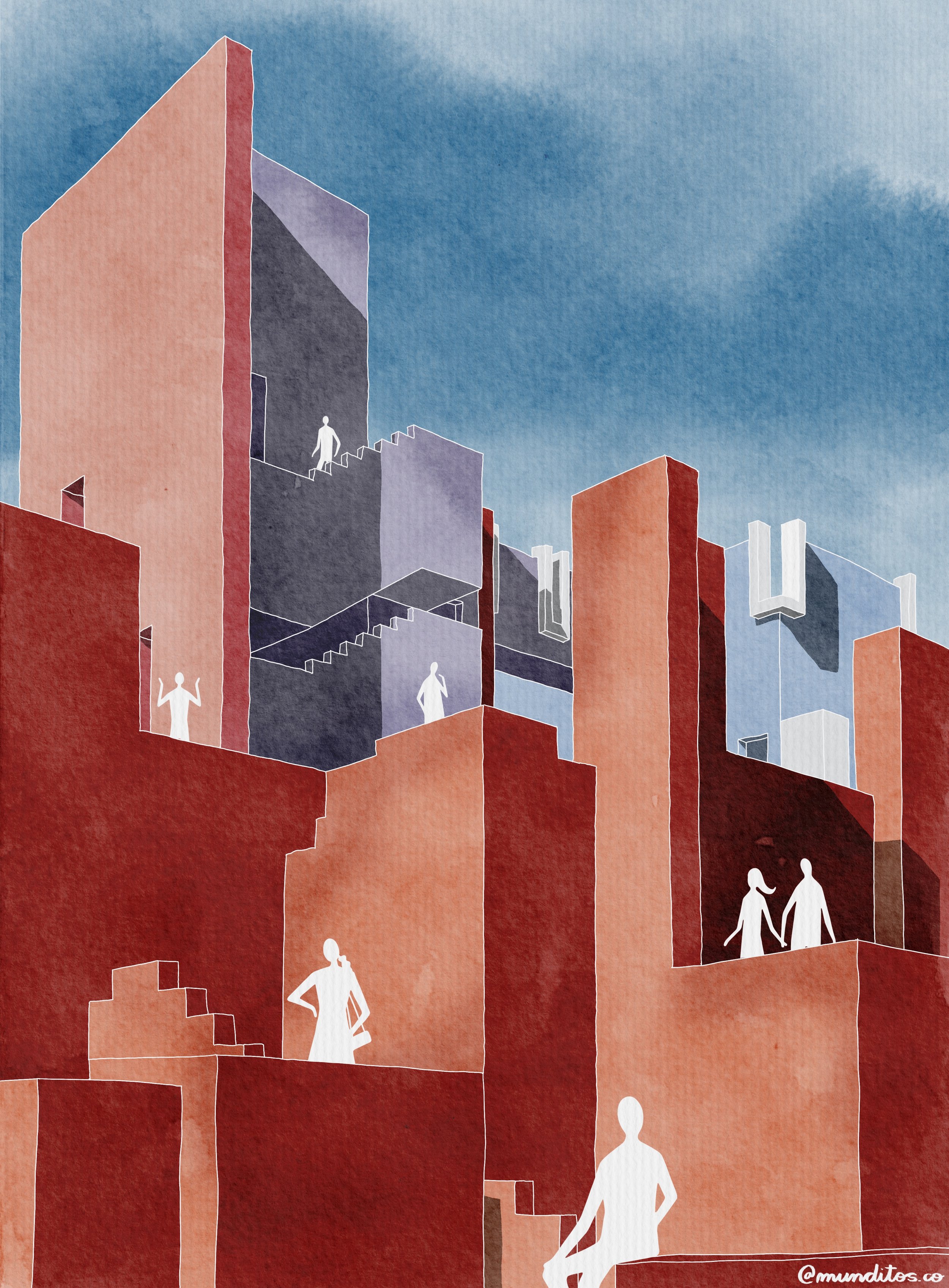
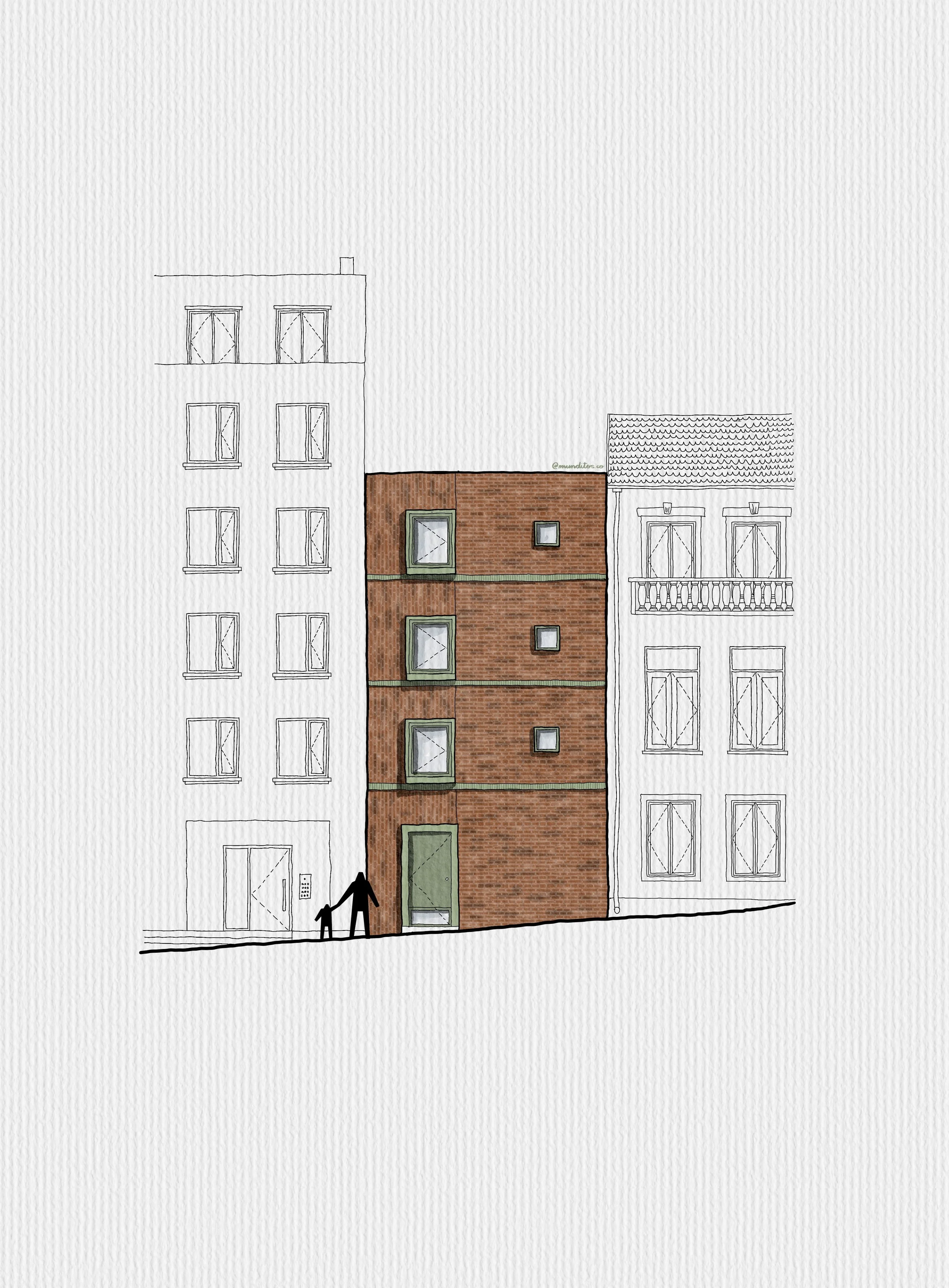
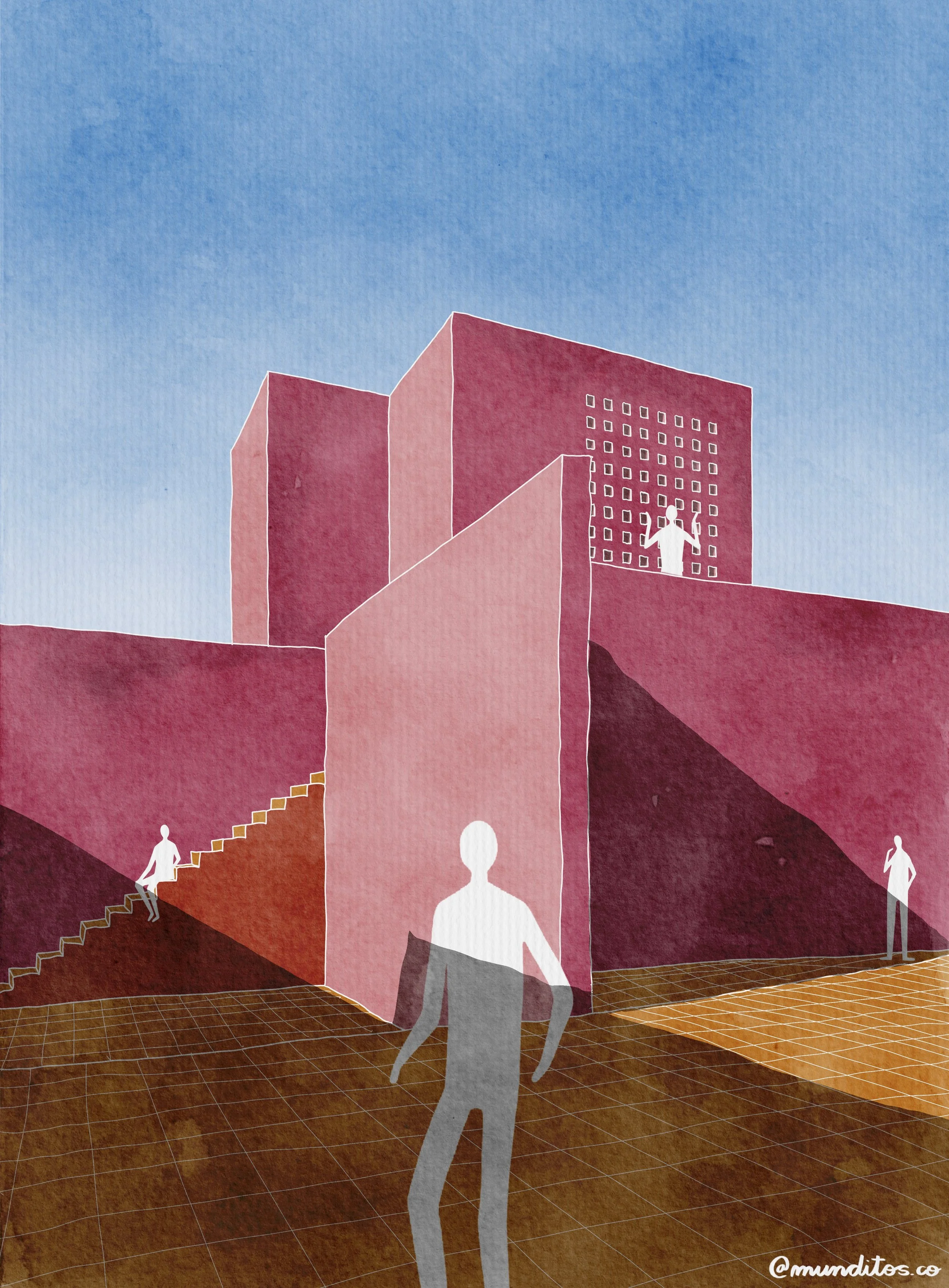
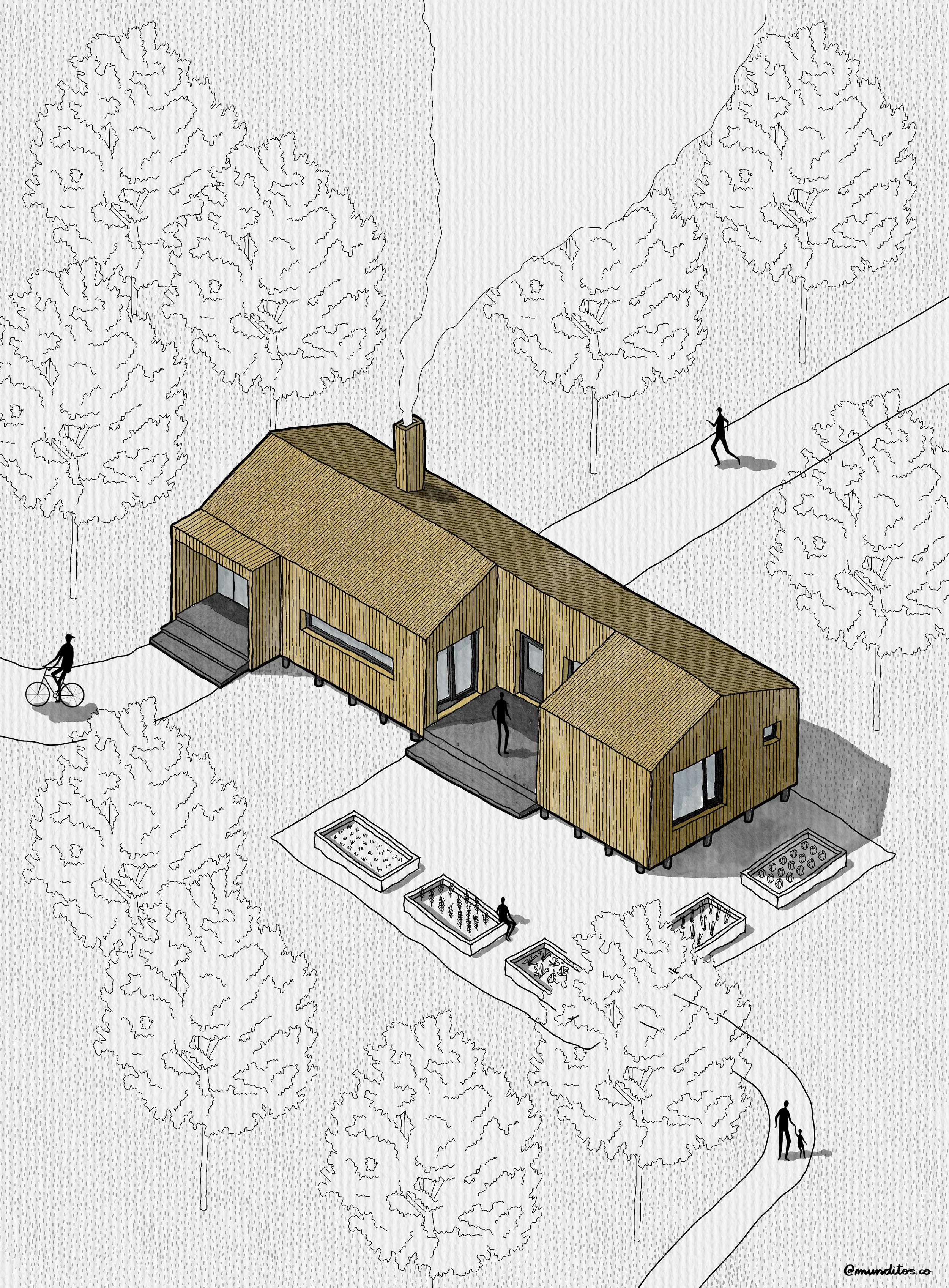
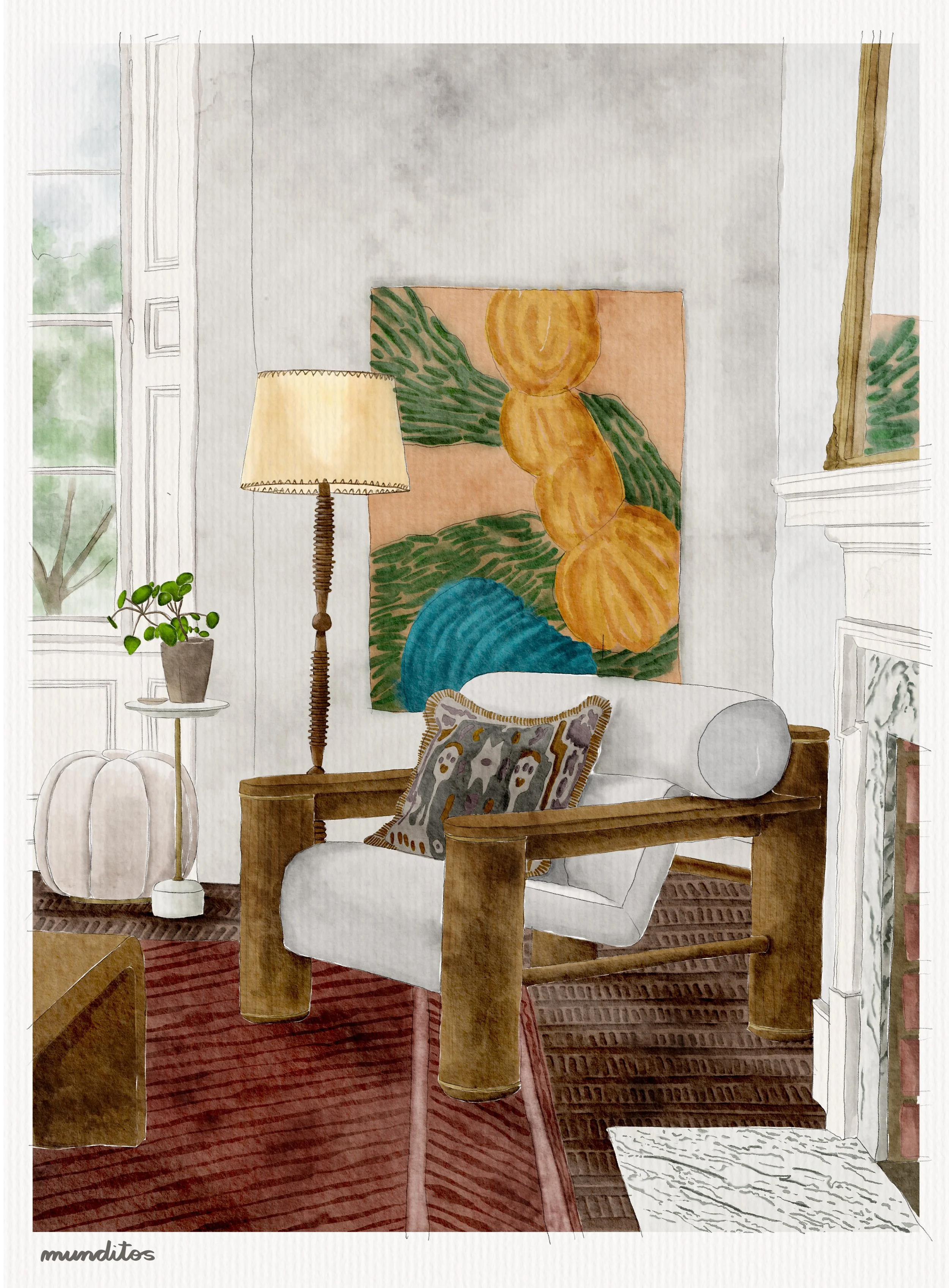
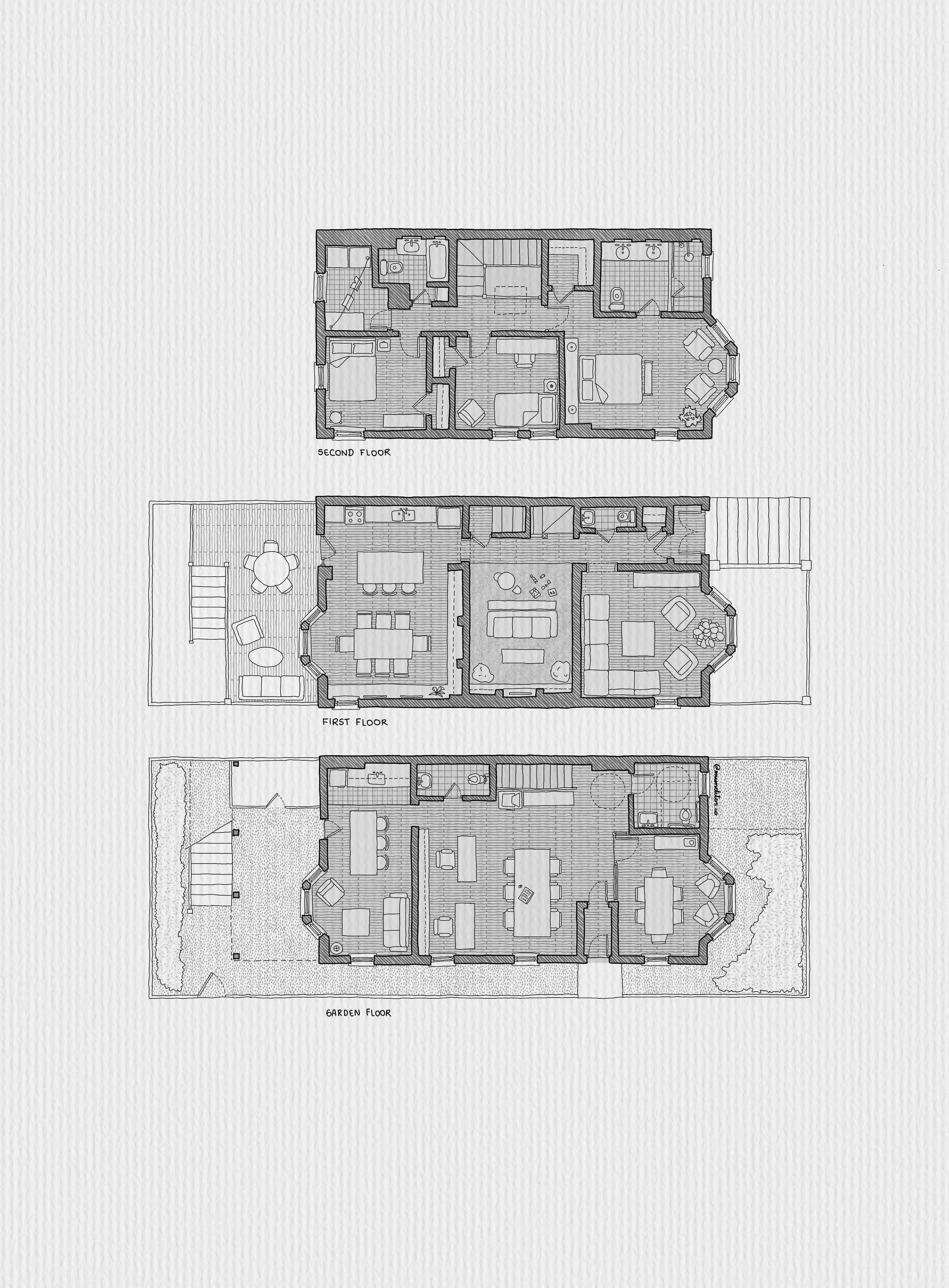
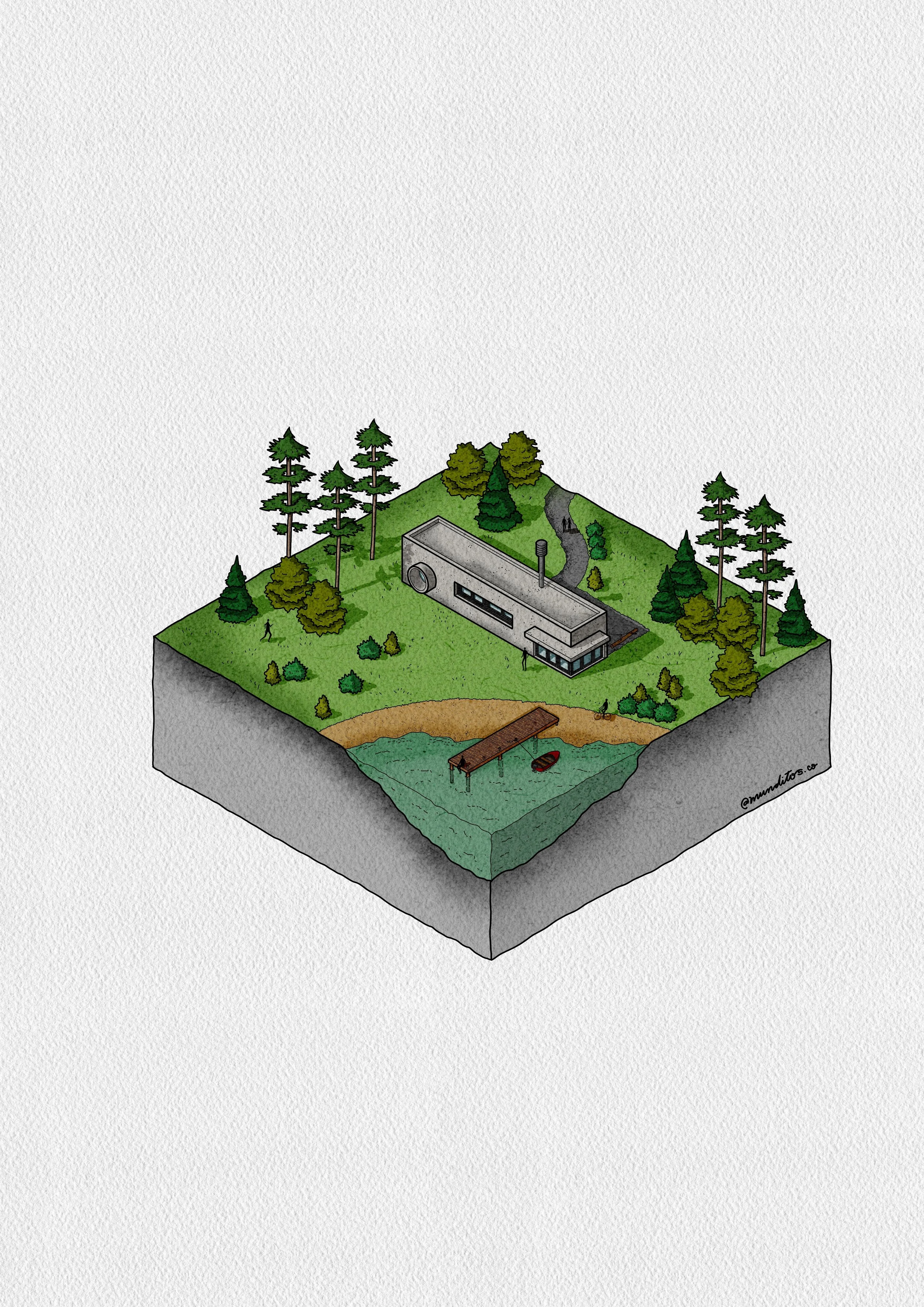
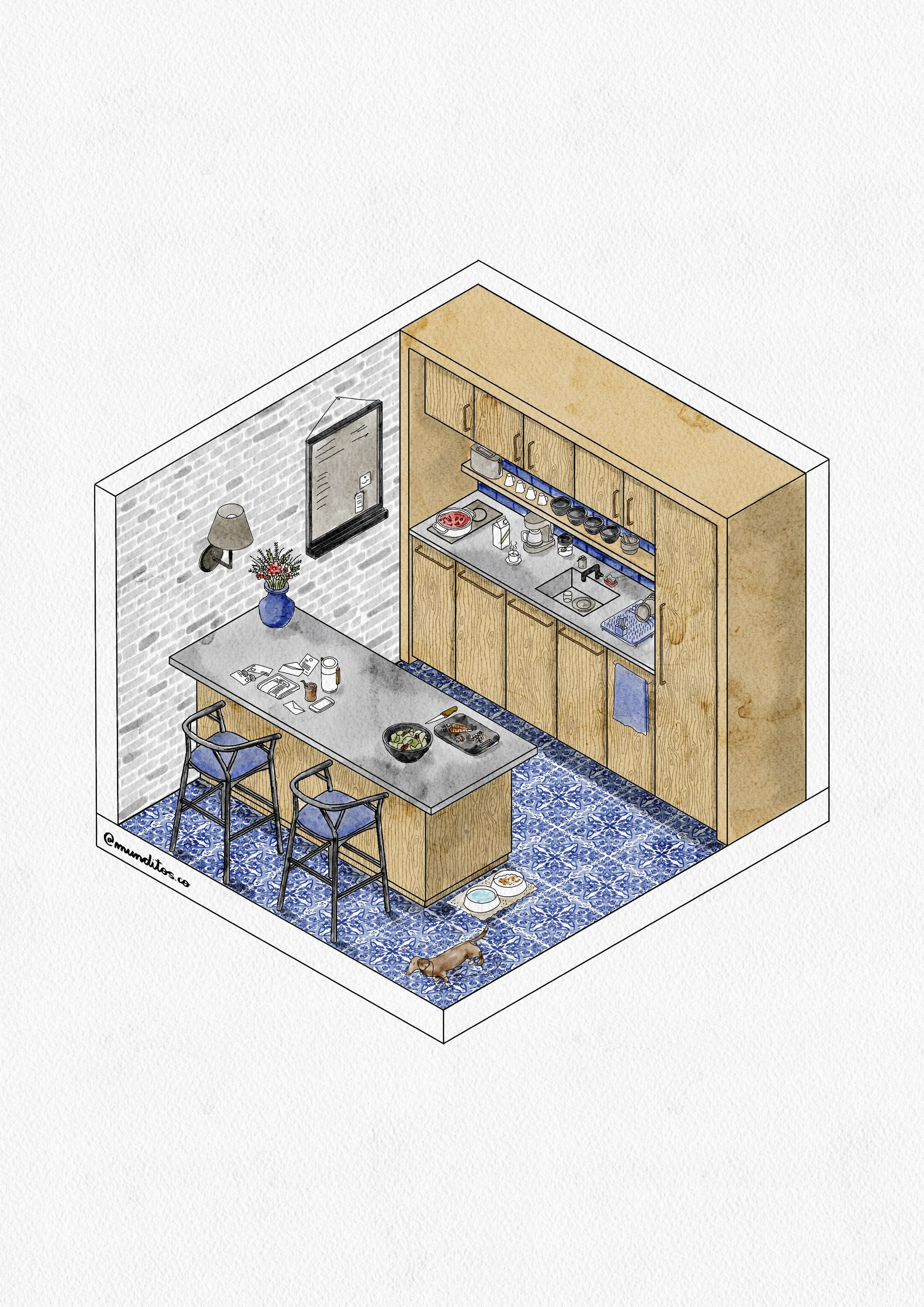
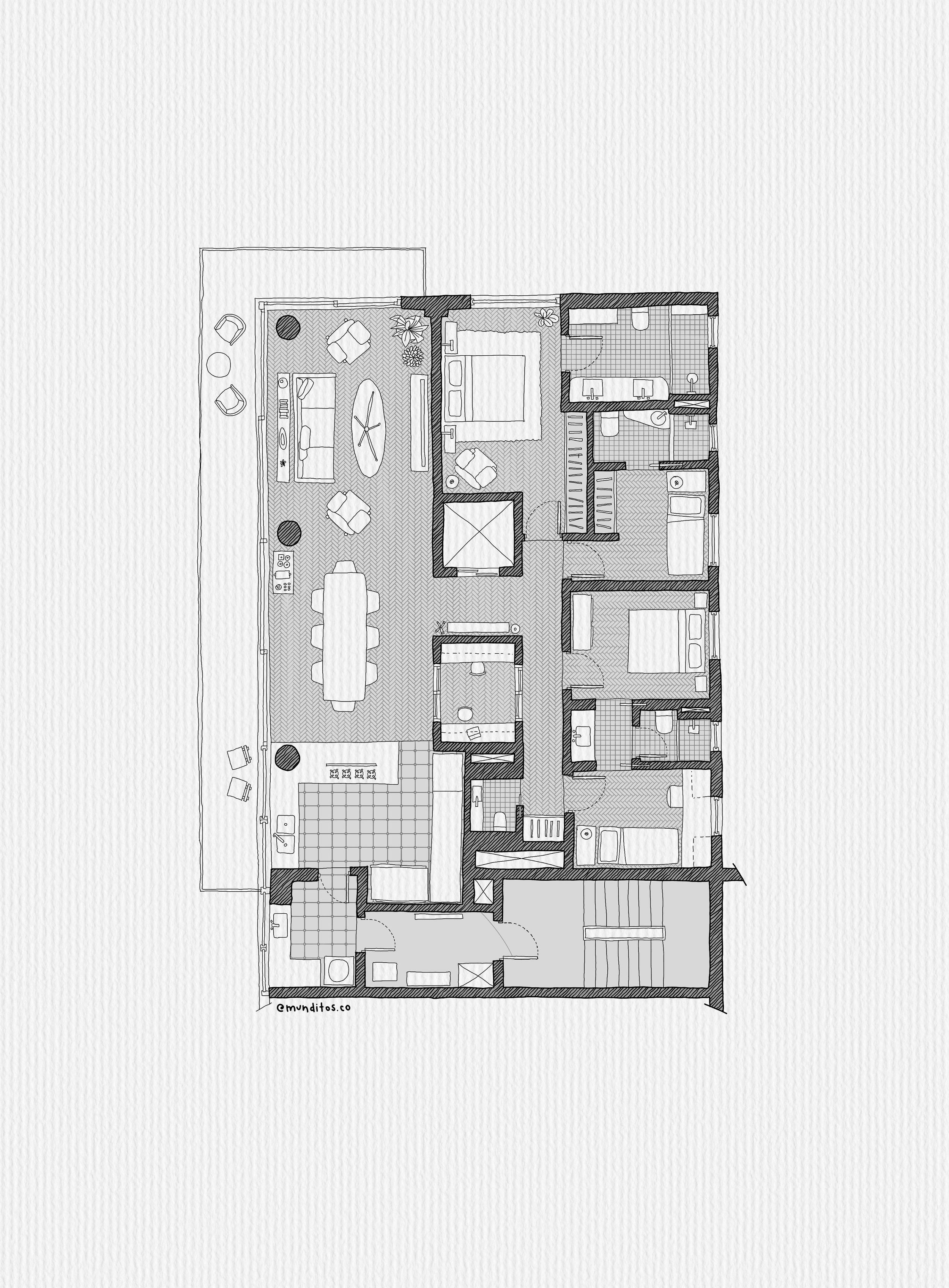
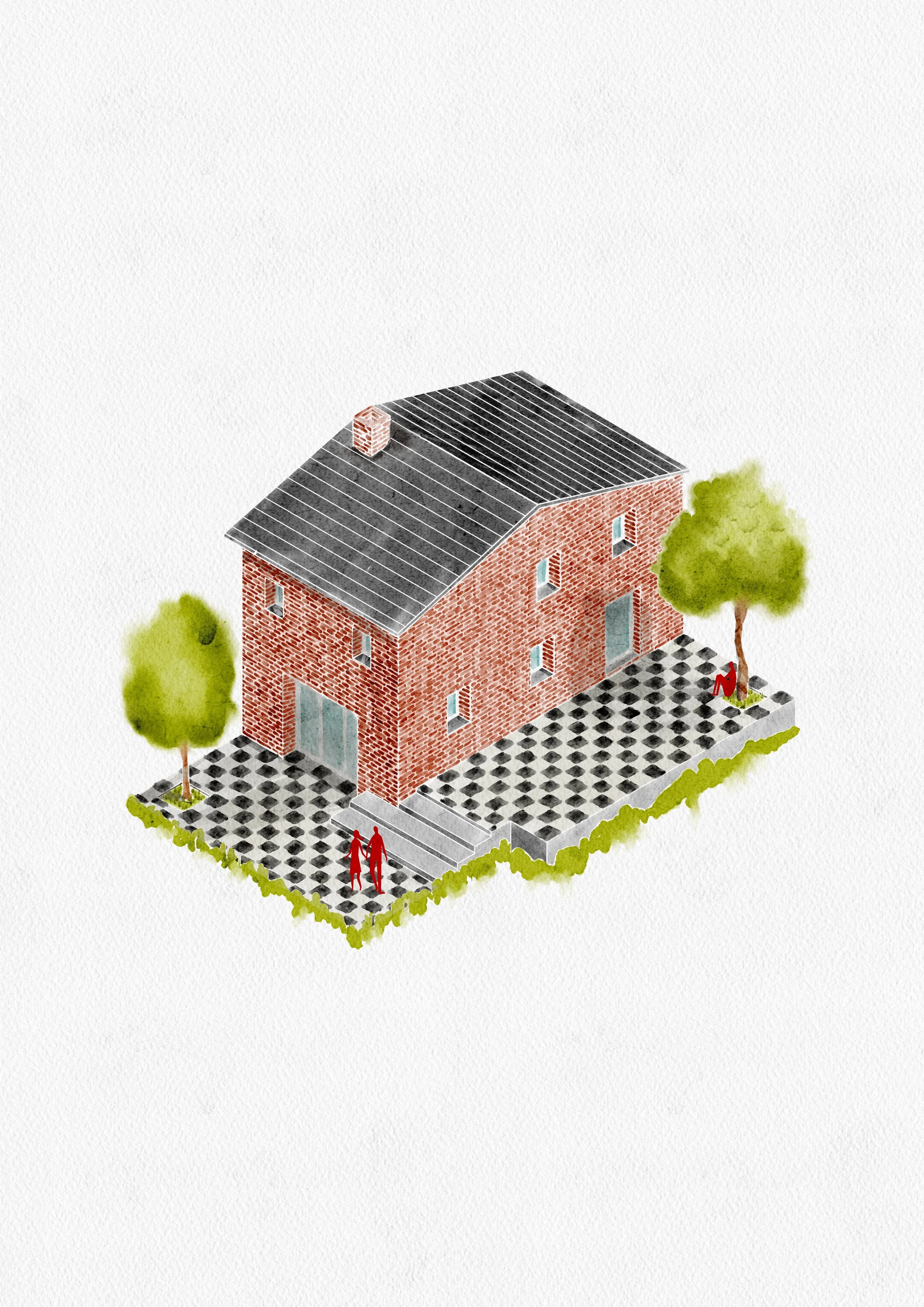
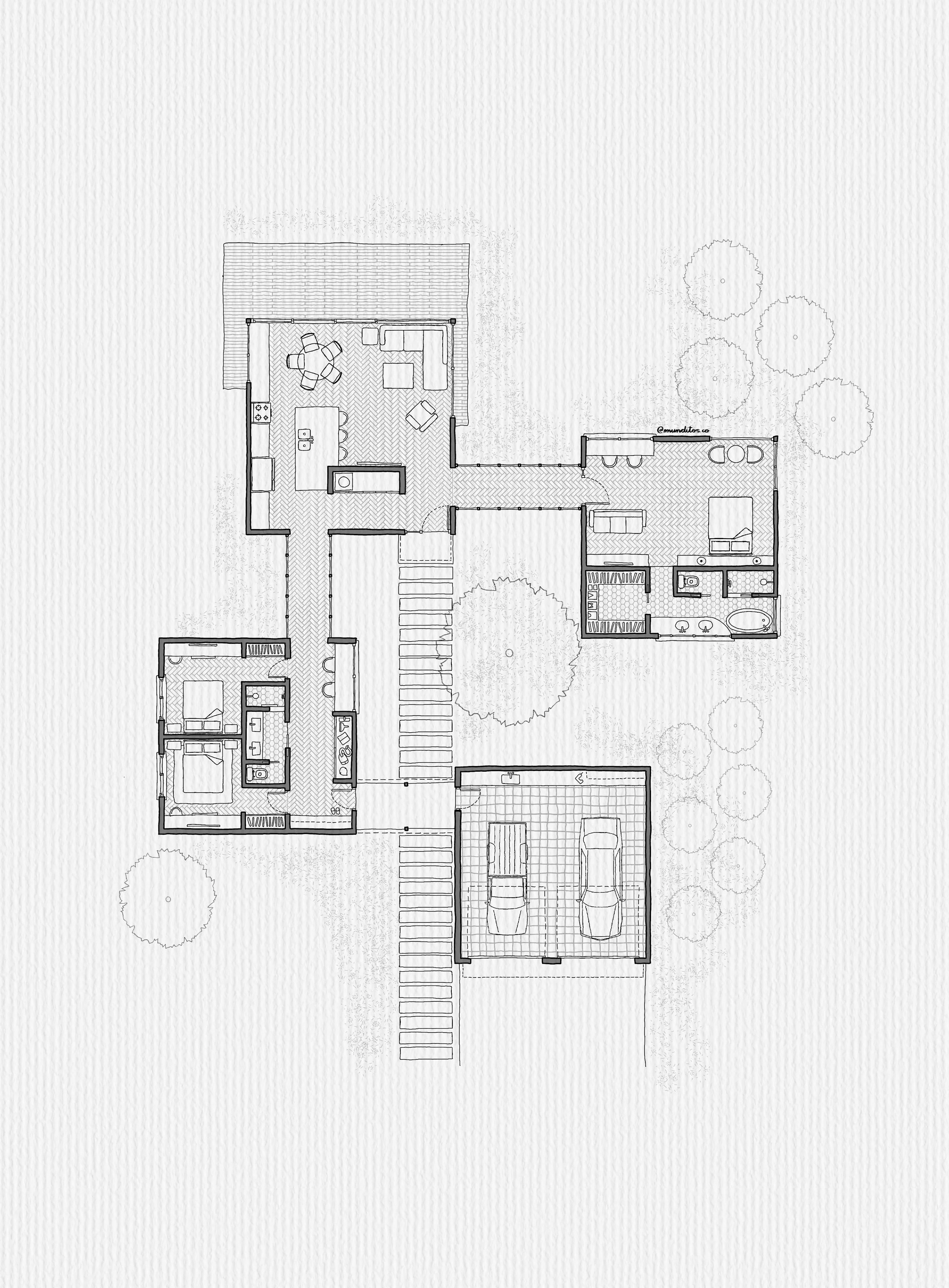
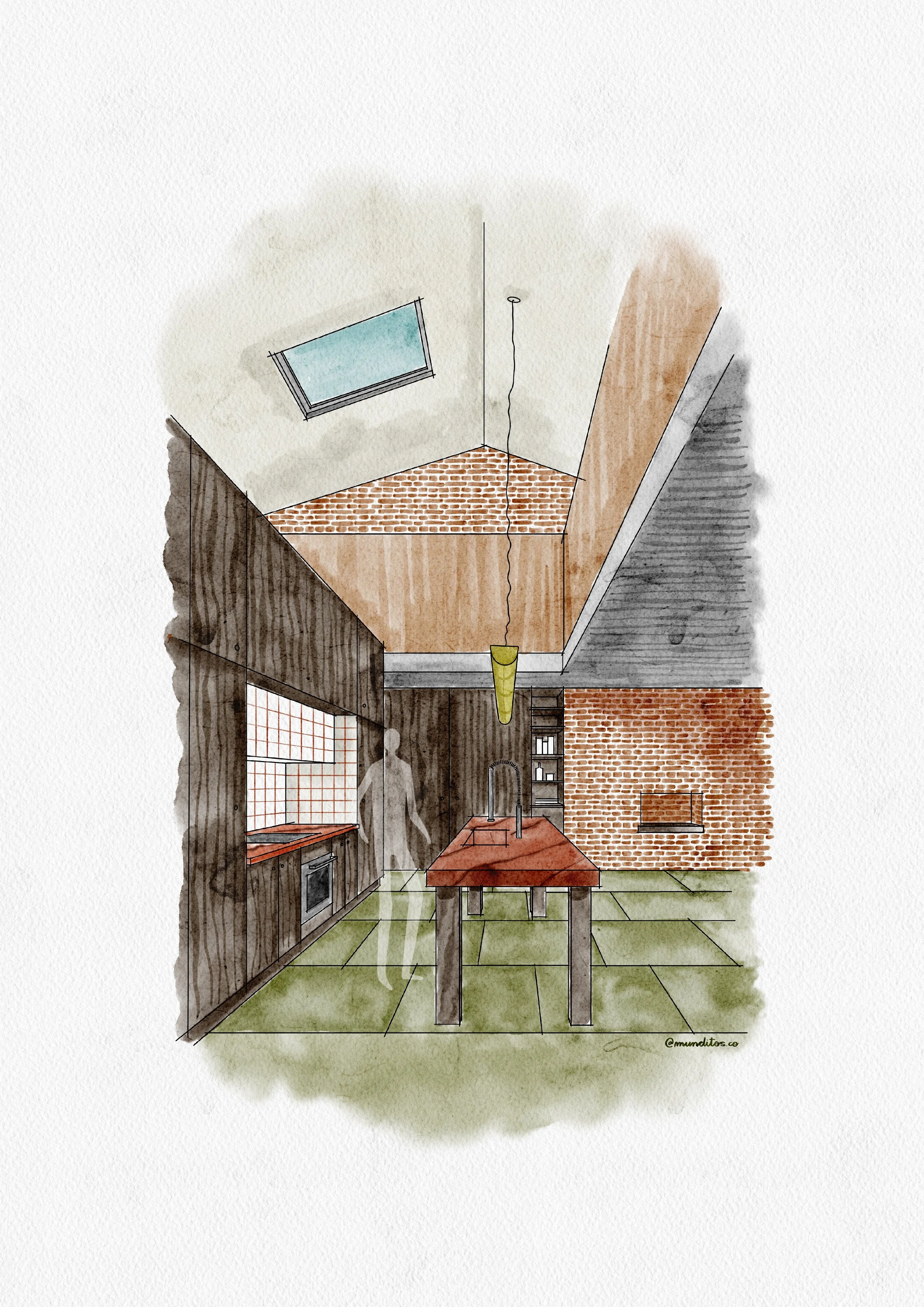
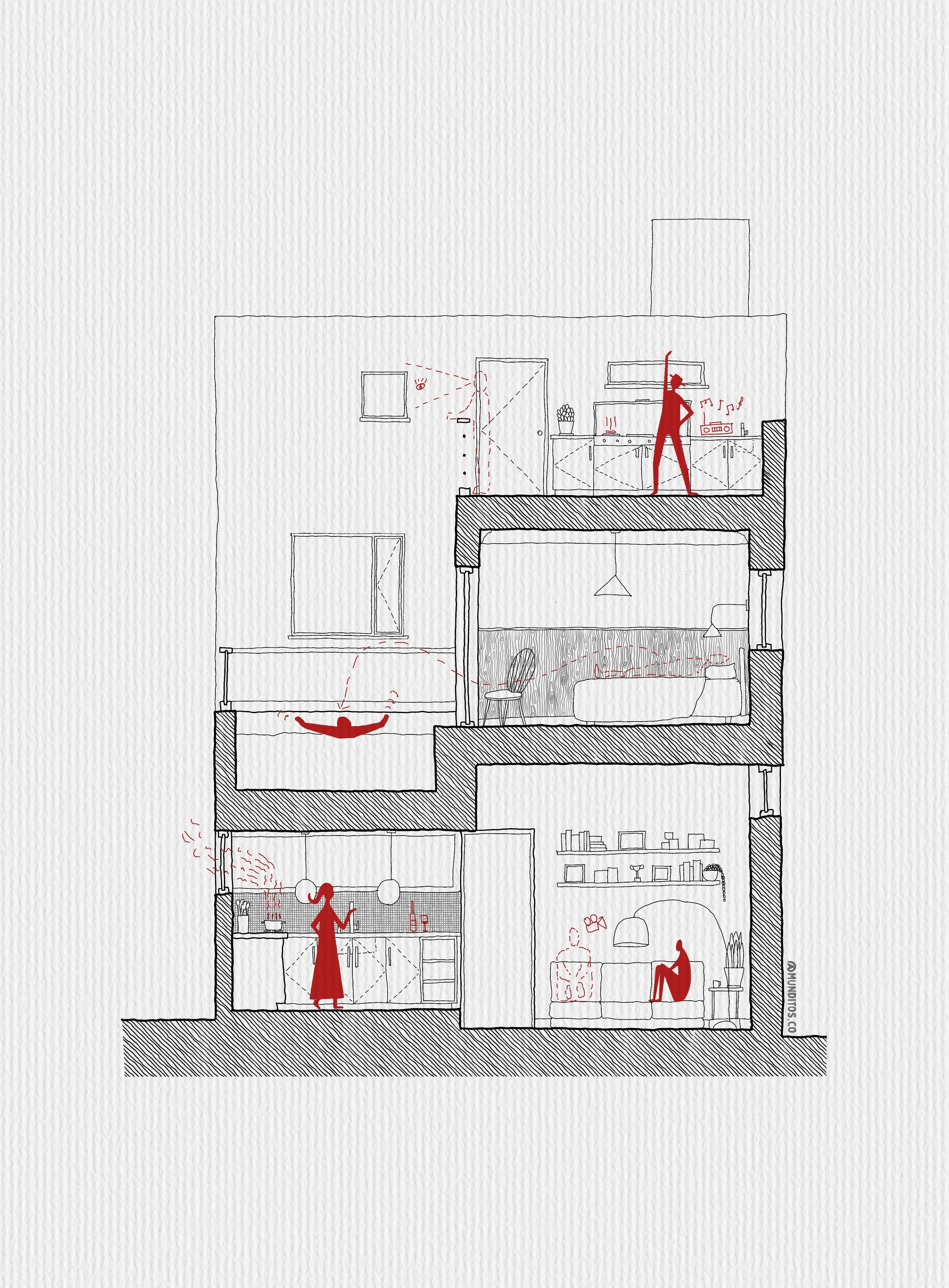
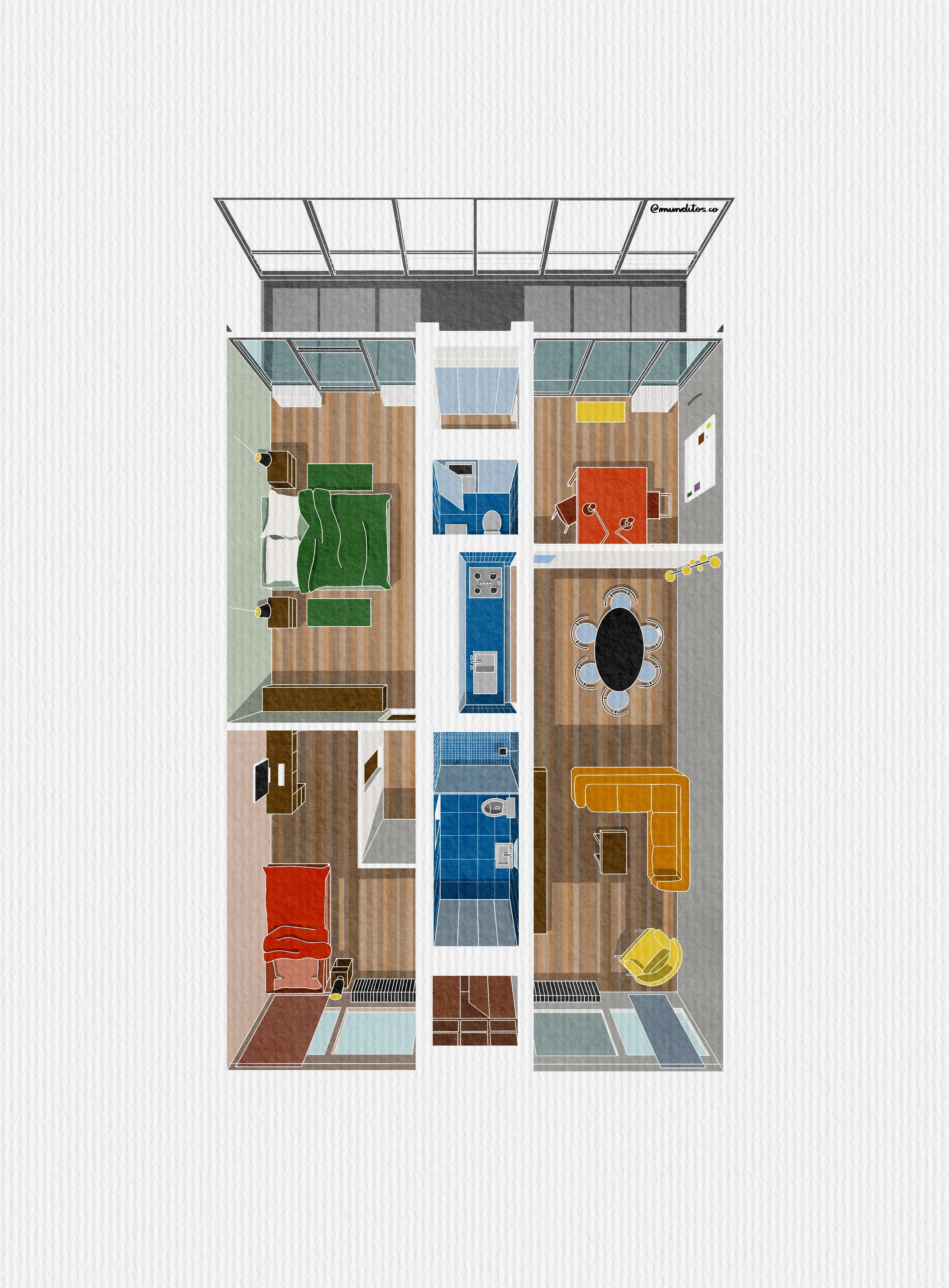
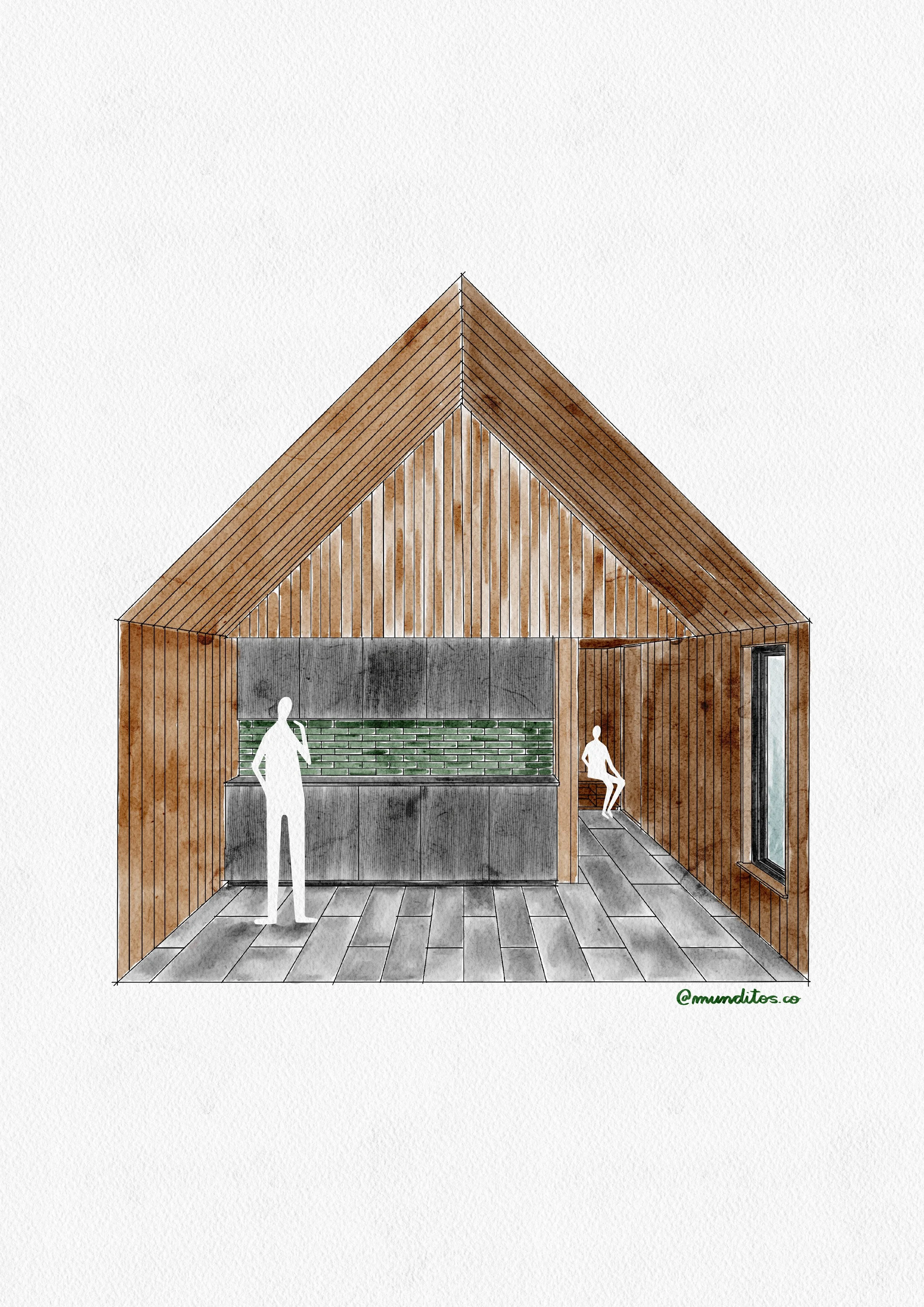
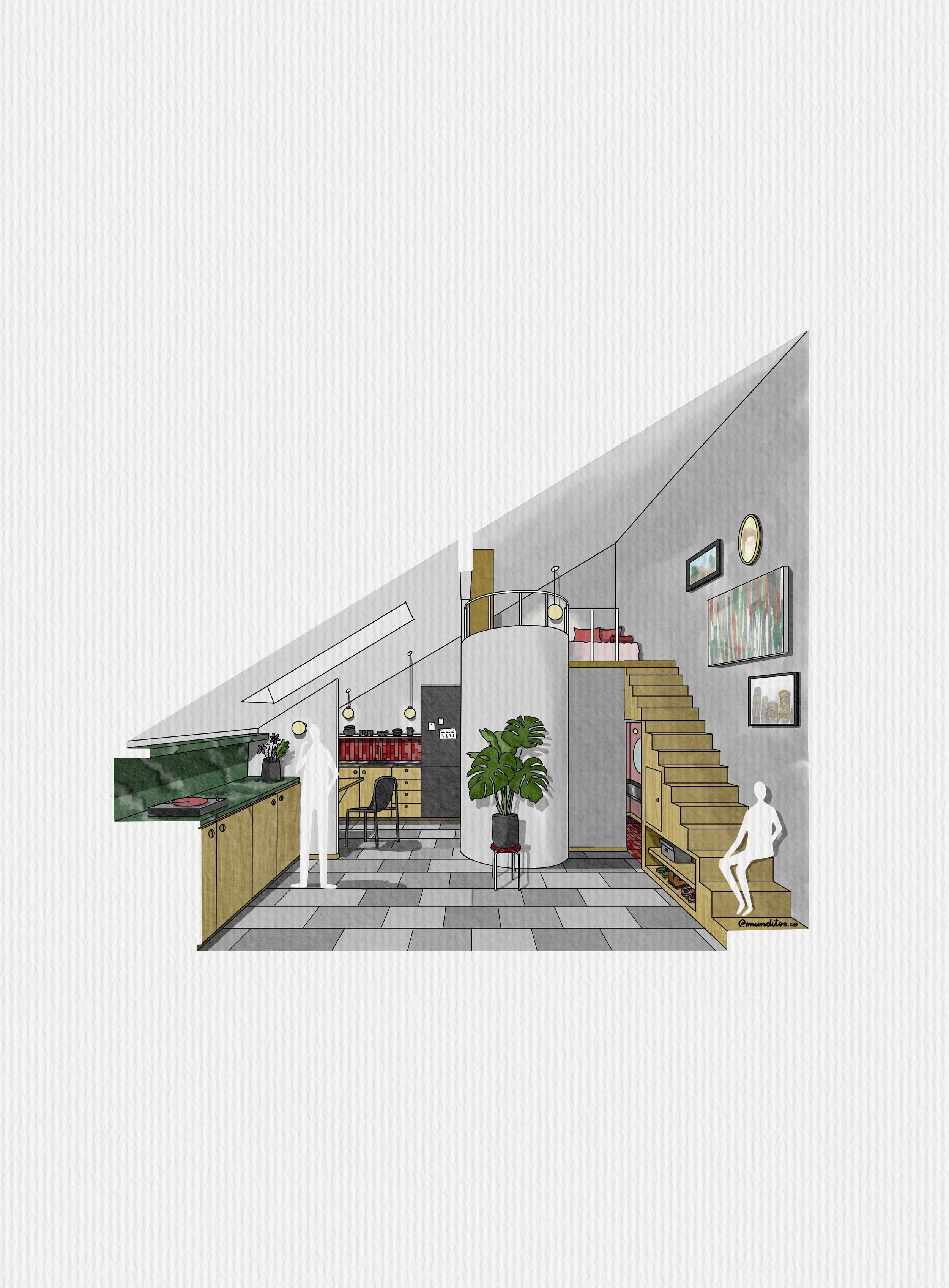
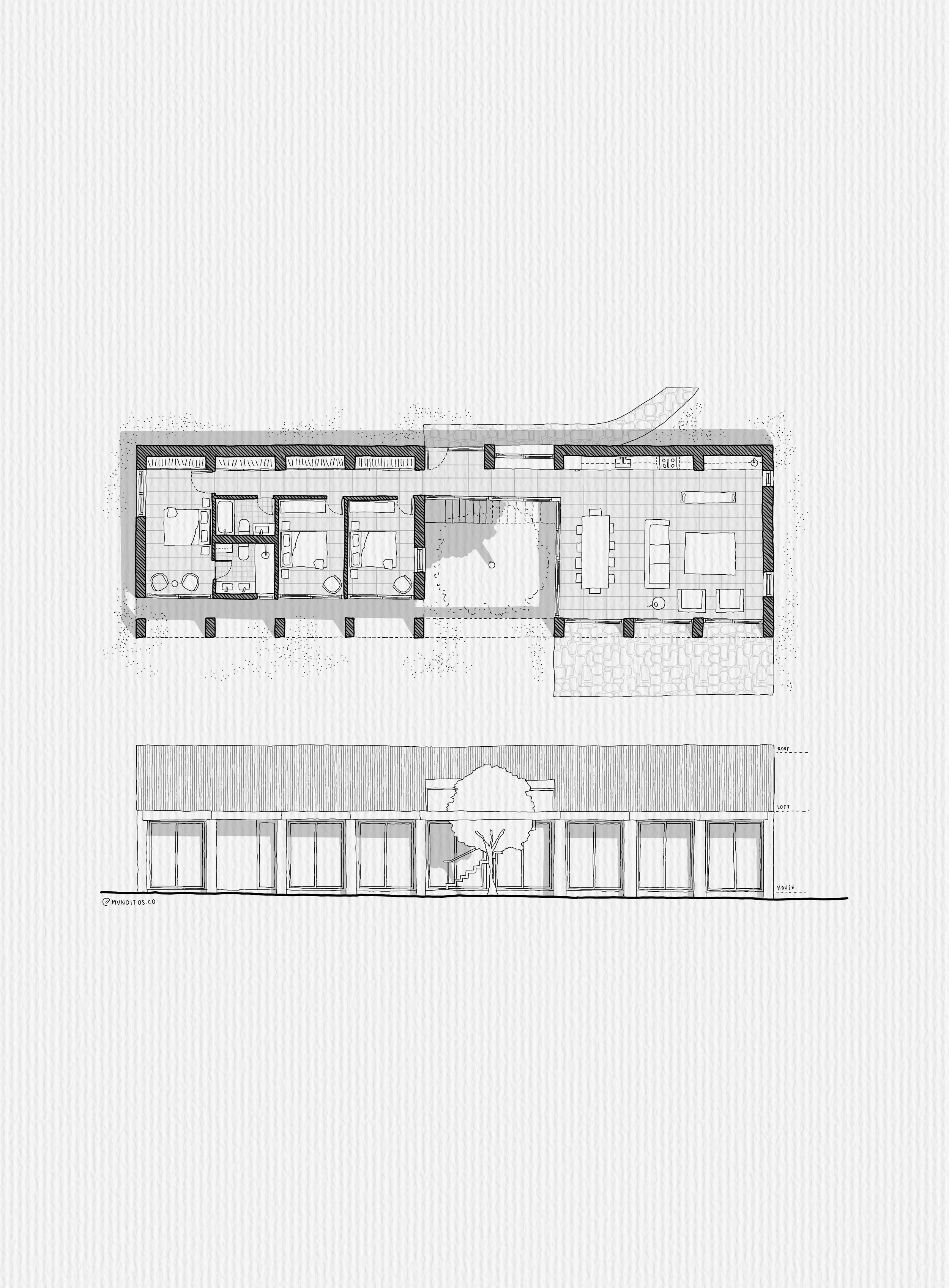
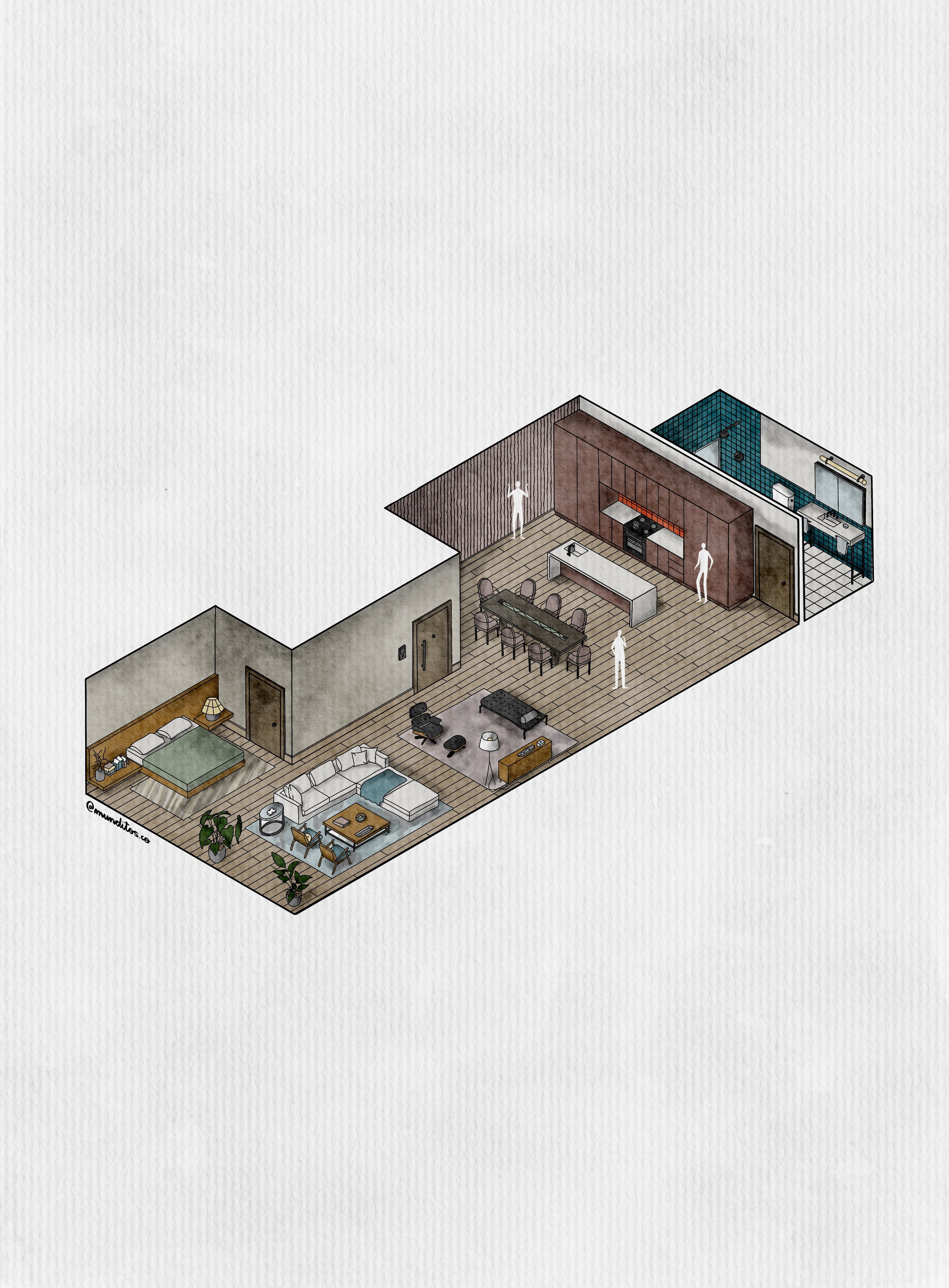
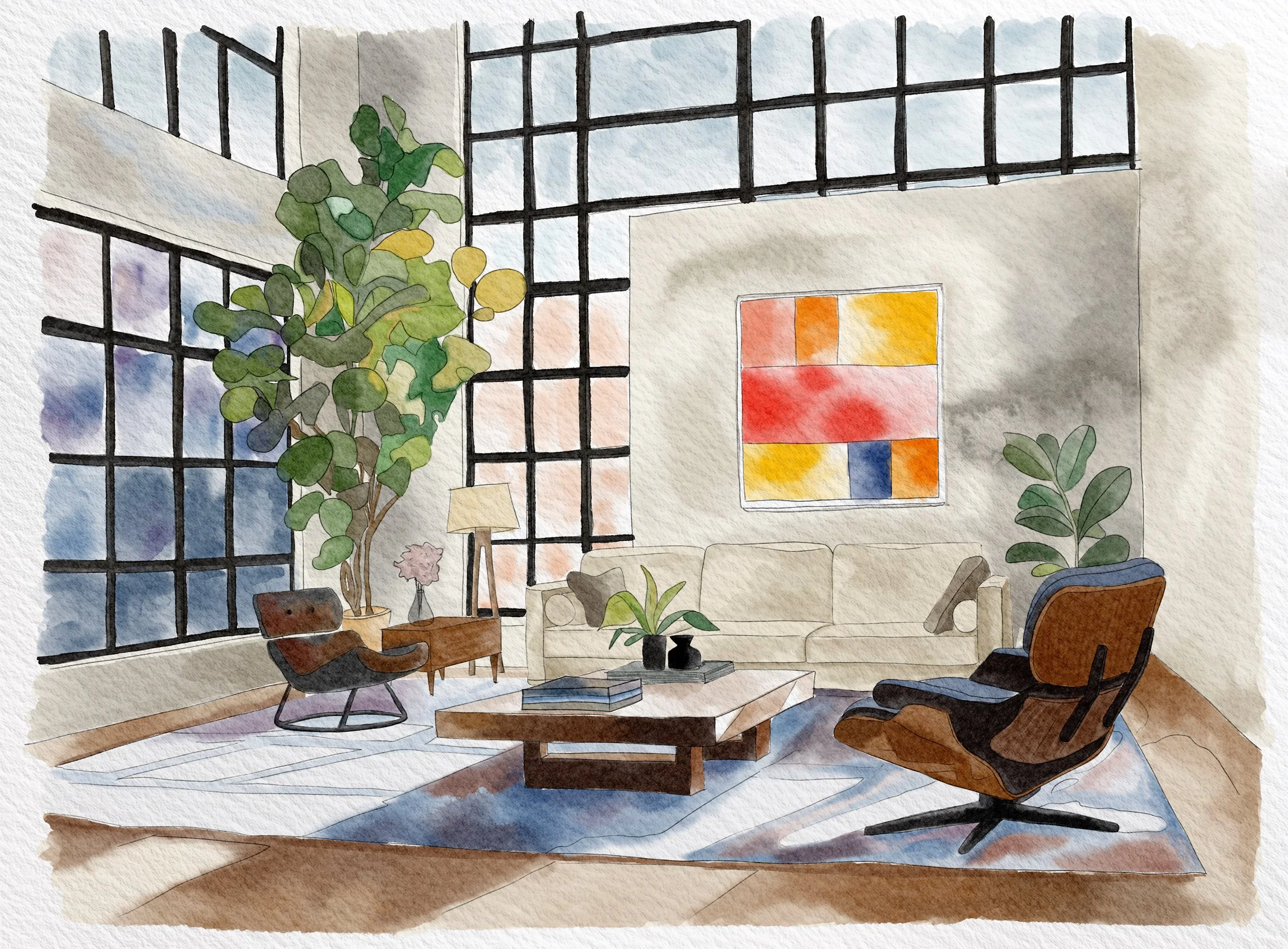
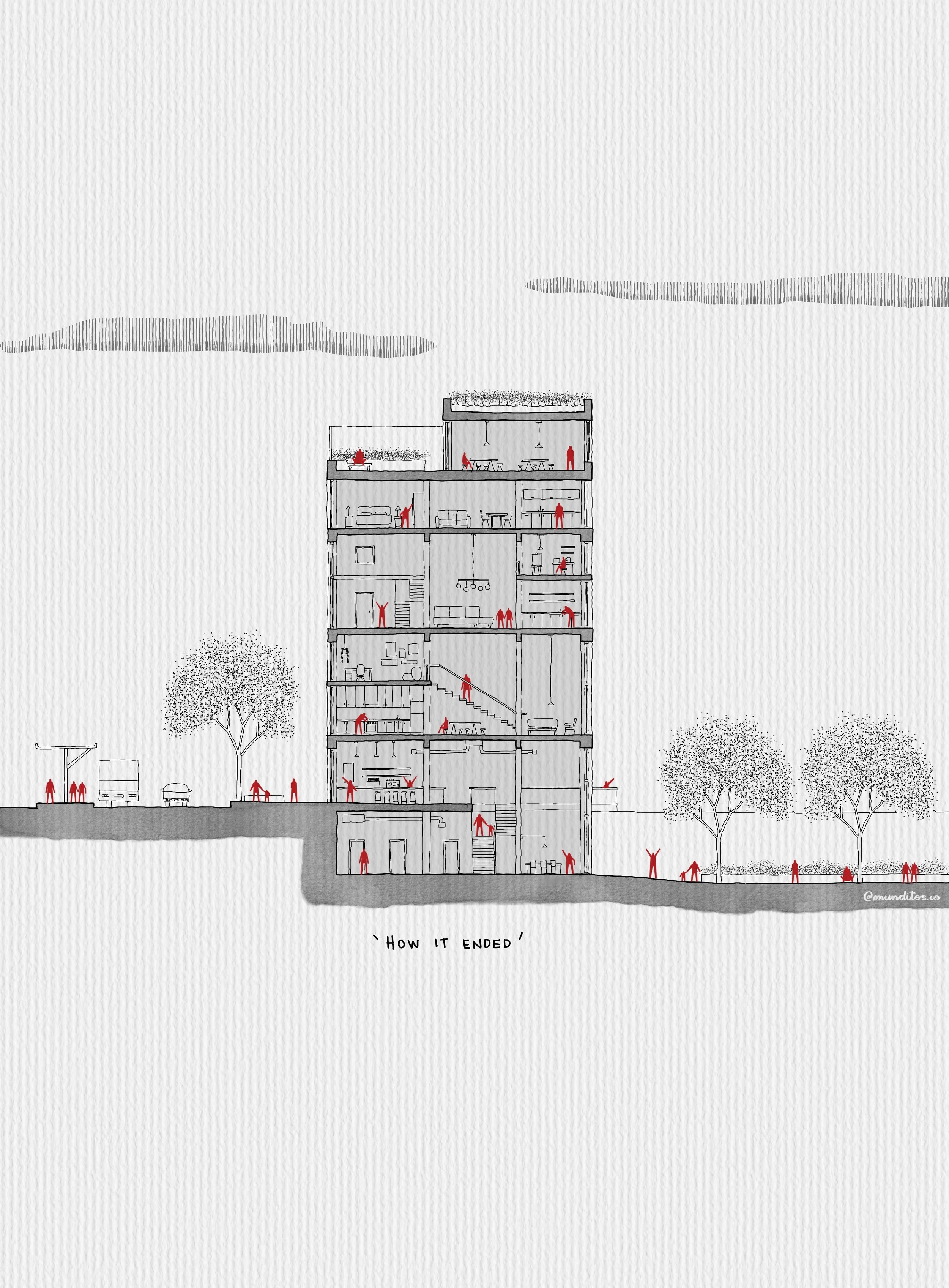
Here's What a Few Architects Who've Used the Pack Had to Say


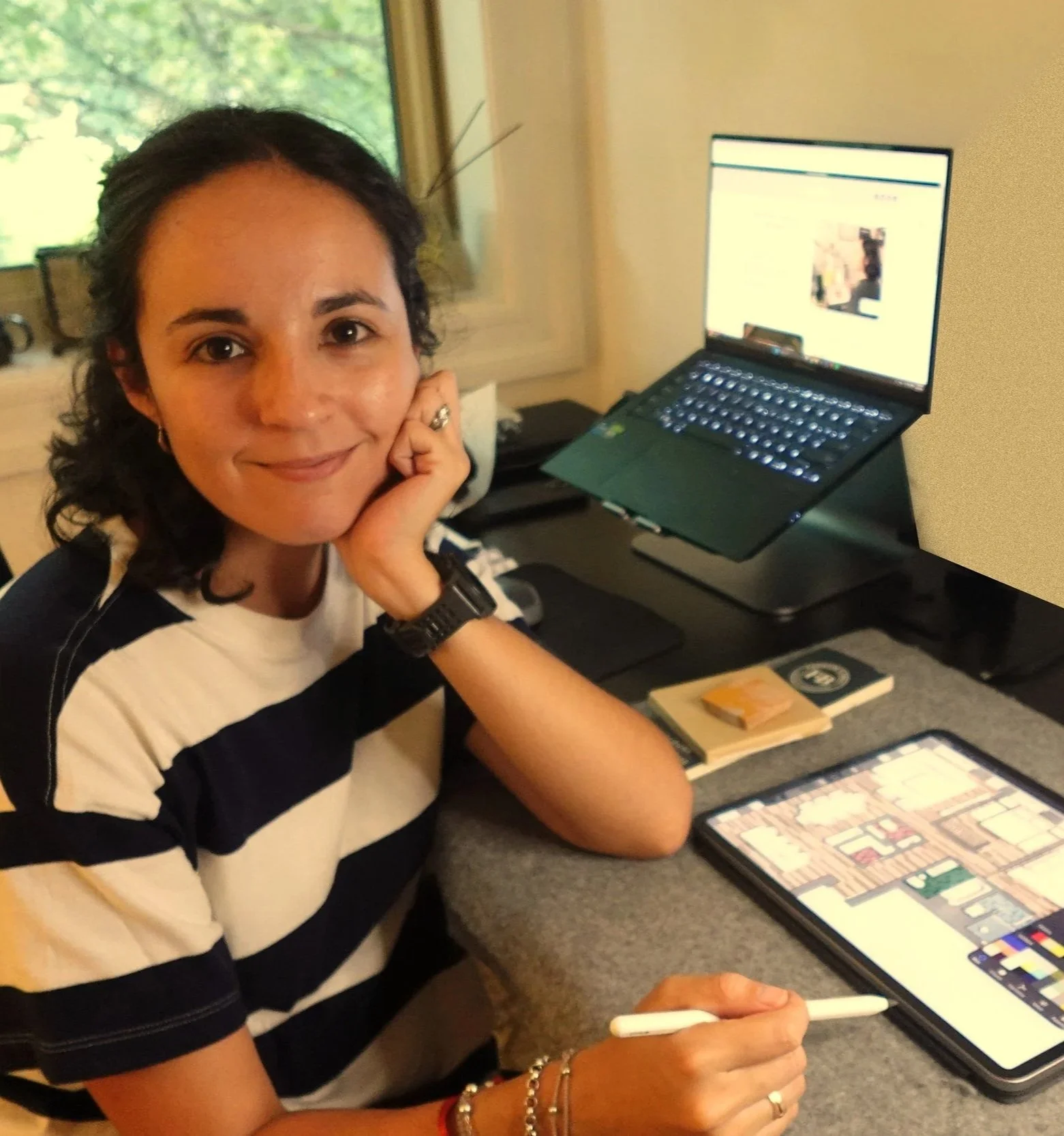
Hey, I'm Andre.
I'm an architect who spends most of my free time in Procreate.
Landing my first job in New York took longer than I'd like to admit. I had the skills — drafting, rendering, hitting every deadline. But my work looked like everyone else's. Correct. Forgettable. Not mine.
So I started building my own brushes, just to fix that for myself. Two years, a lot of brushes that went straight in the trash, and finally — a set that actually made architecture feel like something on screen.
That set is this pack. I'm genuinely proud of it. Because every brush in it earned its spot.
It's the toolkit I wish someone had handed me on day one. Now a couple hundred other architects use it too.

Bonus #1:
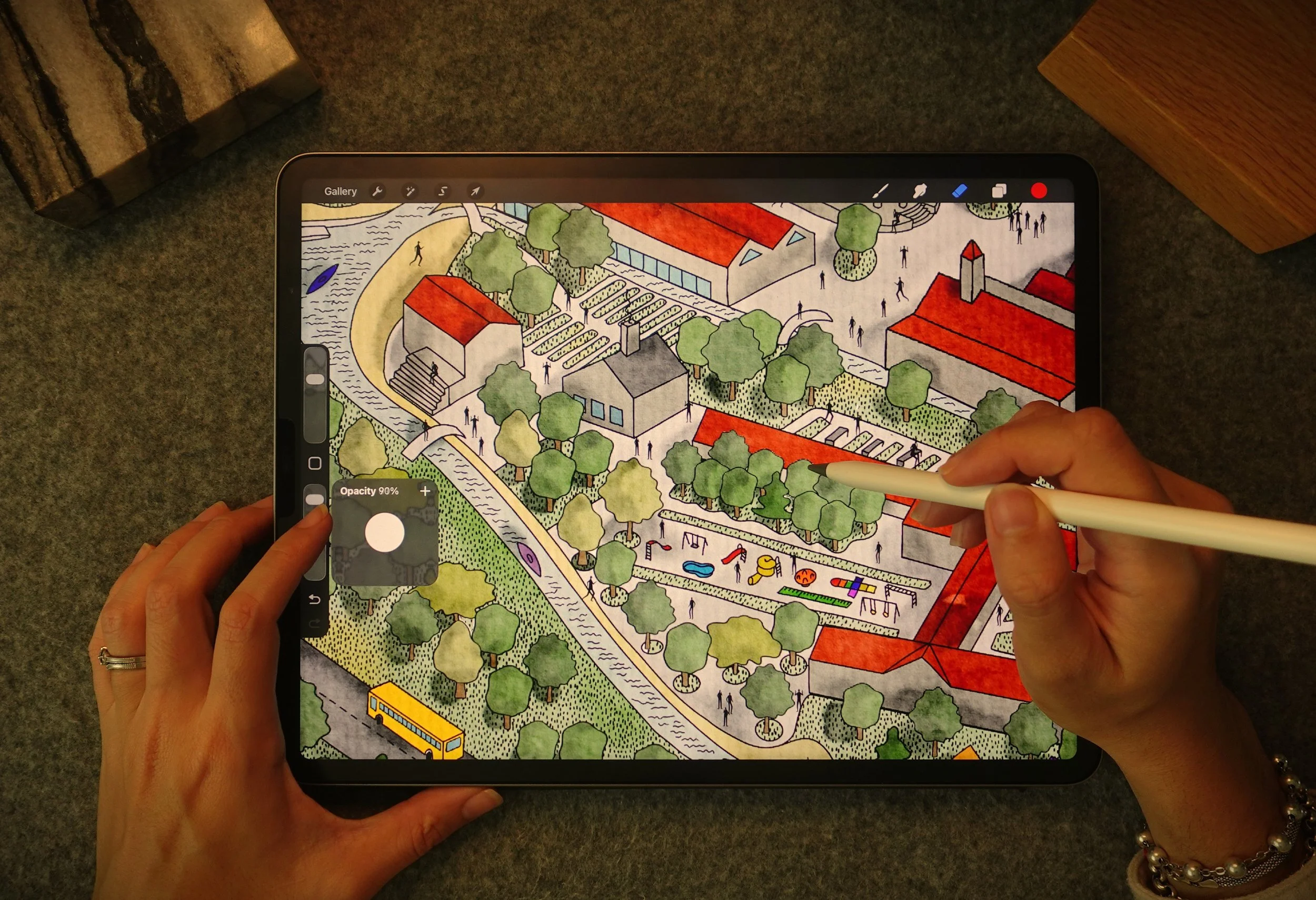
Step-by-step Workflow Tutorial
I open one of my real drawings and rebuild it layer by layer, on screen, so you can see exactly how these brushes fit into an actual workflow — not just what they look like in a swatch.
value $99
Bonus #2:
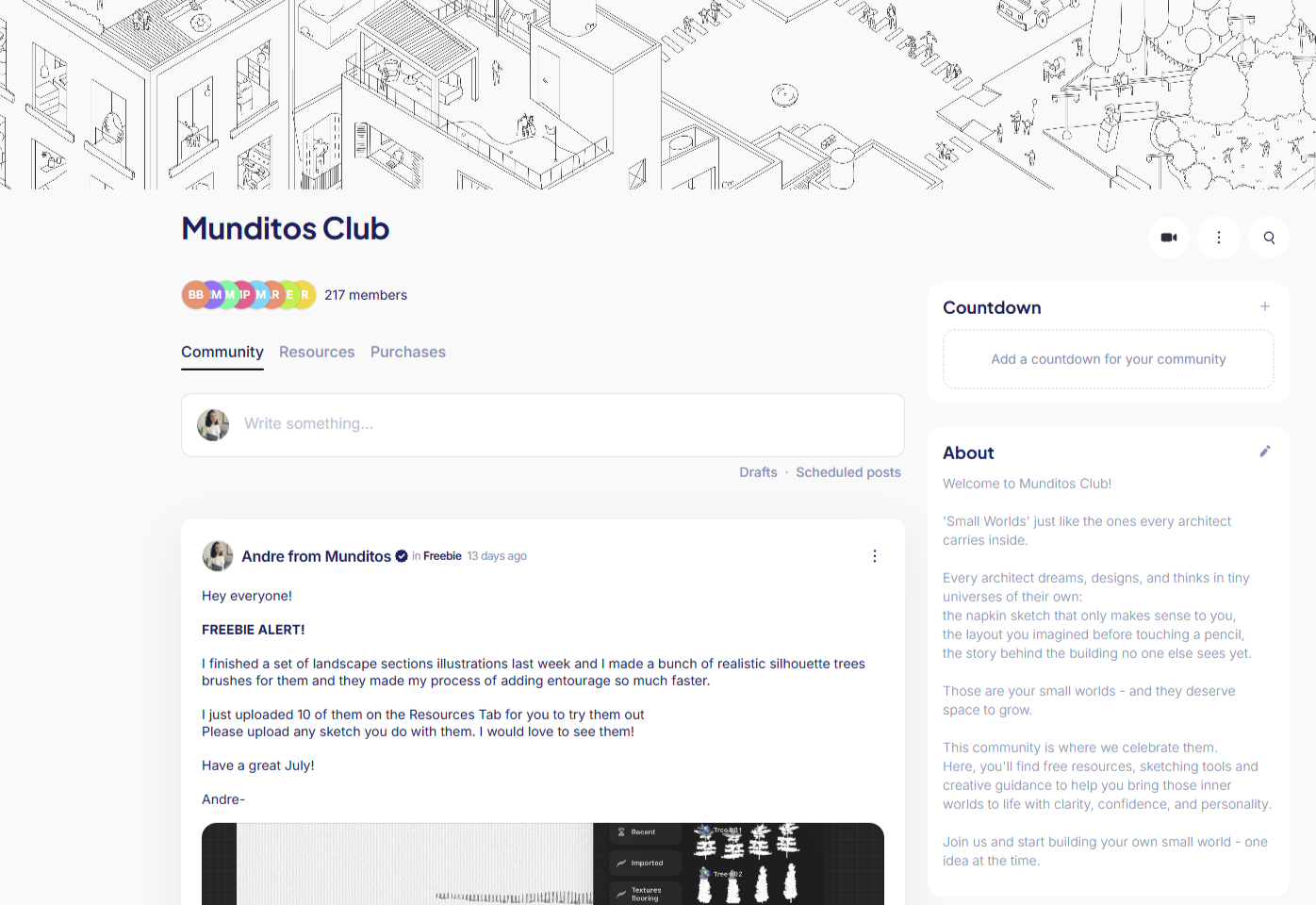
Private Community Access
A place to post your work, get honest feedback, and stop drawing in a vacuum. You're not the only one figuring this out — this is where you find the others.
value $99
Frequently Asked Questions
A lot. Instead of hunting for the right brush or building your own from scratch (which, trust me, took me two years), you open the pack and it's already dialed in. Most people cut their render time down significantly just by not fighting their tools anymore.
That's the whole point of it. It's not a one-off filter — it's a consistent set you use across every drawing, so your work starts looking recognizably yours instead of different every time you open a new canvas.
Yes — that's exactly what it's built for. The brushes are what take a drawing from "technically correct" to something that actually holds attention when a reviewer, client, or hiring manager is flipping through your work.
Built for architecture, start to finish. These aren't fine-art brushes repurposed and hoping for the best — every brush, texture, and canvas is made for floor plans, sections, and renders, by someone who draws them for a living.
Yes. Import the set, pick a brush, start drawing — no complicated setup. And if you want a hand, the Workflow Tutorial walks you through a full render from blank canvas to finished, step by step.
Your renders are correct. They're just not you yet.
100 Procreate Brushes I spent 2 years building, so you don't have to spend 2 years figuring this out yourself.
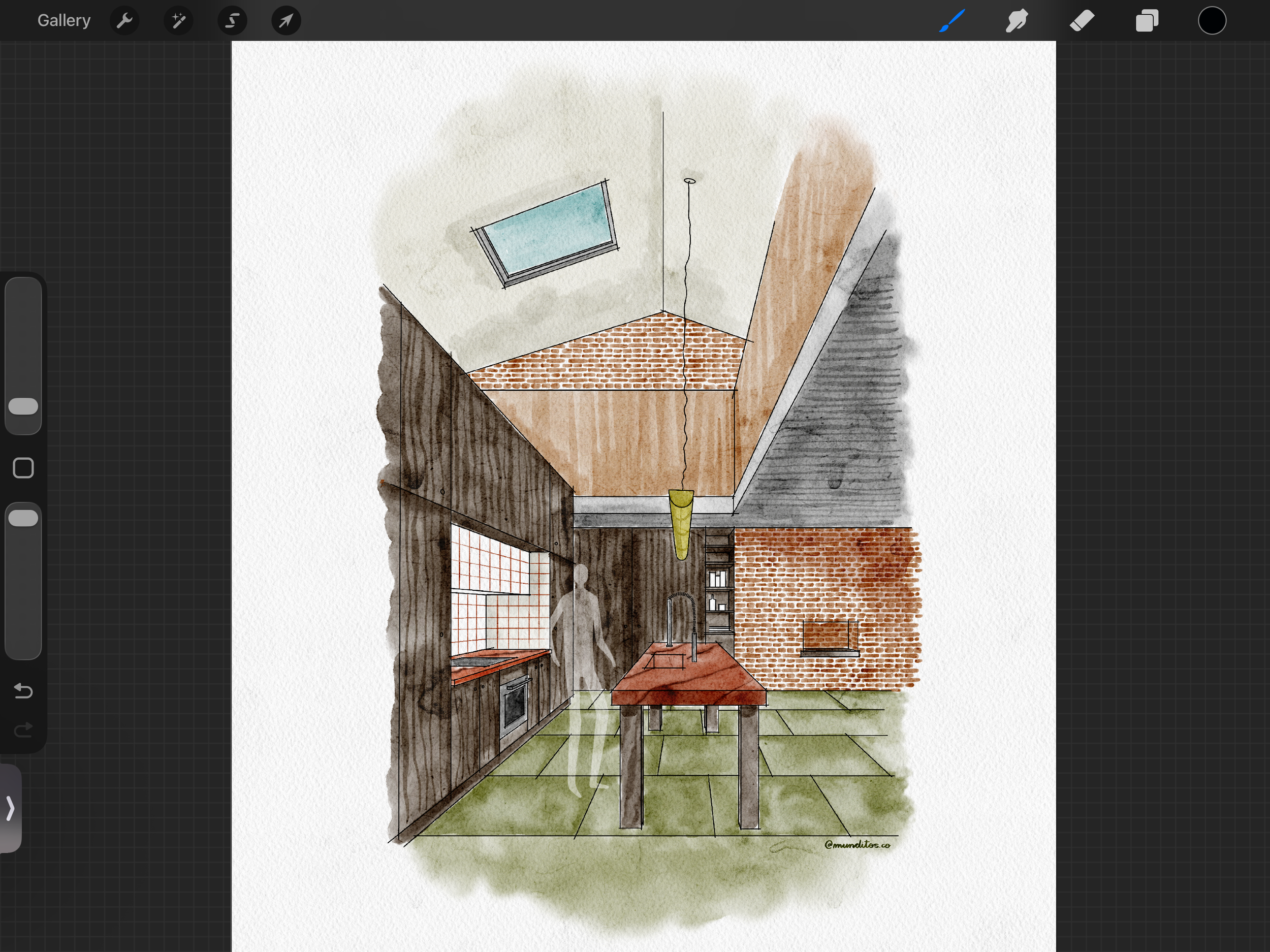
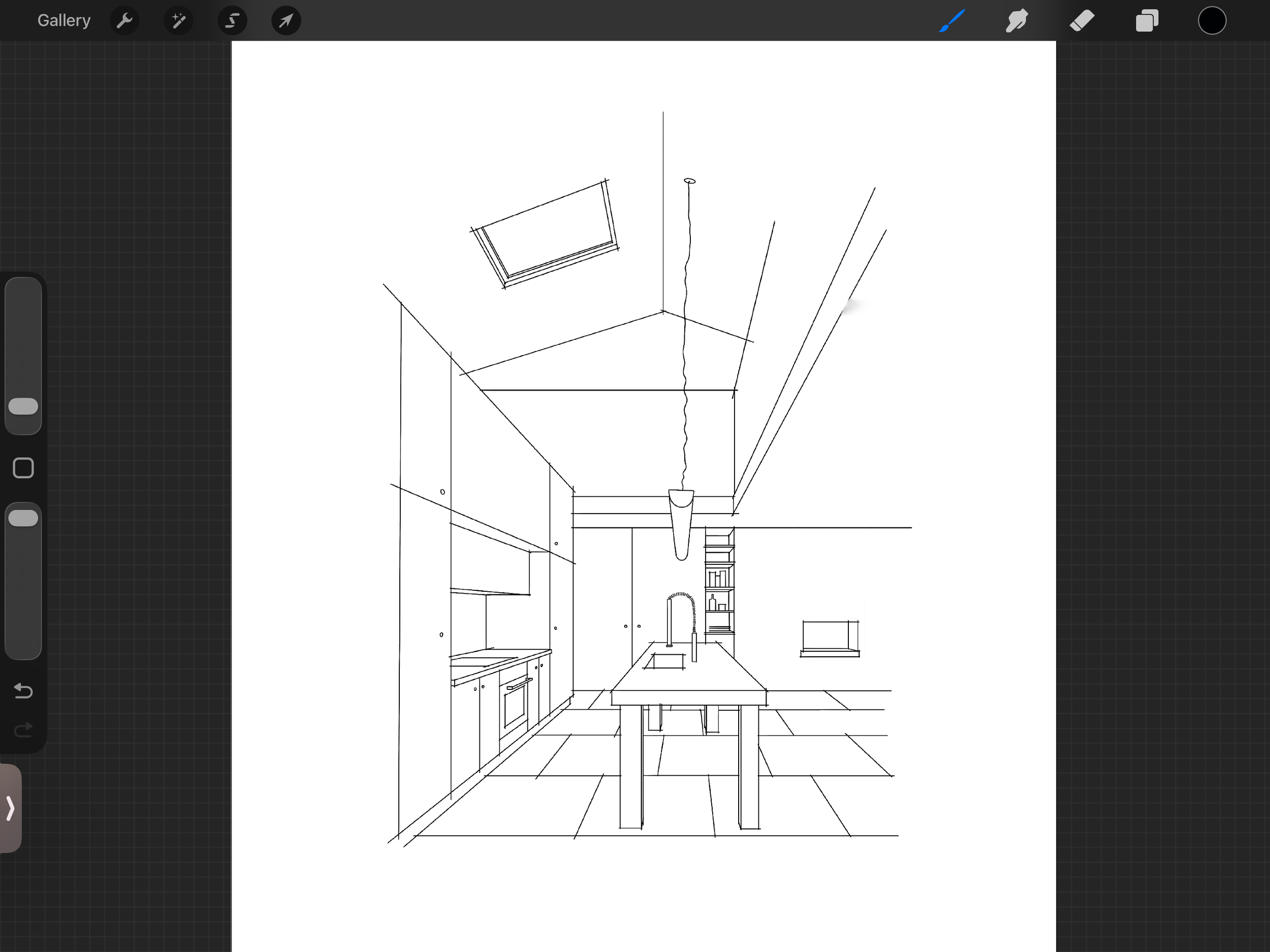
Used by 200+ architects & designers who wanted to make their work theirs.