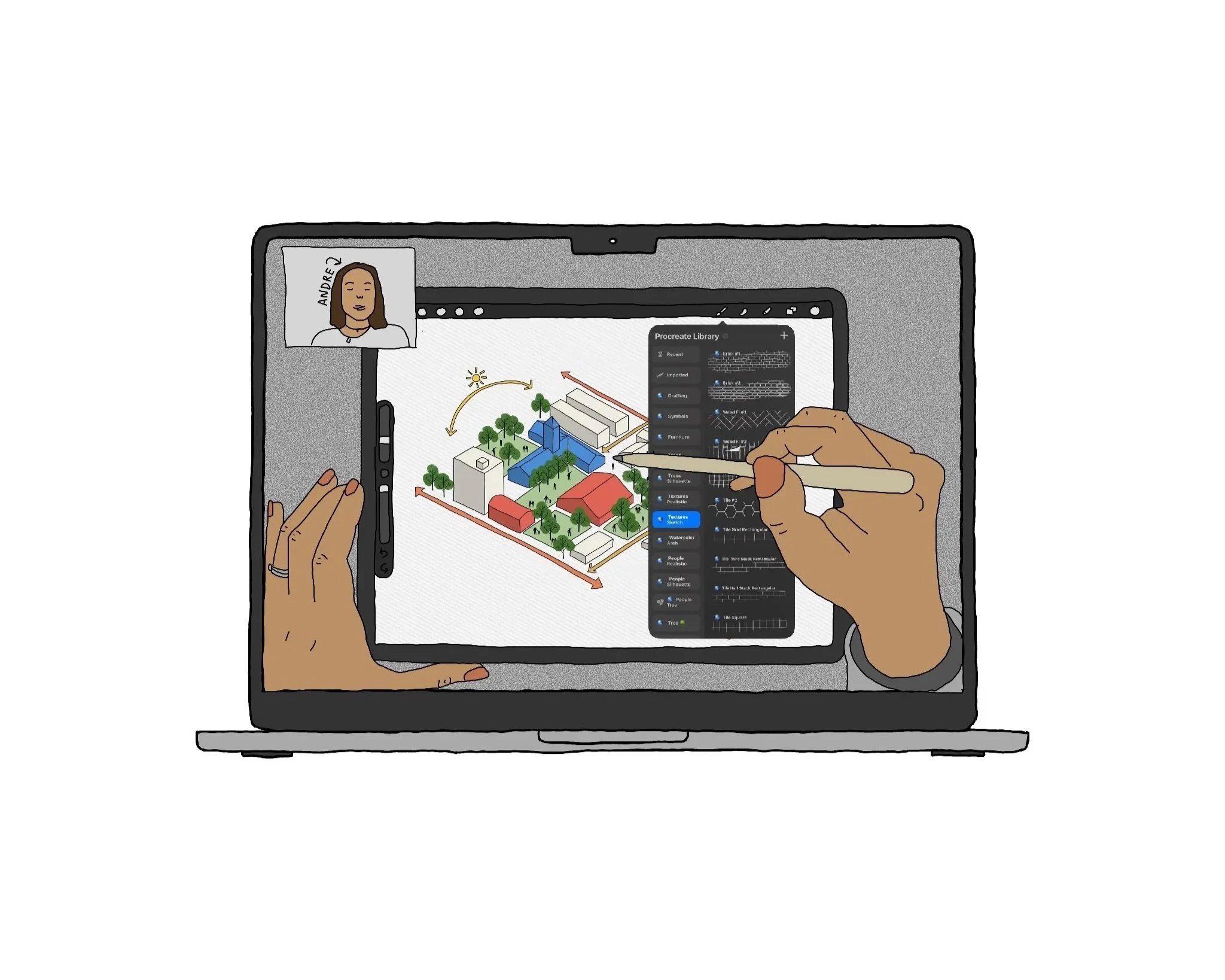
Intro to Procreate for Architects
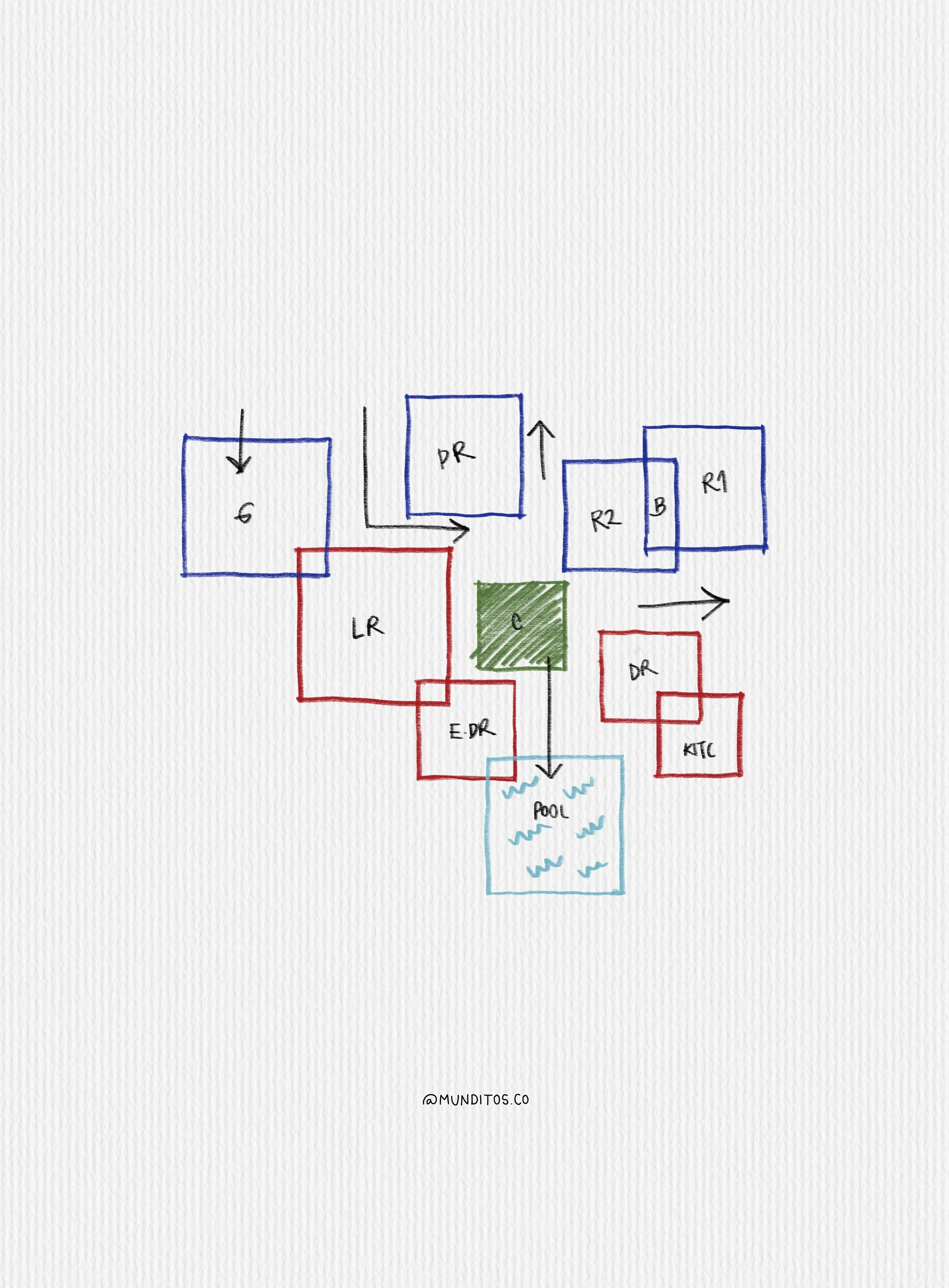
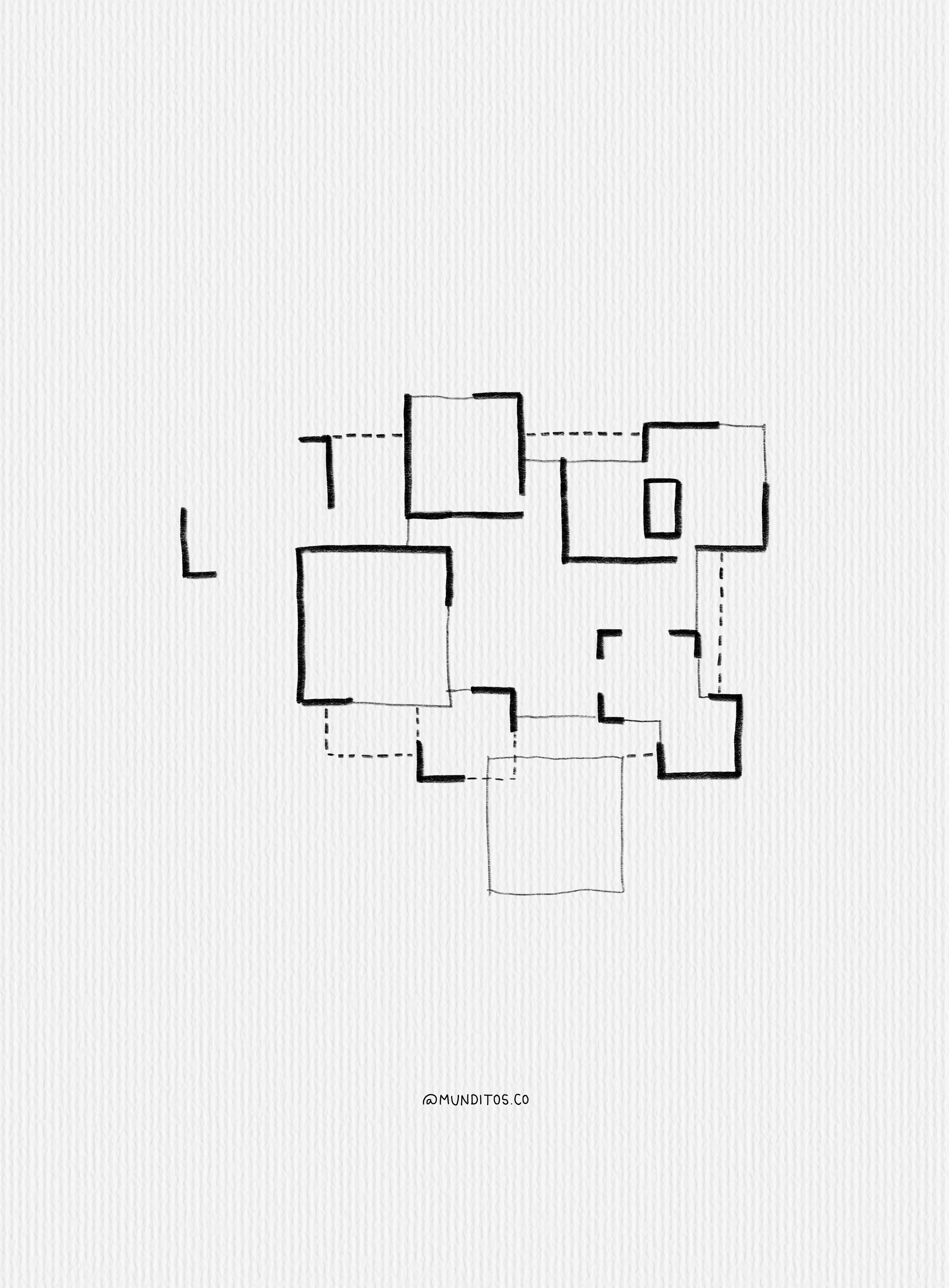
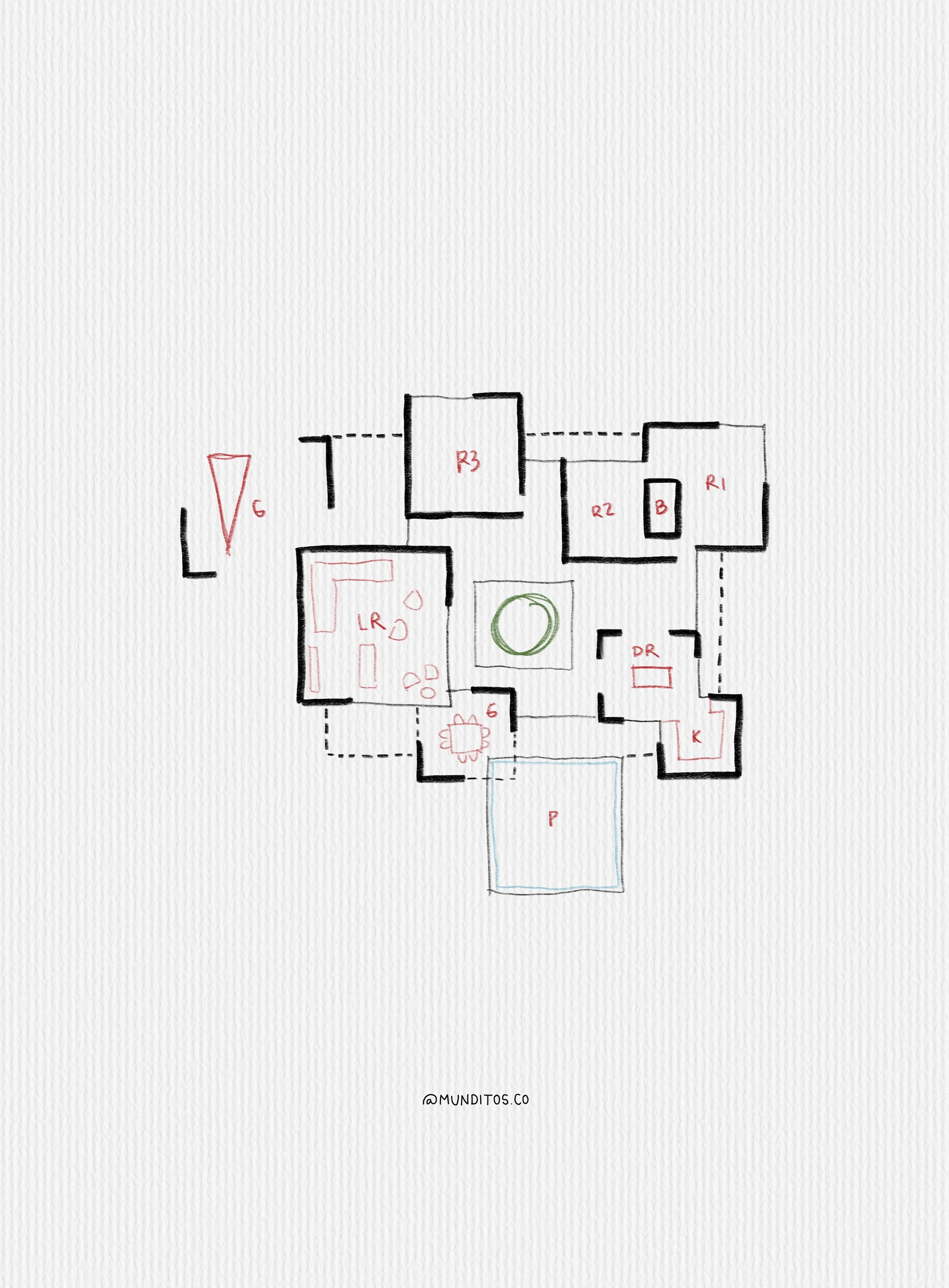
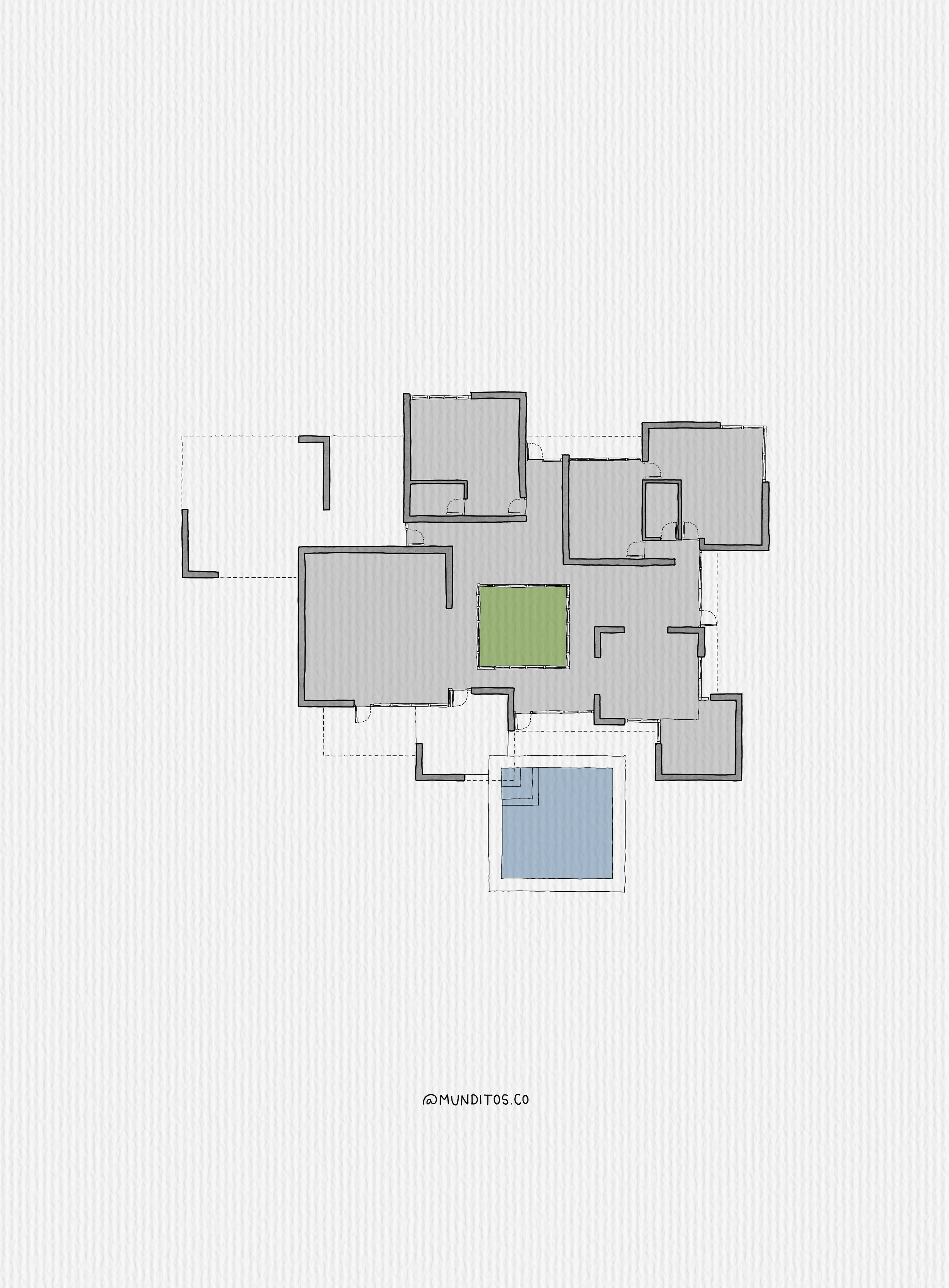
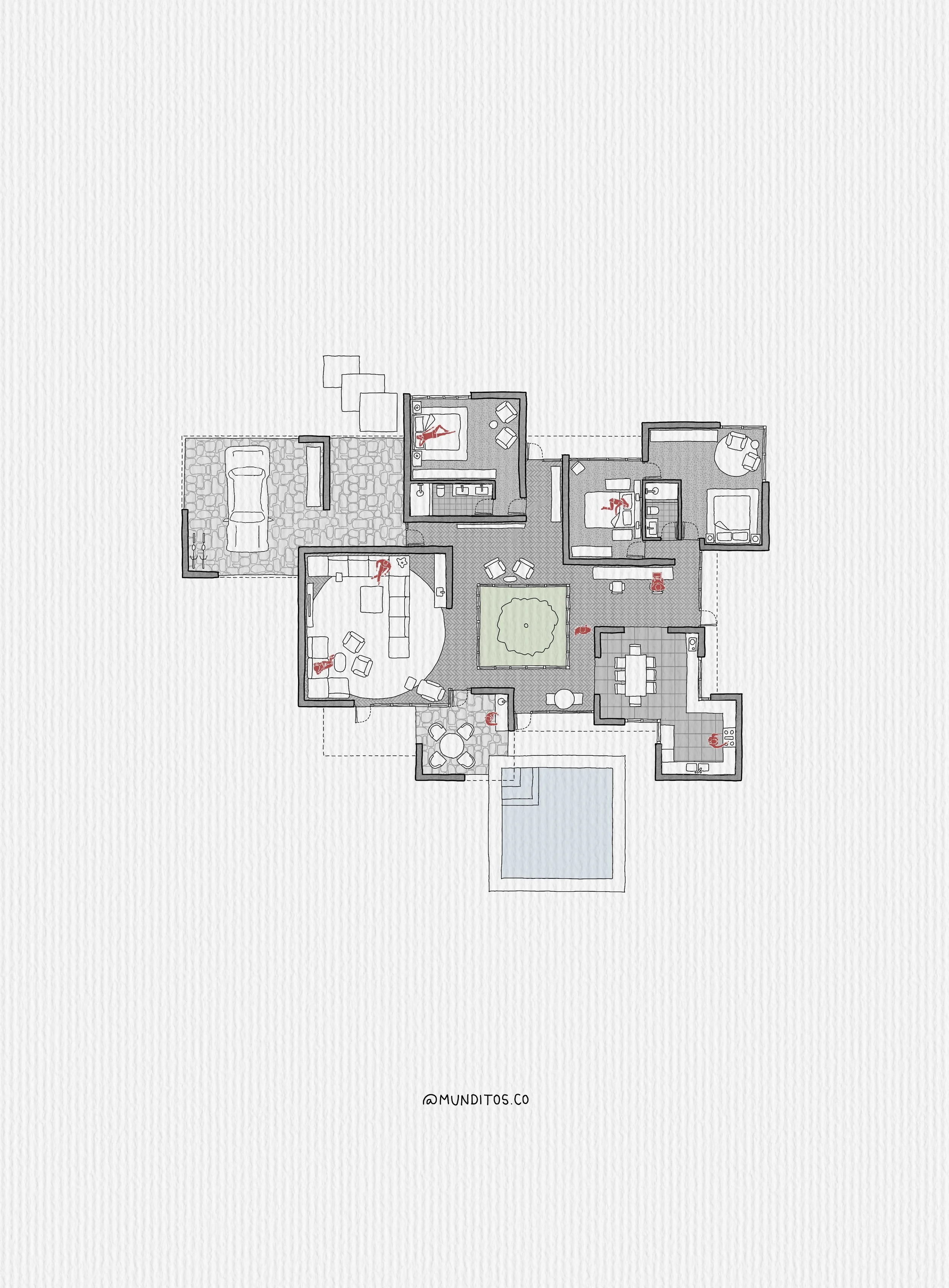
Is This Right for You?
No experience needed. In one live hour, I'll show you exactly how I draw as an architect and hand you the tools to start doing the same.
This Is for You If
Then grab your spot
This Is Not for You If
Probably not the one for you
Come in with zero experience. Leave with a working setup. Only 50 spots per session, and it's just $9 on purpose. Can't join live? You get the recording.
What We'll Cover
Three lessons, one workflow you can make your own.
|
🧰
Lesson 1: Tools & InterfaceGet comfortable in Procreate, fast
|
|
| Skip The Setup |
|
📐
Lesson 2: Drawing a PlanWe draw one together
|
|
| Draw Along Live |
|
💬
Lesson 3: Q&AAsk me anything
|
|
| Ask Me Anything |
Everything You
Take Home
And what it’s actually worth
a few videos where I explain my process (and the workflow you can learn too)
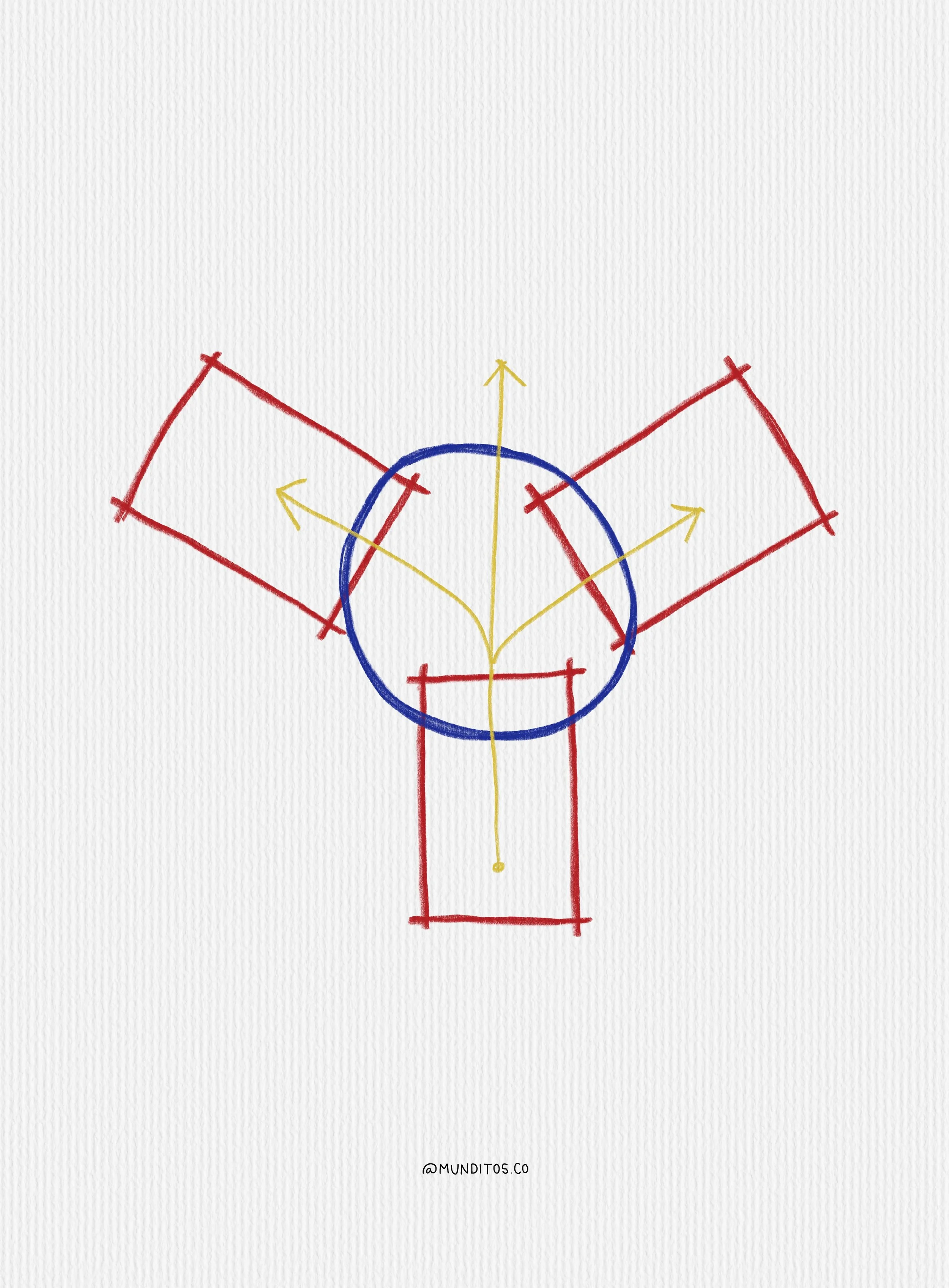
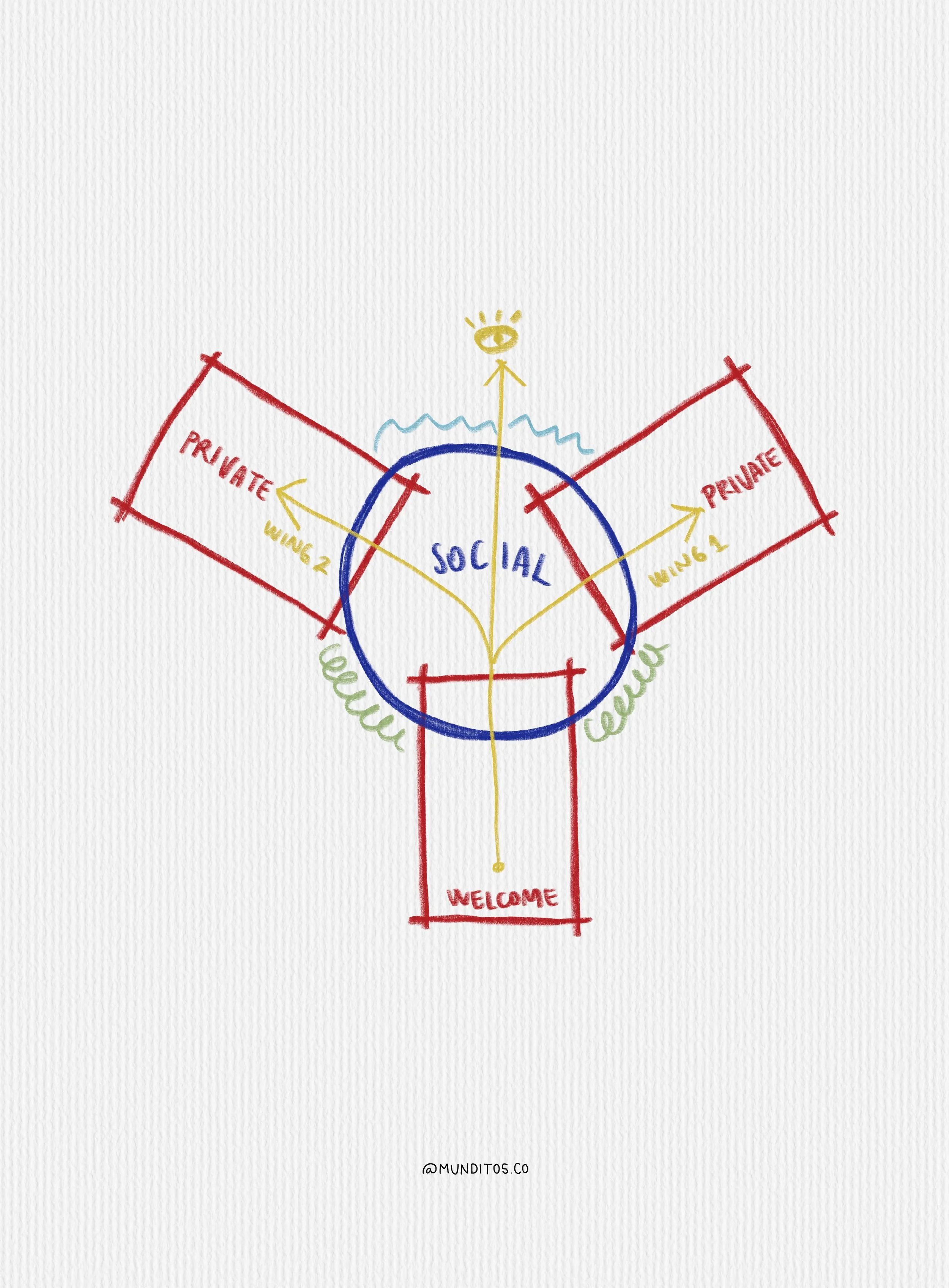
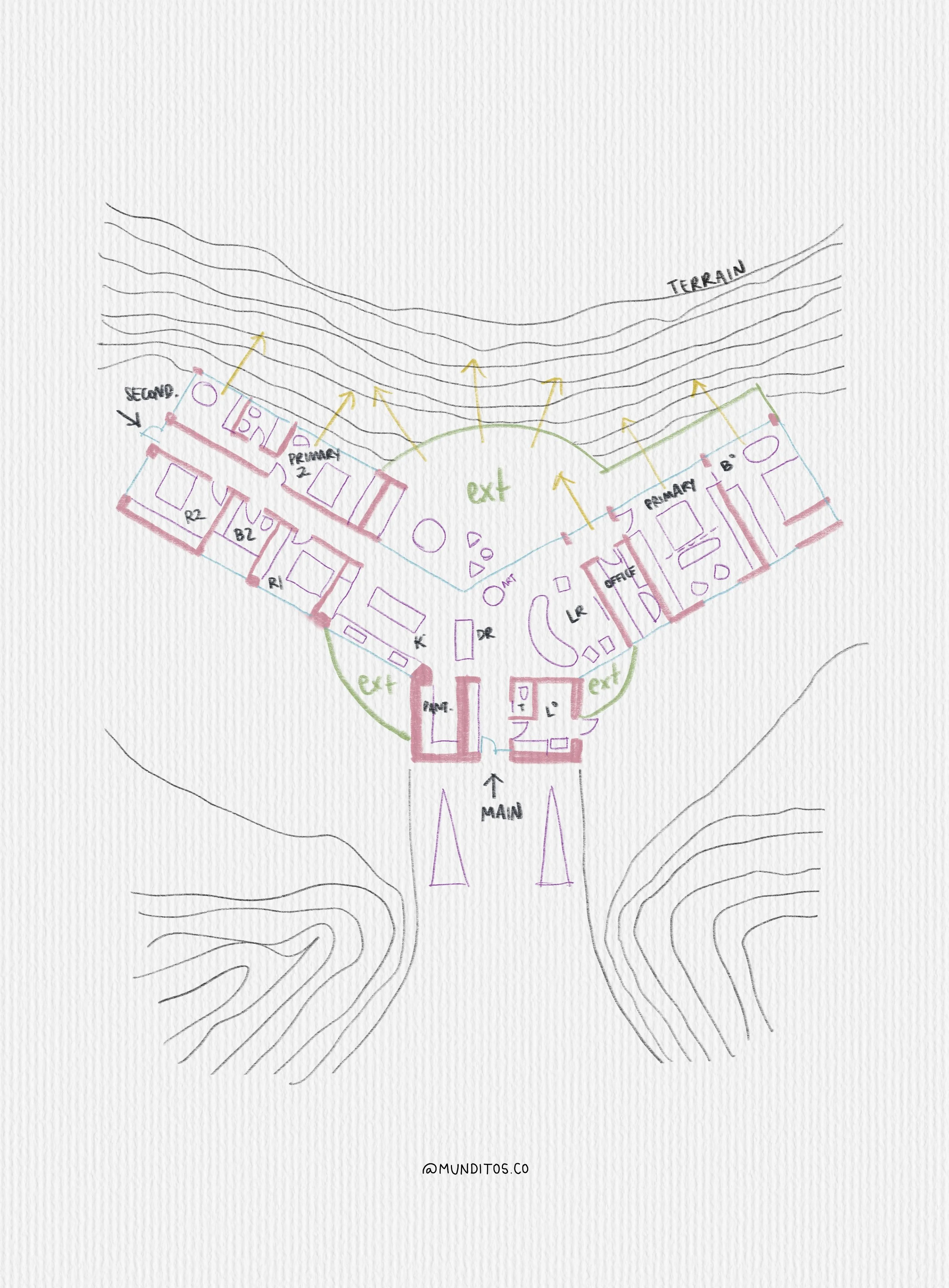
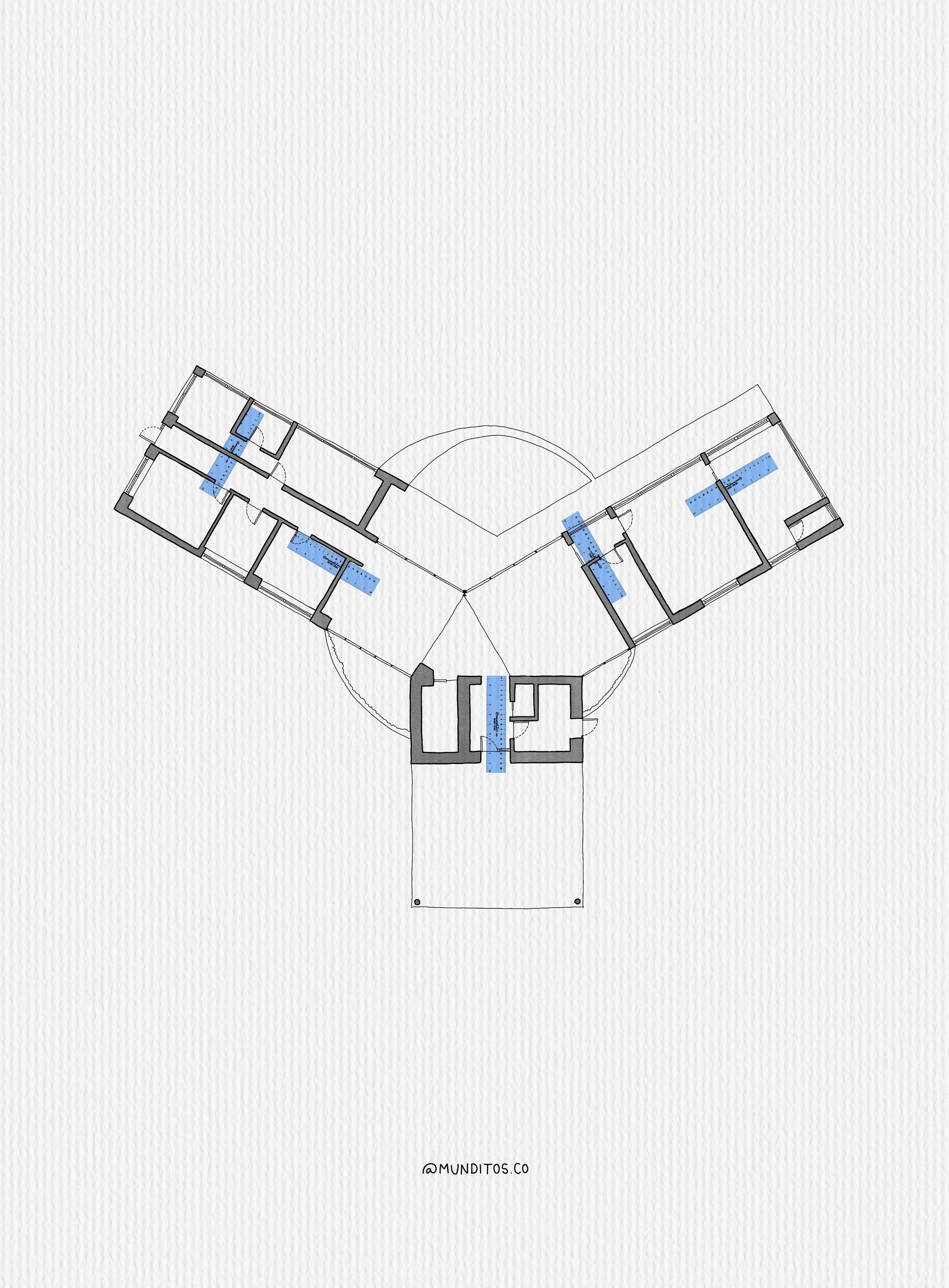
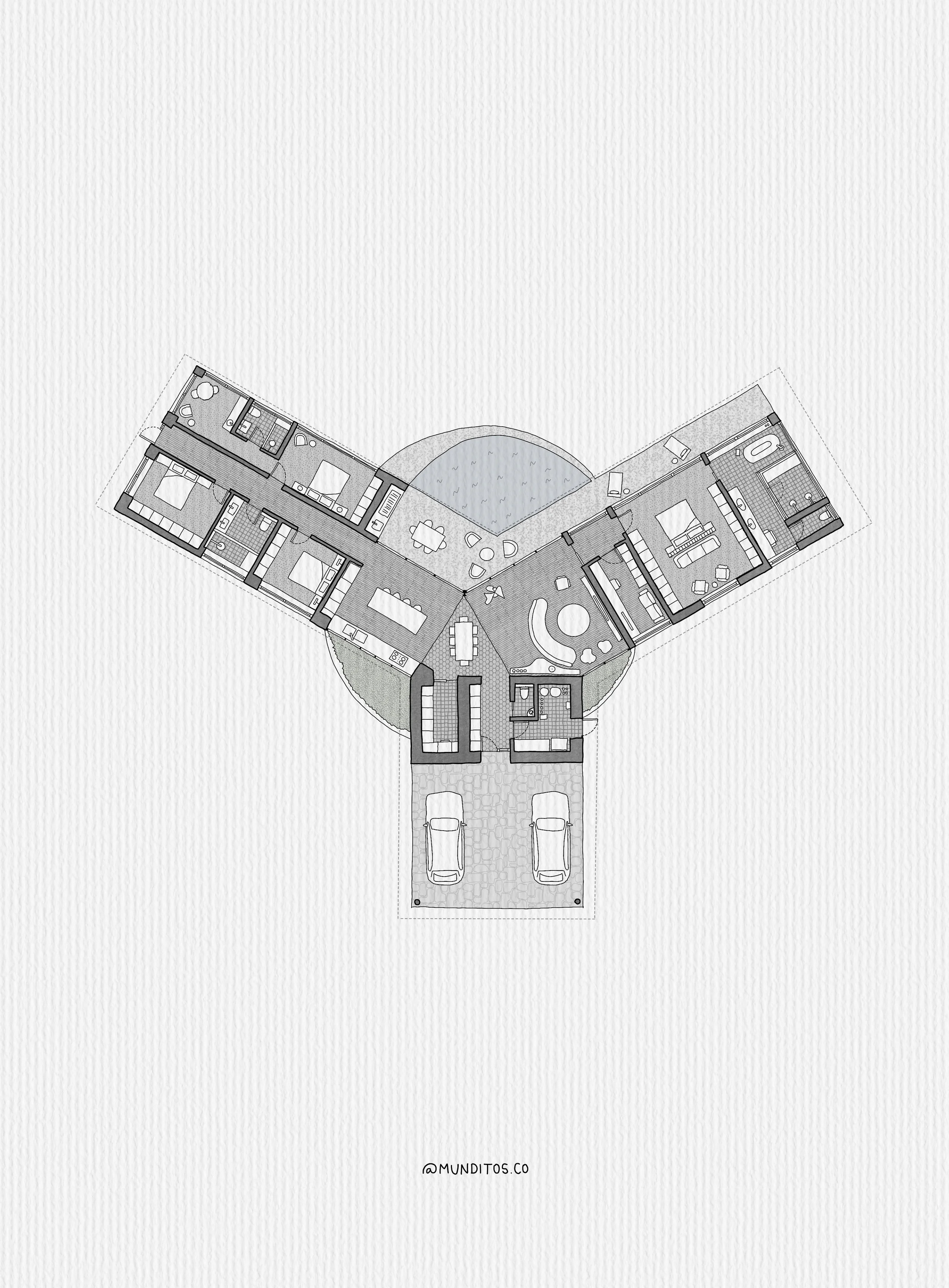
Your Sketchbook, Upgraded
You already know how to draw. In one live hour, I'll give you the tools and workflow to start using it on real projects. No Procreate experience needed.
Sketch with clients
Pull out your iPad in the meeting and draw your ideas live. Watch clients lean in as they see you think.
Solve it on site
Contractor question? Sketch the detail right there and solve it on the spot. No waiting until you're back at your desk.
Bring back hand drawing
Show your work with the warmth of the hand and the speed of digital, starting with the brushes I hand you.
Trust your talent
Try ideas, undo anything, and get your confidence back one line at a time. The skill was always yours.
Draw what AI can't
Build drawings in your hand and your style, the kind nobody can copy, and make your portfolio impossible to ignore.
Draw anywhere
On the train, on site, at a coffee shop. Sketch the moment an idea hits, from your iPad or phone.
Your next project deserves better tools. Only 50 spots per session. $9, on purpose. Can't join live? You get the recording.
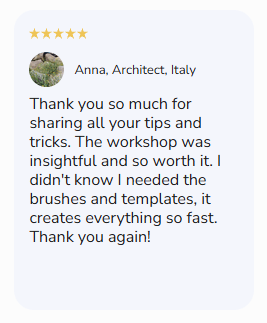
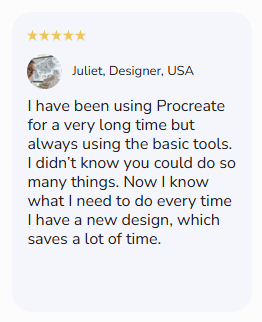
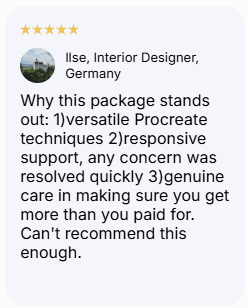
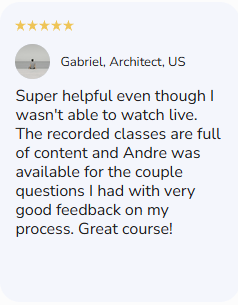
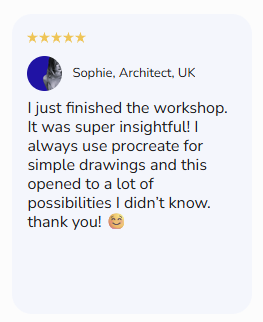
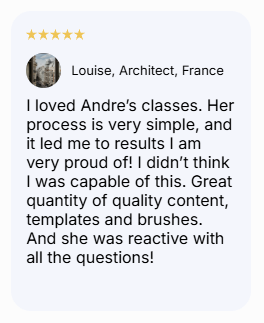
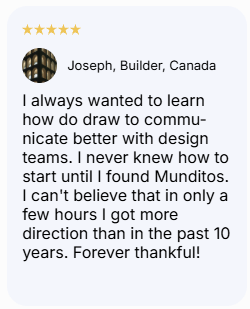
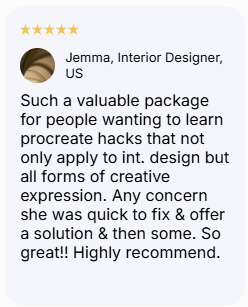
What Other Architects & Designers are Saying About Munditos Academy
Meet Who is Behind Munditos
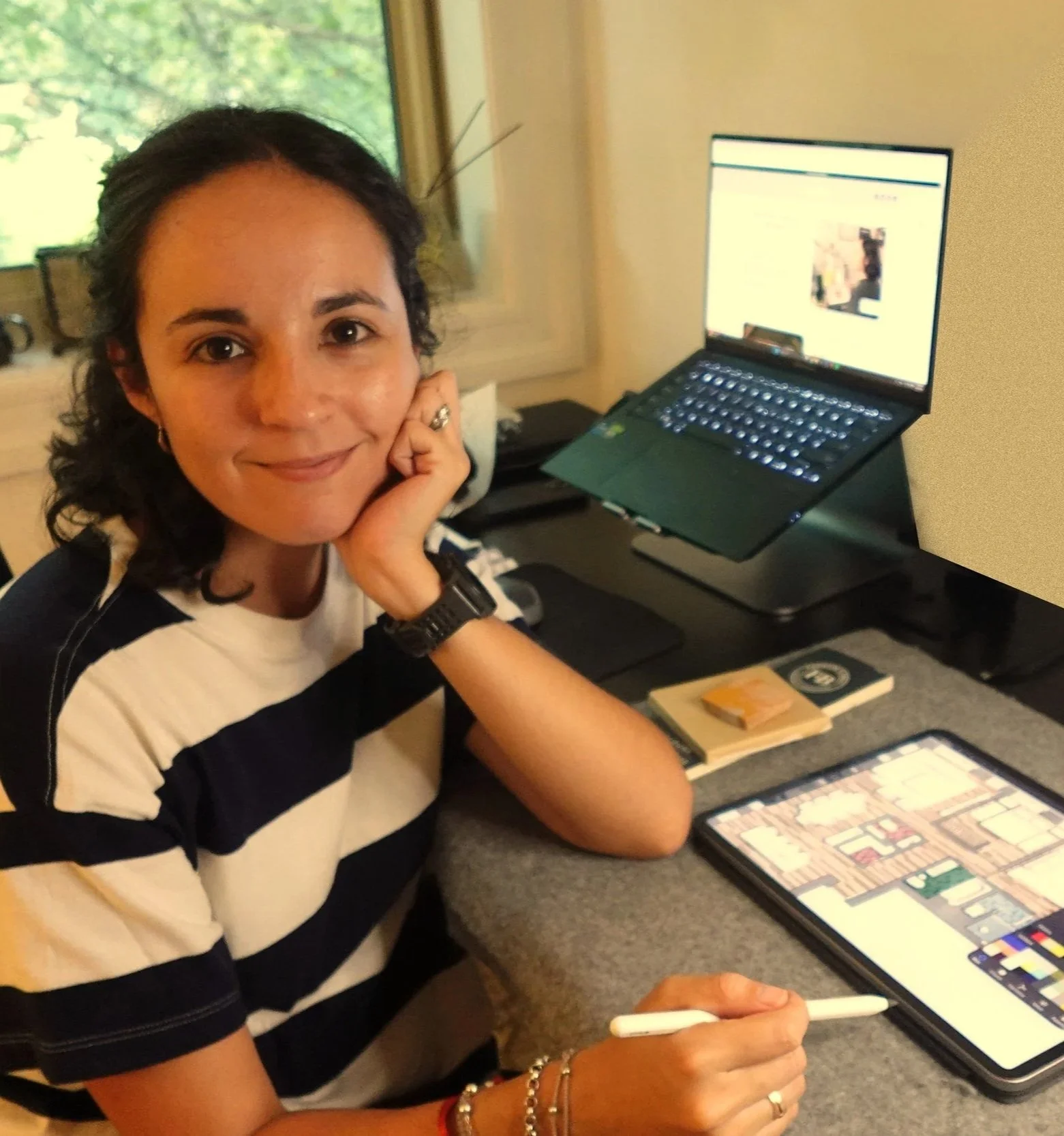
Hola, I'm Andre
Architect, Procreate Lover, & the person who built the resource I needed when I was starting out
Getting my first job at a firm in New York took longer than I'd like to admit — I had the skills, I had the passion, but something wasn't clicking
Then I found Procreate, and everything changed, not overnight, but steadily, one drawing at a time
Seven years later I run Munditos — small worlds in Spanish, because every architect carries a universe of ideas, details, & vision of their own
The problem: most of those worlds never fully make it to the page — they stay stuck between the mind and the screen, half-formed and unseen
That's the gap I built Munditos to close — because your small world deserves to be shown.