
Draw Faster, More Confident, and More You,
In One Weekend Using Procreate
(Yes, It's Actually Fun)
Get everything you need to sketch to scale as an architect or designer — a workflow shaped by 5 years of getting it wrong first, so you get it right faster.
Confident, scaled sketching in Procreate — guaranteed, even if you've never opened the app before. Or you don't pay.
Draw
With AI
How I Draw AI-Powered Isometrics in Procreate
Learn how to bring AI into your Procreate workflow, as an extra hand, not a replacement; so you can move faster, stay sharp, and still draw like you.
Join live on August 22nd at 11am,
or watch the recording on your own time.
Watch Before You Enroll
Andre shares how she almost gave up on AI as an architect, and the shift that changed how she draws, without losing her own style along the way.
Not Sure How This Will Fit Your Workflow…
Let’s Chat for 30-Minutes and See How We Can Work Together
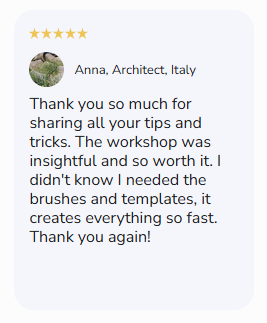
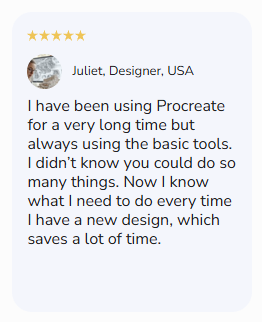
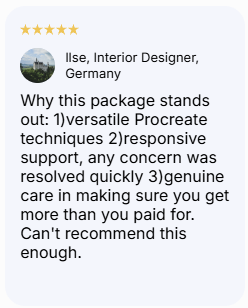
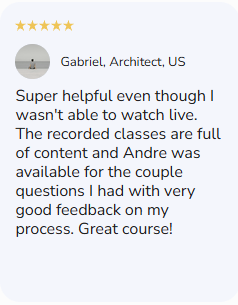
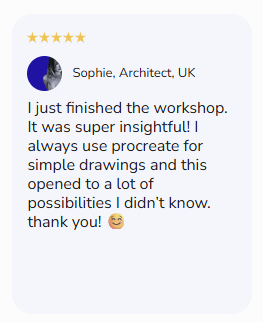
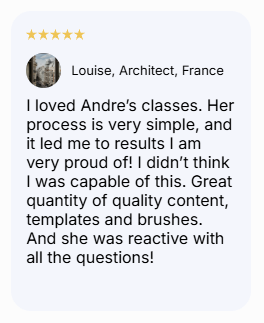
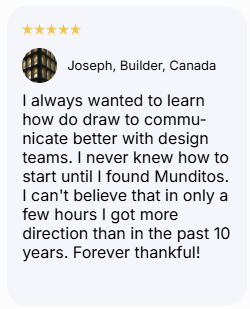
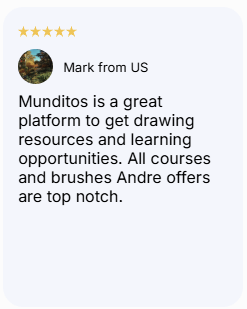
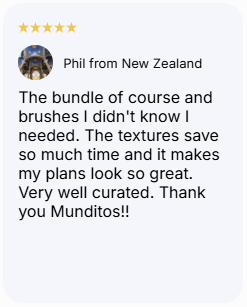
5 stars by +600 customers
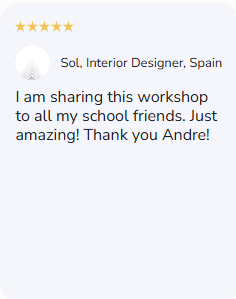
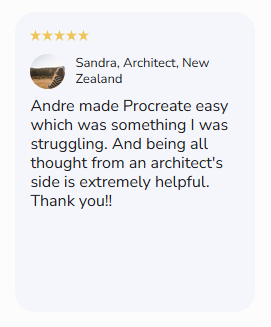
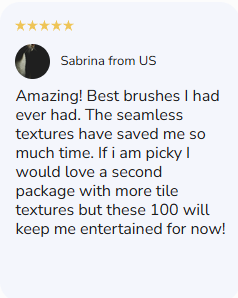
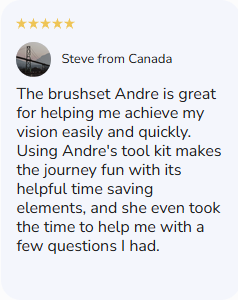
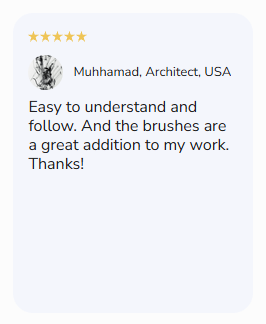
"I've hand-drawn for 10 years and this is the first digital course that didn't feel like it was fighting my style."
— Priya K., Architect, London
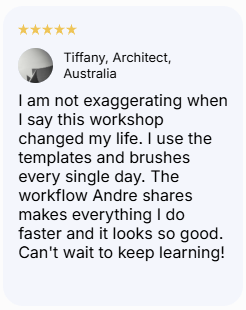
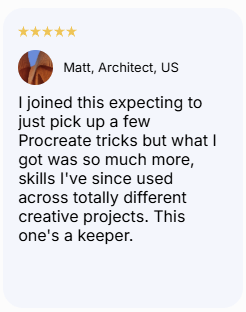
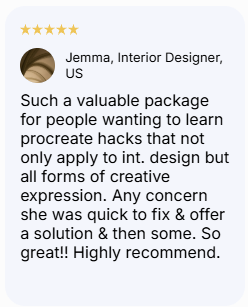
"This workshop gave me a workflow I actually use on every project now."
— James R., Interior Designer, Austin TX
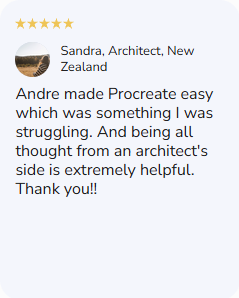
"I finally understand how to draw a floor plan that feels alive, not just accurate."
— Maria T., Architecture Student, Mexico City
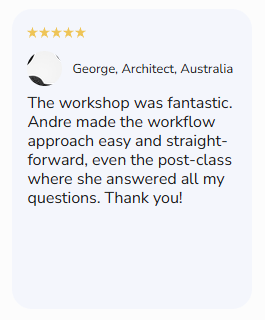
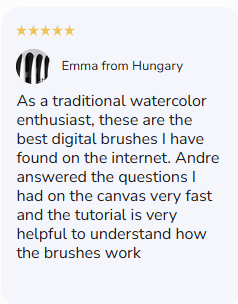
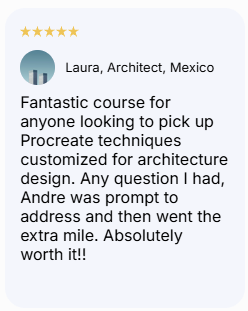
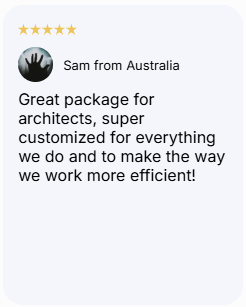
"Great package for architects, super customized for everything we do."
— Sam S., Designer, Melbourne
Maybe You've Felt This Too
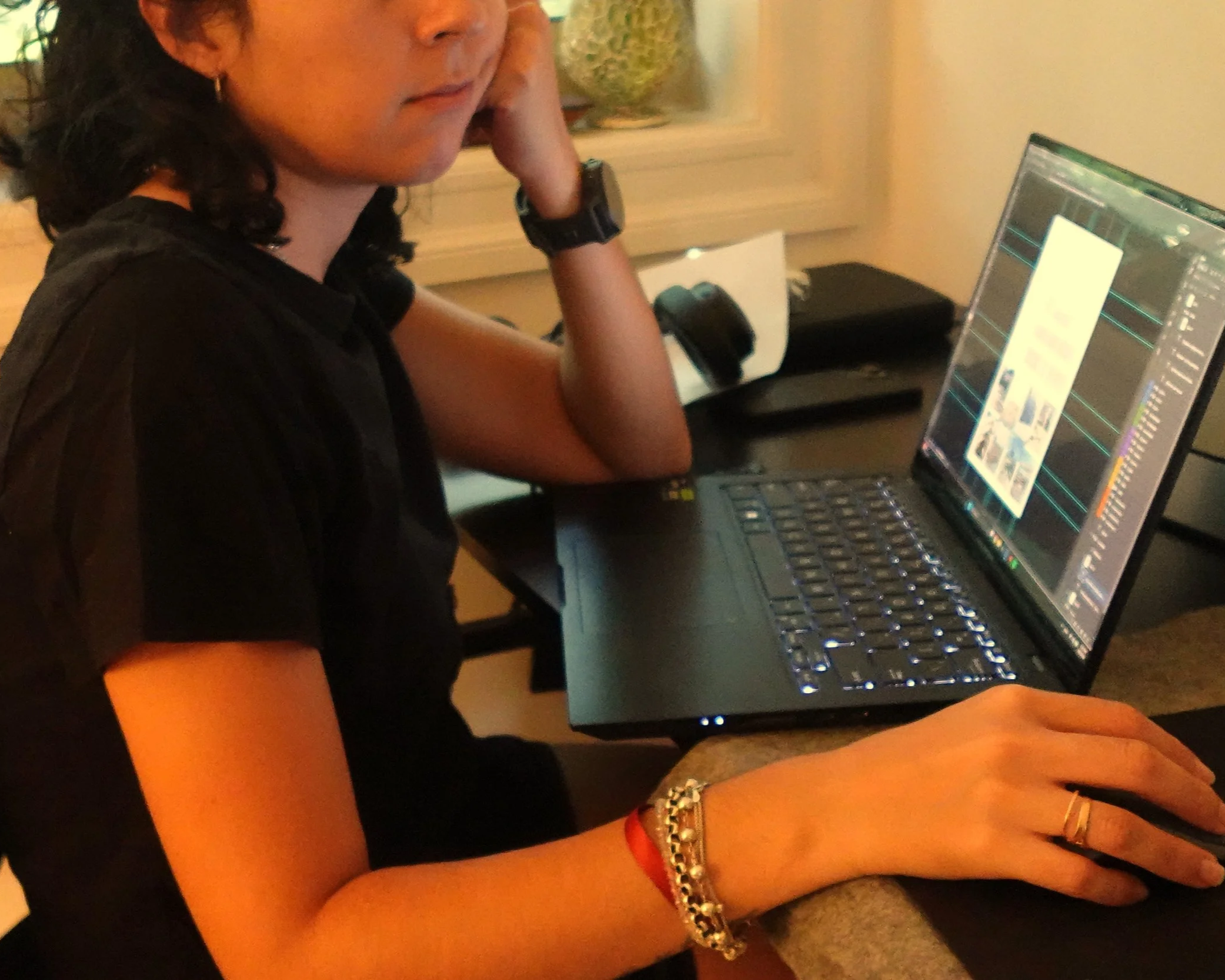
👉🏼 You keep hearing "you need to use AI" from every direction, but nobody's shown you how to do it without losing the hand-drawn feel you've spent years developing.
👉🏼 You open ChatGPT or an AI tool, try a prompt, get something that looks nothing like your style, and close the tab feeling like it's just not for you.
👉🏼 You're watching younger architects and students move faster than you, and it's starting to feel less like a tool gap and more like you're being left behind.
👉🏼Detailing, rendering, and adding depth to your sketches still eats hours you don't have — hours you'd rather spend actually designing.
👉🏼 Deep down, you're scared that leaning into AI means giving up the part of your work that made you fall in love with architecture in the first place
Here's What Changed For Me
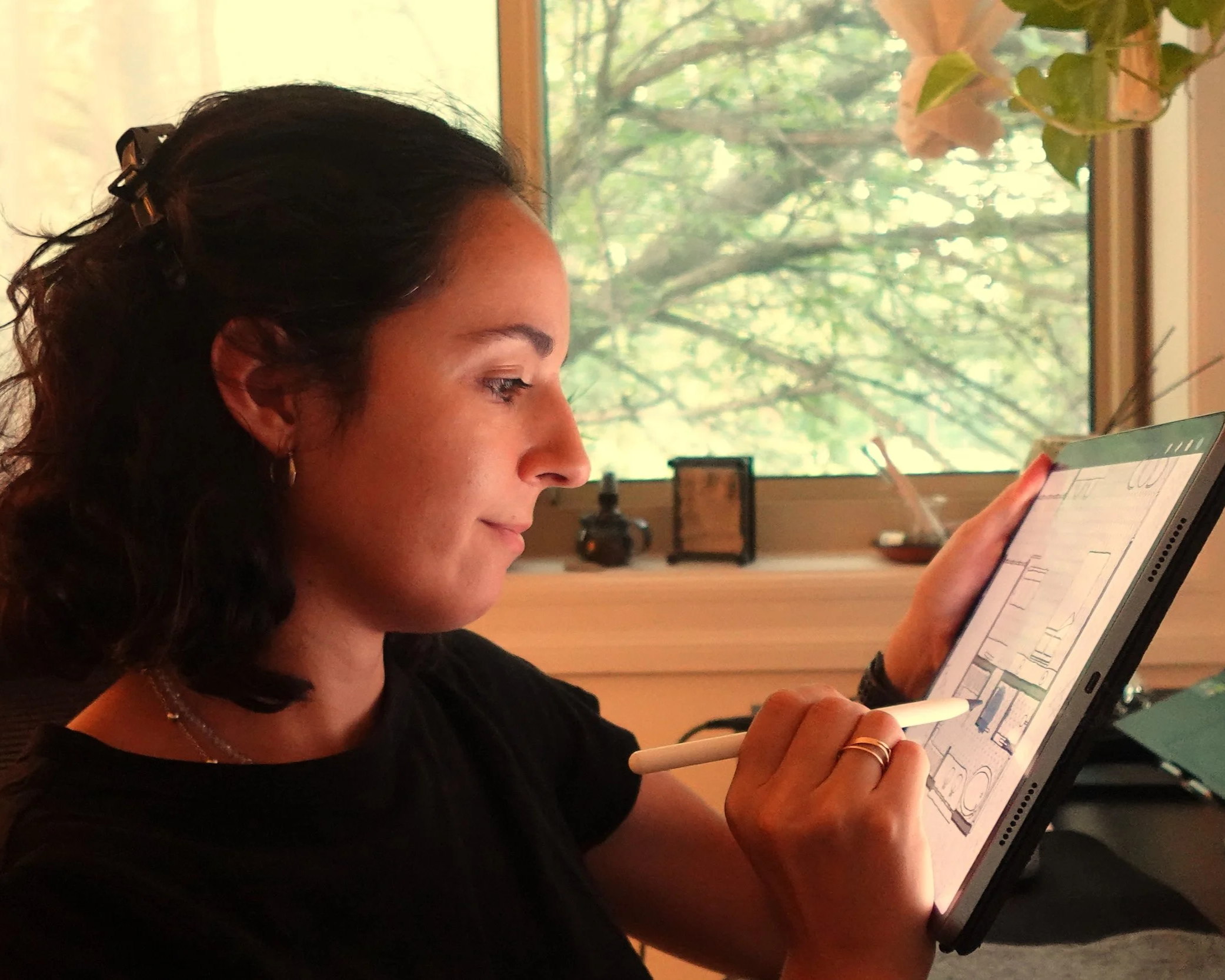
in just one afternoon
👉🏼 You open Procreate and AI together without hesitation, because you finally know exactly where AI fits into your process and where your hand takes back over.
👉🏼 Your sketches still look like yours. AI just helps you get there faster, filling in details, textures, and iterations you'd otherwise spend hours on.
👉🏼 You stop dreading the "modernize or fall behind" pressure, because you're no longer behind, you're using the same tools the next generation is, on your terms.
👉🏼 You free up hours in your week that used to go into rendering and detailing, time you can put straight back into actual design work.
👉🏼 You feel like a more capable version of yourself.
Who is Behind Munditos?

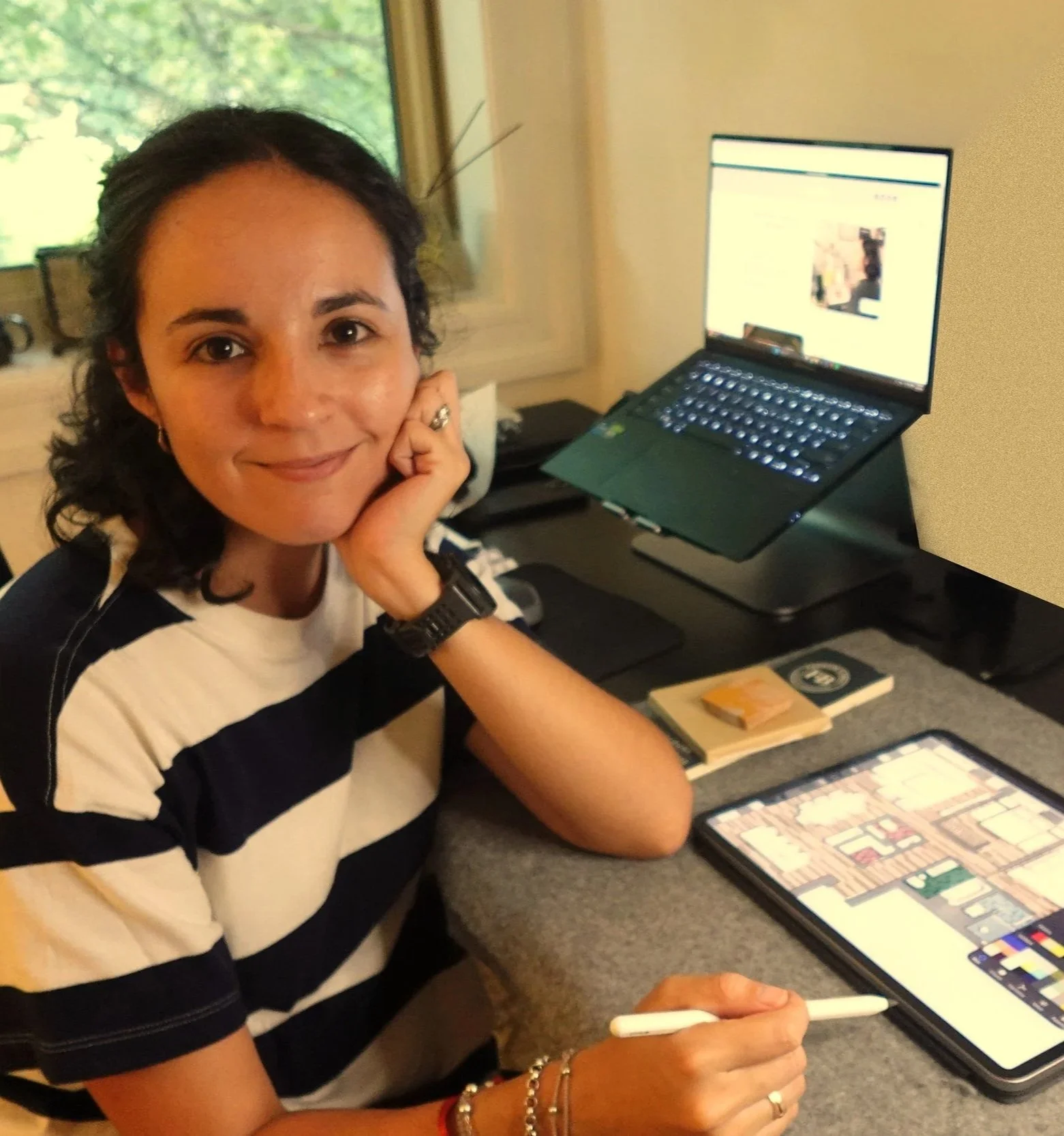
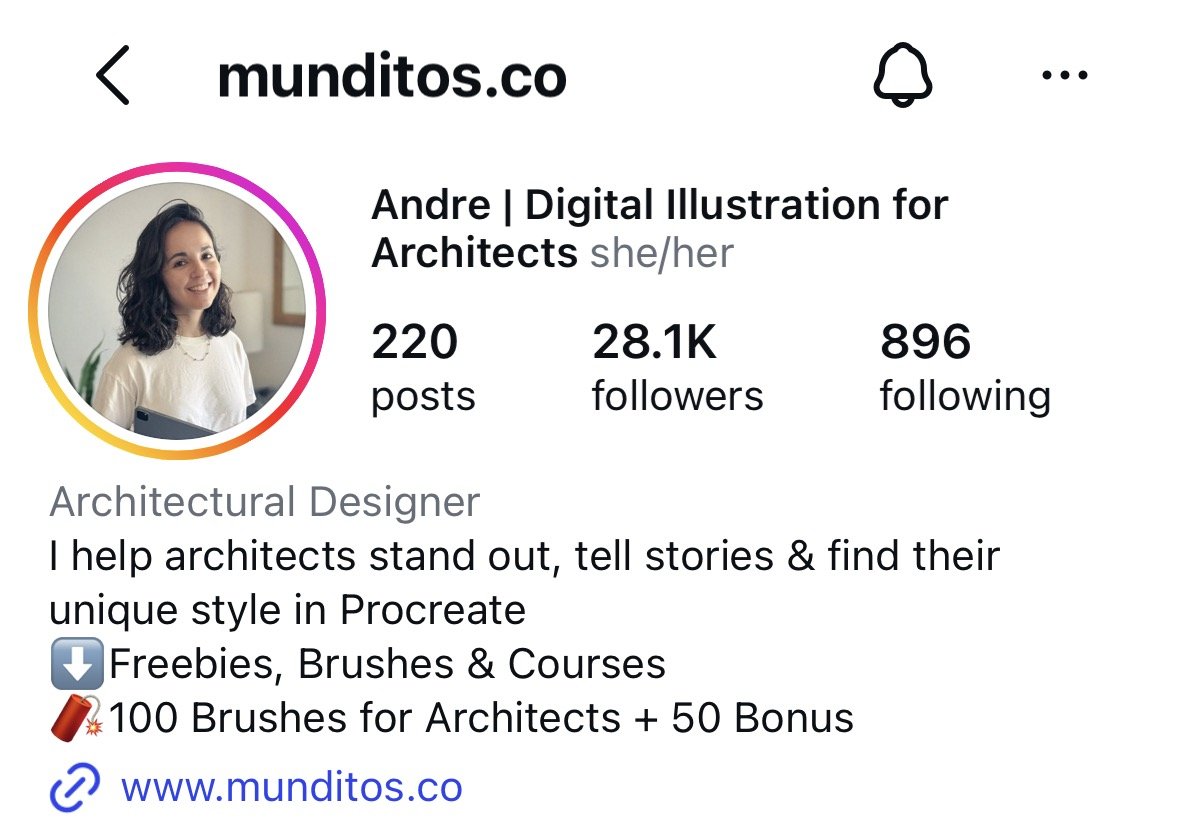
Hola, I'm Andre
Architect, Procreate obsessive, and the person who built the resource I desperately needed when I was starting out.
My first job at a firm in New York took longer to land than I'd like to admit. I had the skills, but something wasn't clicking — until I found Procreate. Seven years later, I run Munditos, small worlds in Spanish, because every architect carries one: a universe of ideas that's entirely their own, but too often stays stuck between the mind and the page.
AI almost became the thing that took that world away from me instead of helping it. The first time I tried it, everything it produced looked generic — nothing like my hand, my style. So I closed the tab. But I kept experimenting, this time using AI only for the parts that used to eat my time, not the parts that made the work mine. And it clicked, the same way Procreate once had.
This isn't about becoming an AI expert. It's about becoming a faster, more confident version of the architect you already are — your small world, reaching the page faster, without ever stopping being yours.
introducing…
Draw With AI
A Live Masterclass Built To Show You Exactly
How I Use AI Alongside Procreate, Without Losing My Style
I'm not going to sell you on some proprietary "system."
I'm going to show you, step by step, exactly what I do, the same workflow I use in my own practice, so you can decide what fits into yours.
This isn't about becoming an AI expert. It's about becoming a faster, more confident version of the architect you already are.
Here's why it'll work for you, even if you've never touched an AI tool before…
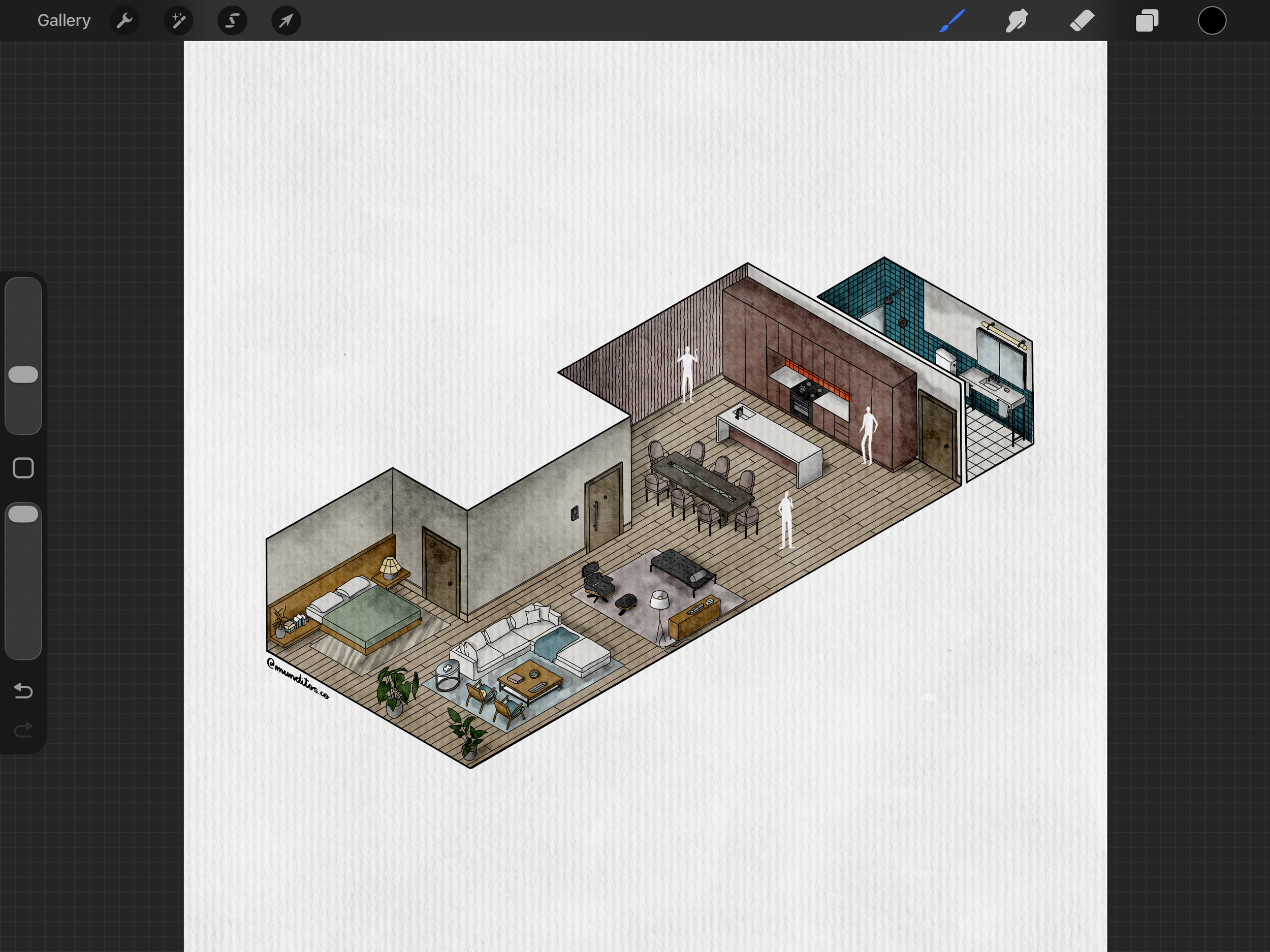
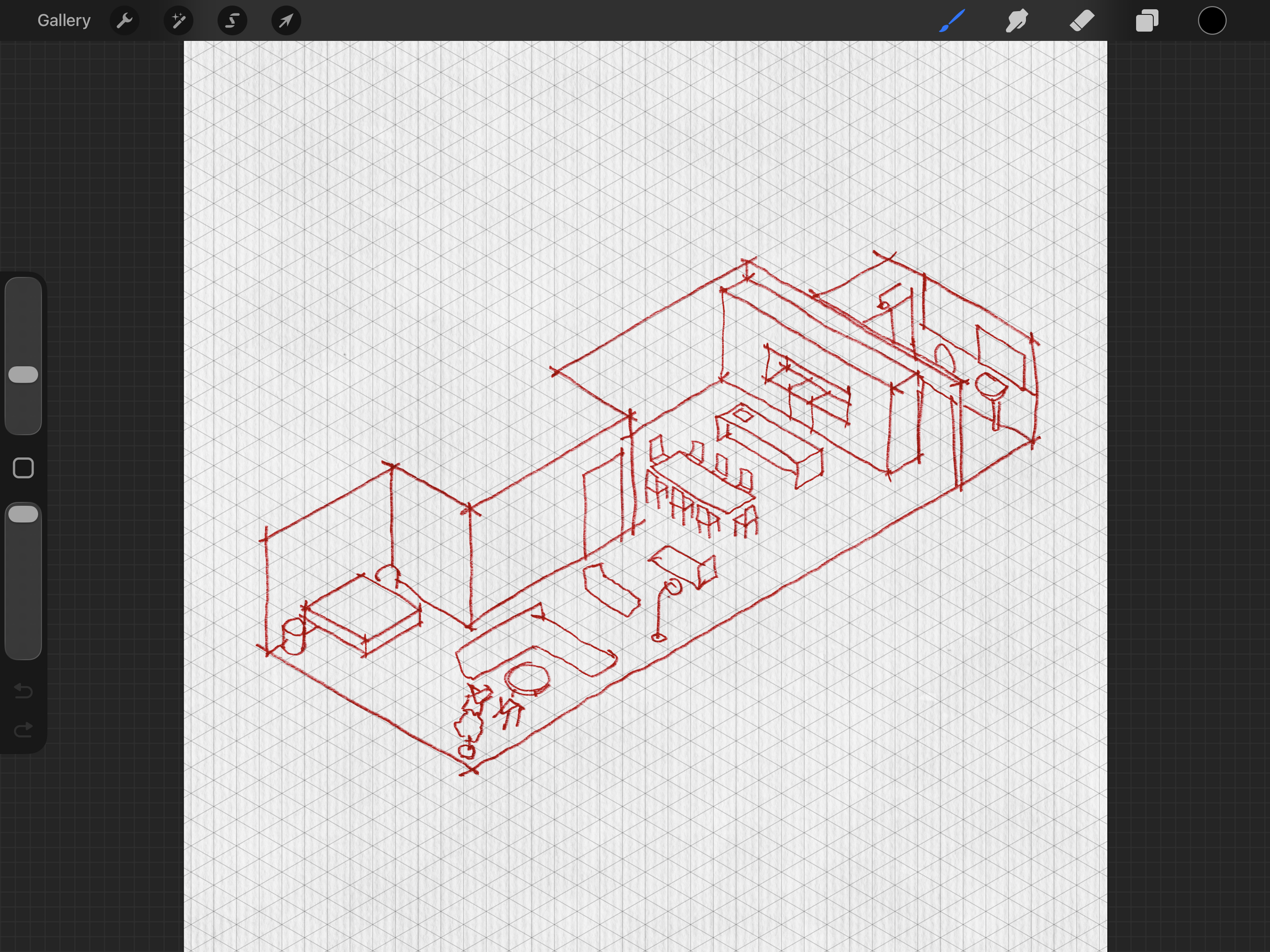
I understand you don’t have a lot of time in your hands.
That's exactly why this is a single 2-hour live session — not a 6-week commitment. You'll walk away with a usable workflow the same day, and if you can't make it live, the recording is yours to keep and go through at your own pace.
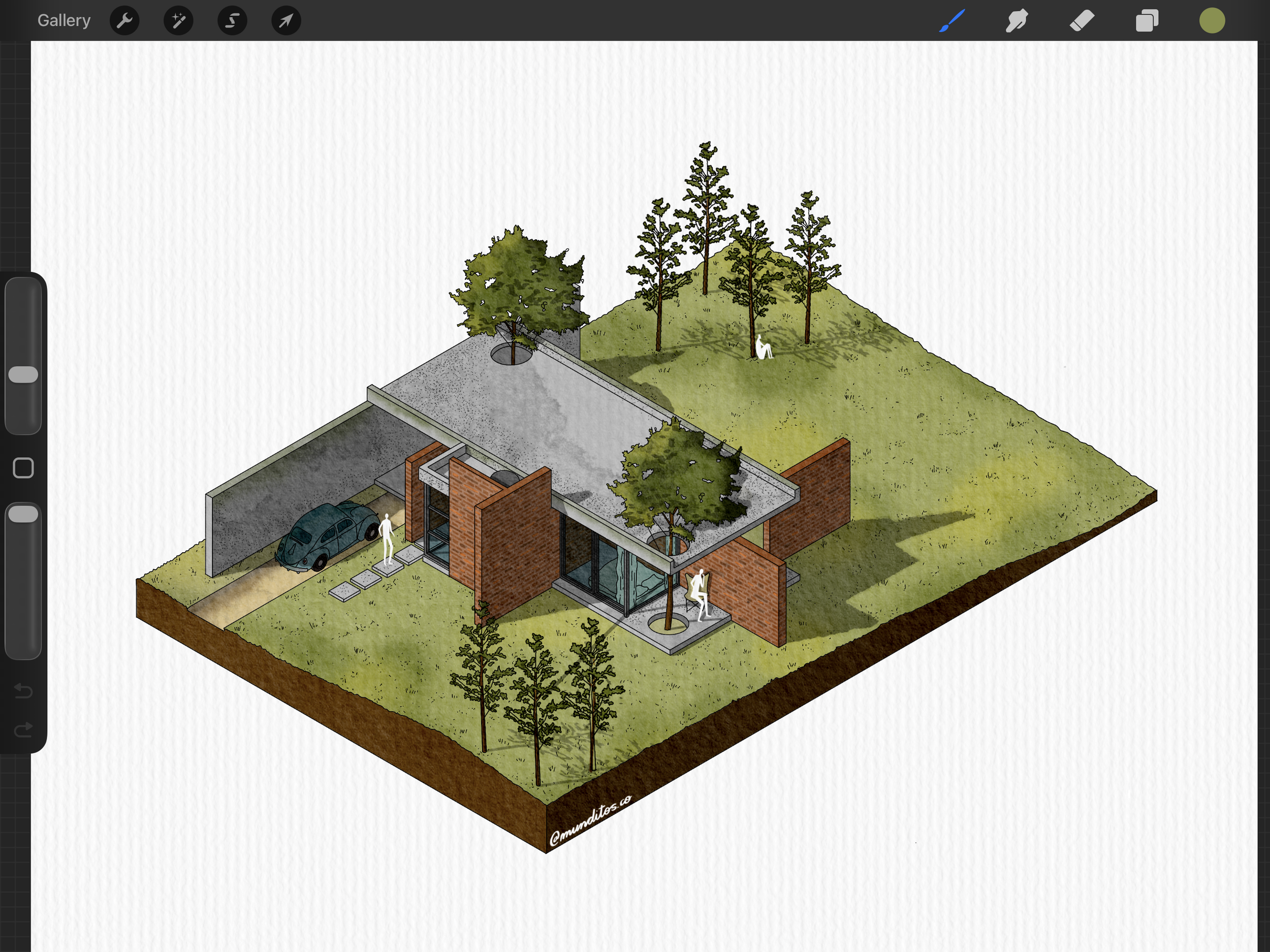
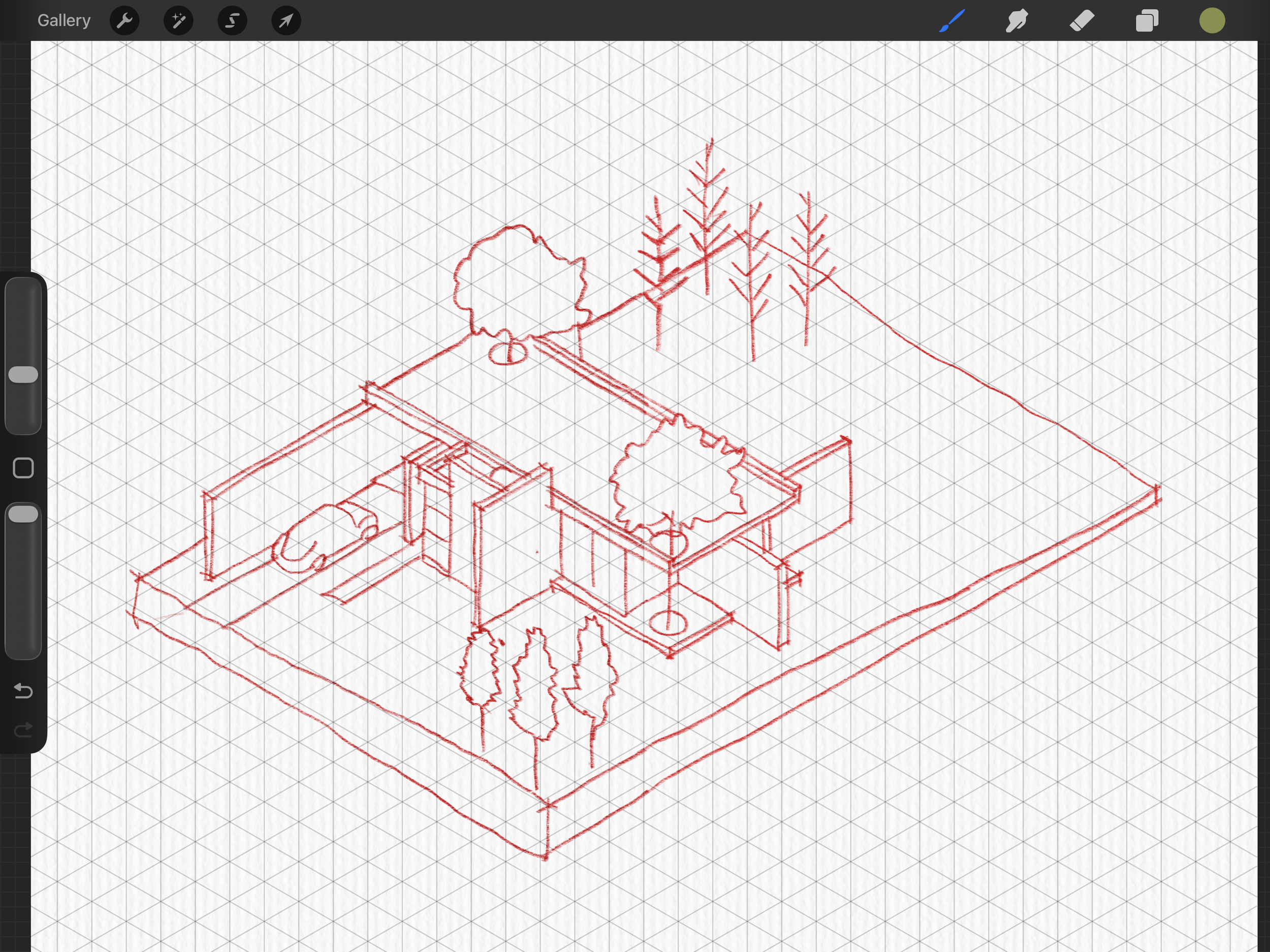
I understand you're afraid of losing your drawing style.
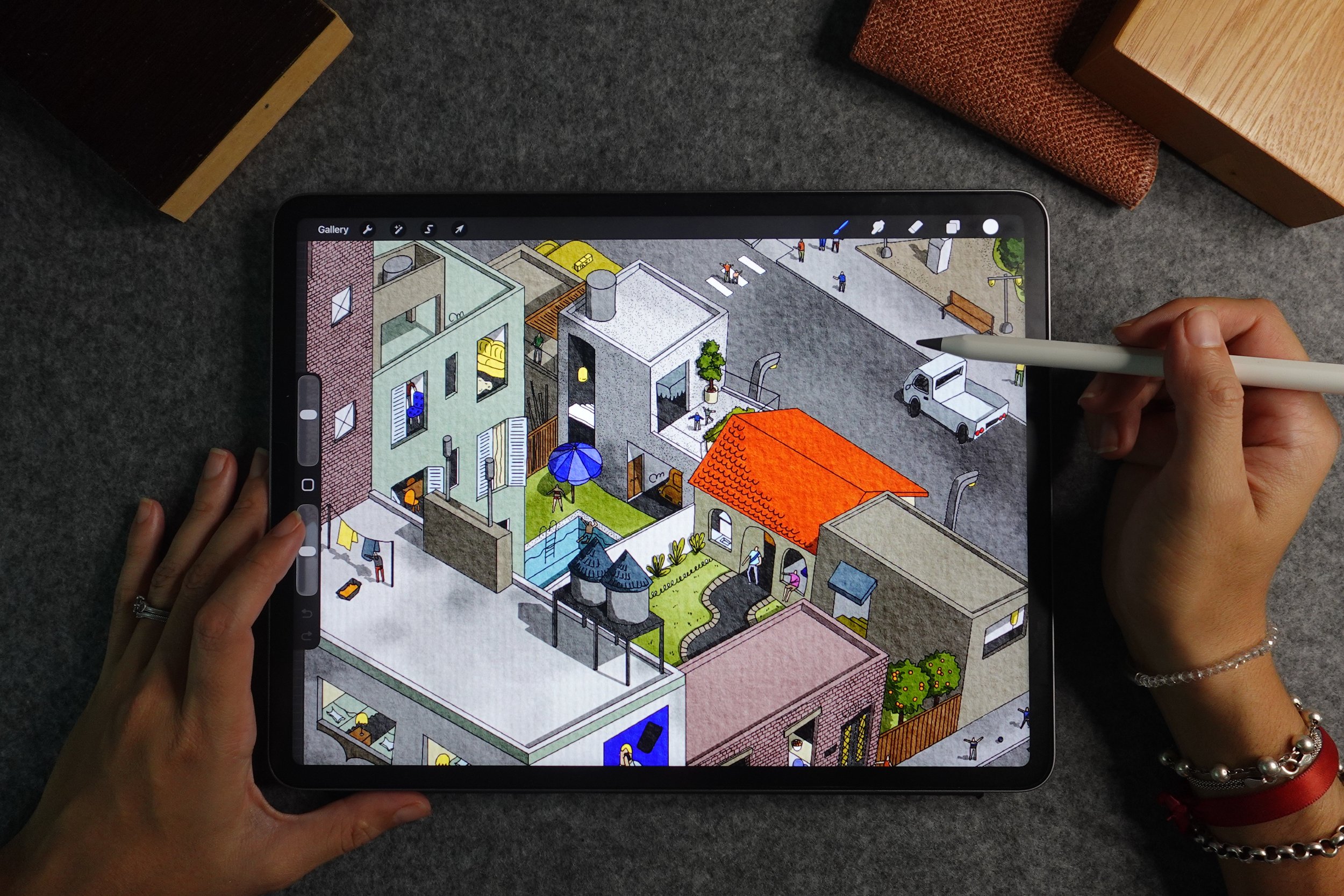
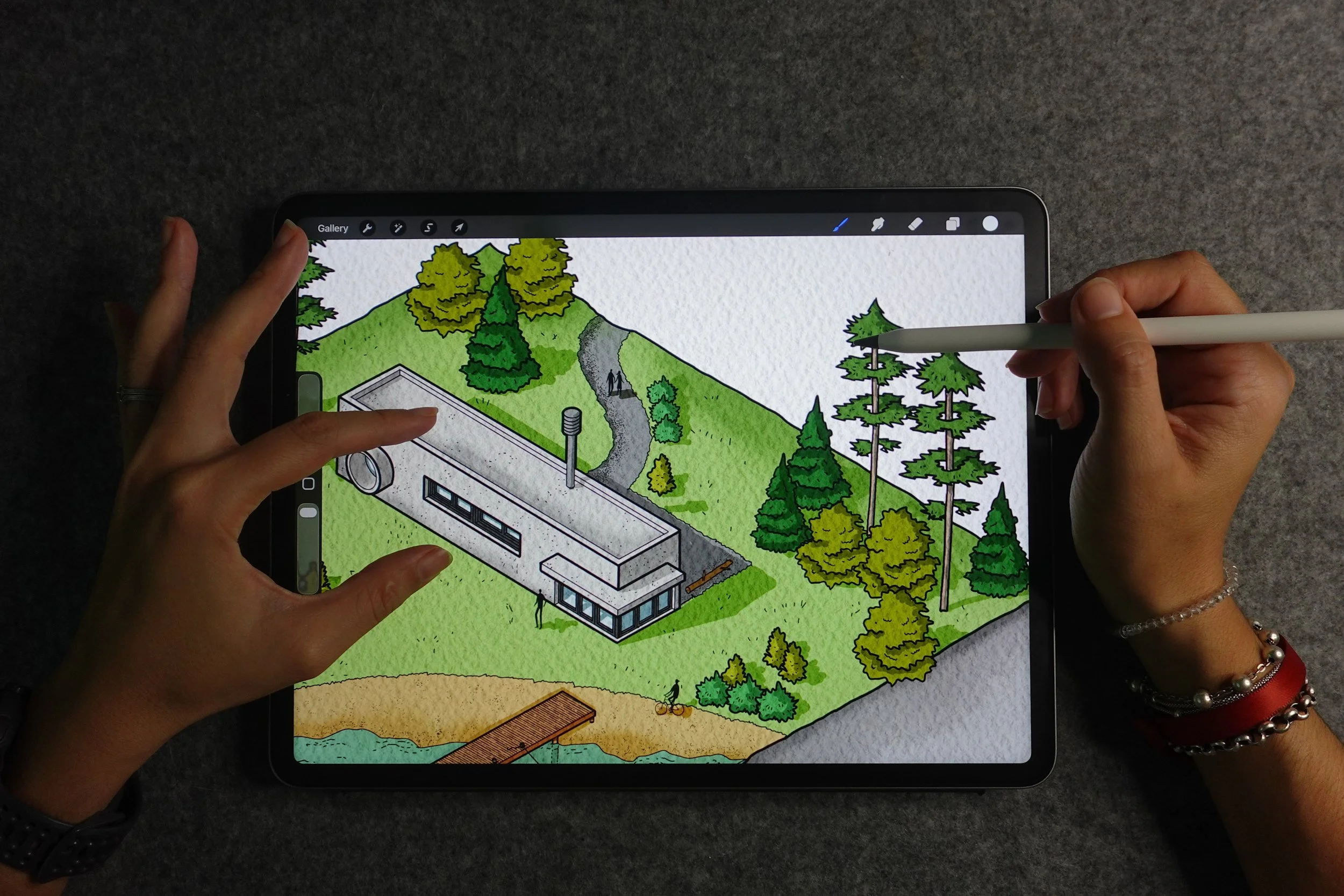
That's why this isn't a "let AI draw for you" course. Every technique I teach treats AI as an assistant sitting beside you — never replacing your hand, your eye, or your decisions. You'll see, side by side, how my own sketches still look like my sketches — just faster and more detailed.
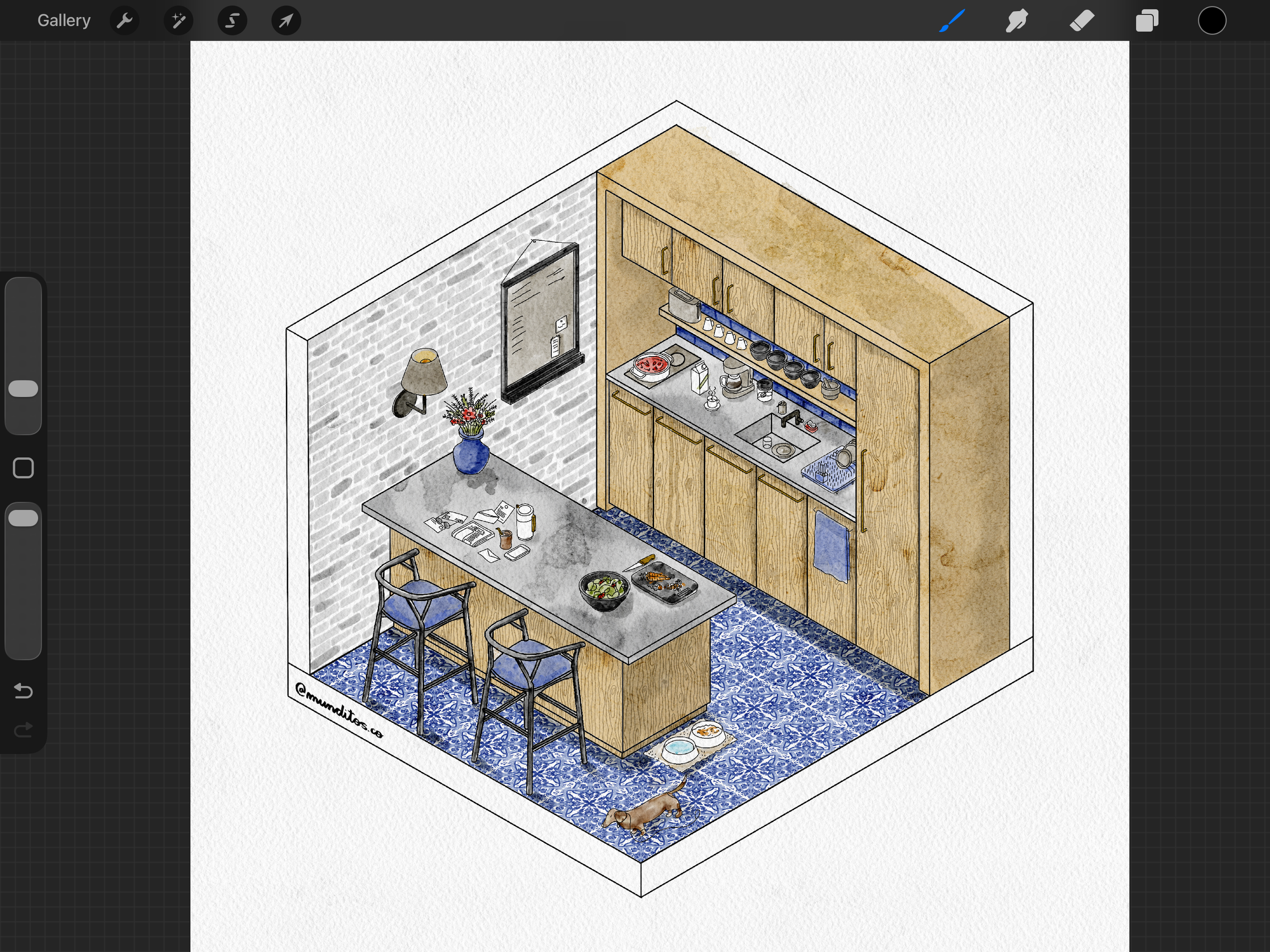
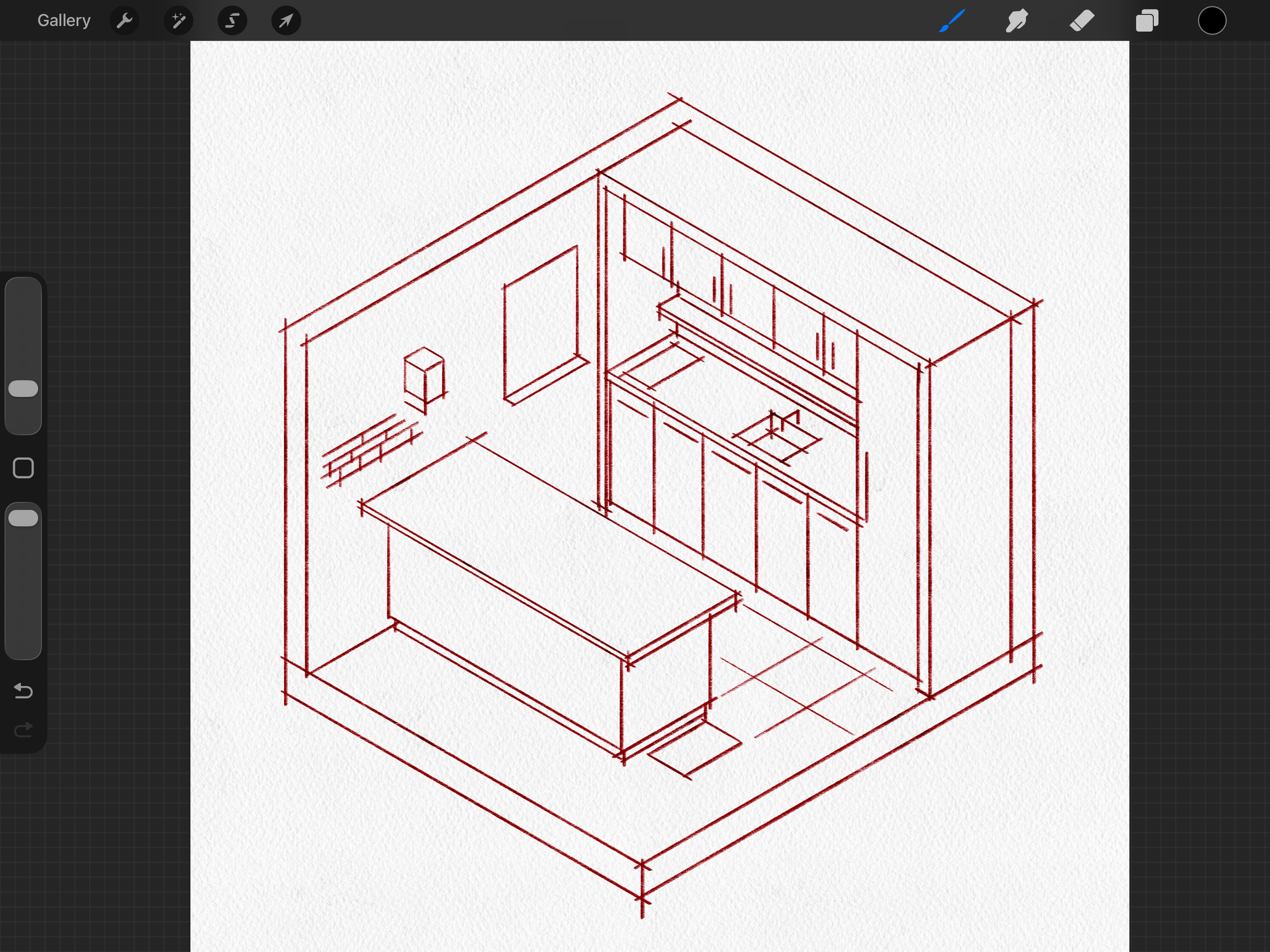
I understand you're skeptical this will actually work for you.
That's fair — you should be. That's why I'm sharing this from experience, not theory. Everything in this masterclass is exactly what I use in my own practice as a working architect in NYC, refined over the past 2 years of teaching this to other architects. Scroll down and see what others who've learned this from me have said.
(30-day money-back guarantee)
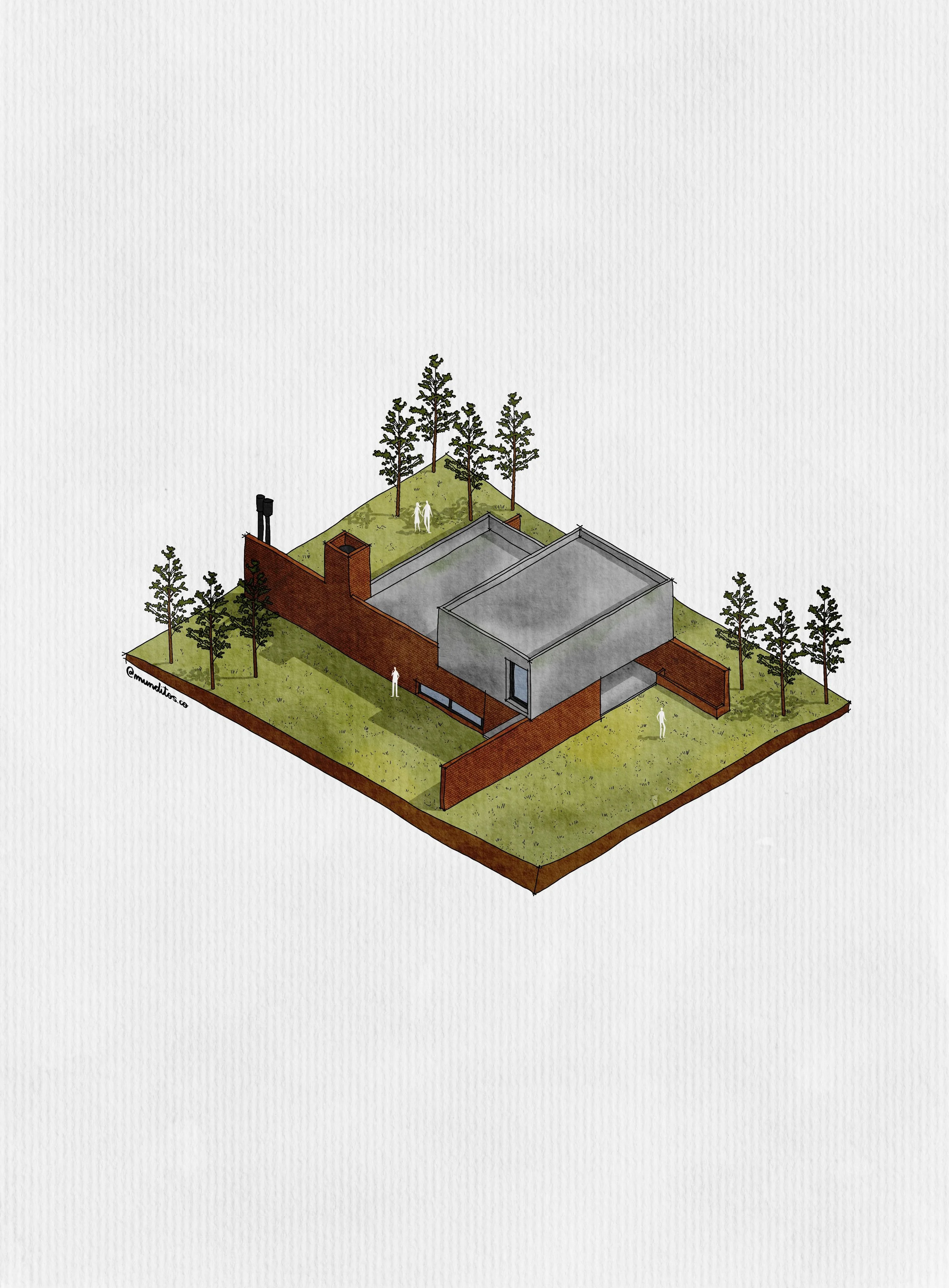
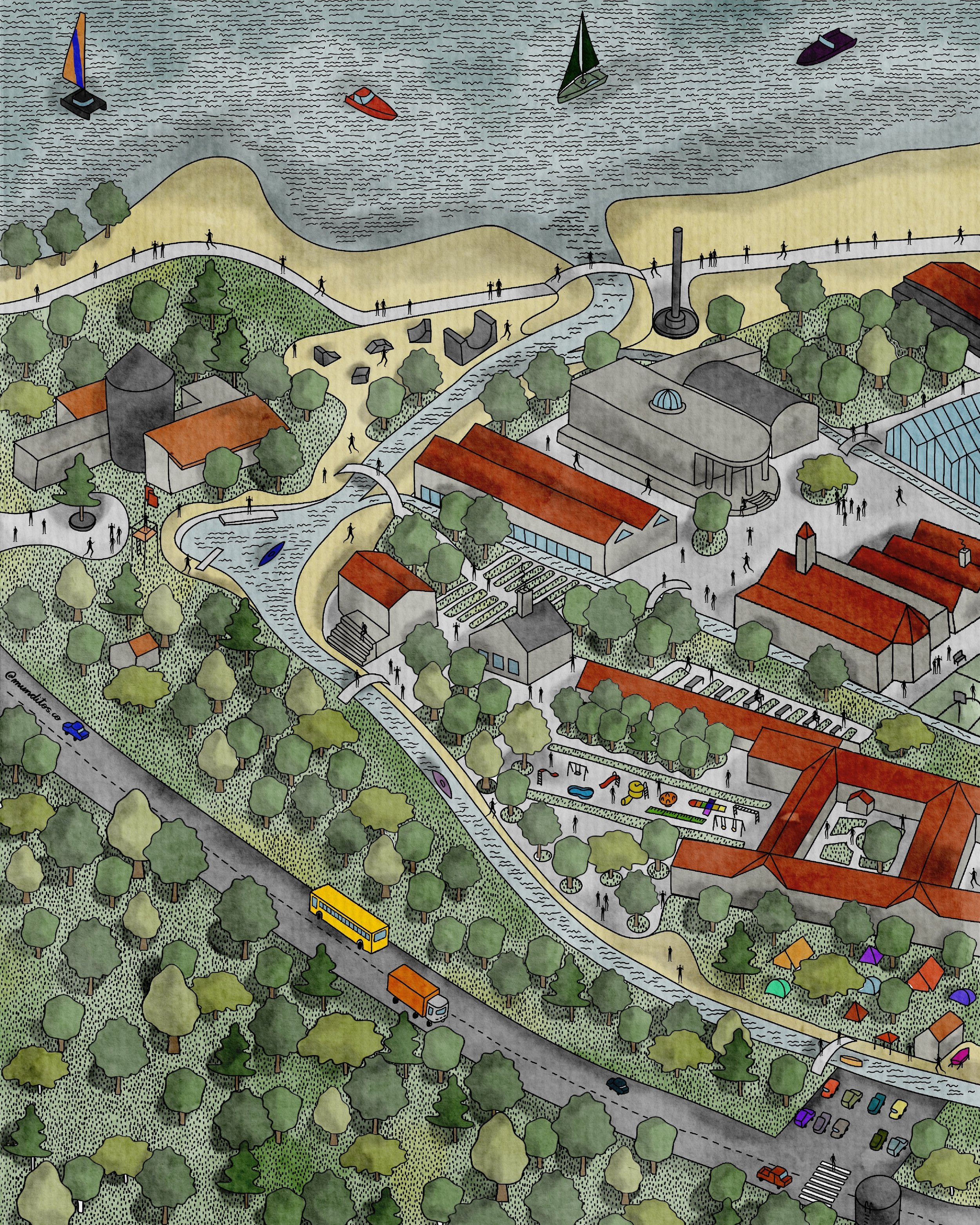
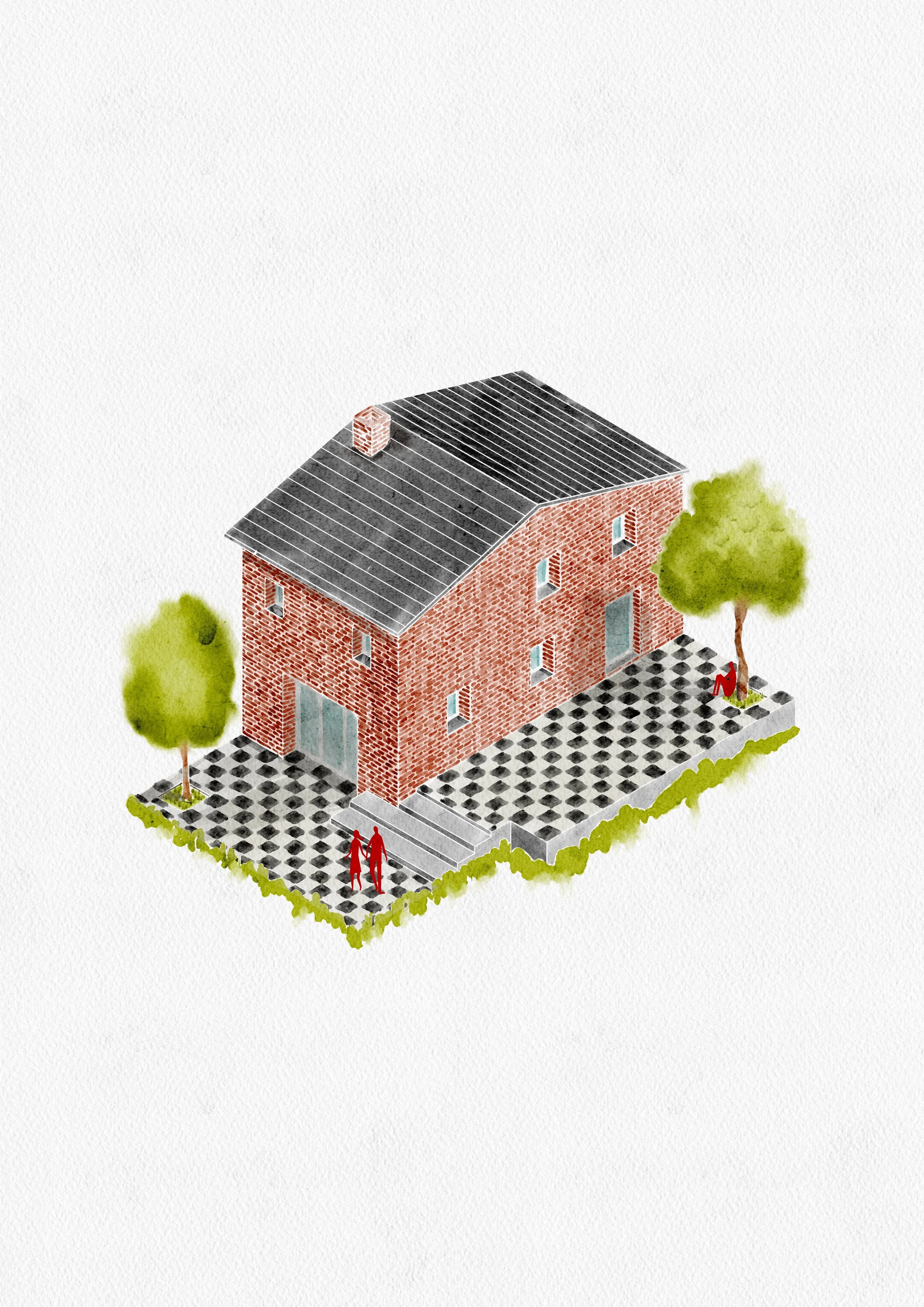
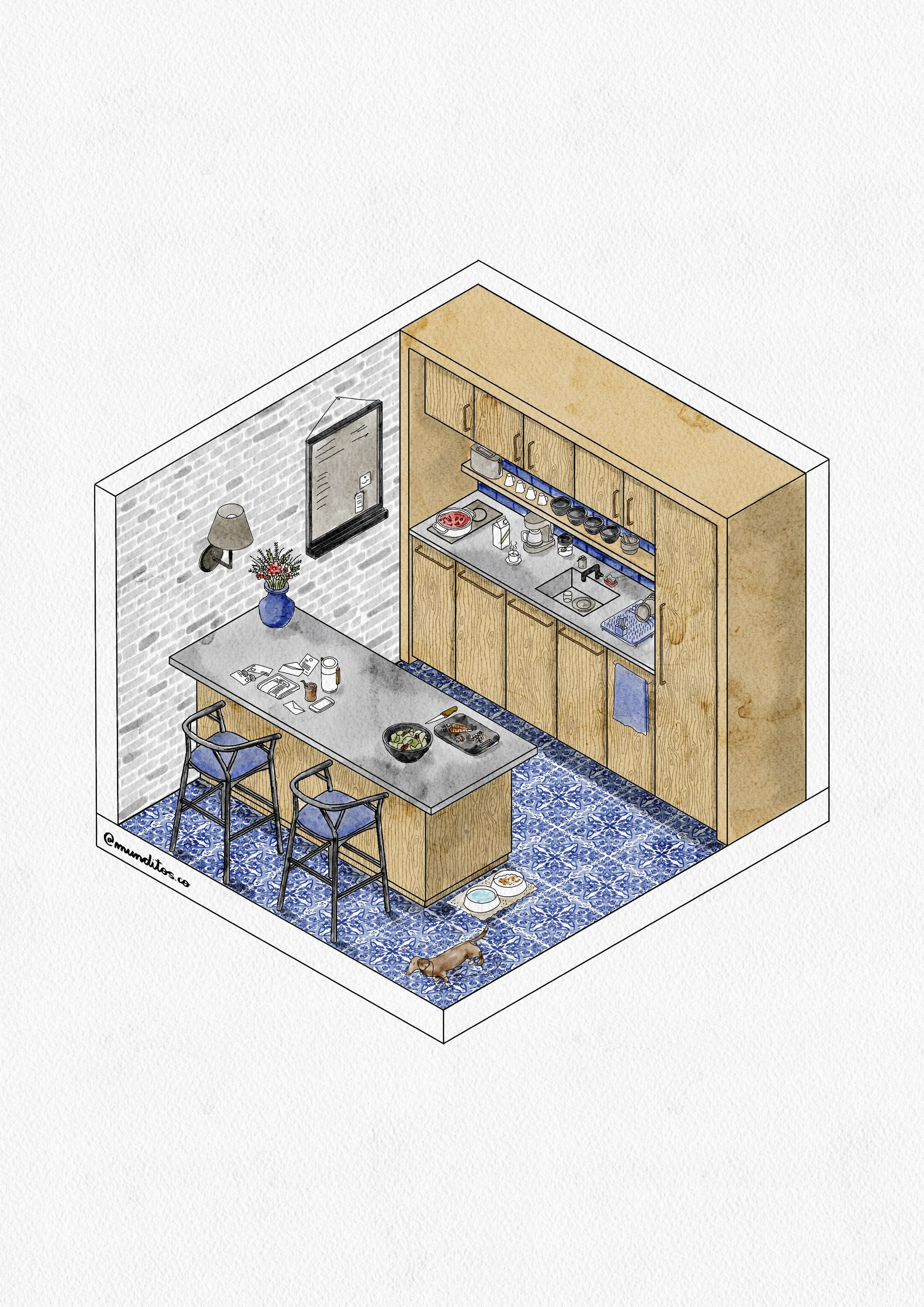
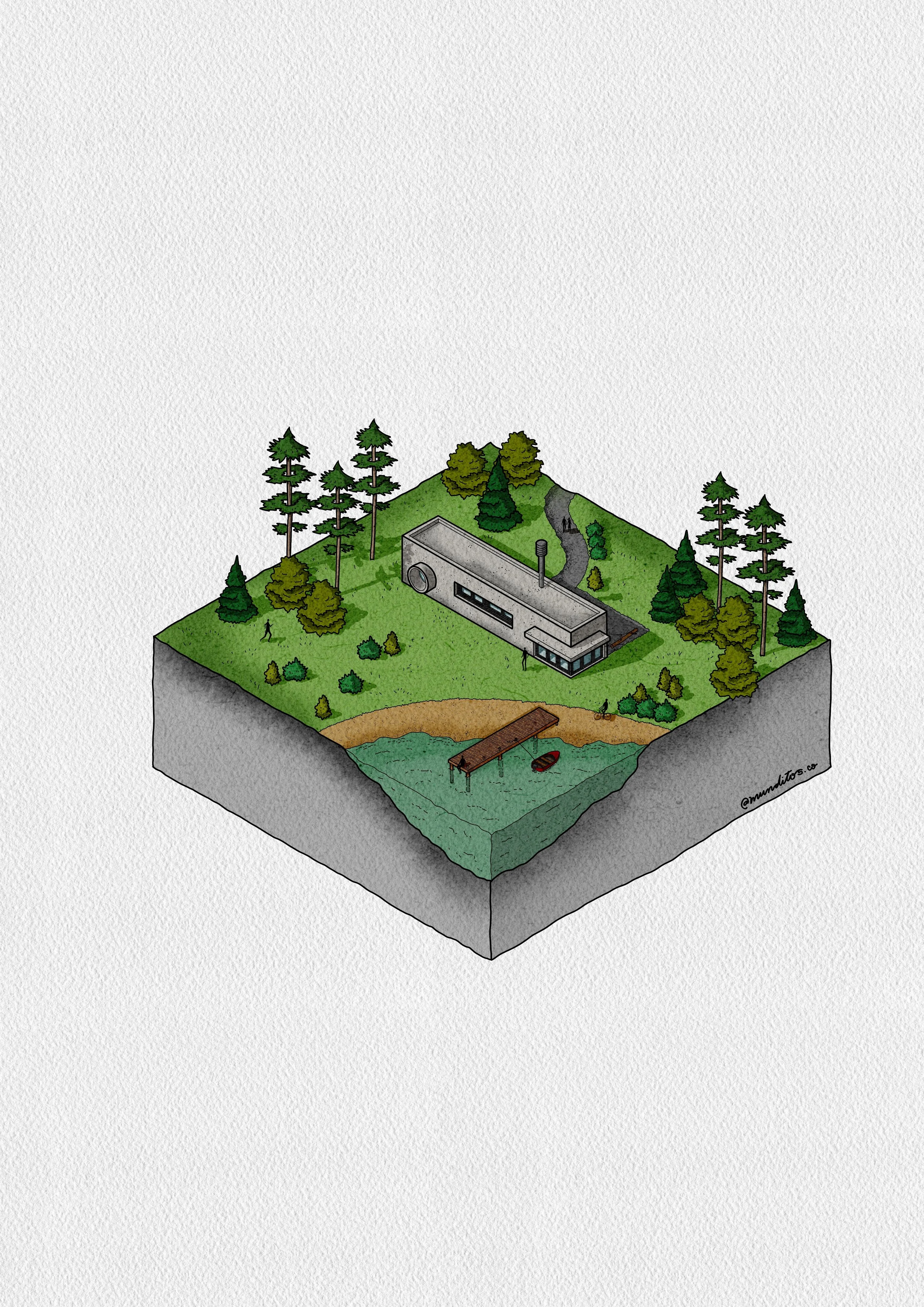
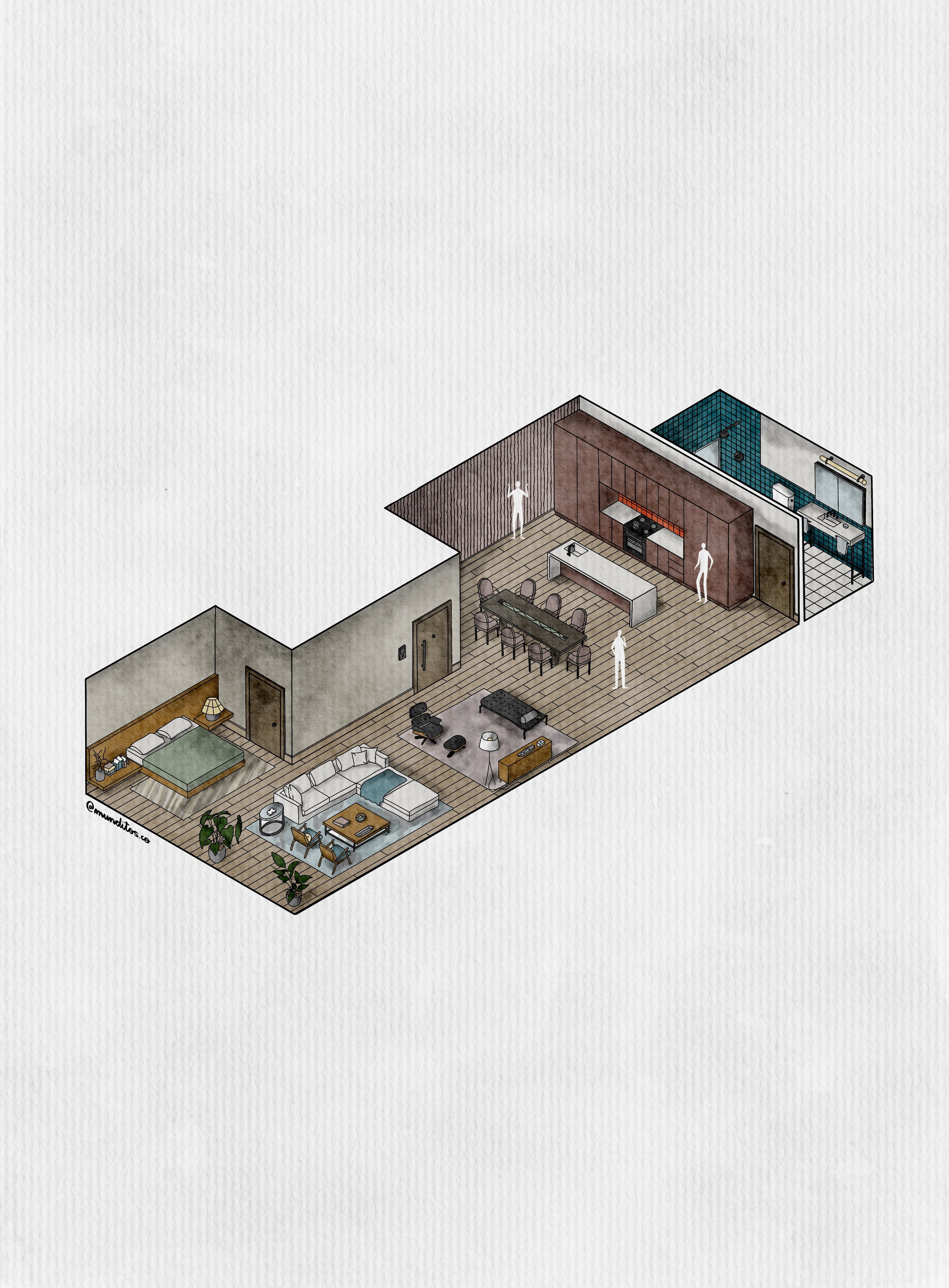
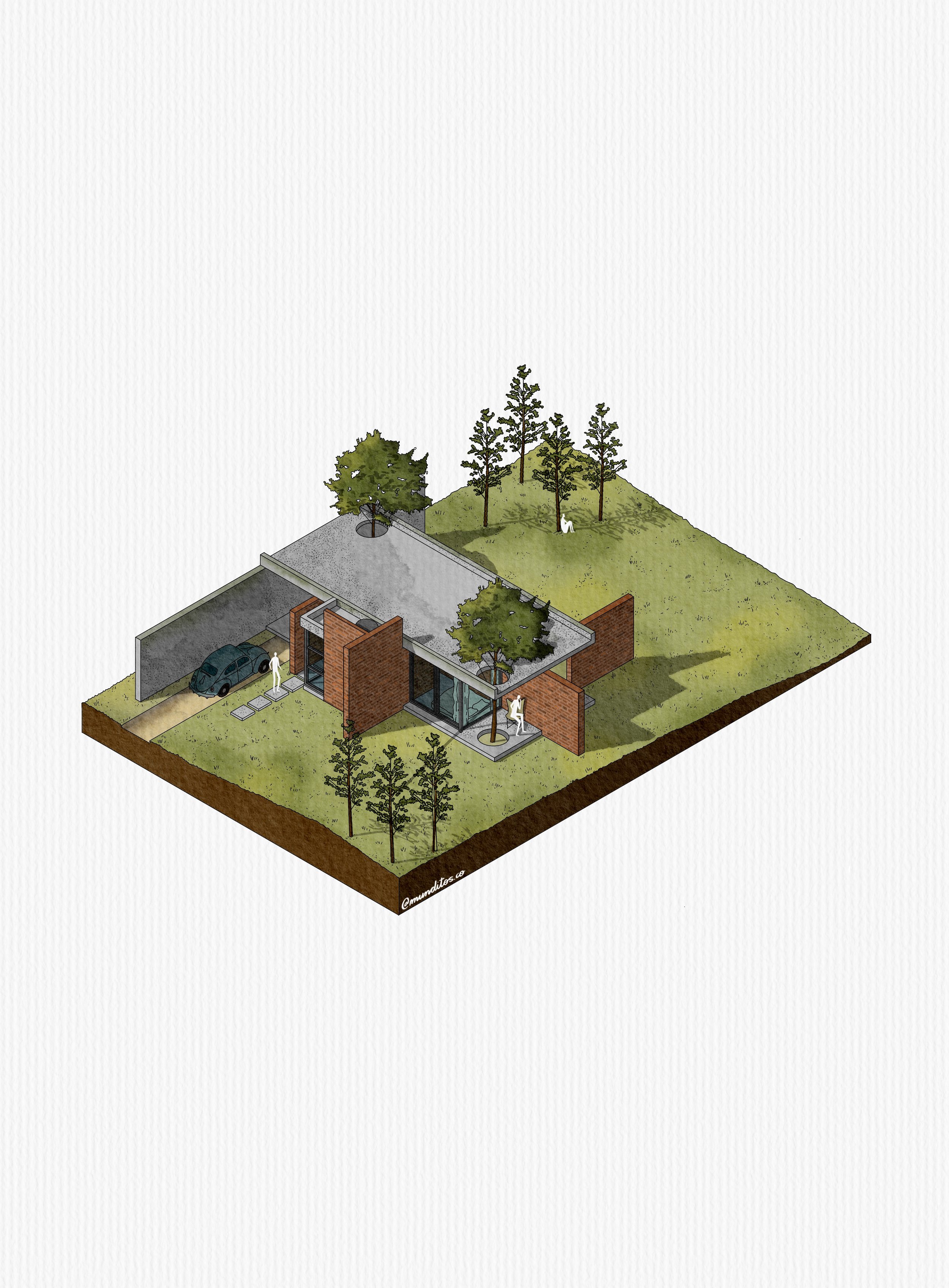
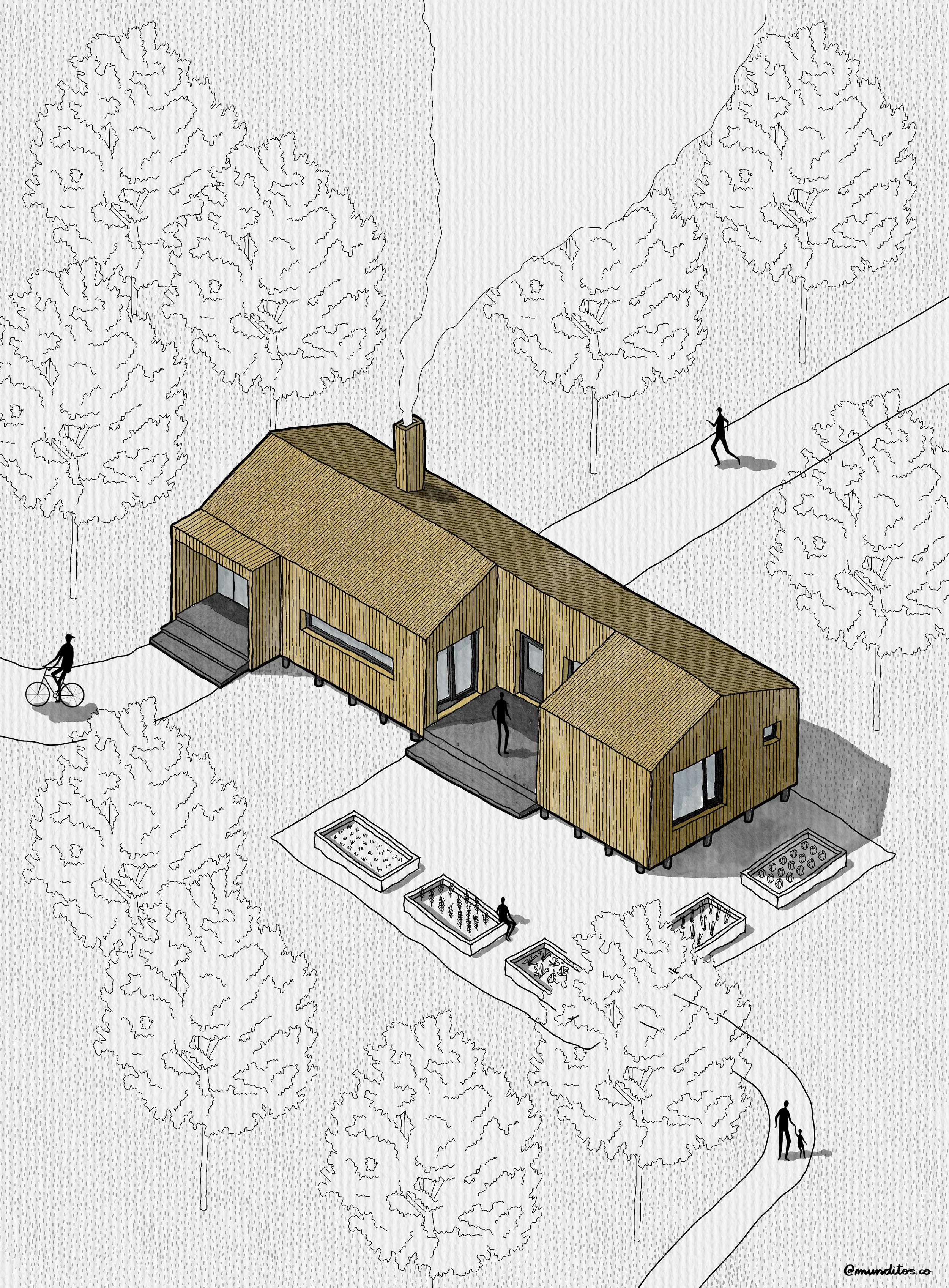
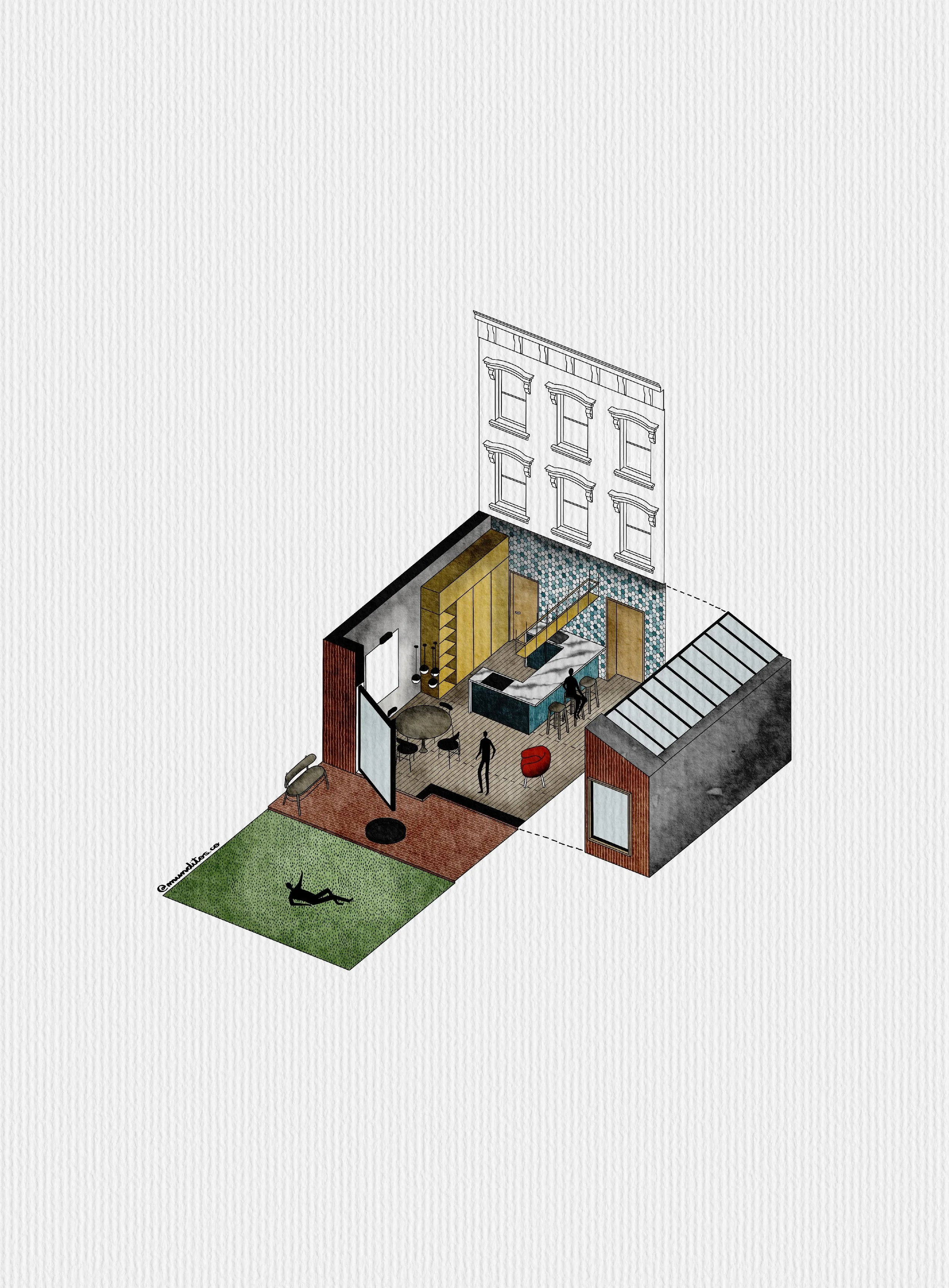
What You'll Learn Inside Draw With AI
The Masterclass is broken into 4 Modules that walk you from a blank canvas to a fully rendered, AI-assisted illustration, all while keeping your own style intact.
-
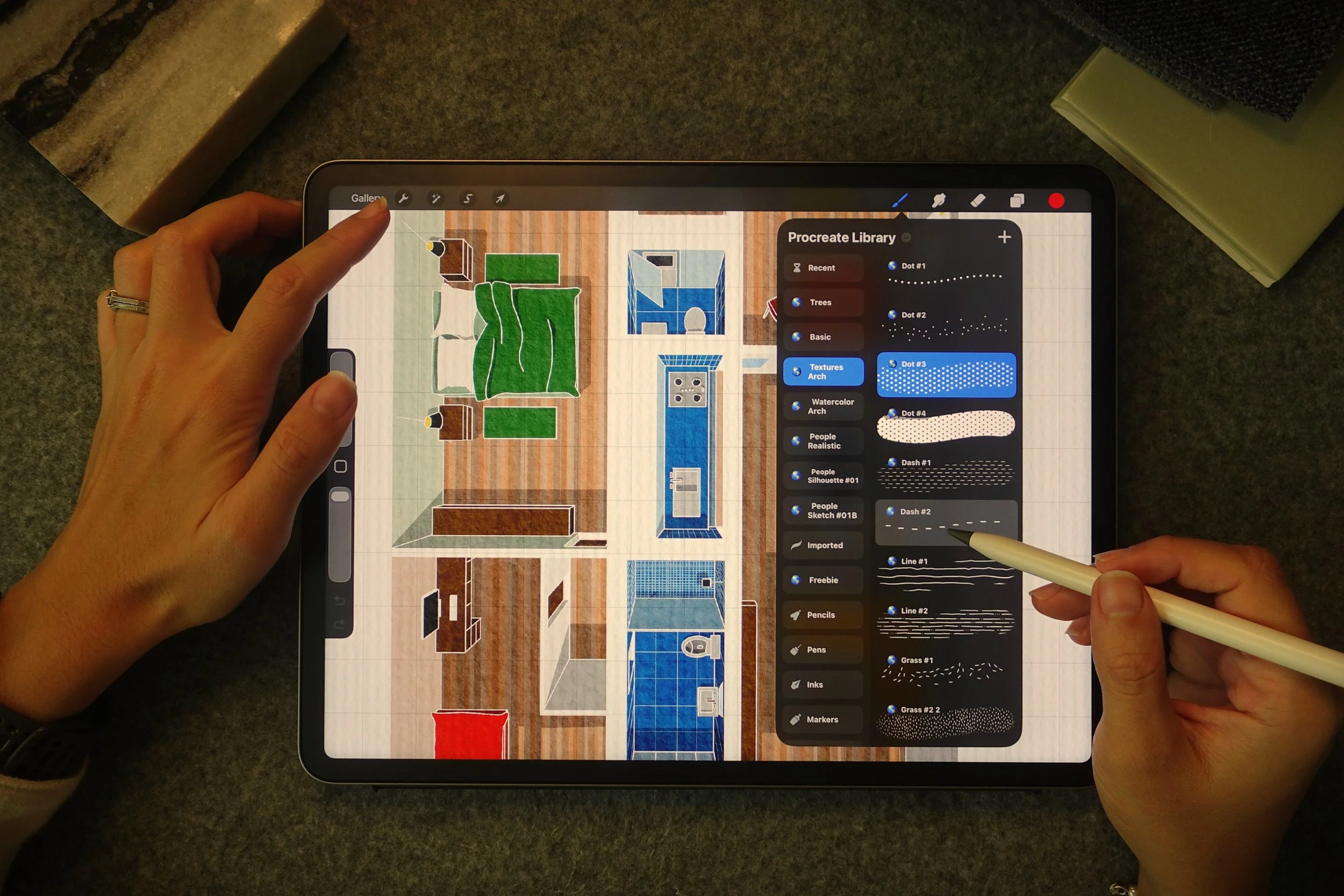
Start where every good sketch starts — with your hand. You'll learn my foundational approach to laying down clean architectural base drawings in Procreate that give AI (and you)
-
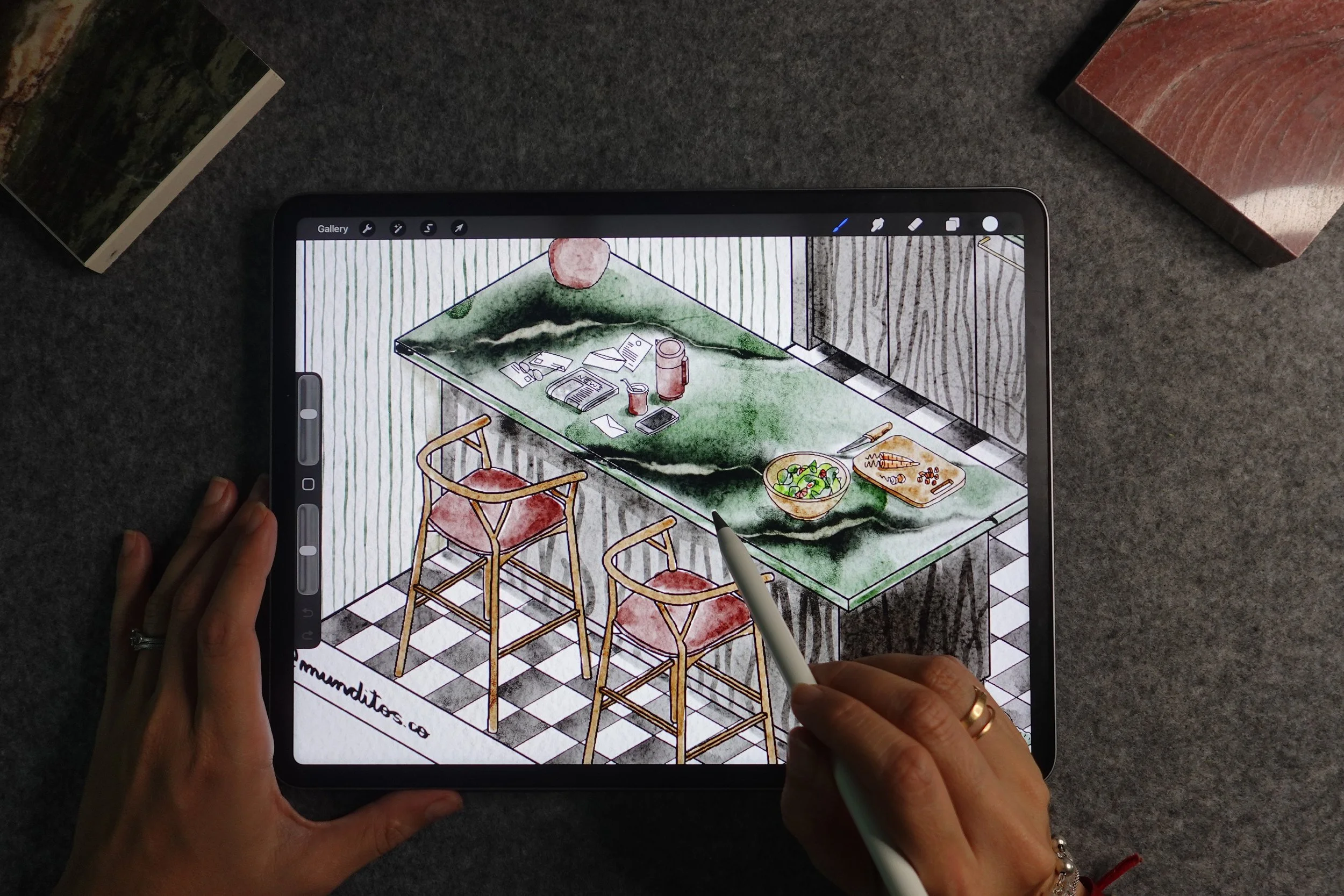
This is where AI comes in as your extra hand. You'll learn exactly how I use ChatGPT-generated prompts and AI-assisted techniques to add materials, textures, and depth — without taking over the drawing.
-
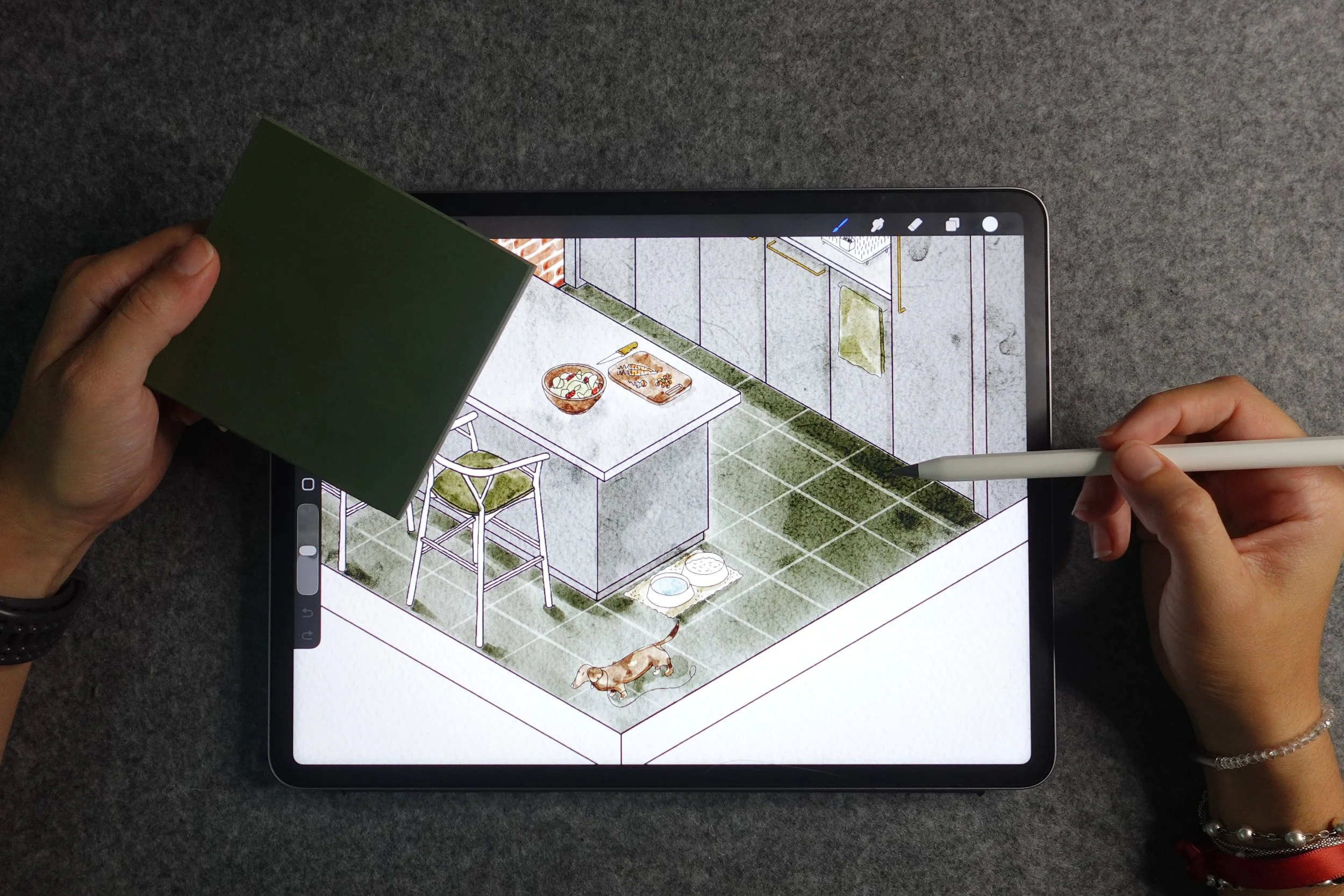
AI gets you 70% of the way. This module is about the last 30% — the part that makes it unmistakably yours. You'll learn how to bring your own linework, texture, and personality back into the piece so nothing feels generic or "AI-made."
-
Walk away with a repeatable system, not a one-time trick. You'll build your own brush and prompt library so every future drawing starts faster, plus my process for final rendering and presentation-ready output.
& Here's What It Includes
Live 2-Hour Masterclass
August 22nd, 11am
Join live and ask questions in real time as we work through the entire process together. This is where you'll see the full workflow from start to finish — not just individual tips, but how everything connects into one repeatable process you can use on your very next project.
value $397
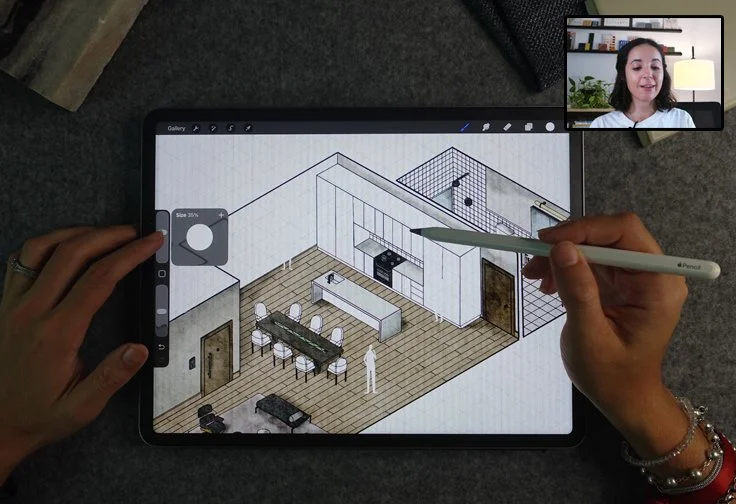
Lifetime Replay Access
Go back through the training anytime, at your own pace, as many times as you need. Architecture skills take repetition to stick, so you'll be able to rewatch specific sections whenever you're working on a real project and need a refresher.
value $49
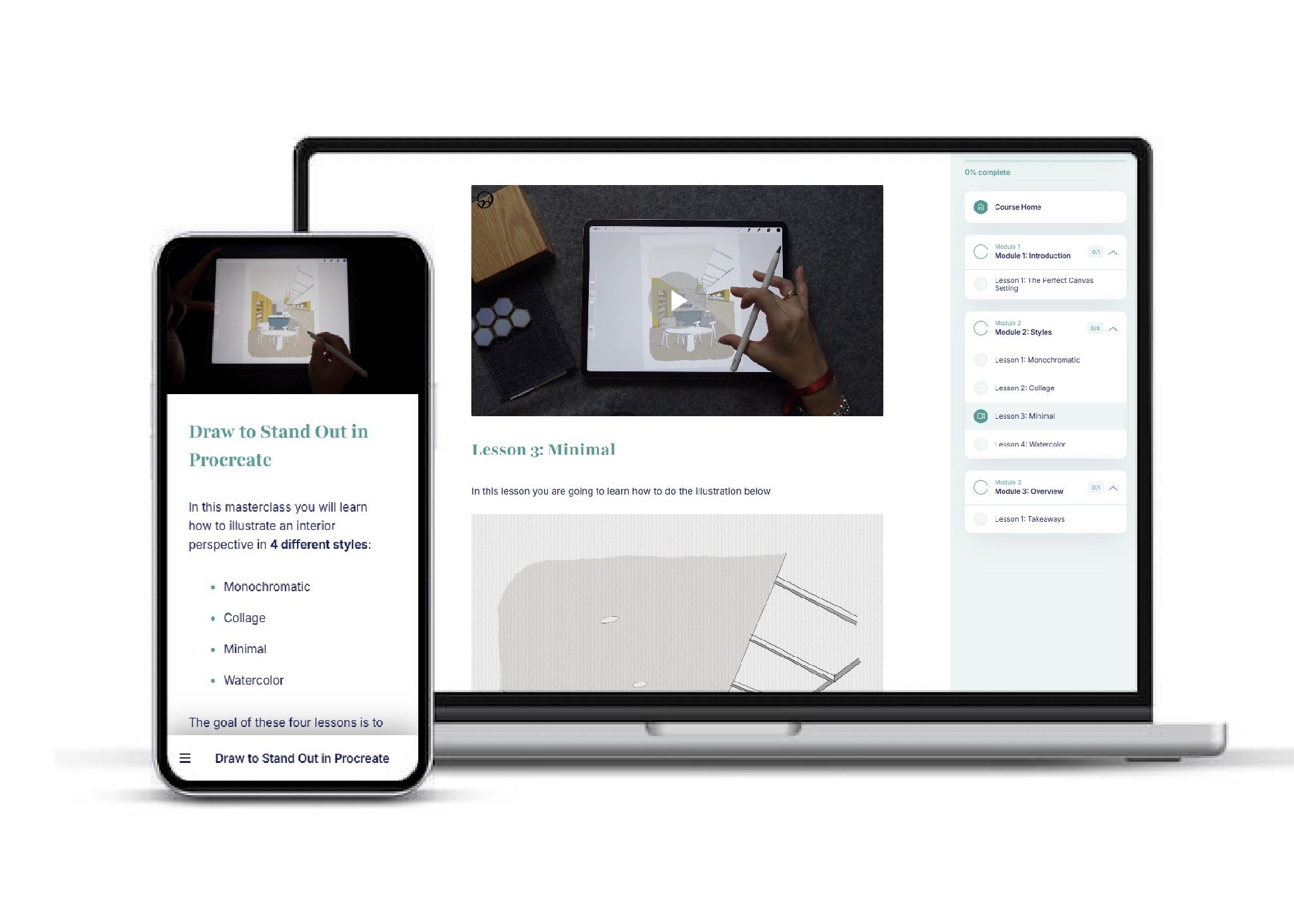
Bonus #1: Brush Pack Collection
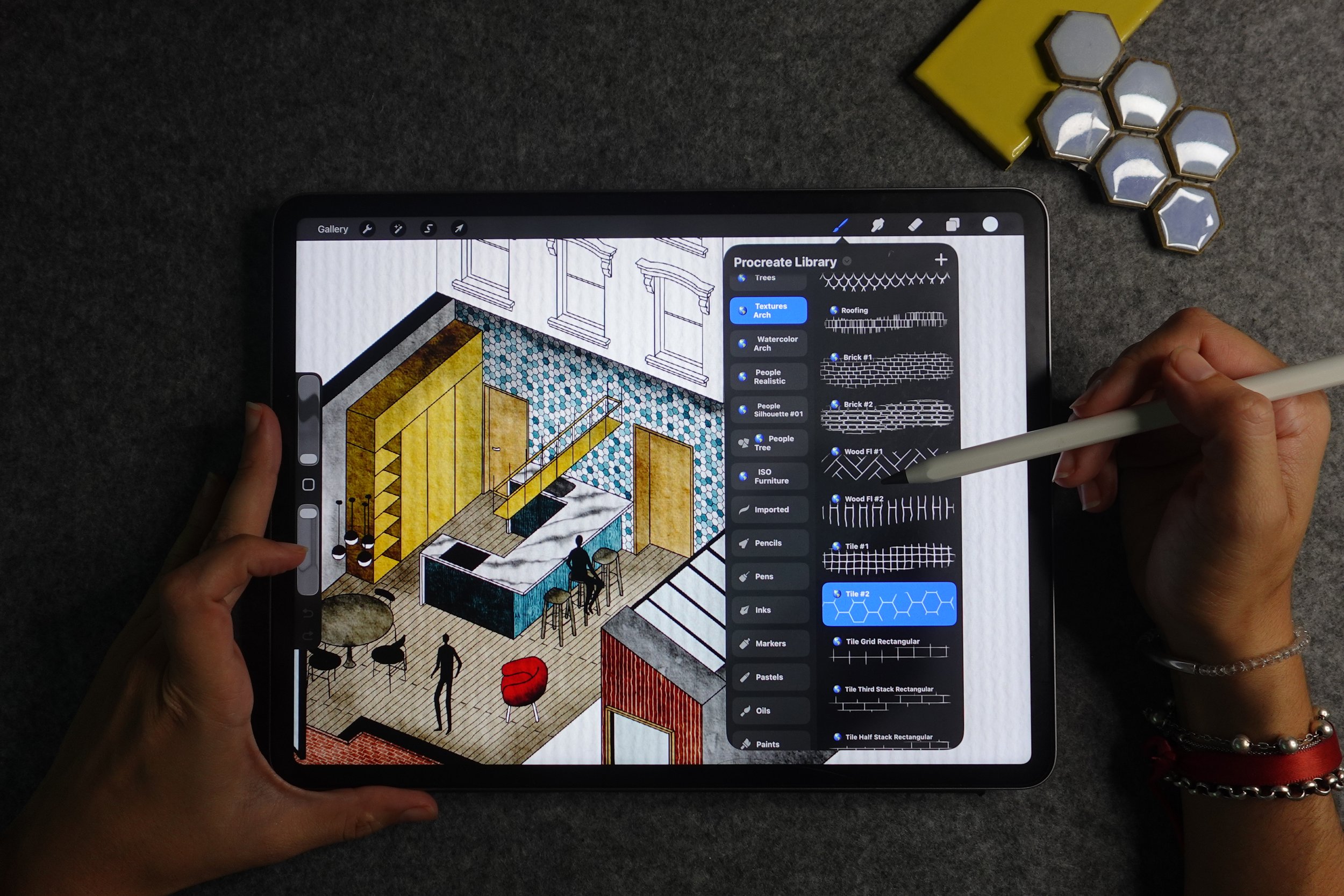
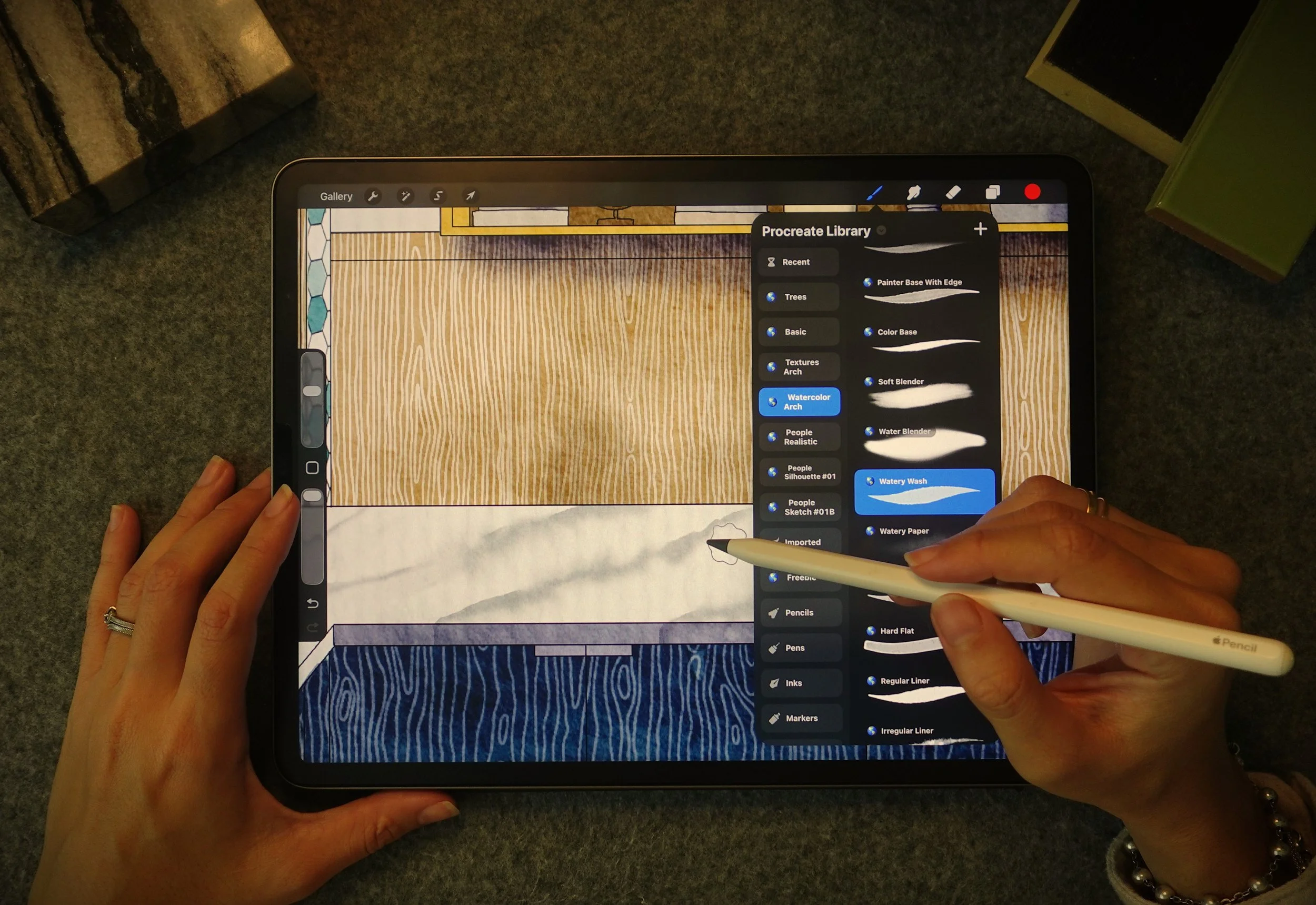
My custom Procreate brushes built specifically for architectural sketching — sized by tier (20 / 50 / 100 brushes). These aren't generic Procreate brushes; they're the exact ones I use in my own practice, refined over years of sketching buildings, materials, and details.
value $49
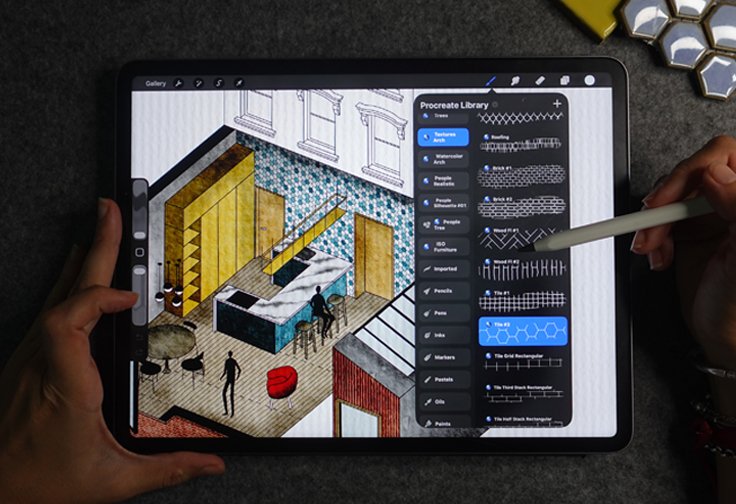
Bonus #2: AI Prompt Library
The exact ChatGPT prompts I use to generate detail, material, and texture suggestions that stay true to an architectural hand. No generic AI-art prompts that produce disconnected, "AI-looking" results — every prompt is built to support your style, not override it.
value $49
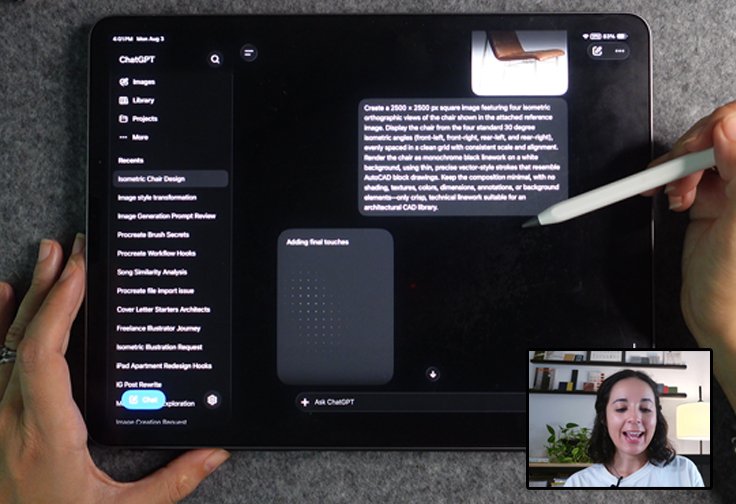
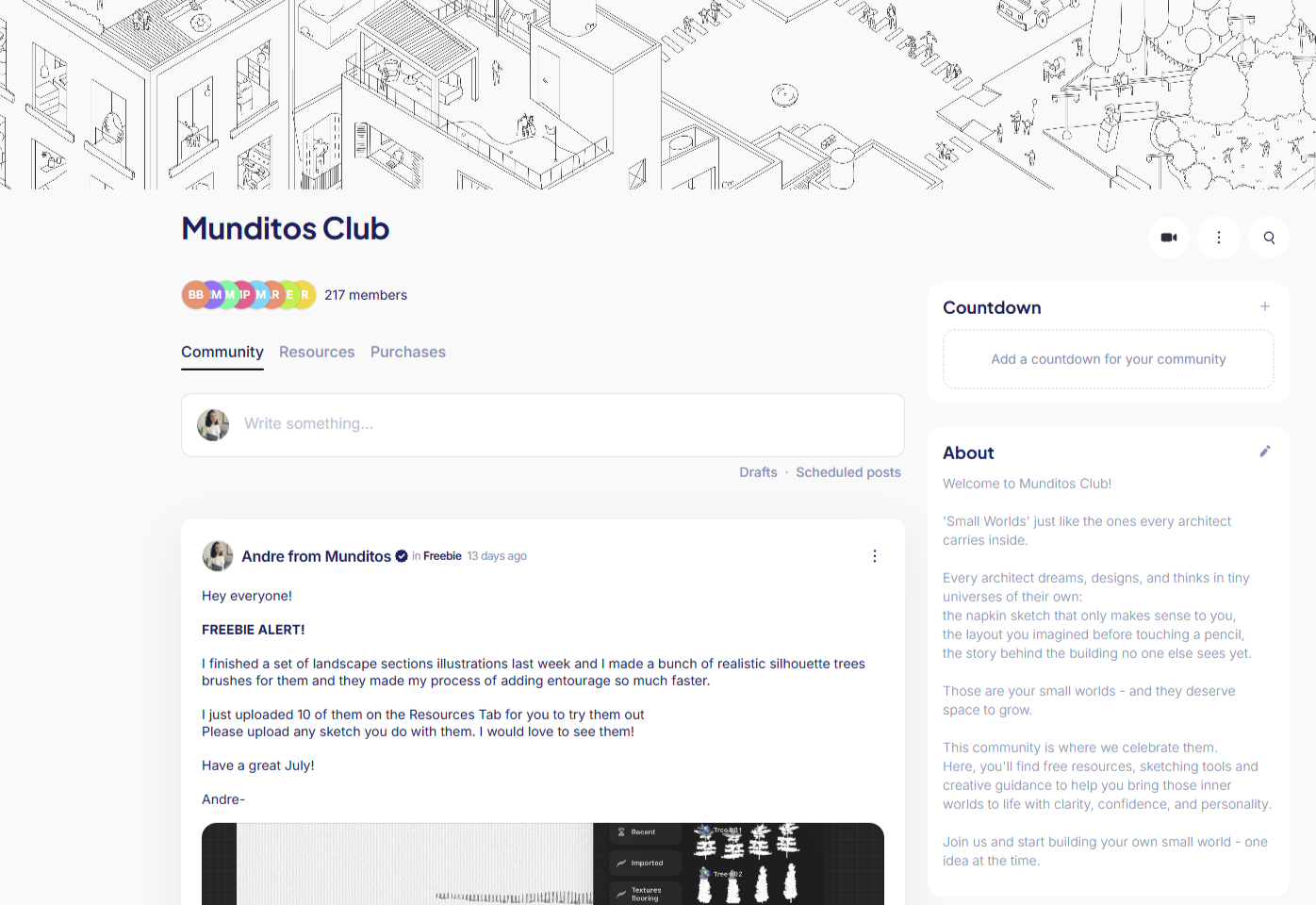
Bonus #3: Munditos Club
A space to share your work, ask questions between sessions, and see how other architects are applying this in their own practice. Plus get freebies and be the first to know about next free training events.
value $99
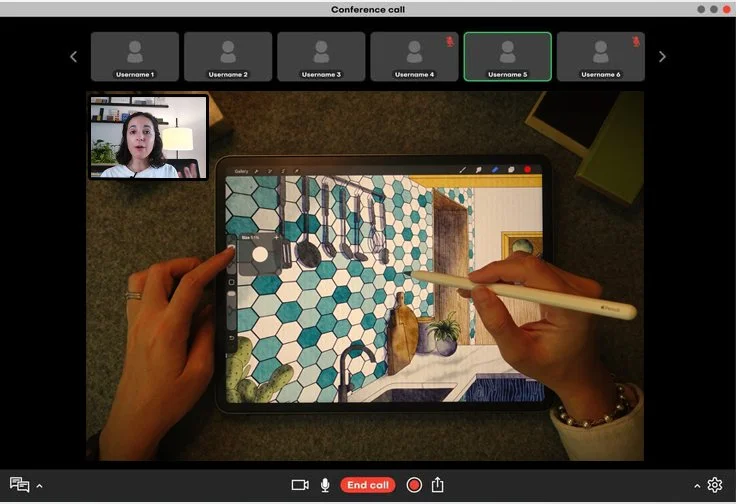
Bonus #4: Live Q&A Session
A dedicated follow-up session to work through your specific questions and roadblocks. Sometimes the masterclass answers everything, and sometimes you need to apply it to your own project first. To be scheduled 30-days after the live class.
value $97
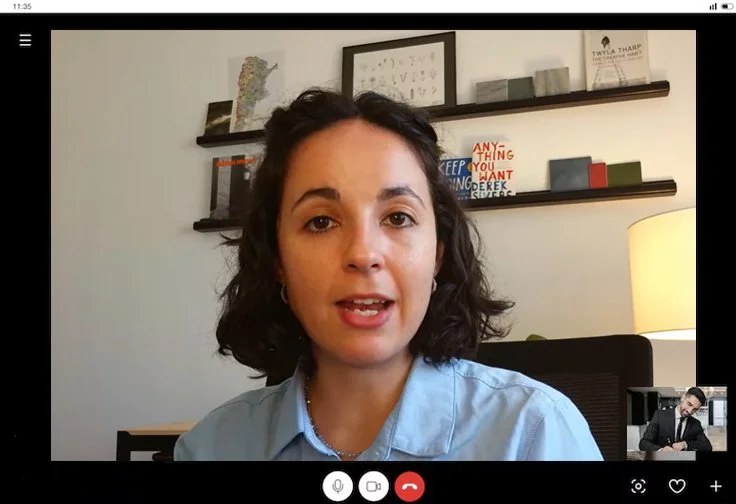
Bonus #5: Power Hour with Andre
Send me your drawings and get direct, personal feedback on your technique and workflow in a private 60-minute session. This is the closest thing to having me looking over your shoulder — pointing out exactly where AI can help and where your own hand should take back over.
value $197
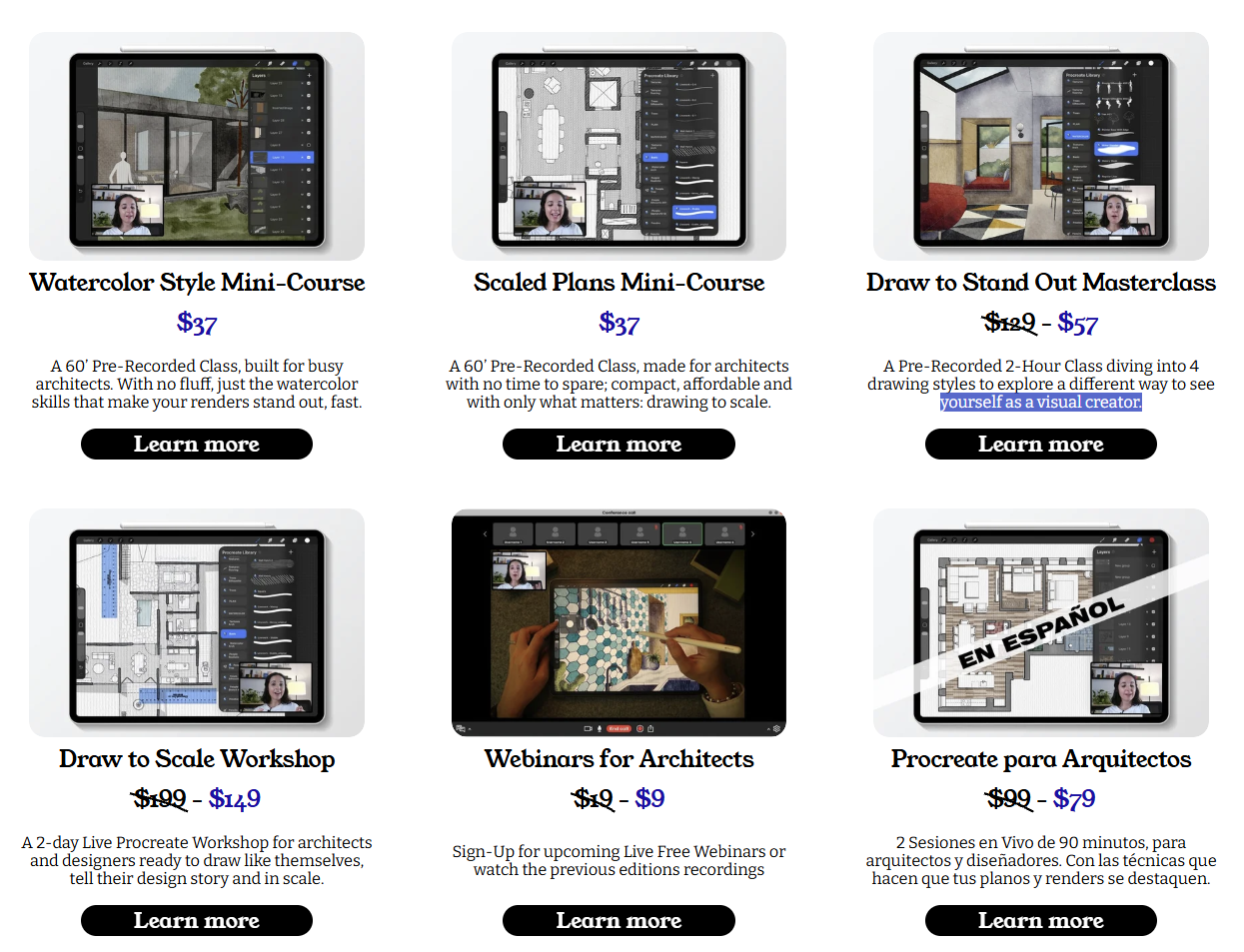
Bonus #6: Lifetime Discount to Munditos Academy
Ongoing access to future trainings and resources at a locked-in rate, for as long as Munditos Academy exists. As I keep building out new tools and techniques, you'll already have a seat at the table.
value $197
Bonus #7: Private Drawing Vault Access
Lifetime access to my personal library of case studies, project files, and reference drawings you can learn from and use as starting points. It's the same material I pull from in my own practice, now available for you to study and adapt.
value $197
Total Value:
$1321
You're getting over 10x the value of your investment.
Choose Your Path
All tiers include the live masterclass, replay, and Procreate essentials.
Foundation
The essentials
$37
Blueprint
Guided support
$87
Masterplan
Full access with Andre
$149
Let’s Have a Chat!
If you have any questions (there’s no dumb questions!) or you are unsure which Tier fit your needs…
Your Investment Is 100% Risk-Free

30-Day "Draw With Assistance" Guarantee
If you go through the masterclass and don't feel like AI has become a genuine extra hand in your workflow, without compromising your style, just email info@munditos.co within 30 days.
No forms, no explanations needed.
You'll get a full refund, no questions asked.
Frequently Asked Questions
-
No. This is built specifically for architects who feel behind or intimidated by AI. If you can use Procreate and ChatGPT (even just the basics), you're ready.
-
No — and that's the whole point of this masterclass. You'll learn how I use AI to assist with details and textures while keeping your own hand and style front and center. The goal is drawings that still look unmistakably like yours, just faster to produce.
-
No problem. Every tier includes access to the recording, so you can go through the full masterclass on your own schedule.
-
Foundation tier includes 30-day replay access. Blueprint and Masterplan tiers include lifetime access to the recording and any future updates to the training.
-
Just an iPad with Procreate and access to ChatGPT (a free account works for most of what we cover). No new software to buy or learn from scratch.
-
Foundation gets you the full live training and a starter brush pack — enough to get started. Blueprint adds the community, Q&A session, and a larger brush library for ongoing support. Masterplan adds direct 1:1 feedback on your own work, lifetime access to my private drawing vault, and a locked-in discount to future Munditos Academy trainings, ideal if you want hands-on guidance, not just the training itself.
Here's Everything You're Getting
And what it's actually worth.
Ready To Add AI To Your Workflow
Without Losing Yourself In It?
Live August 22nd at 11am. Recording included in every tier.
Show Your Small World
Show Your Small World
Not ready yet?
Watch the latest Free Webinar Munditos hosted & check if this Workshop is a good fit.