
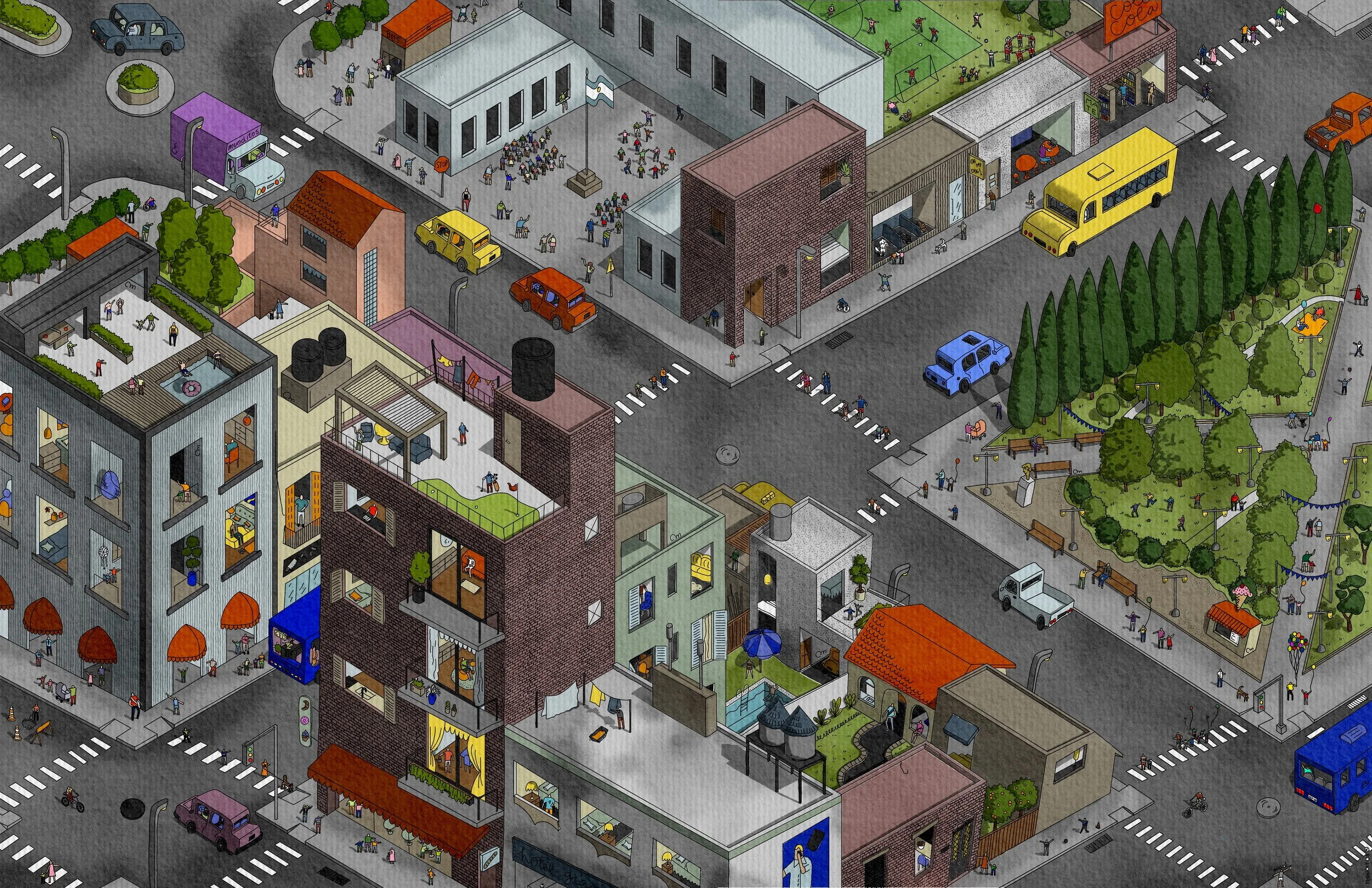
Draw Like the Designer You Already Are
Find Your Style, Master Your Workflow & Stand Out in 4 weeks.
| Session | Drawing | Day | Date | Hours |
|---|---|---|---|---|
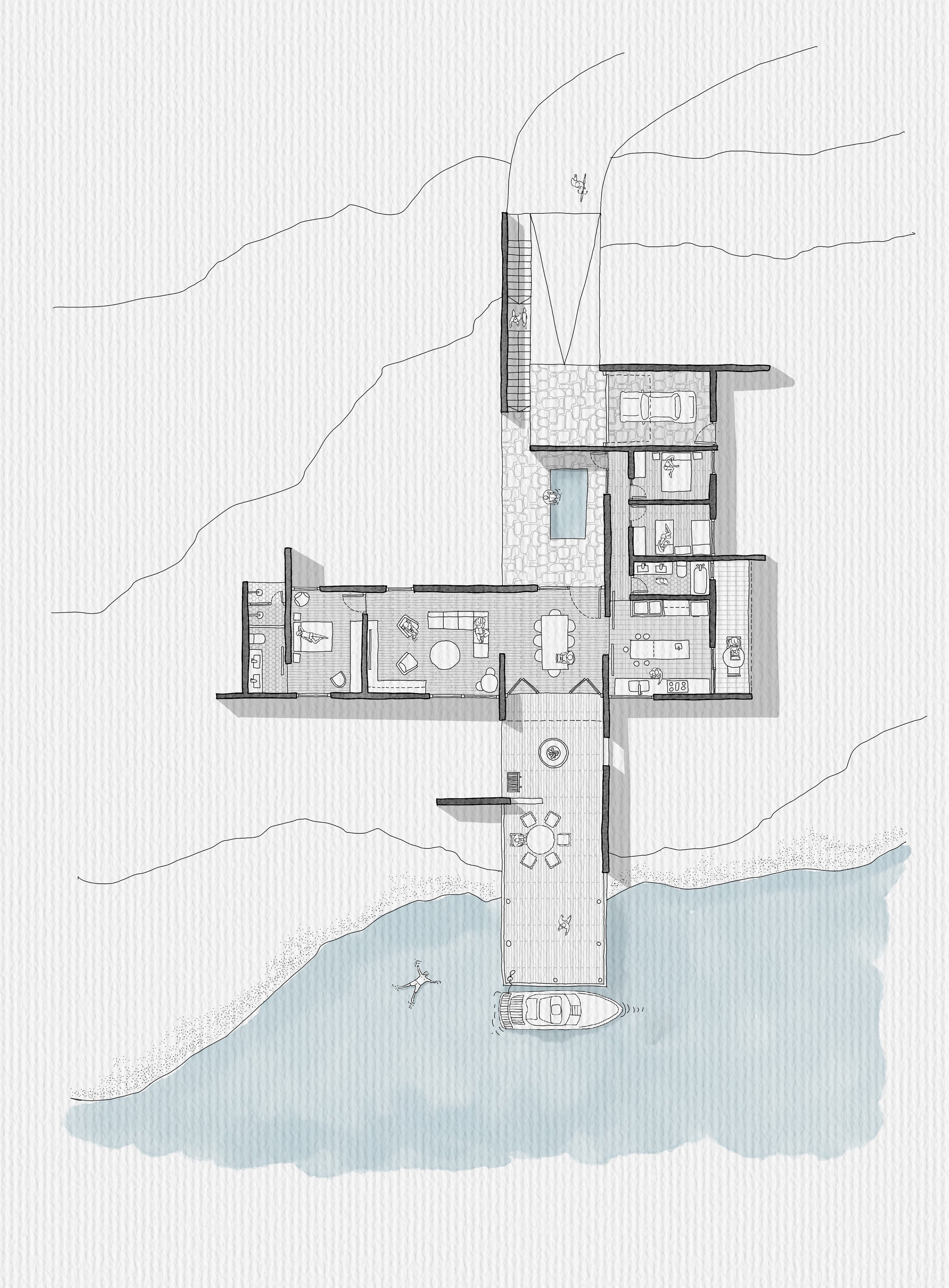
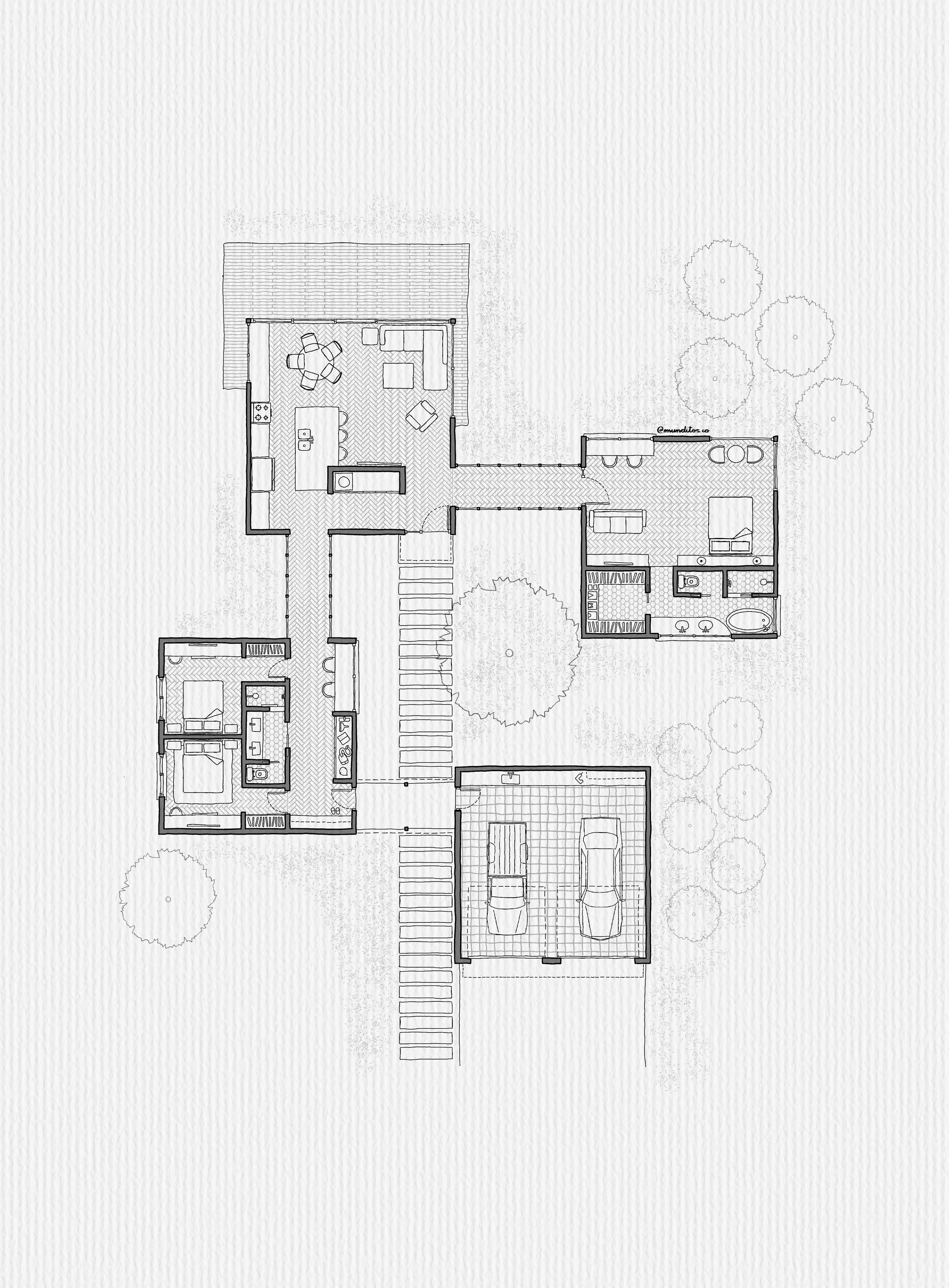
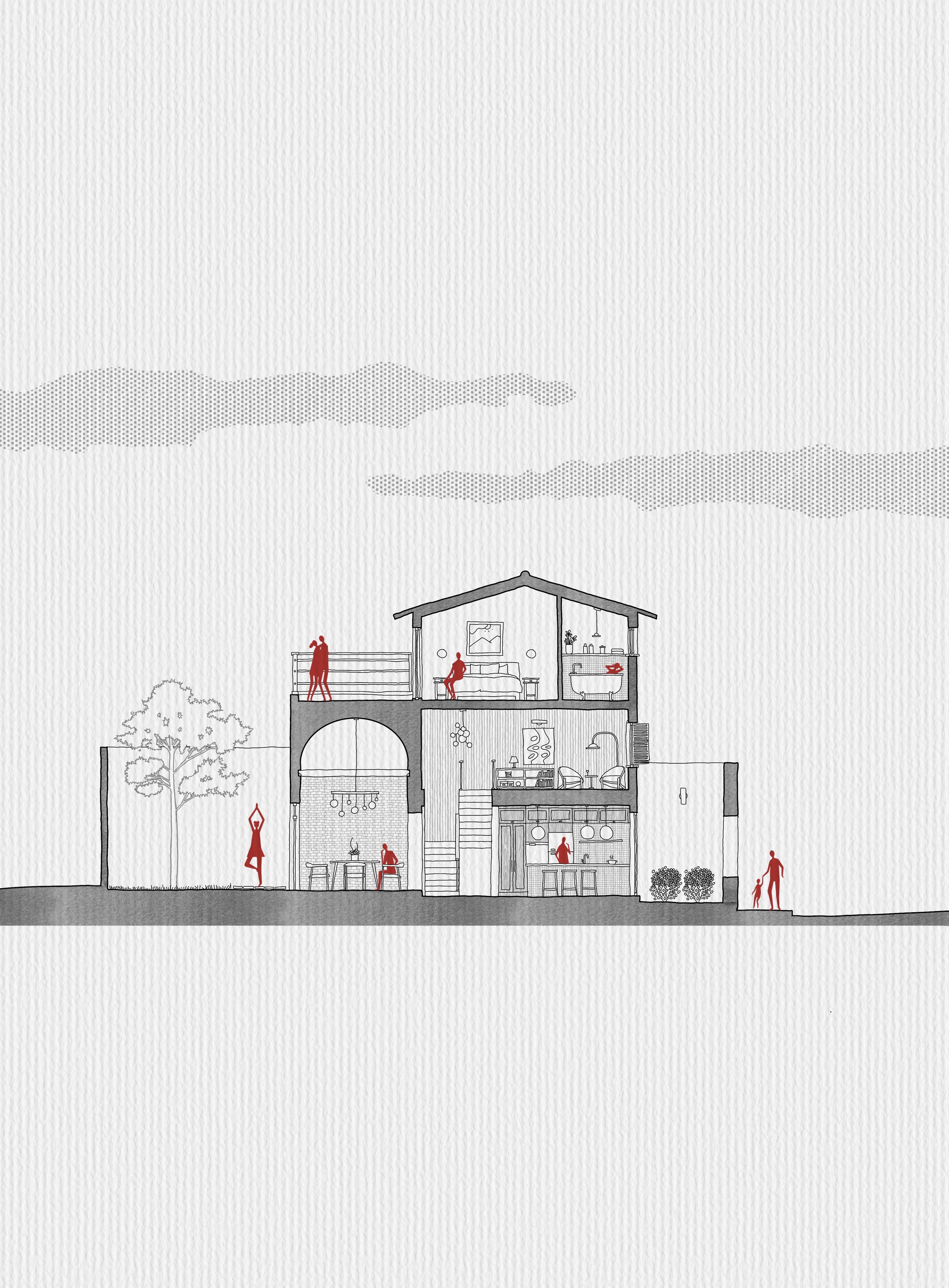
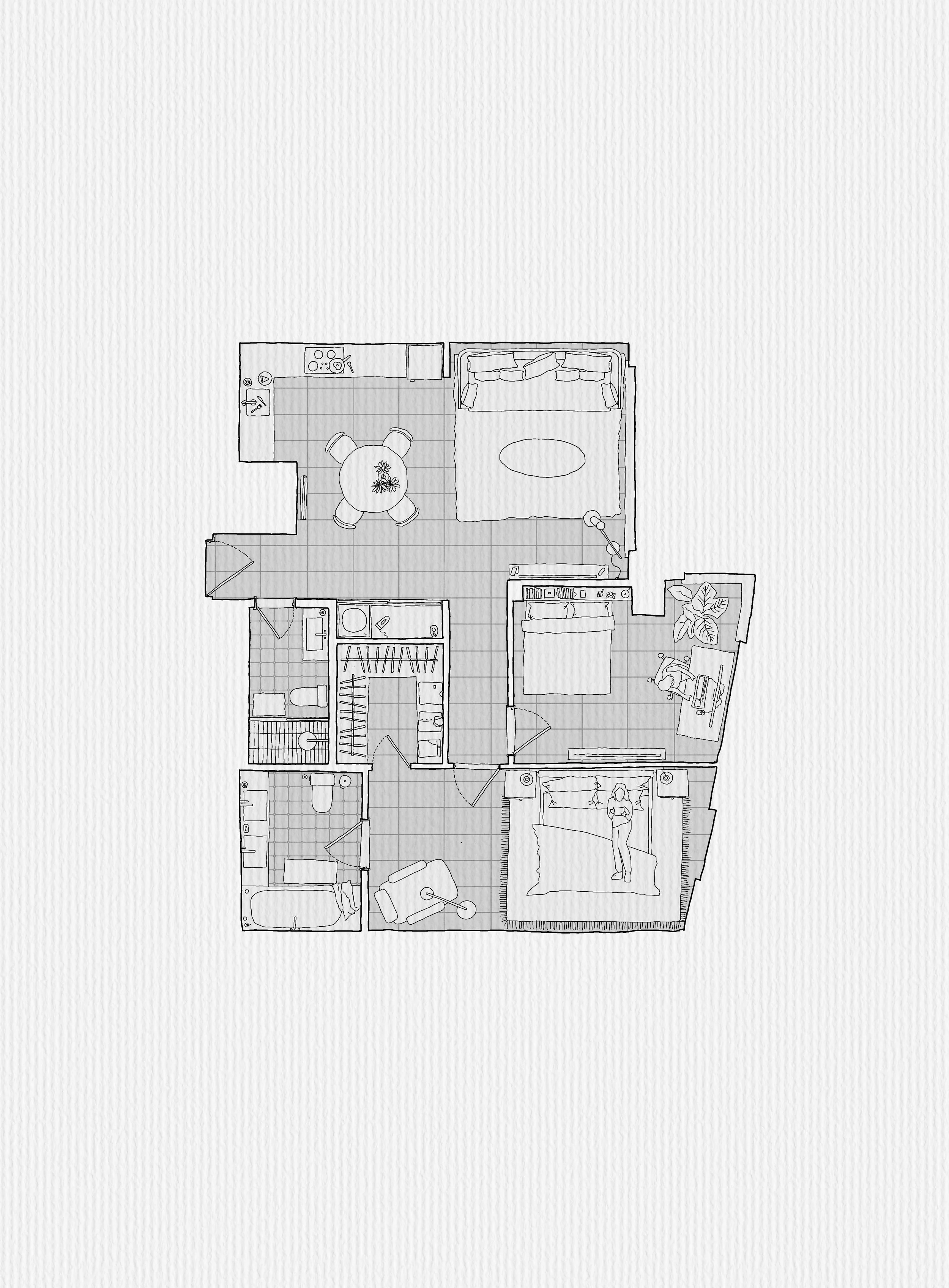
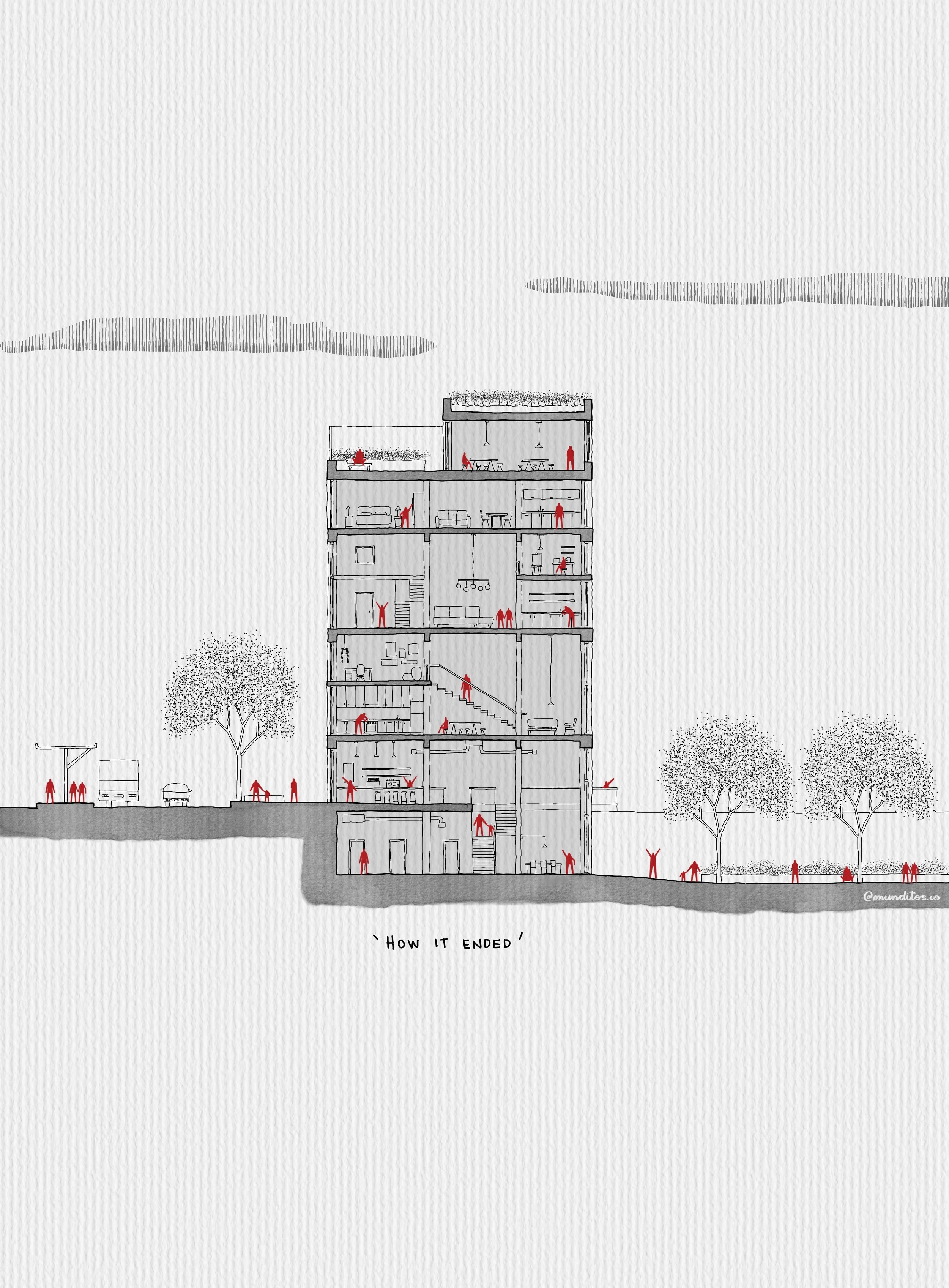
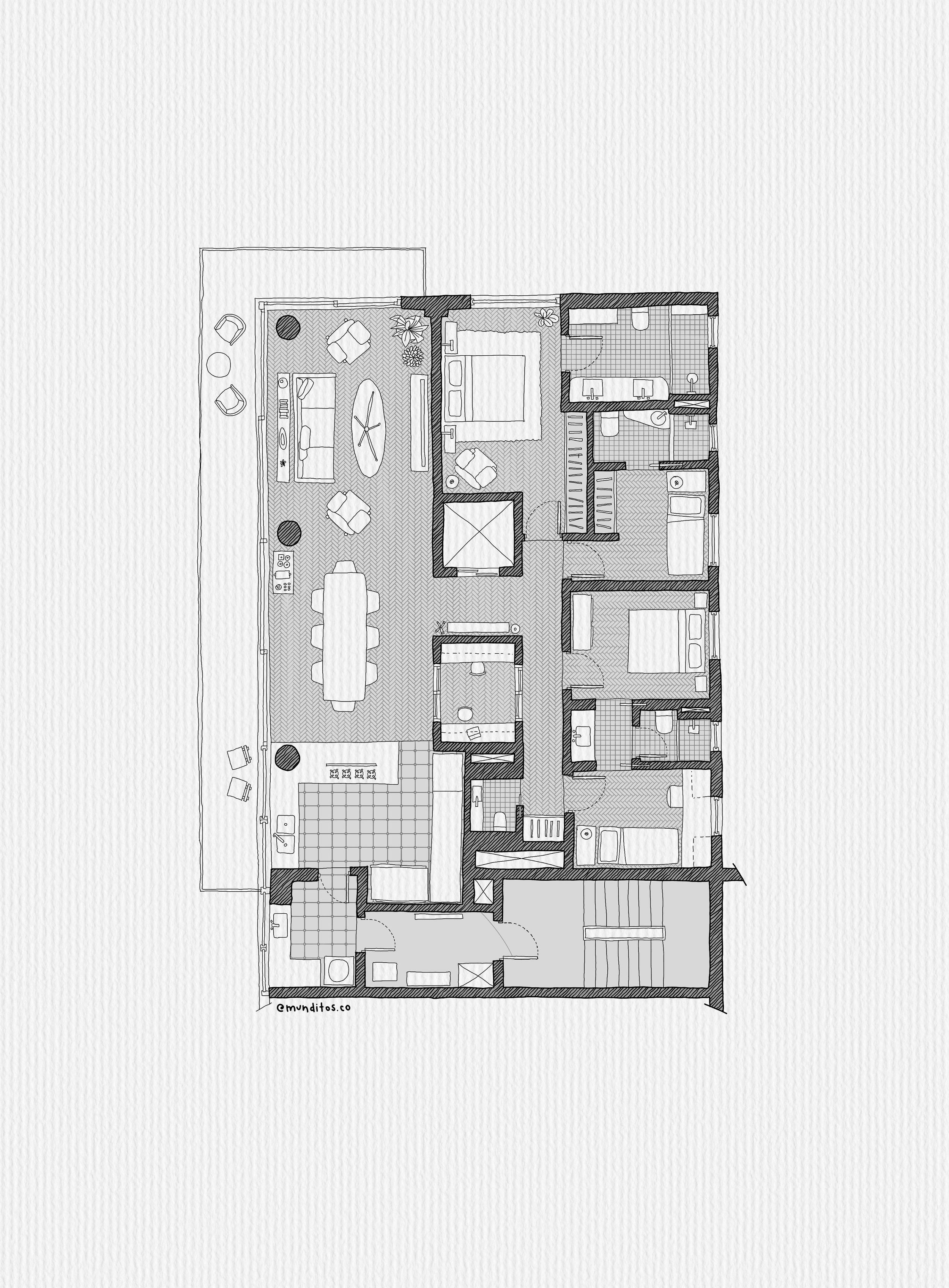
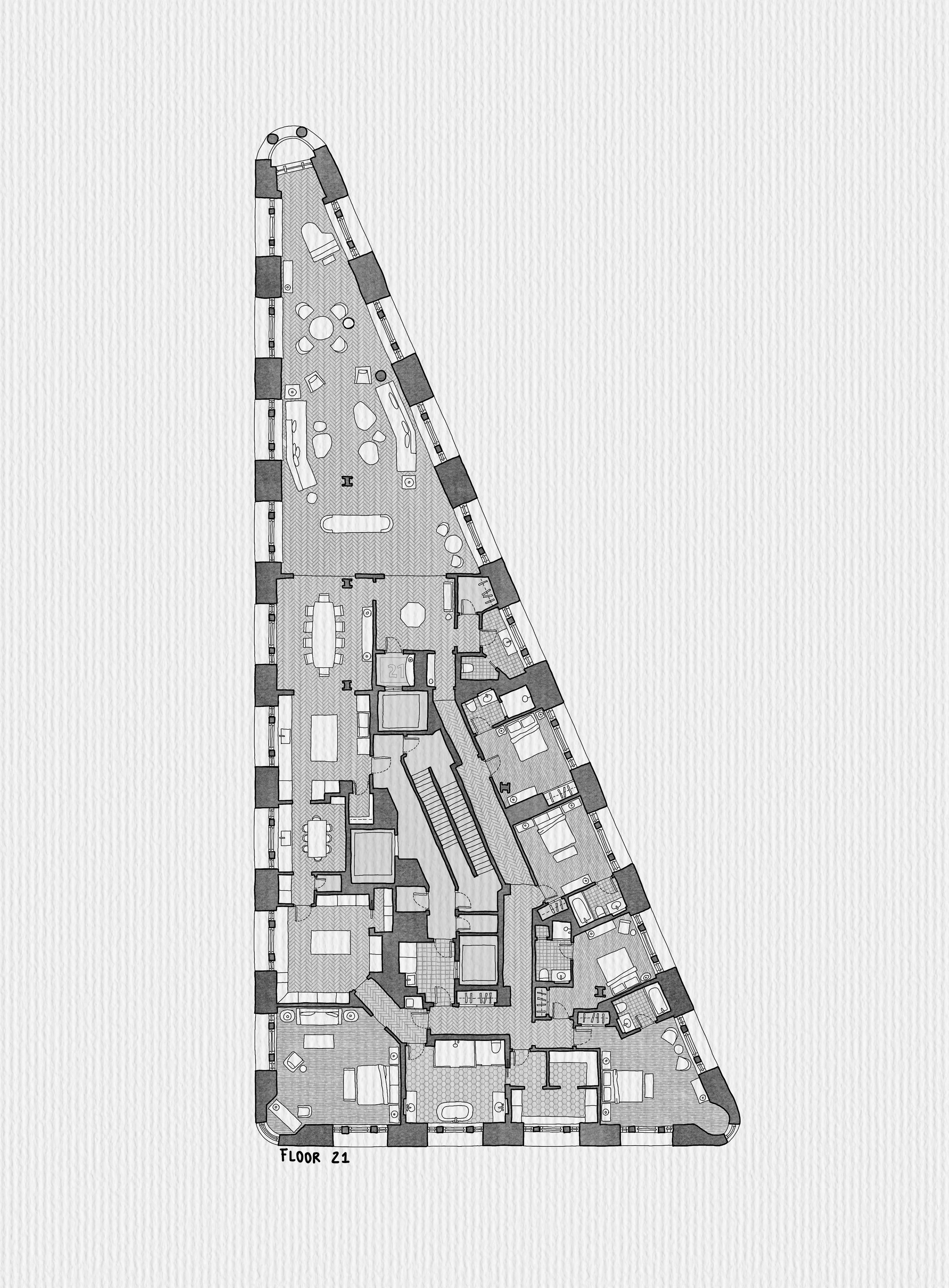
| 01 | Plan & Section | Saturday | Sept 26 | 2 hrs |
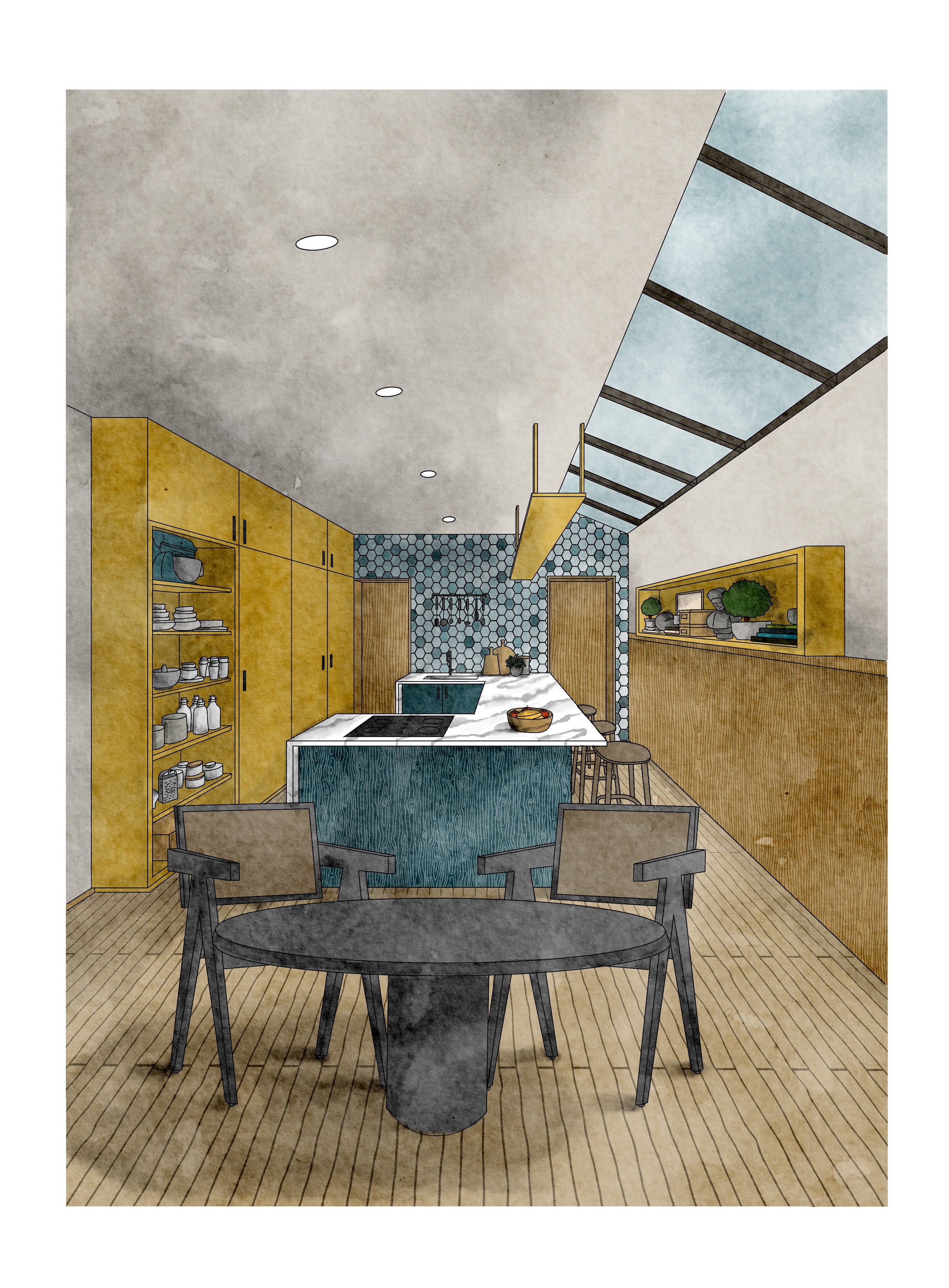
| 02 | Interior Perspective, Watercolor & Collage | Wednesday | Sept 30 | 2 hrs |
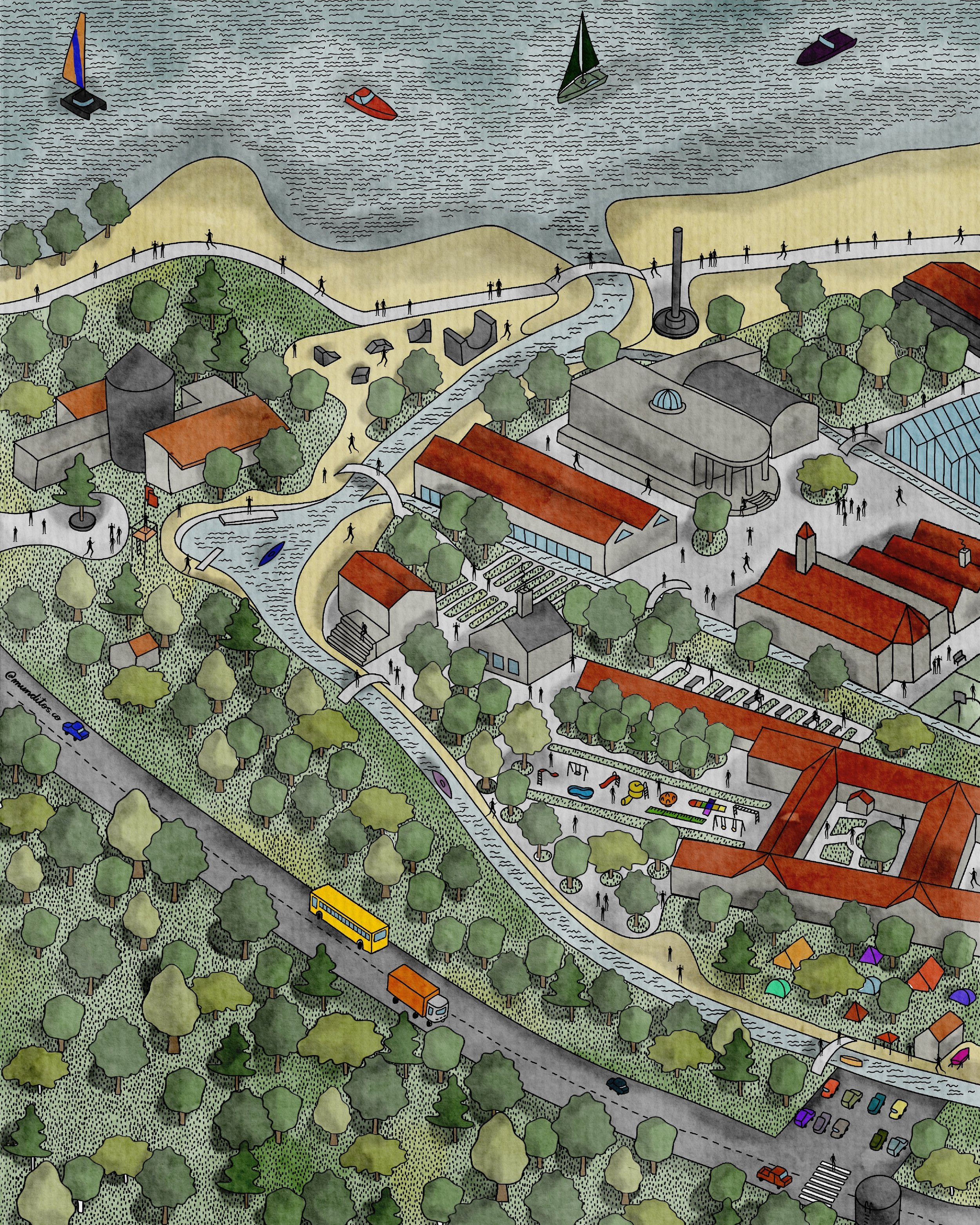
| 03 | Elevation & Site Plan | Saturday | Oct 3 | 2 hrs |
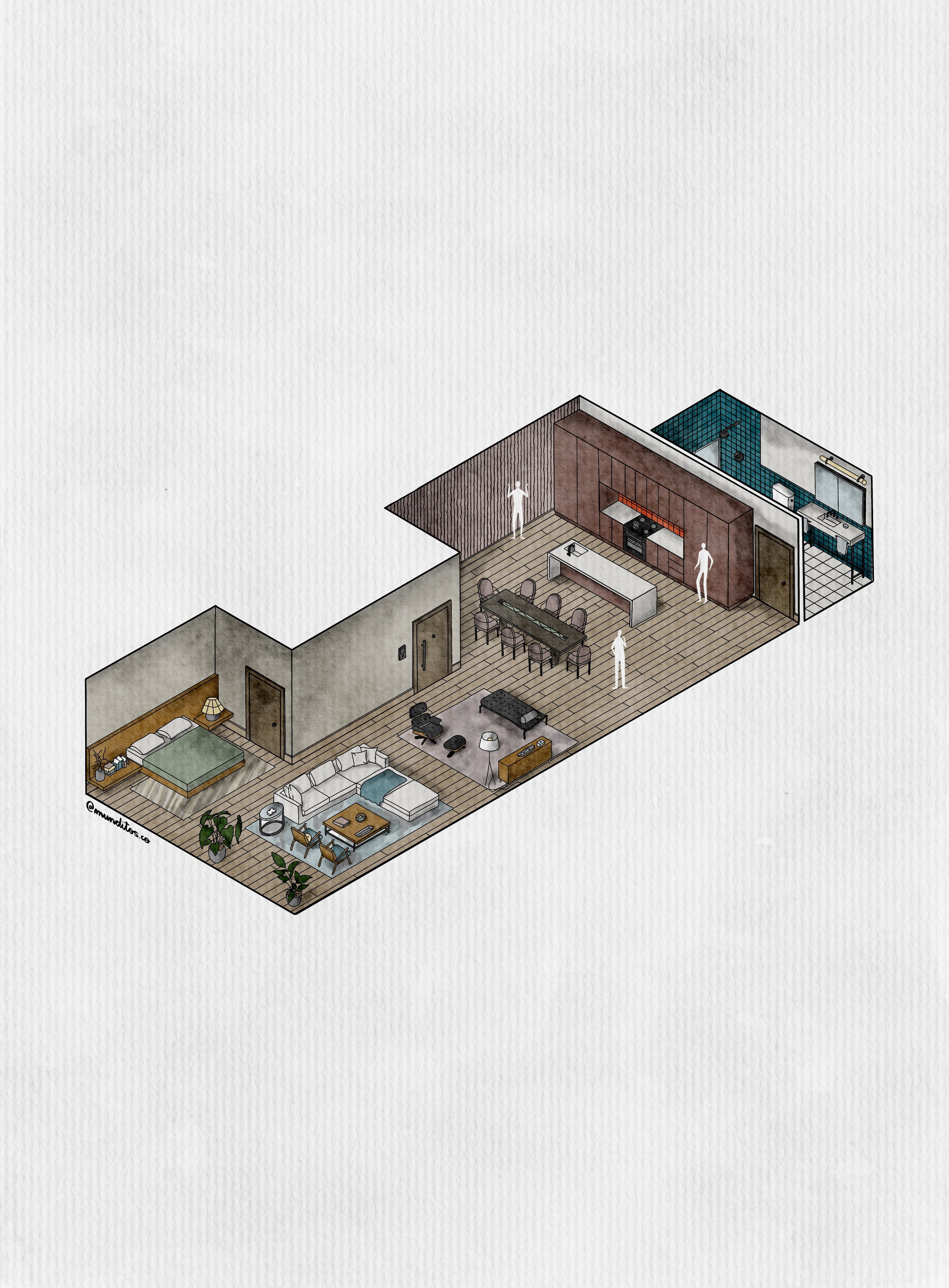
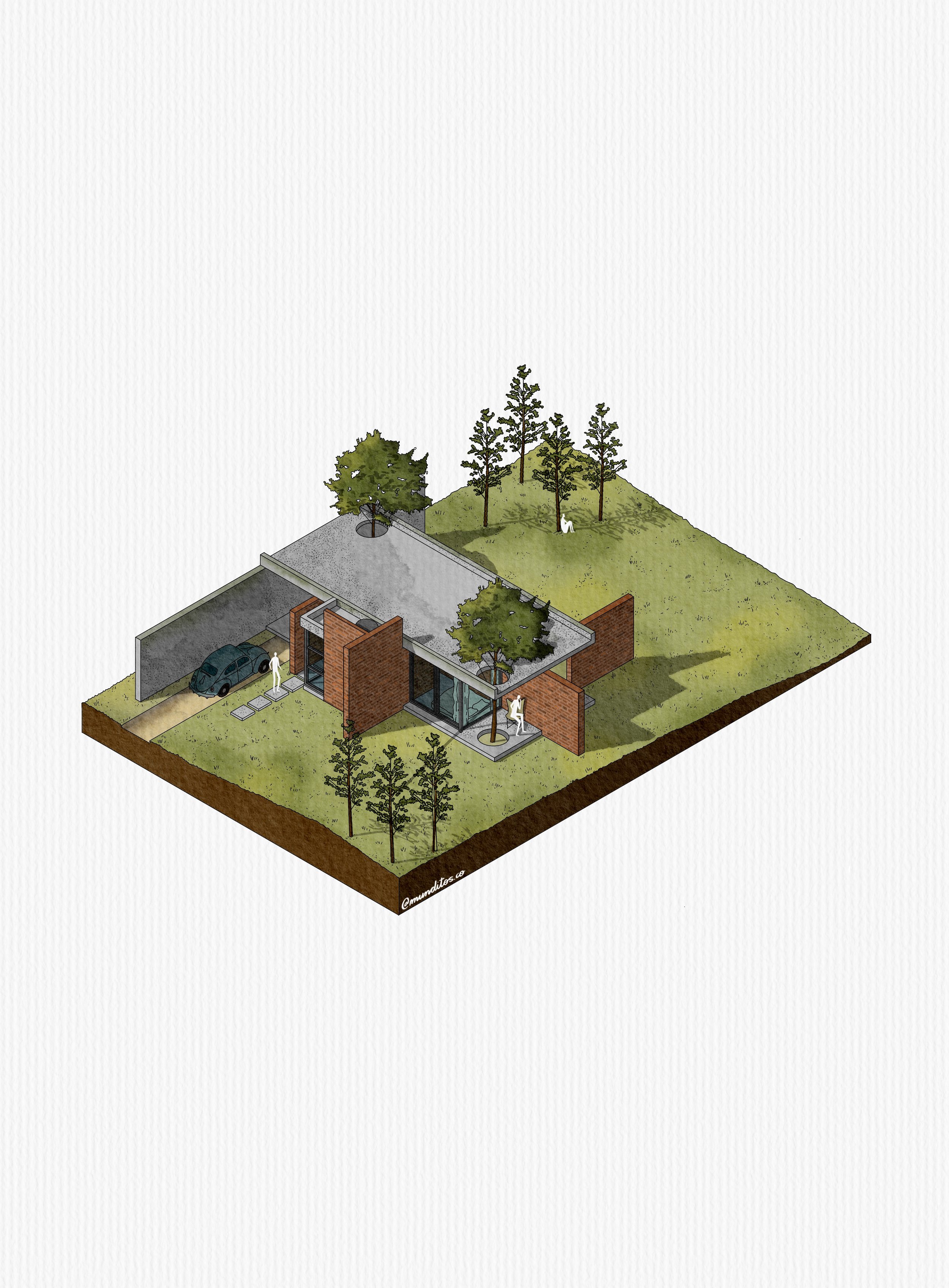
| 04 | Isometric, Interior & Exterior | Wednesday | Oct 7 | 2 hrs |
| Q&A | Live Q&A — Ask Anything | Saturday | Oct 17 | 2 hrs |
| 5Sessions | 8Drawing Types | RecordingsAvailable | LifetimeAccess | 10 hrsTotal Time |
Cover Every Drawing with Precision and Fresh Personality
With a Workflow Built for Architects & Designers.
With Every Brush and Template Included.
Backed by Our Full Refund Guarantee. Or You Don’t Pay.
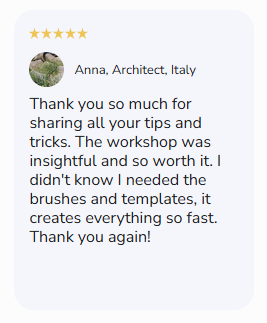
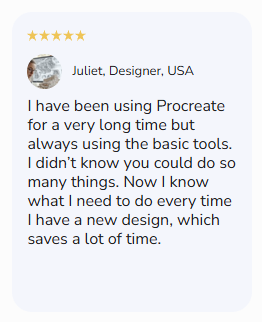
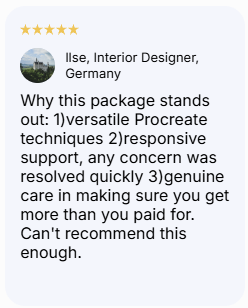
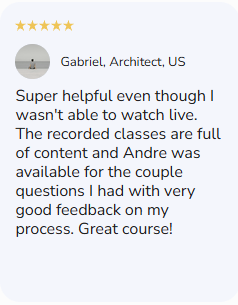
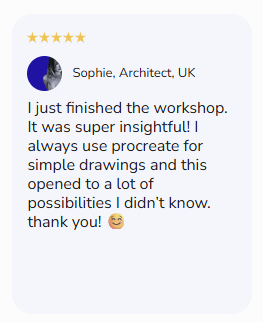
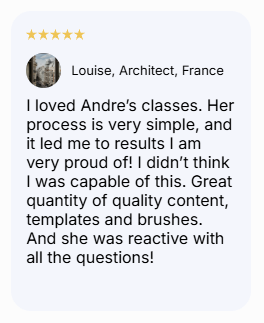
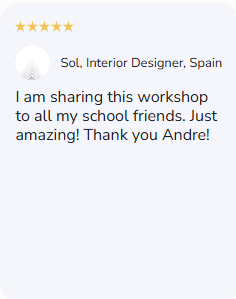
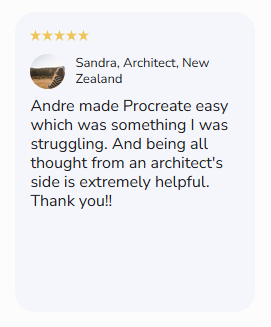
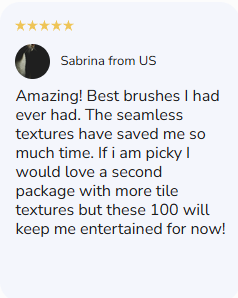
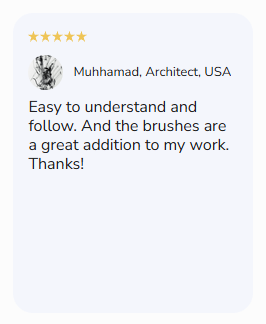
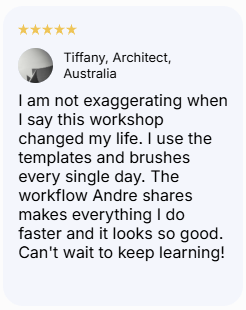
Trusted by Architects & Designers
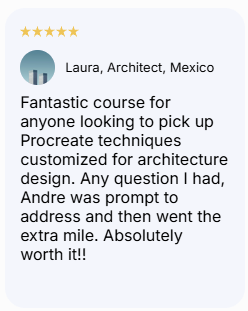
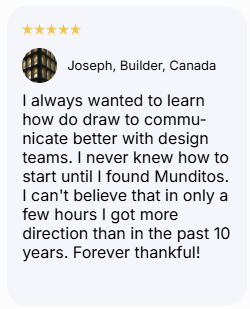
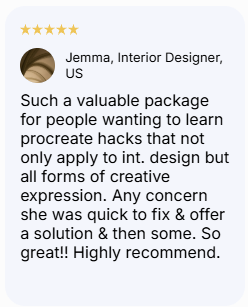
Where You Are vs. Where You Will Be
The Block
What's happening
The Shift
What becomes possible
The ideas were never the problem. The system to get them out was. That's what this program hands you.
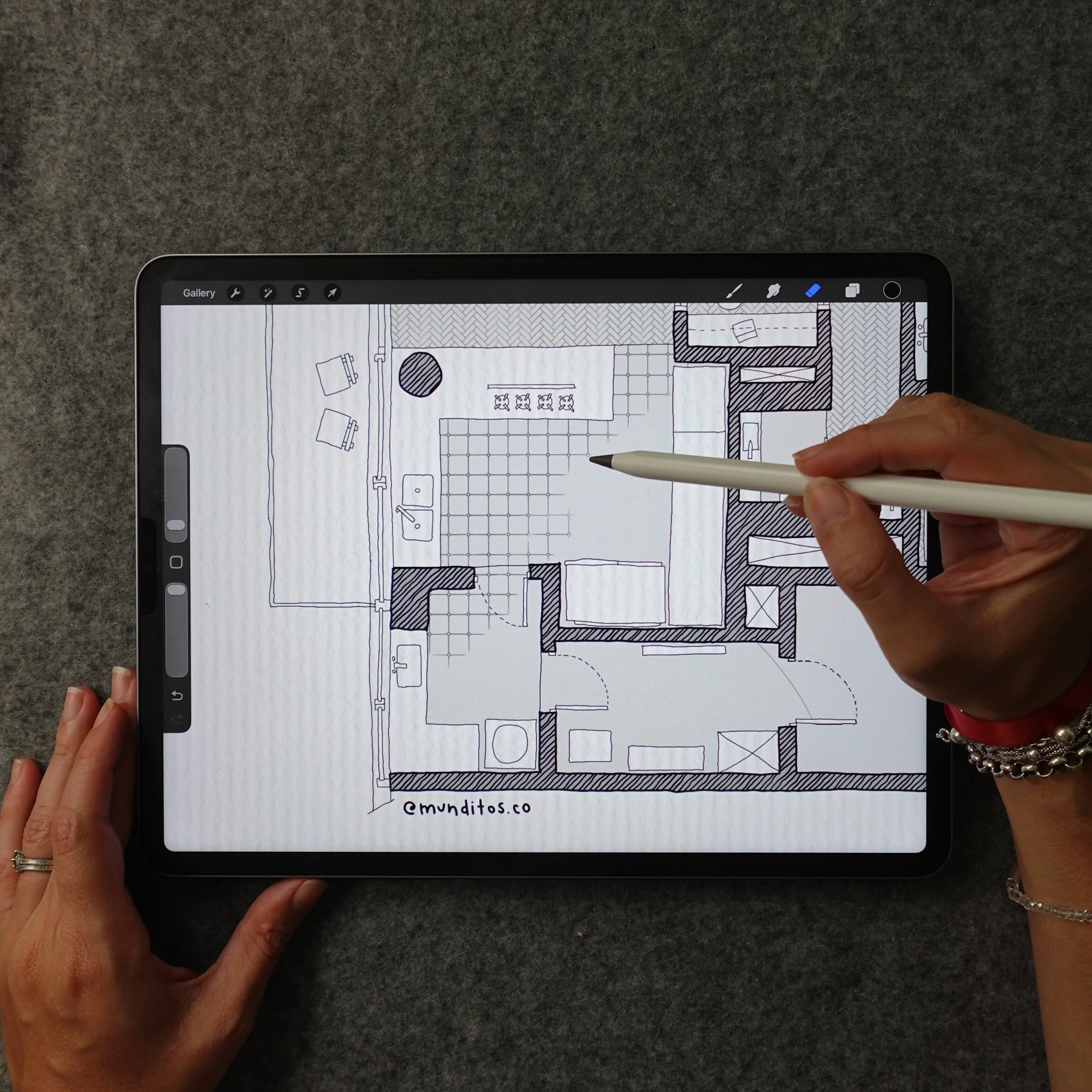
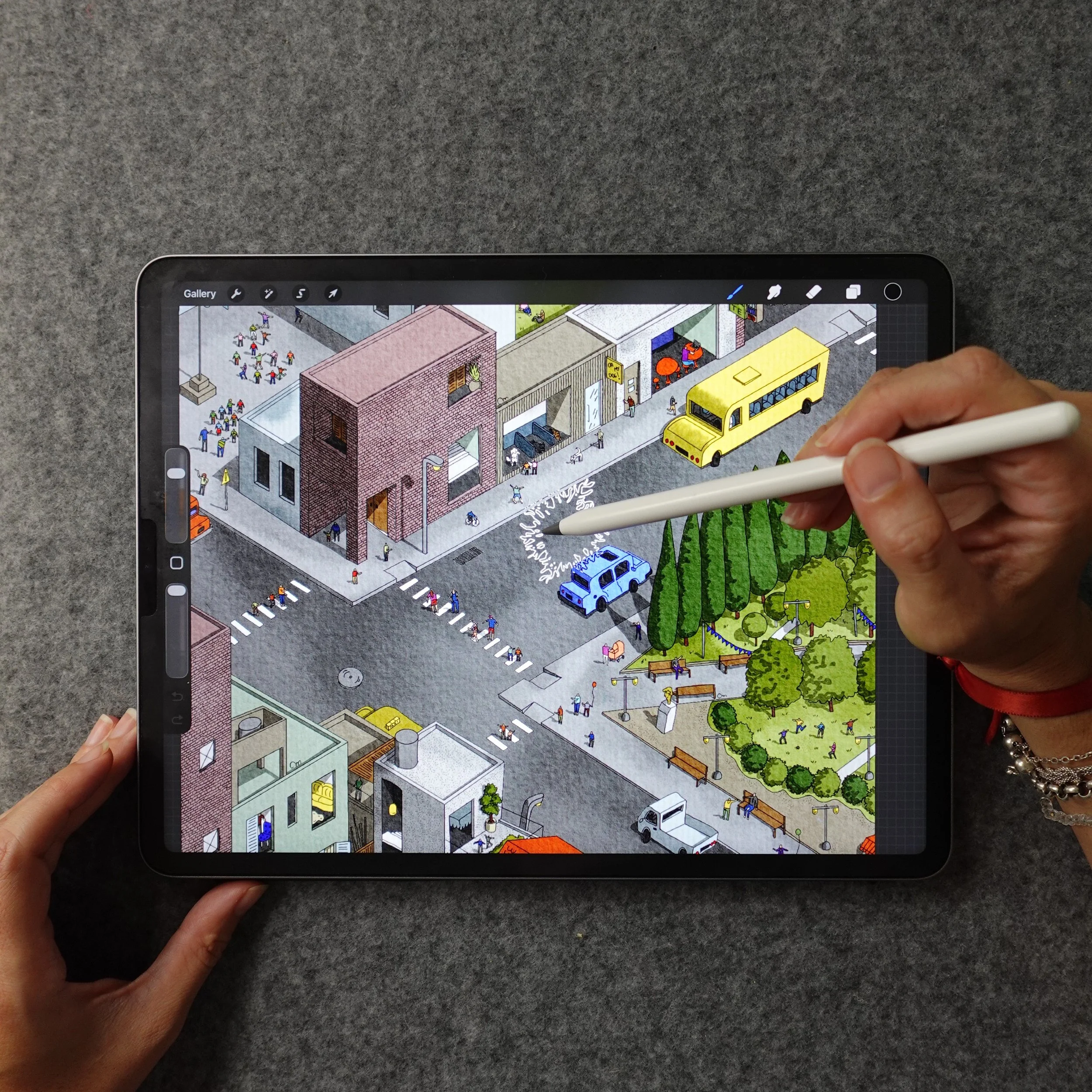
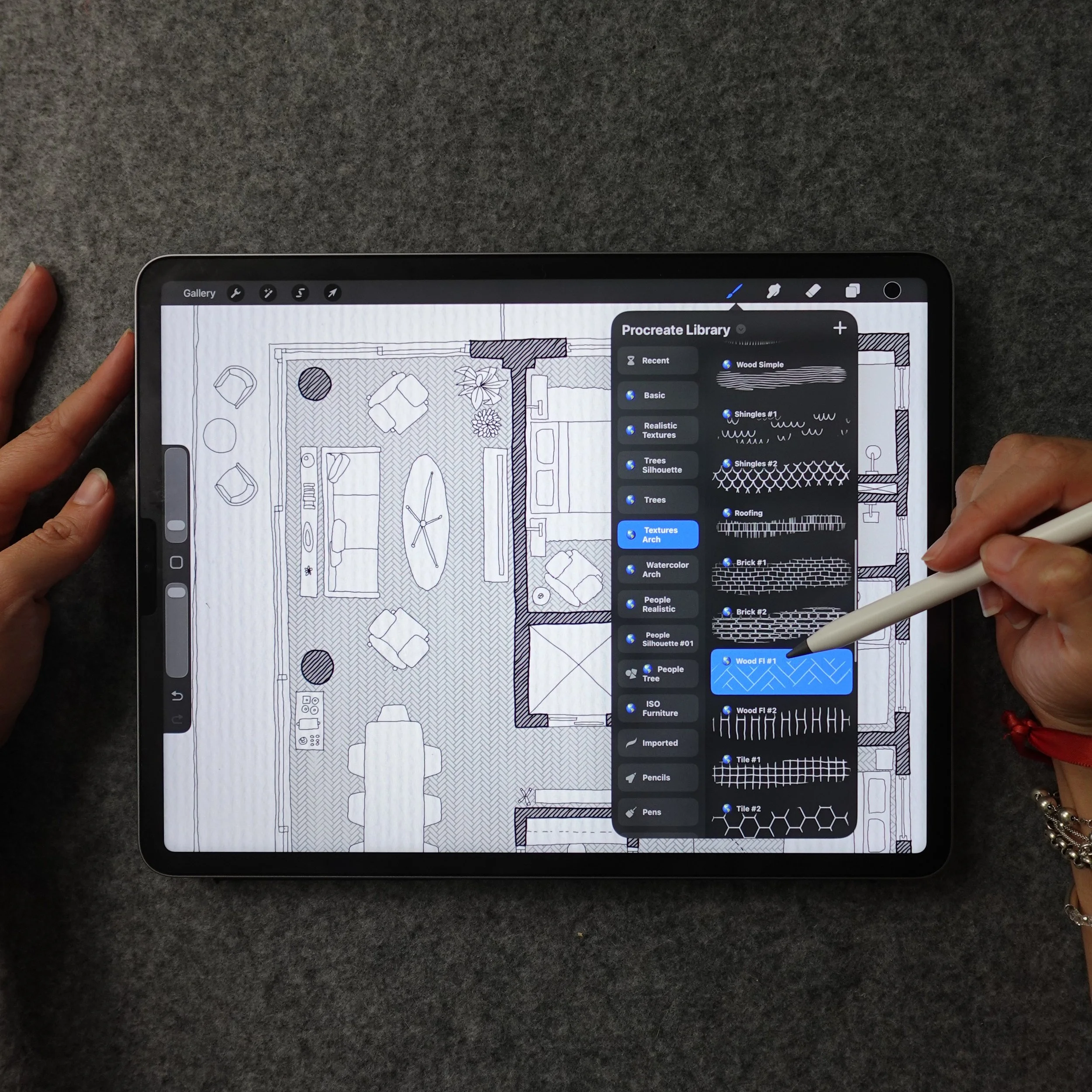
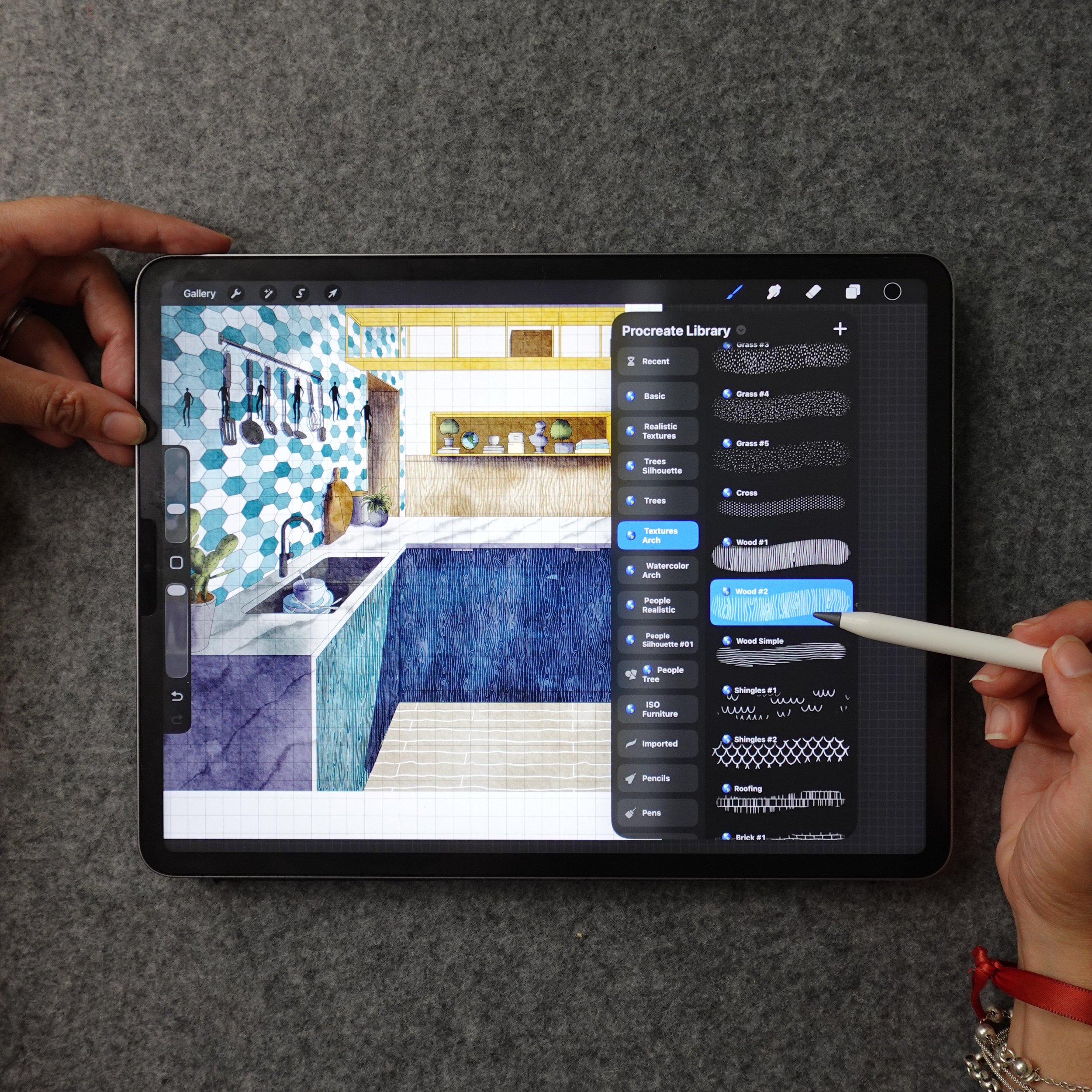
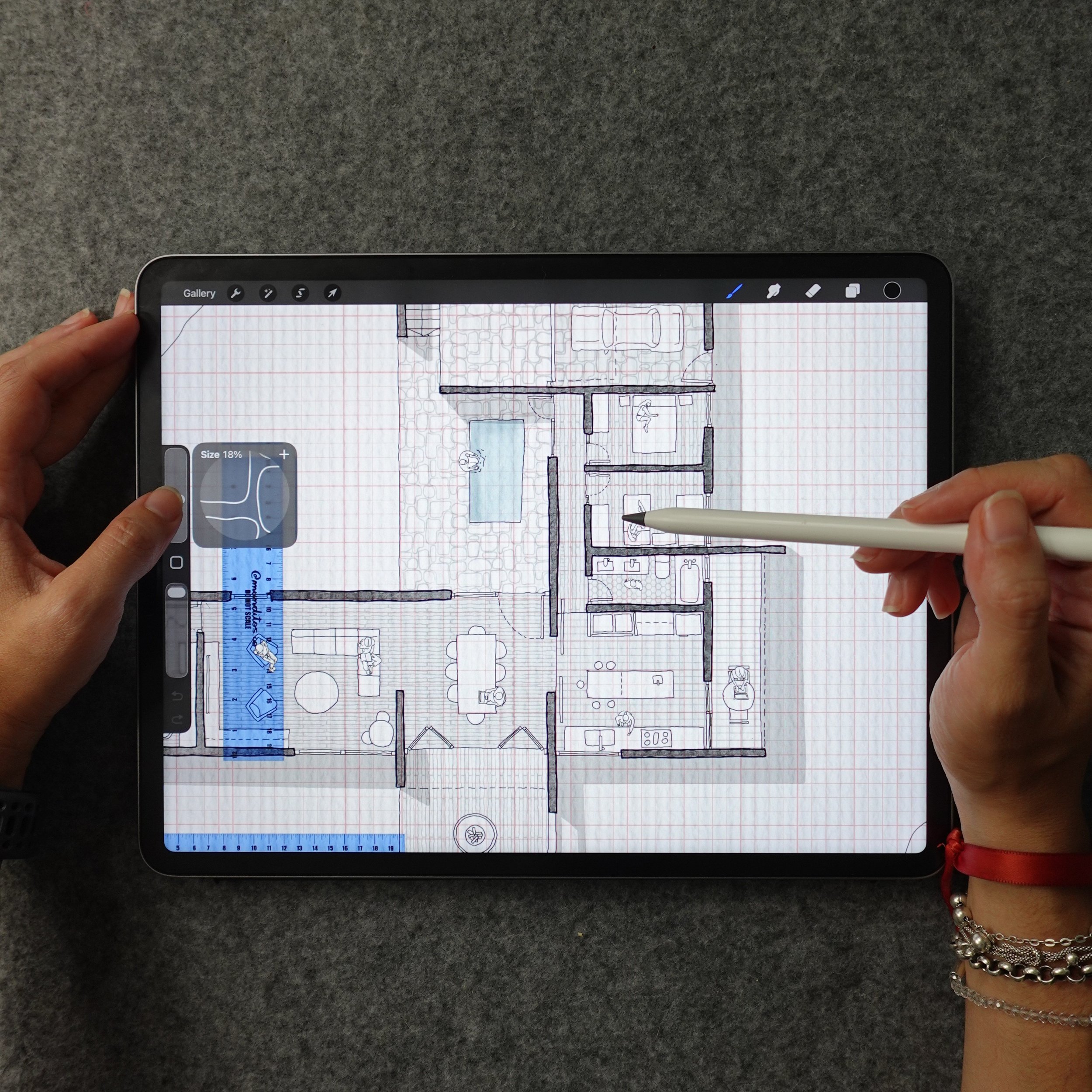
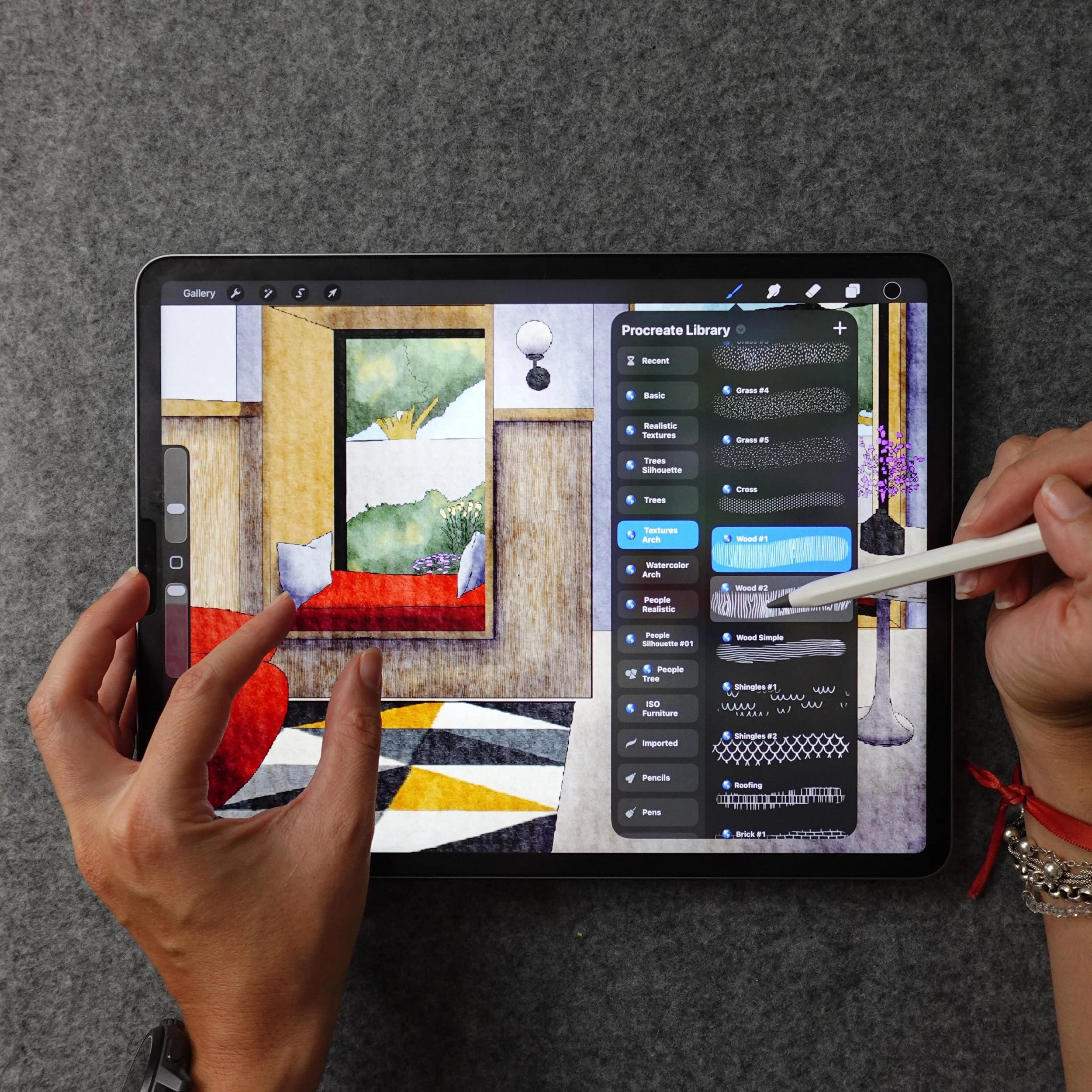
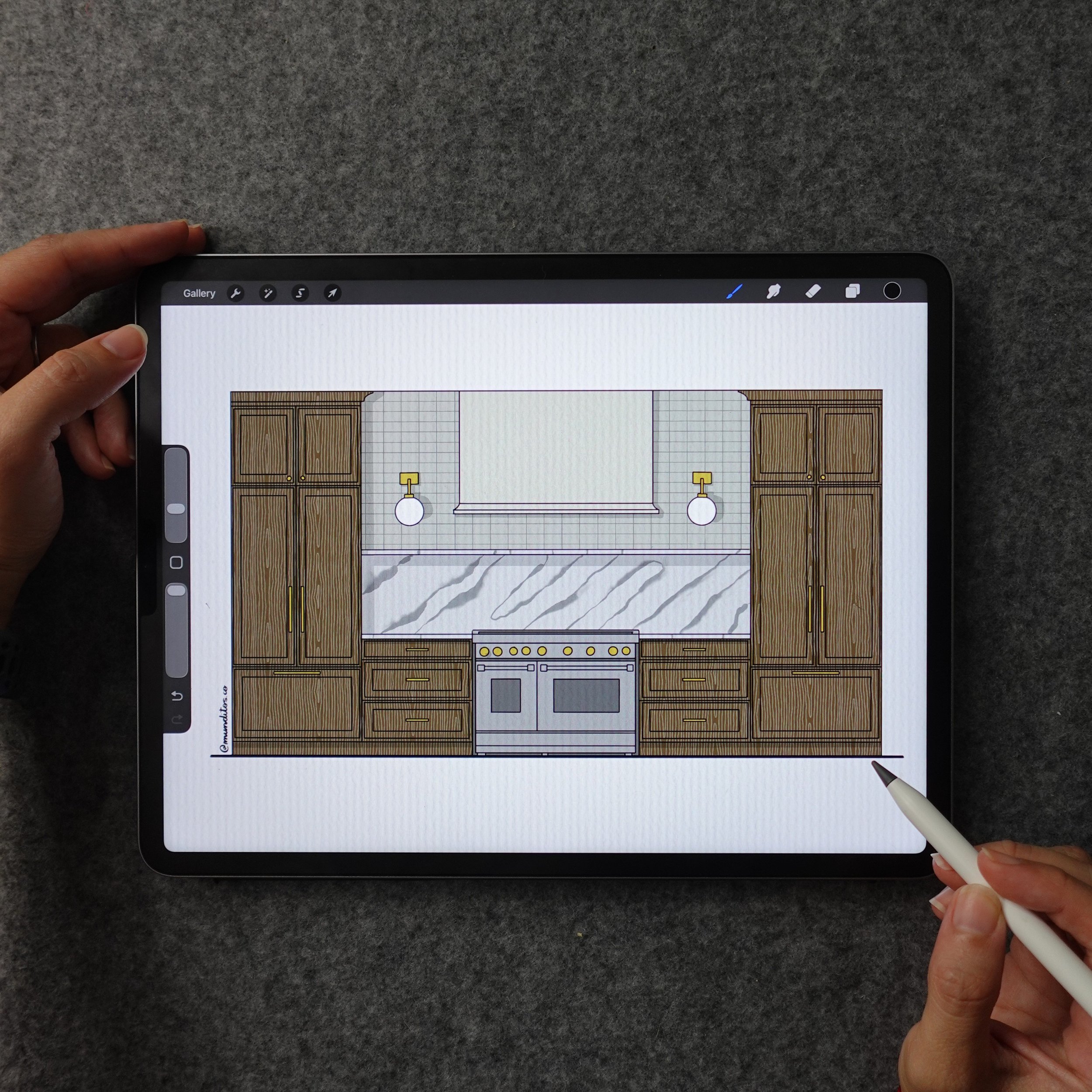
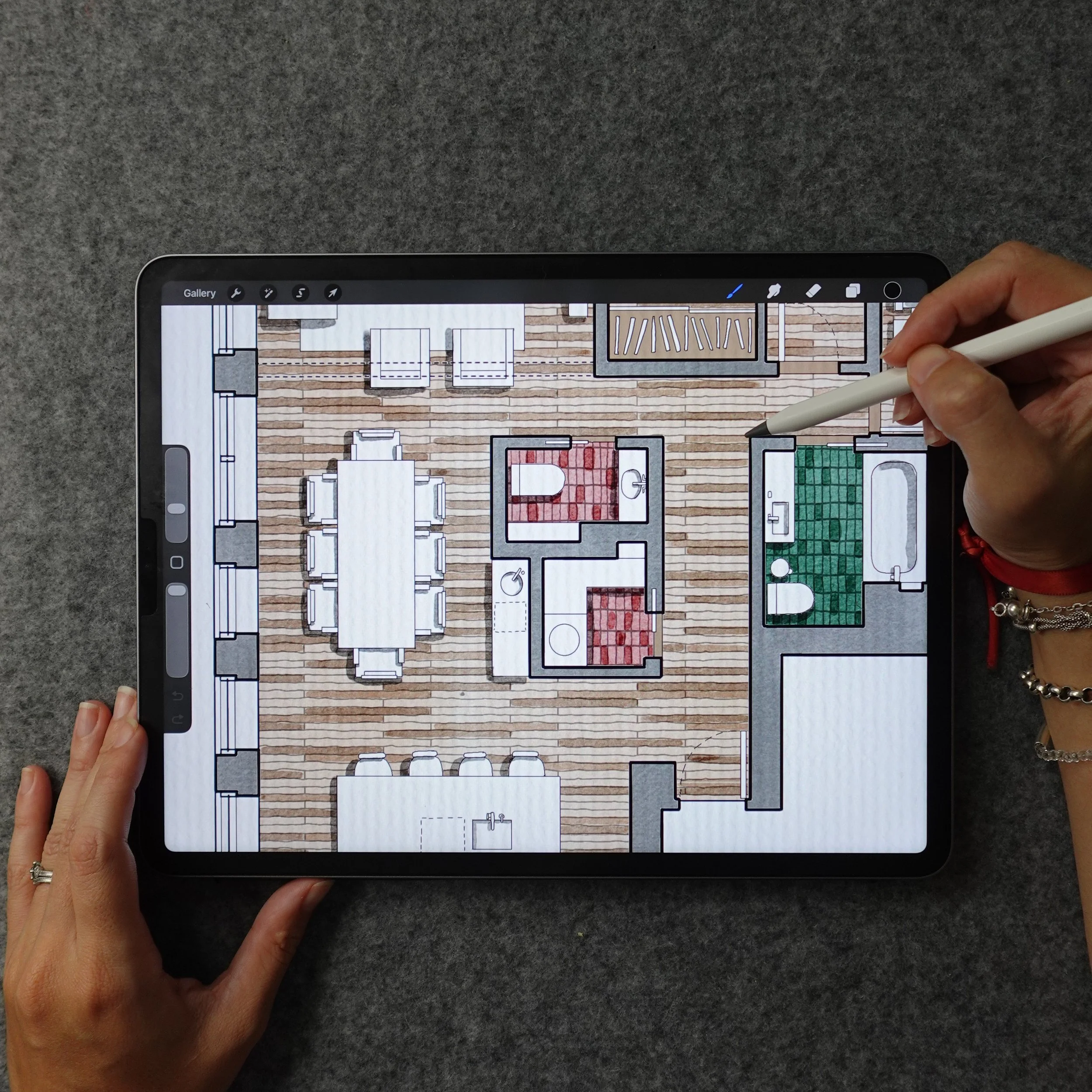
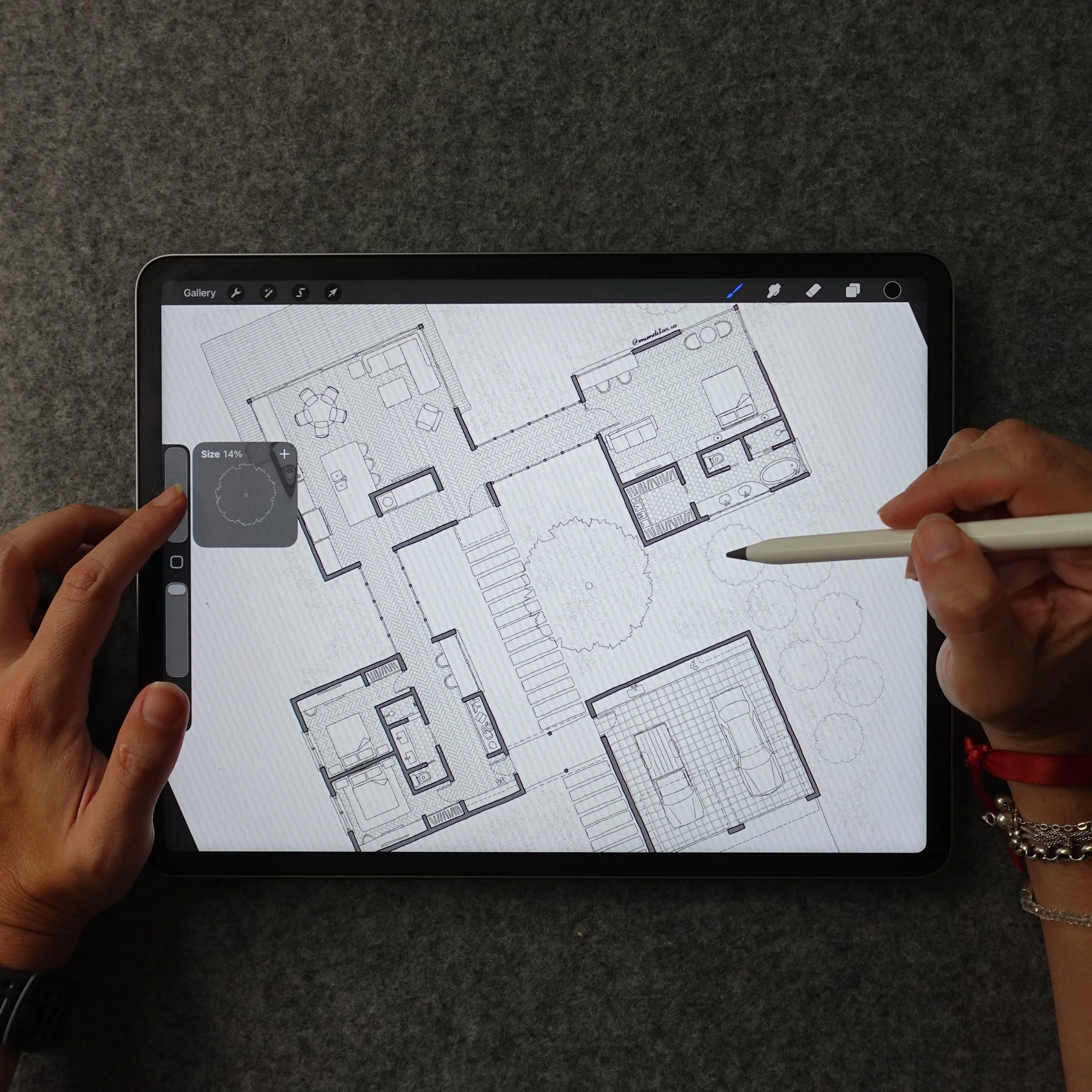
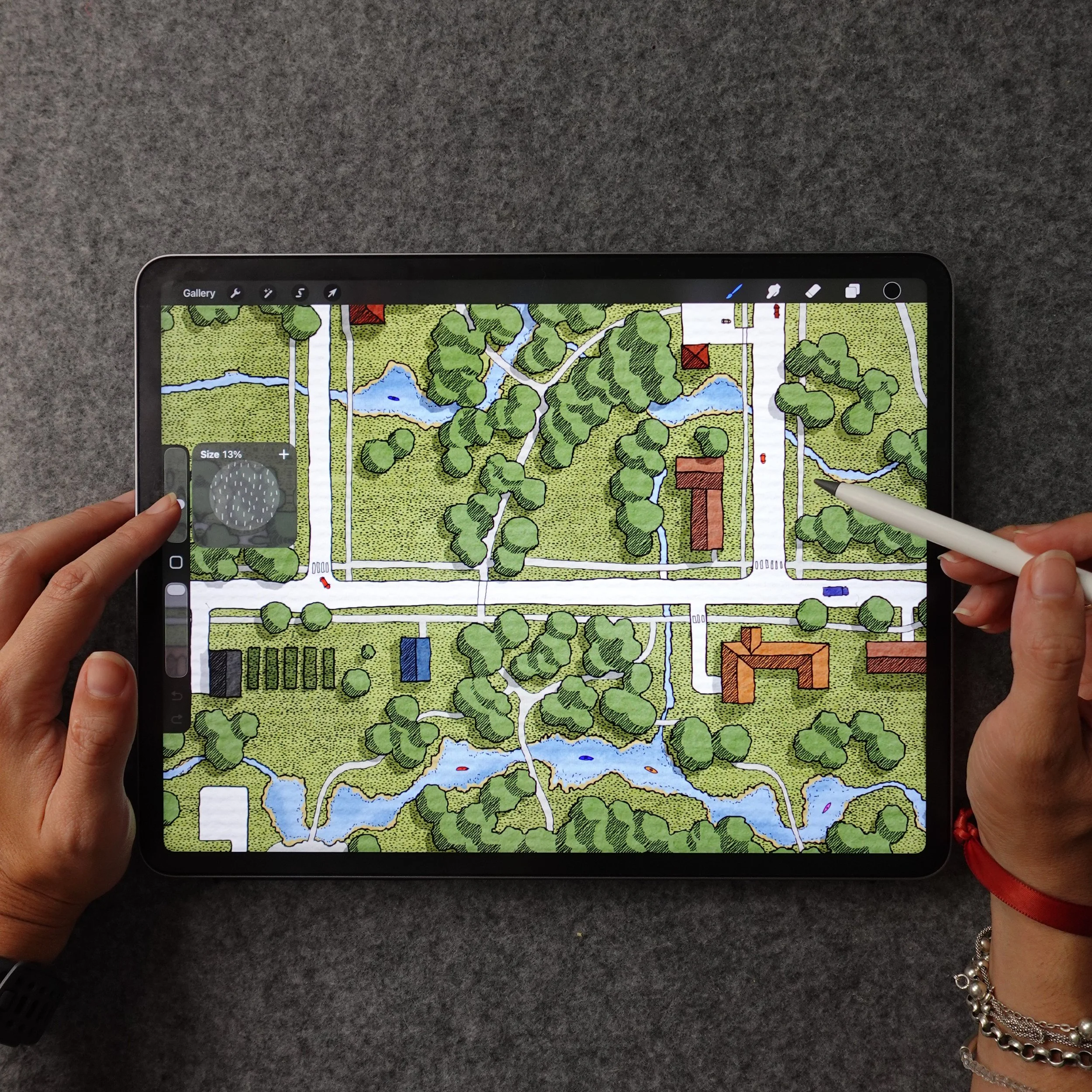
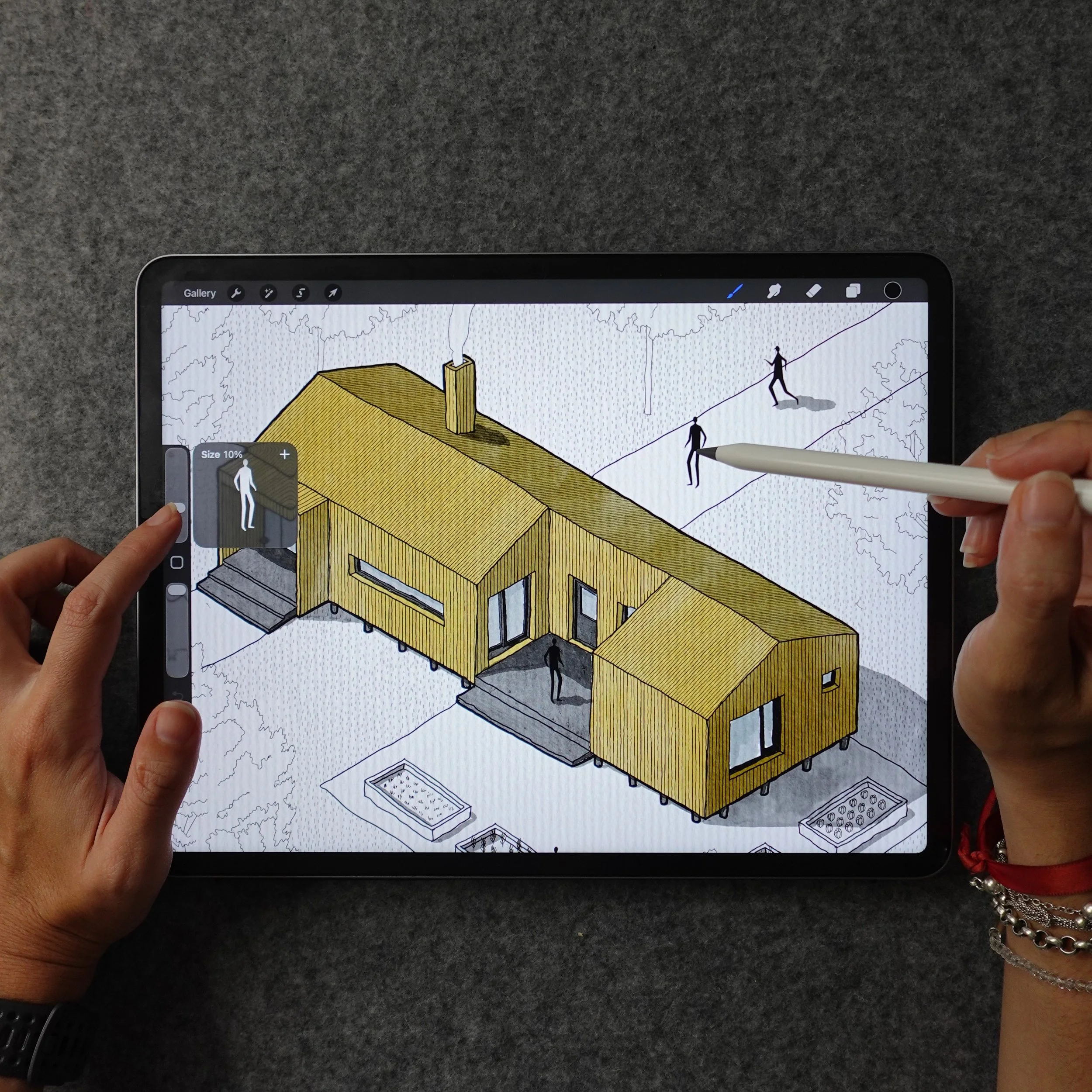
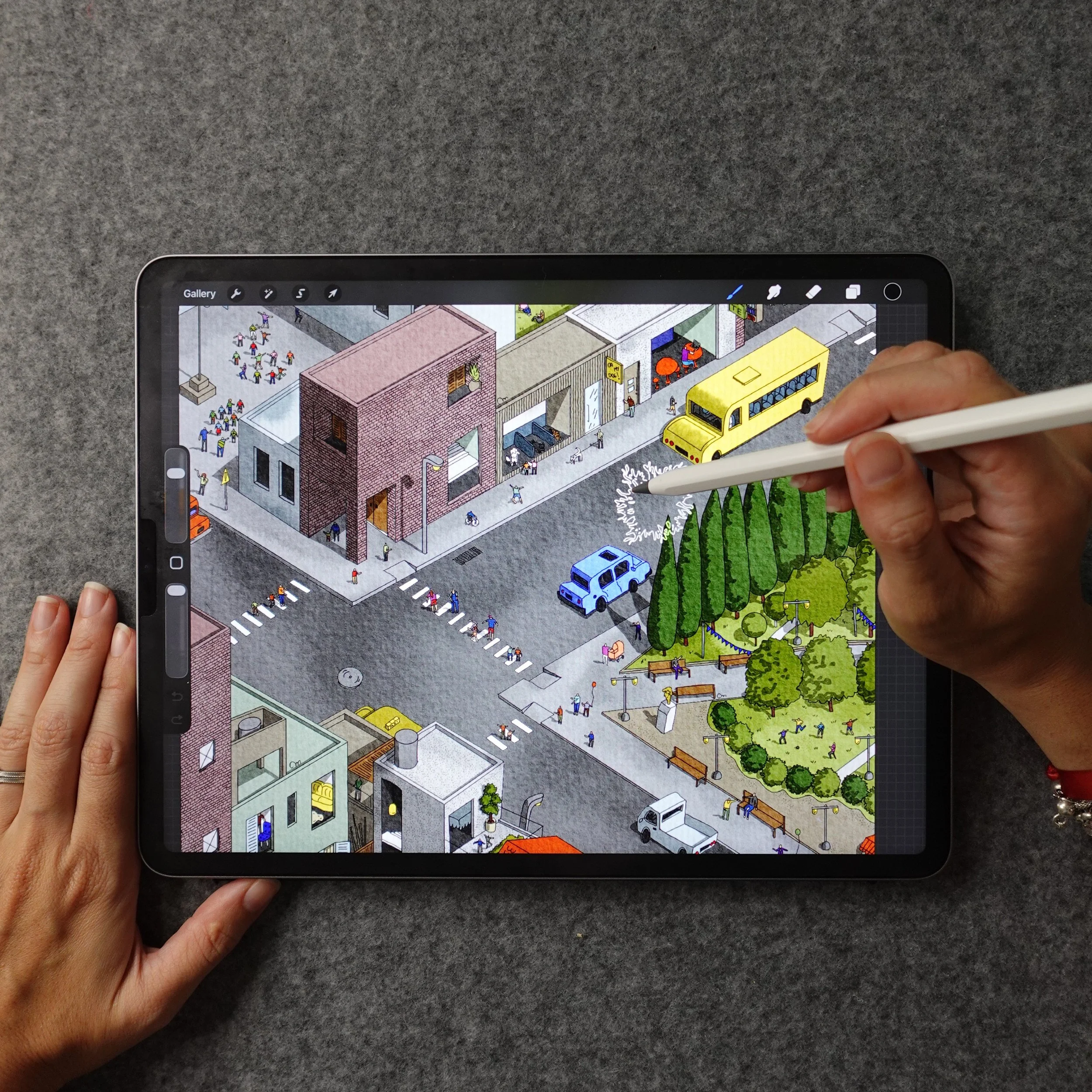
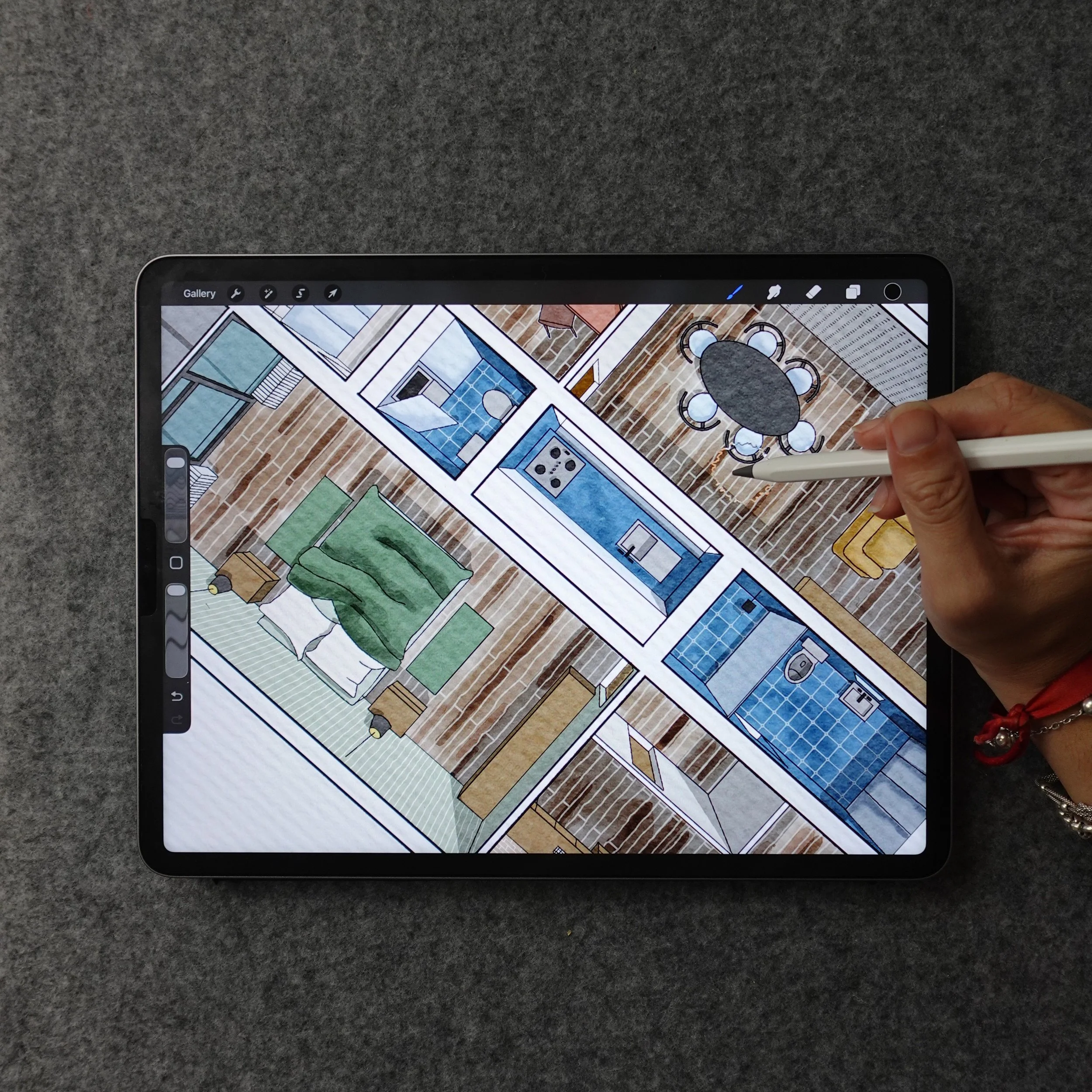
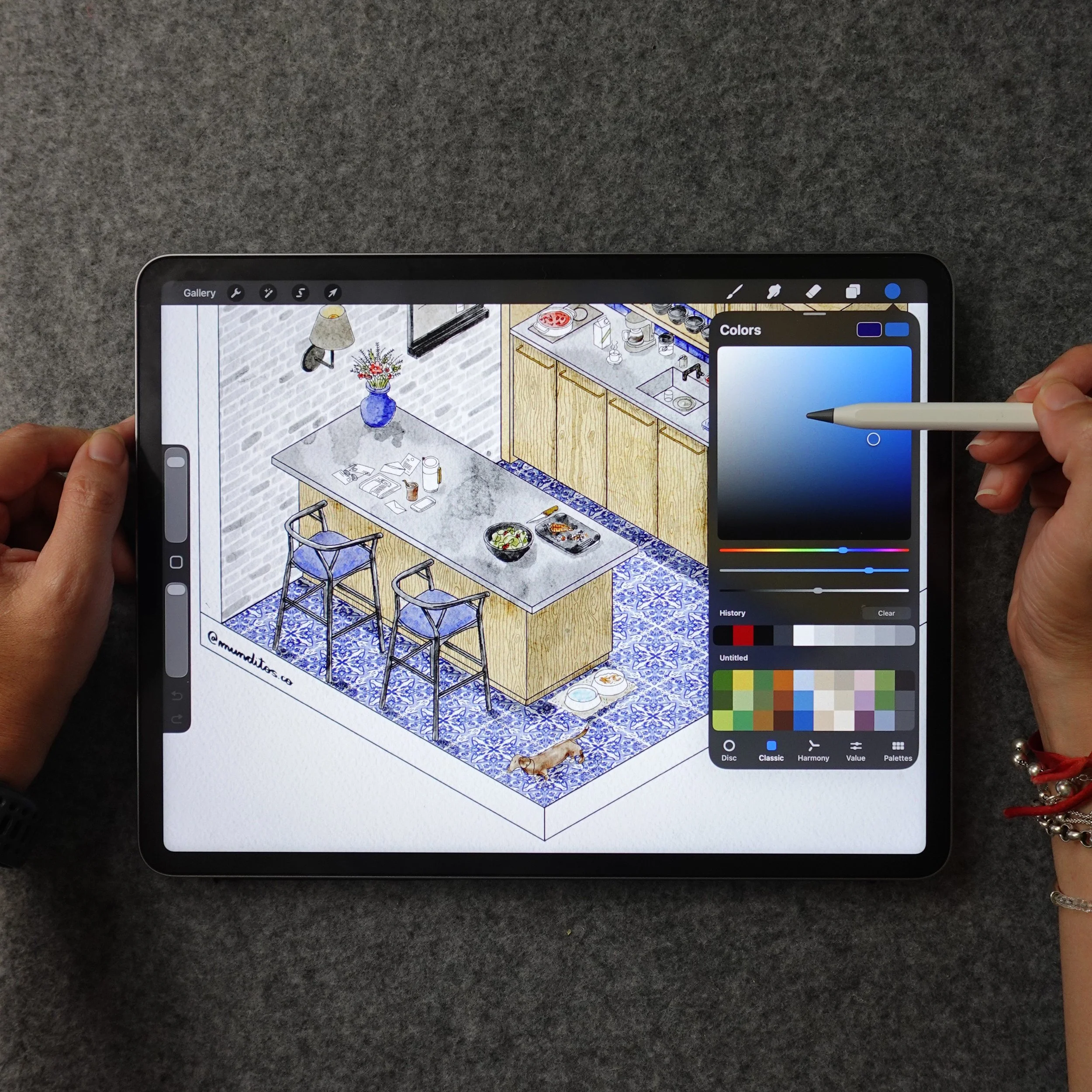
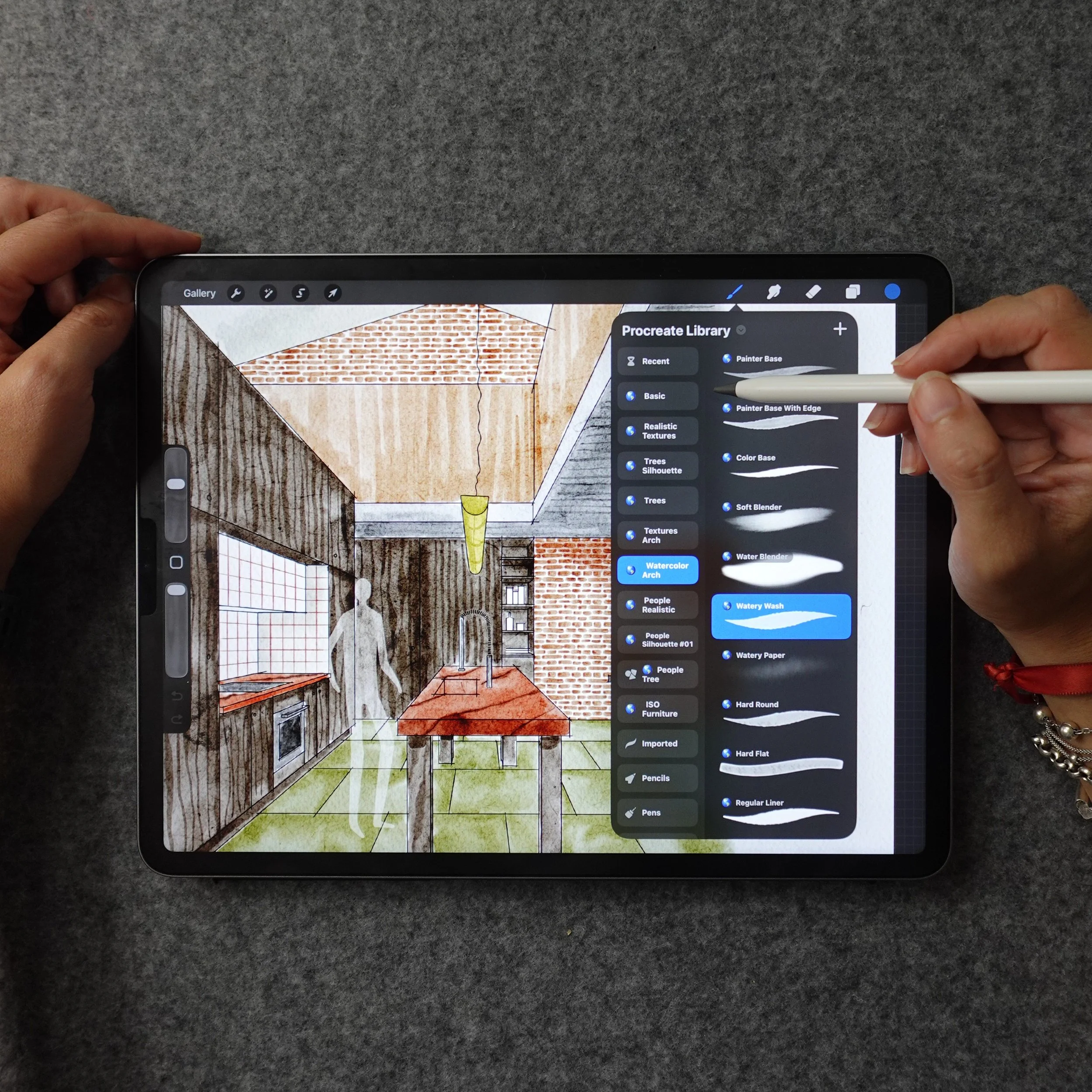
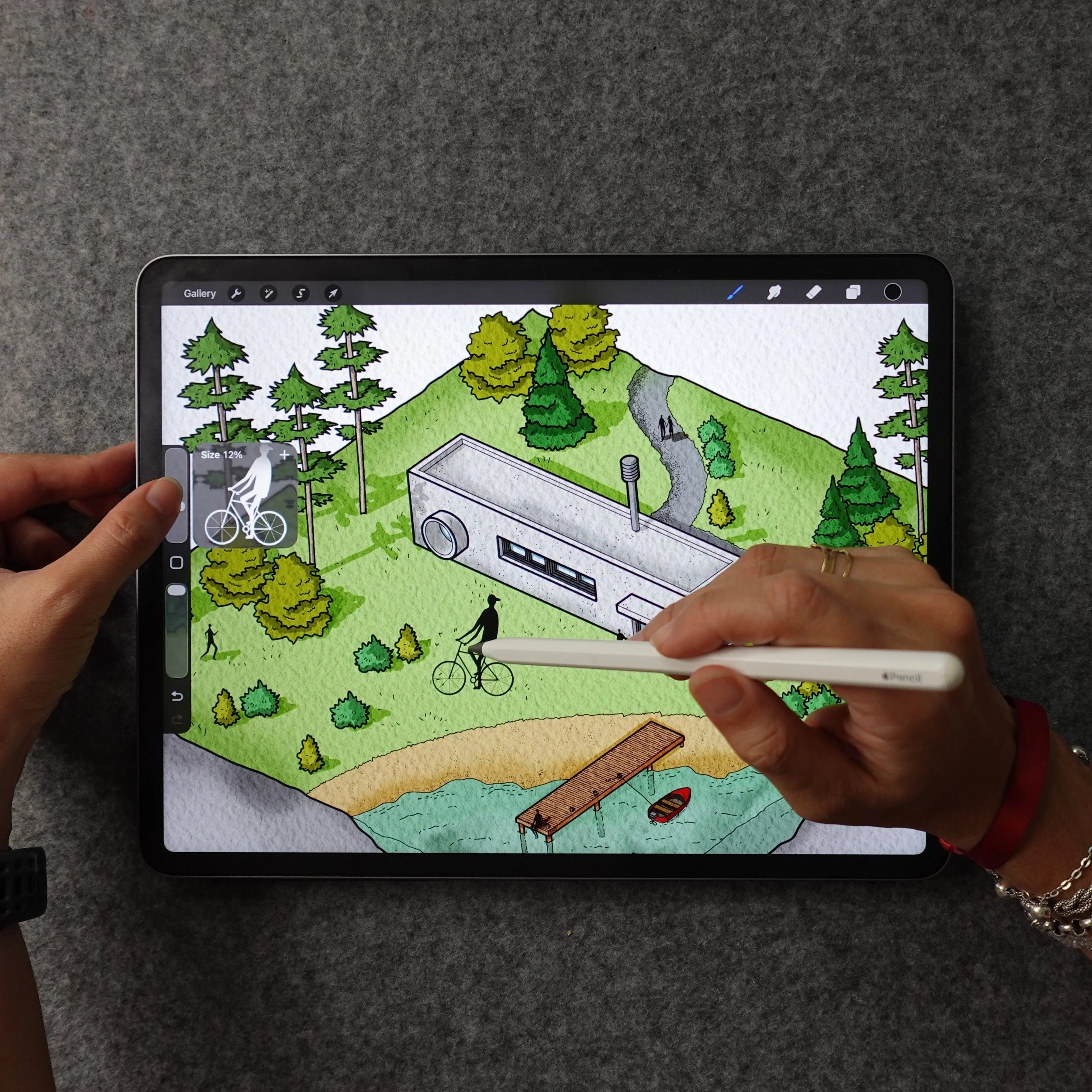
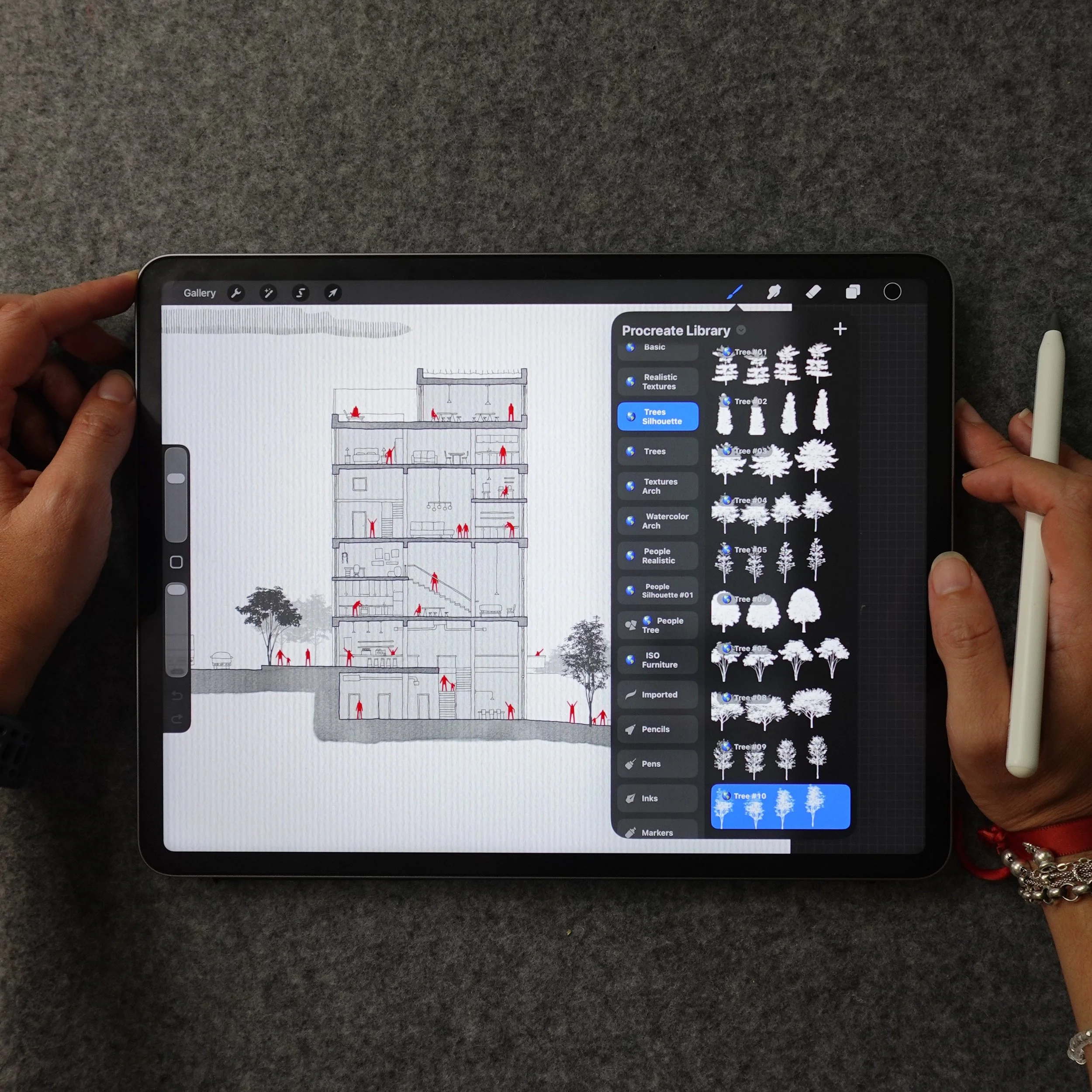
introducing…
Draw to Stand Out
A Live Procreate Program to turn your design thinking into your own visual style.
Live Cohort · Sept 26 – Oct 17· 15 spots · 4 Sessions + 1 Q&A · A workflow that covers all drawing types.
The Approach
My exact drawing process, taught session by session — the same workflow I rely on in my own practice.
Not about drawing like someone else. About drawing faster and more confidently — as yourself, just on the screen now.
Why It Works, Even If You've Never Opened Procreate
"I don't have hours to spare."
4 focused sessions, not a semester.
2 usable drawing after every single one.
Q&A held 10 days after the last session, so you apply first, ask second.
"A system will make my drawings look like everyone else's."
You're given a foundation, not a filter. What you build on top of it is entirely you.
Same hand, same eye — just with more of yourself coming through, not less.
"Drawing different is too risky."
It only feels risky because blending in feels safe.
Built from real practice, not theory, refined over years teaching working architects and designers.
Every architect who stands out took this risk on purpose. This gives you the foundation to do the same.
(30-day money-back guarantee)
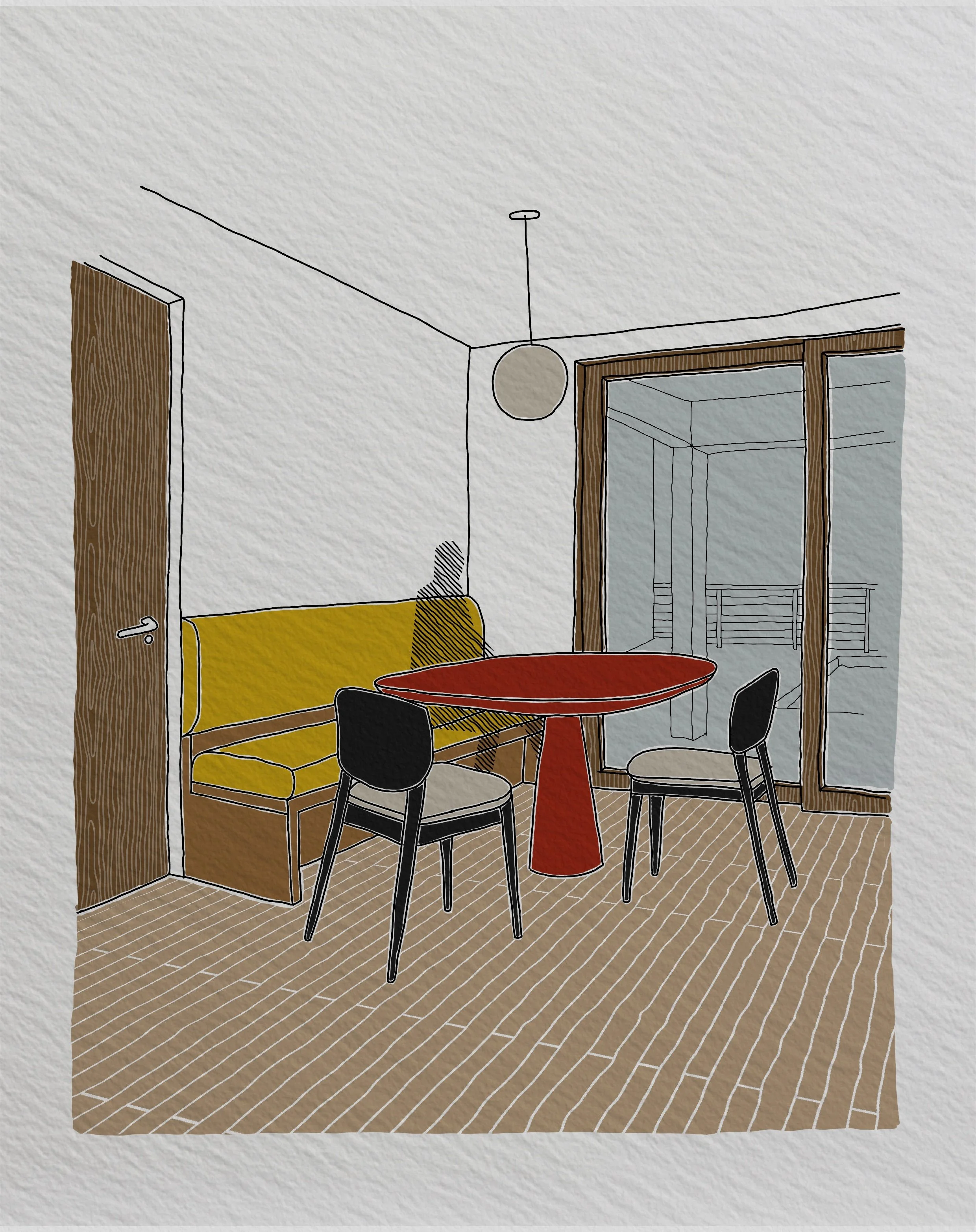
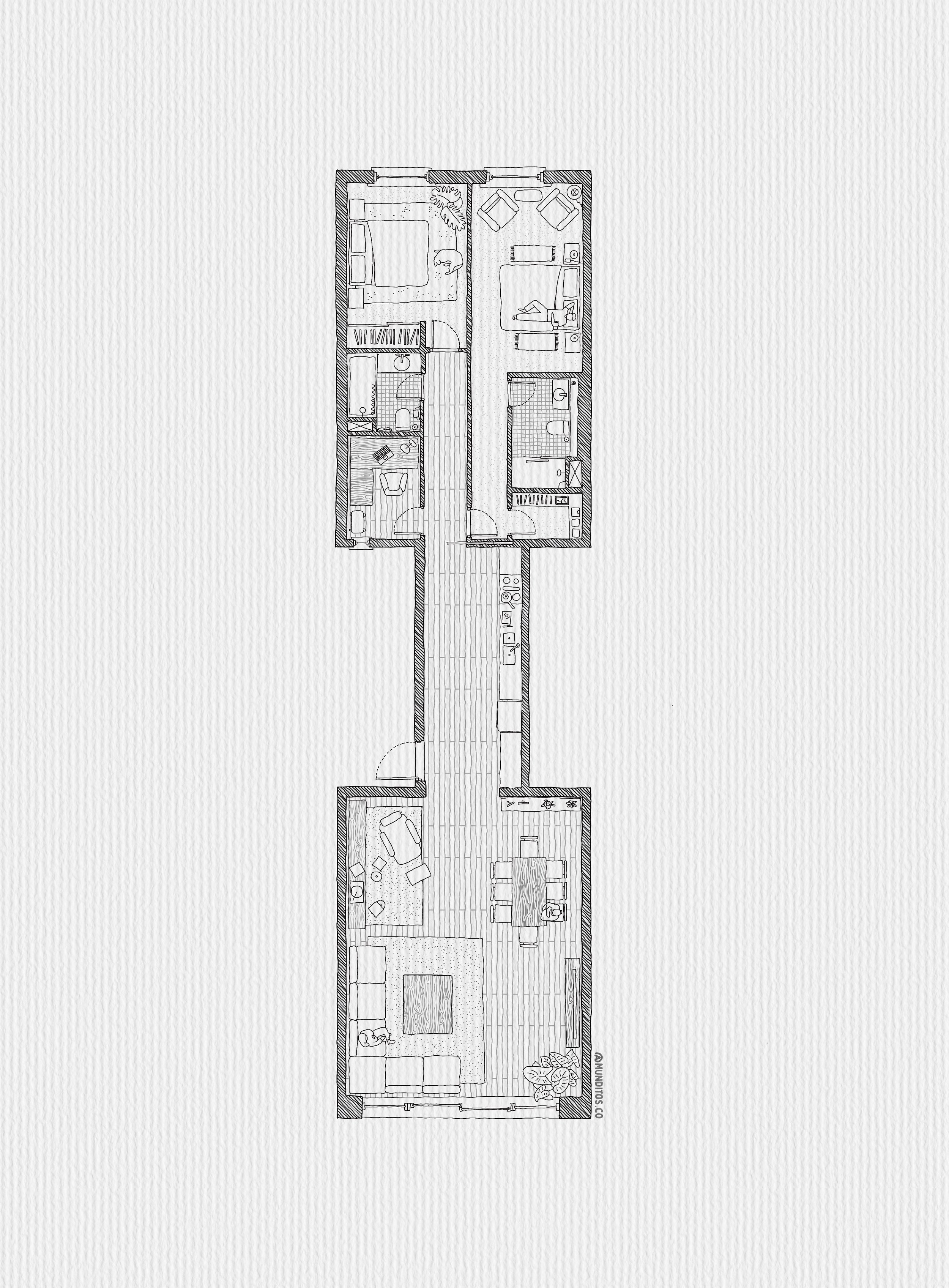
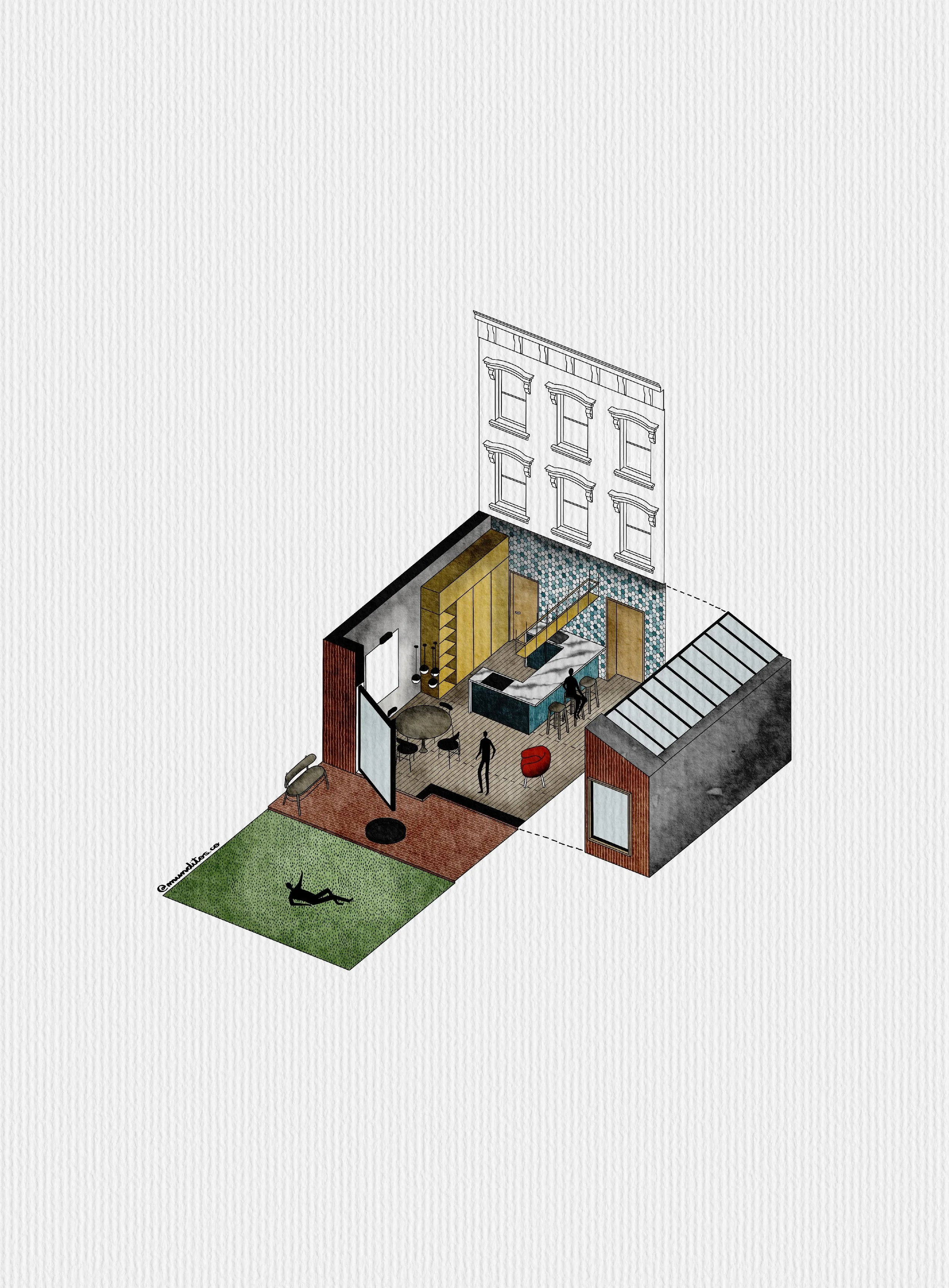
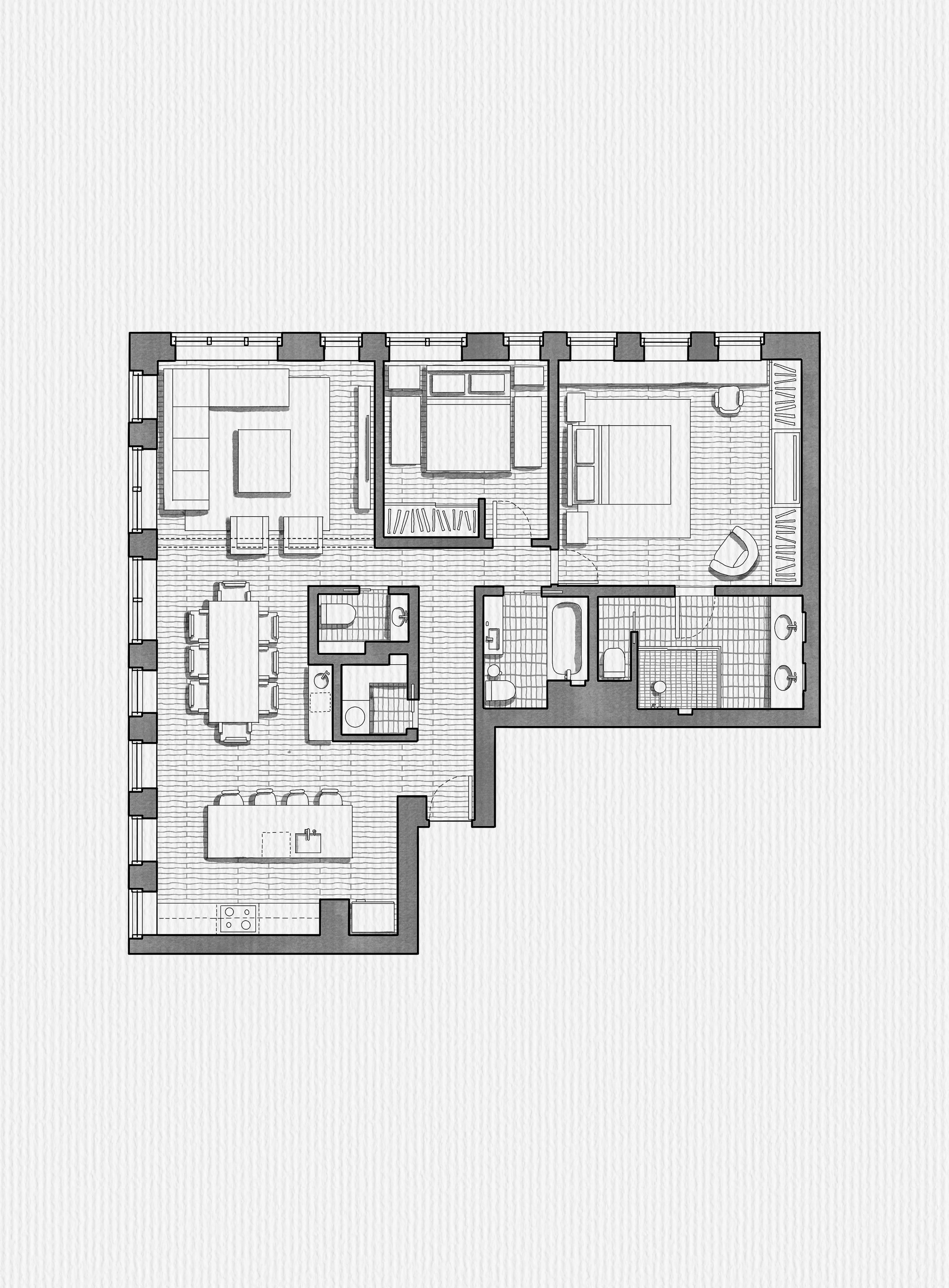
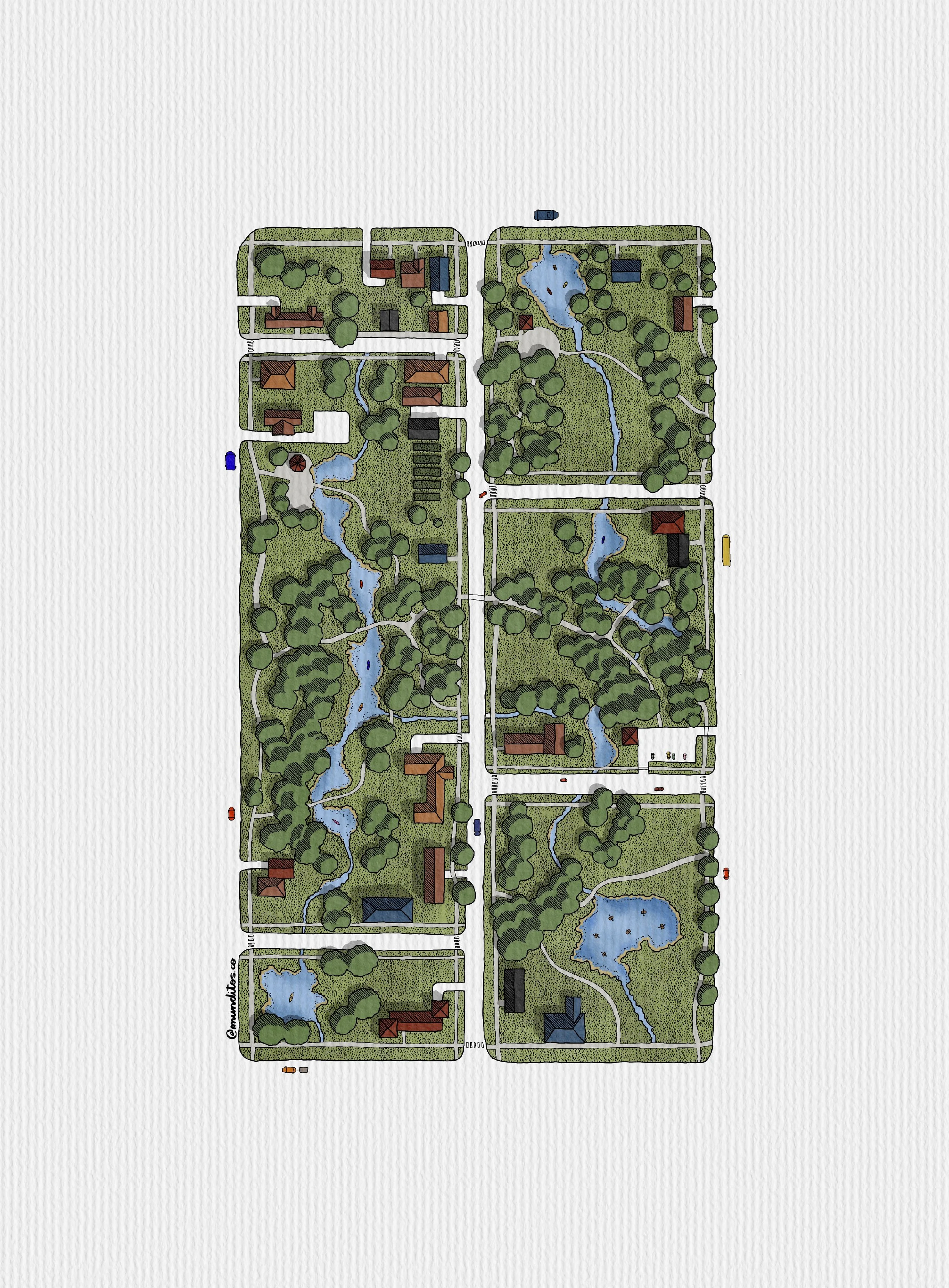
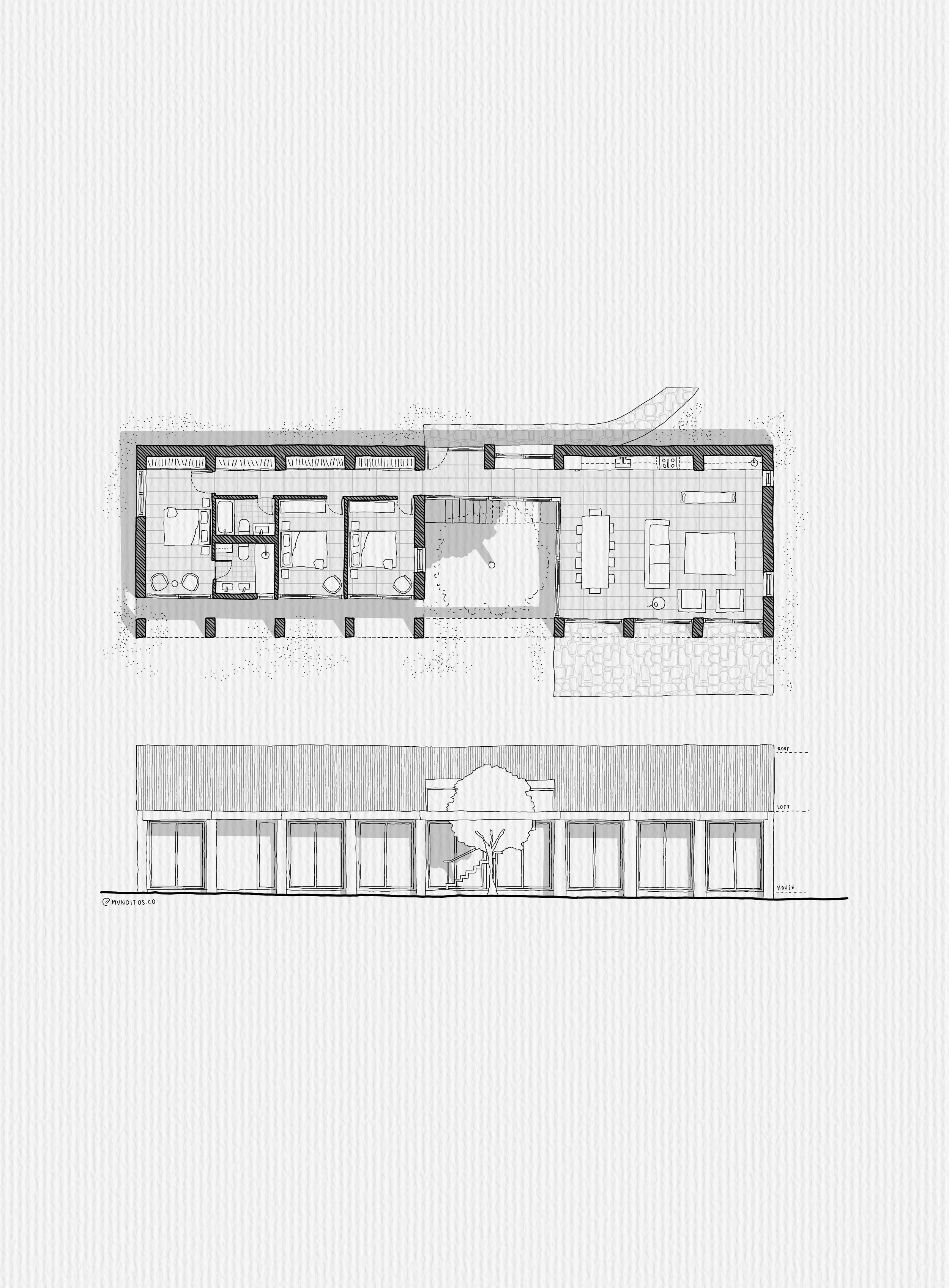
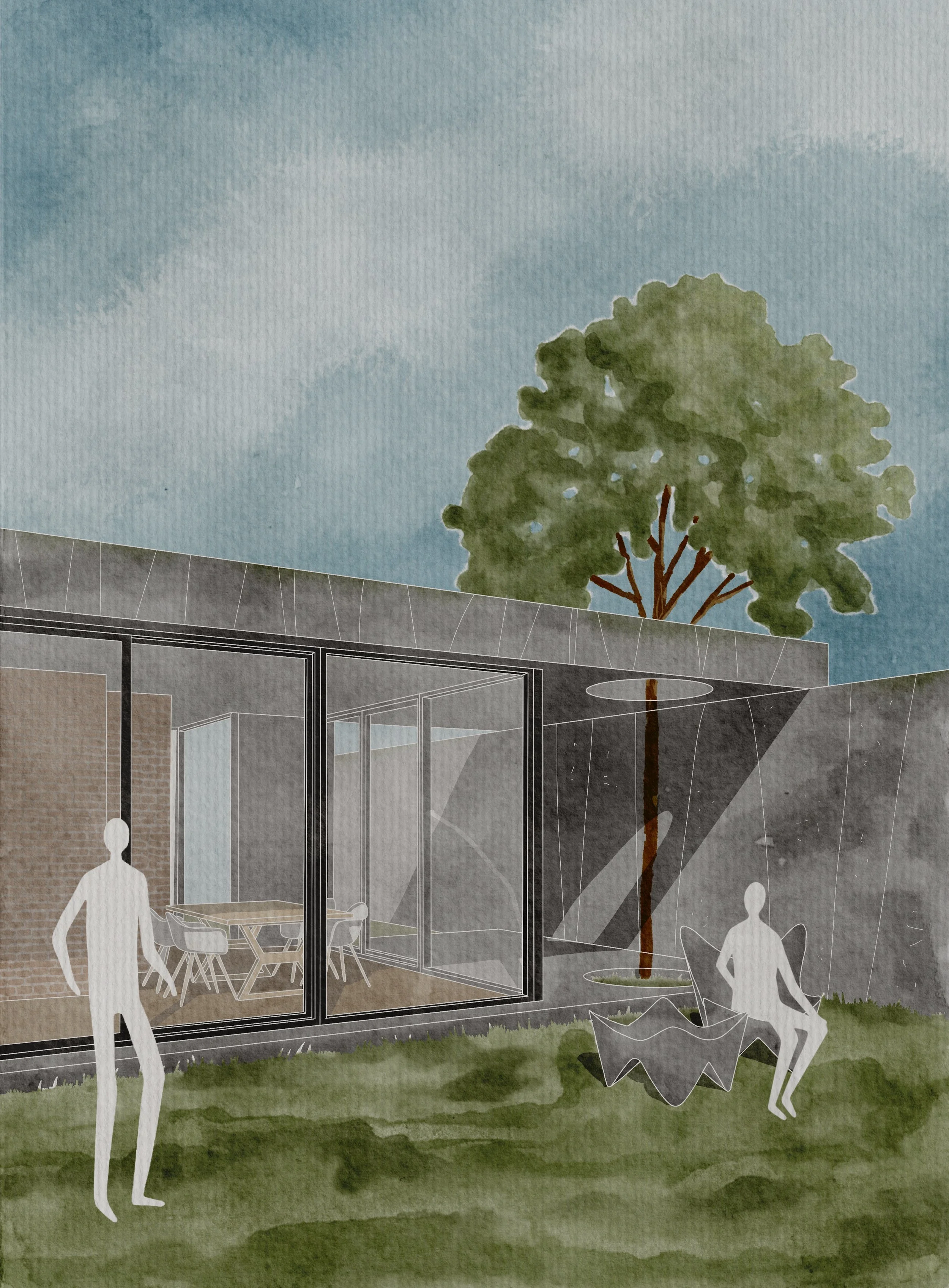
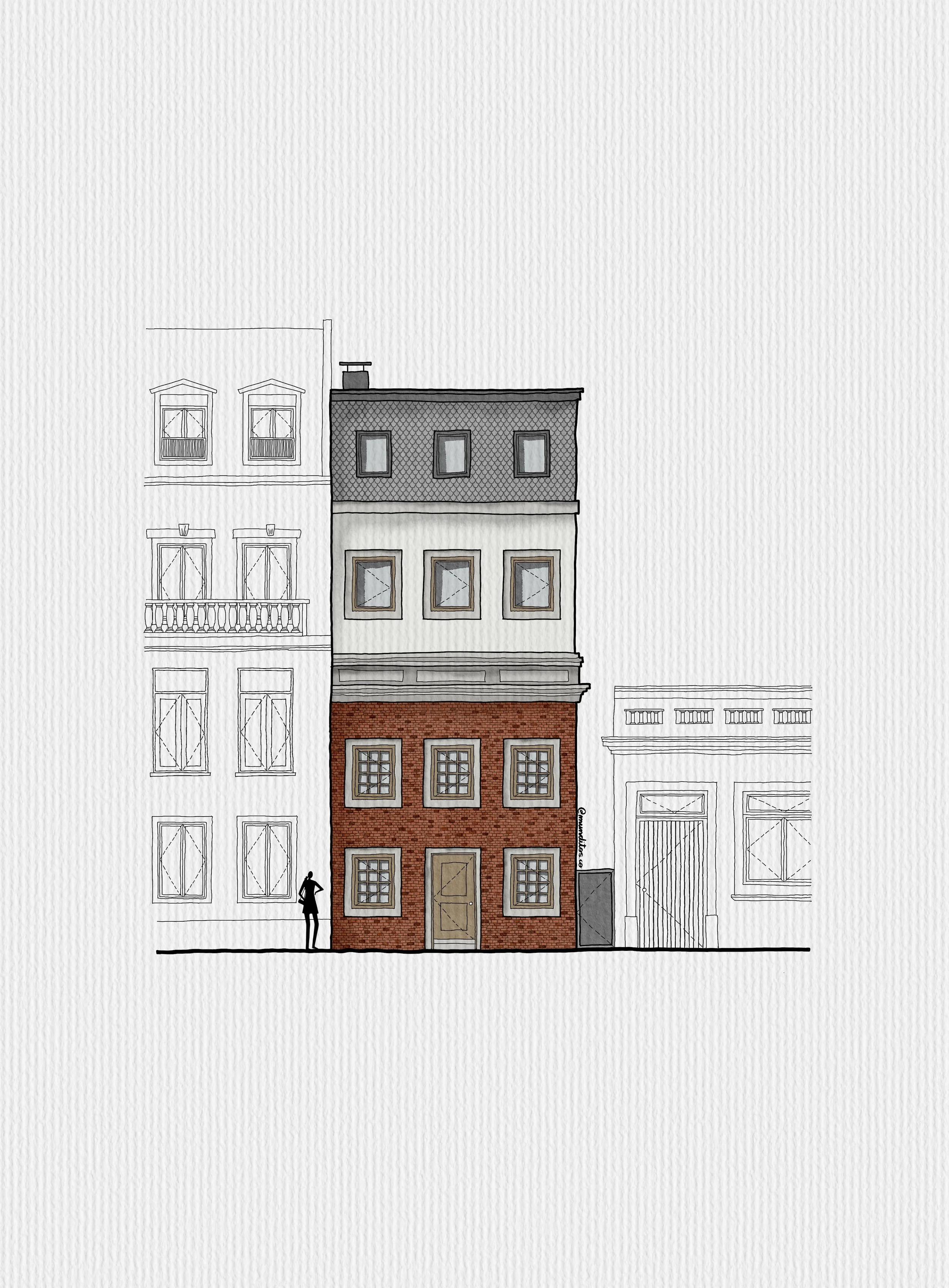
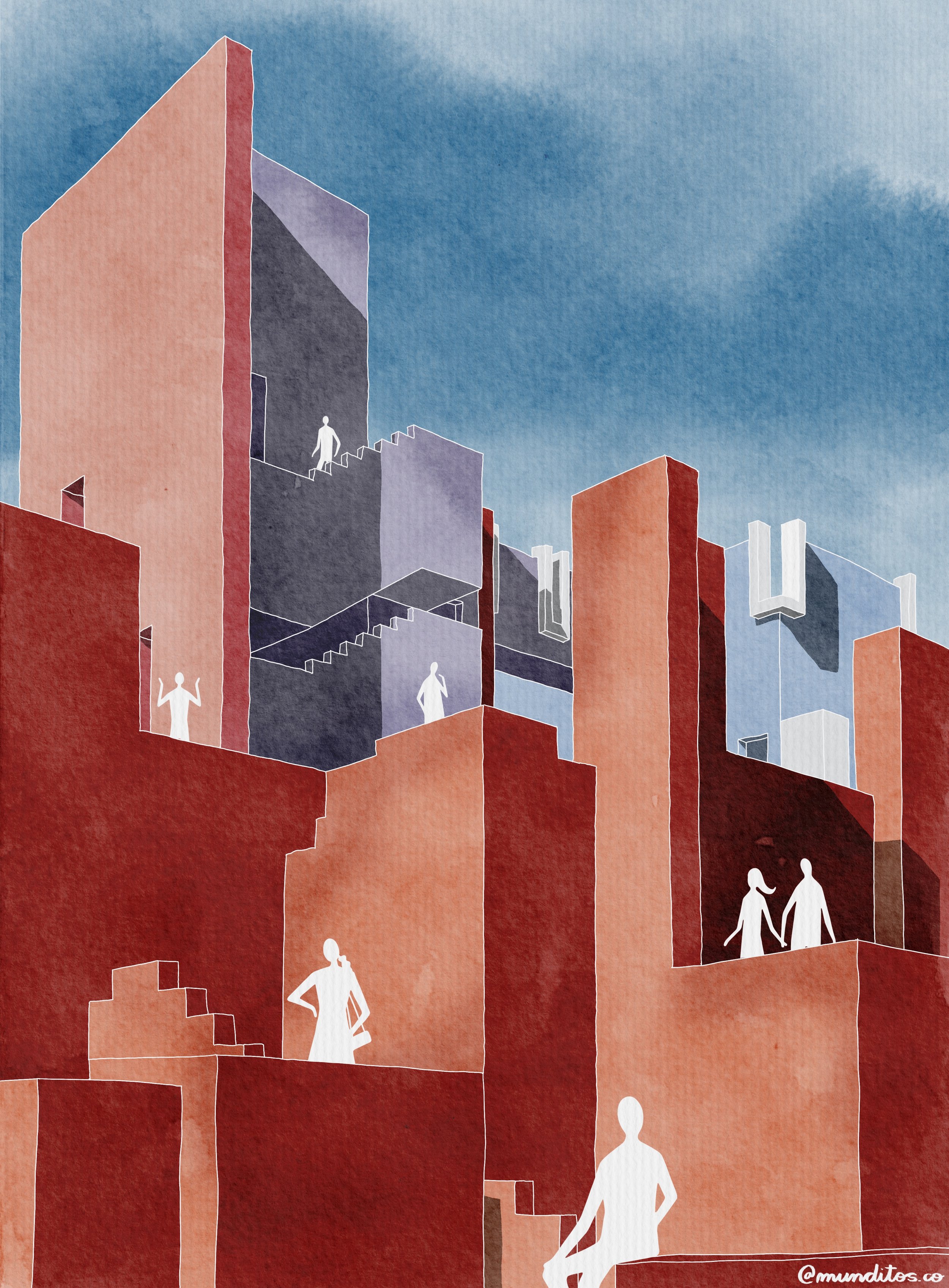
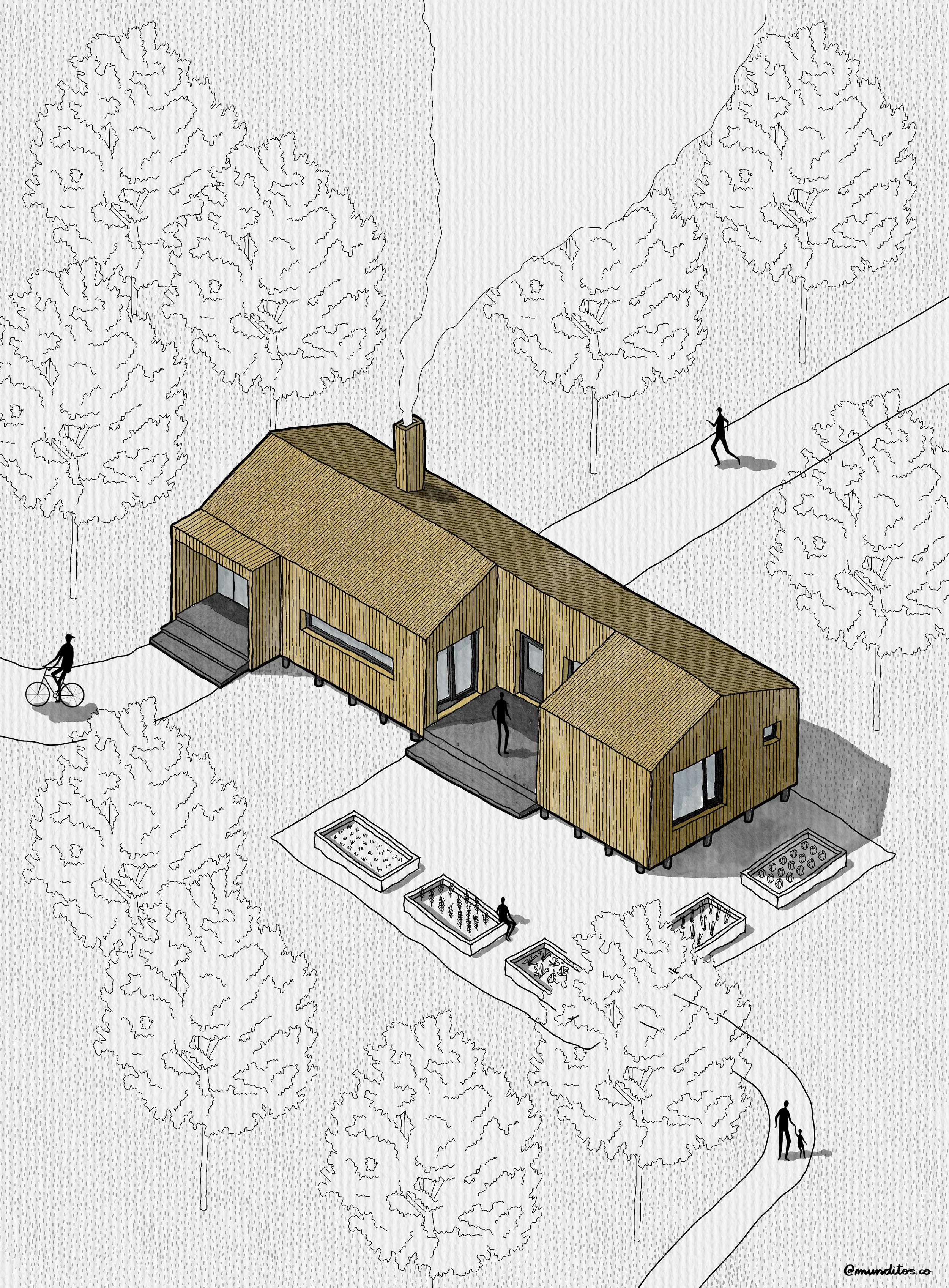
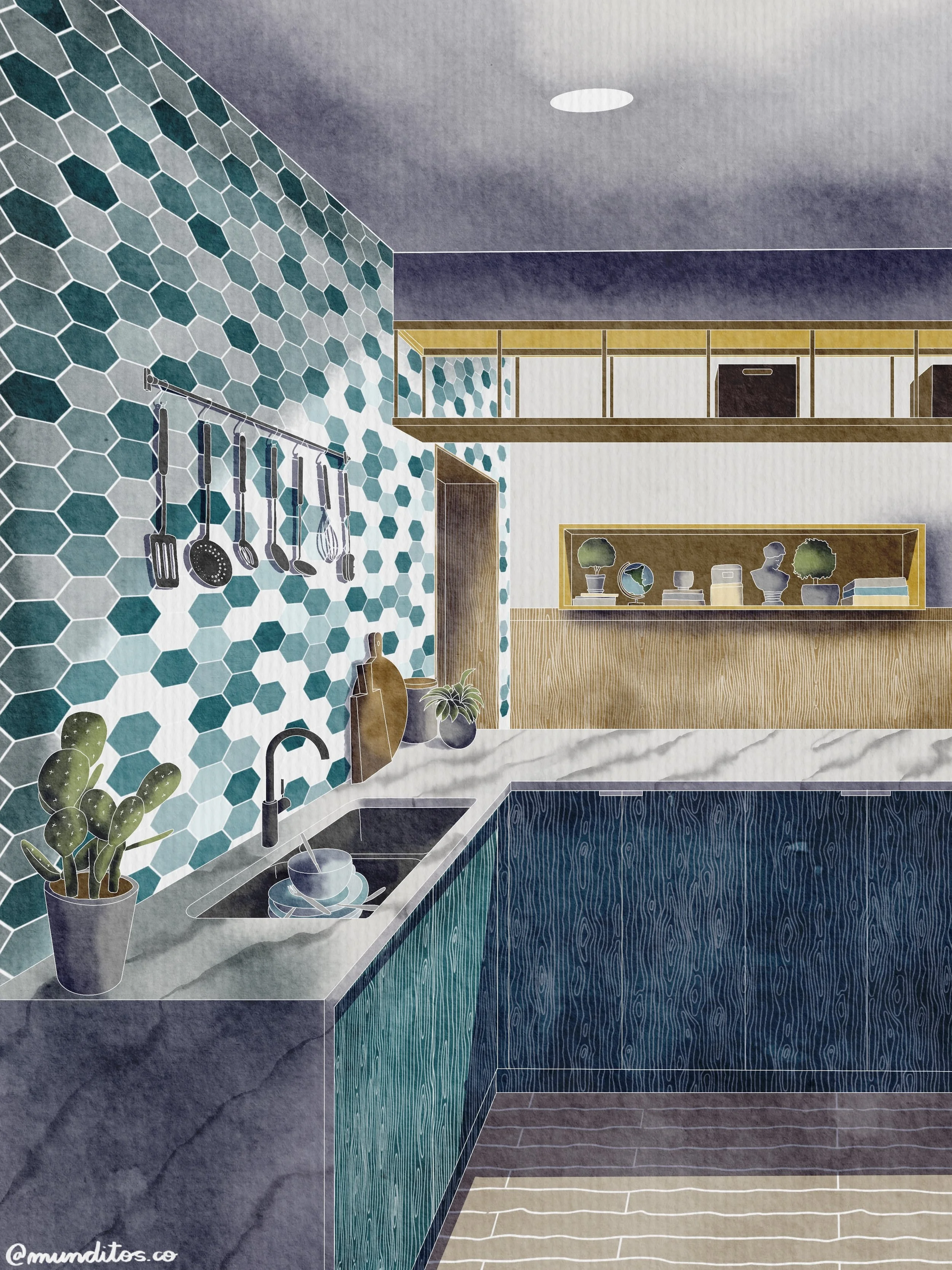
The Five Sessions, Day by Day
|
Saturday
26Sept
|
|
|---|---|
| Plan & Section | |
What You'll Do
|
|
|
Wednesday
30Sept
|
|
|---|---|
| Interior & Exterior Perspective, Watercolor | |
What You'll Do
|
|
|
Saturday
3Oct
|
|
|---|---|
| Elevation & Site Plan | |
What You'll Do
|
|
|
Wednesday
7Oct
|
|
|---|---|
| Isometric — Interior & Exterior | |
What You'll Do
|
|
- Bring a real project drawing for live troubleshooting
- Review brushes, canvas setup, and templates from Sessions 1–4
- Discuss adapting the workflow beyond the five drawing types covered
- Recorded for anyone who can't attend live
The Whole Package
|
🎥
4 Live SessionsIn 8 Drawing Types
|
|
|
Value
$1,699
|
|
📼
Lifetime Replay Access
|
|
|
Value
$49
|
|
🖌️
Bonus #1: Brush Pack Collection
|
|
|
Value
$49
Free
|
|
📐
Bonus #2: Scaled Templates
|
|
|
Value
$49
Free
|
|
💬
Bonus #3: Munditos Club
|
|
|
Value
$99
Free
|
|
🗄️
Bonus #4: Private Drawing Vault
|
|
|
Value
$99
Free
|
|
🙋
Bonus #5: Q&A Session
|
|
|
Value
$199
Free
|
|
✨
Bonus #6: The Real Bonus
|
|
|
Value
Priceless
Free
|
What’s Actually Worth
(Try it risk-free for 30 days.)
Your Investment Is 100% Risk-Free
30-Day "Draw With Confidence" Guarantee
Show up, do the work across all four sessions, and if you don't feel more capable drawing every type of architectural drawing in Procreate, email us within 30 days and we'll make it right — no hard questions asked.
This guarantee exists because the workflow works. We just want you confident in that too, before you commit.
Frequently Asked Questions
| What do I need to get started? An iPad compatible with Apple Pencil and the Procreate app — a one-time purchase, no subscription. Setup is covered in Session 1. | I've never drawn on an iPad before — is this still for me? Yes. The program is built for beginners; you'll pick up the foundational tools alongside the drawing workflow itself. | Does this teach real technique, or just Procreate mechanics? Both. Every session — plan, section, elevation, site plan, perspective, isometric — is built around genuine drawing skill, not just software tricks. |
| Is this only useful for architects? No. Interior designers and landscape designers use the exact same workflow taught here. | What if I can't attend a session live? Every session is recorded and yours to keep — missing one live doesn't mean missing the content. | What if the program isn't right for me? You're covered by the guarantee above. |
Meet Who is Behind Munditos
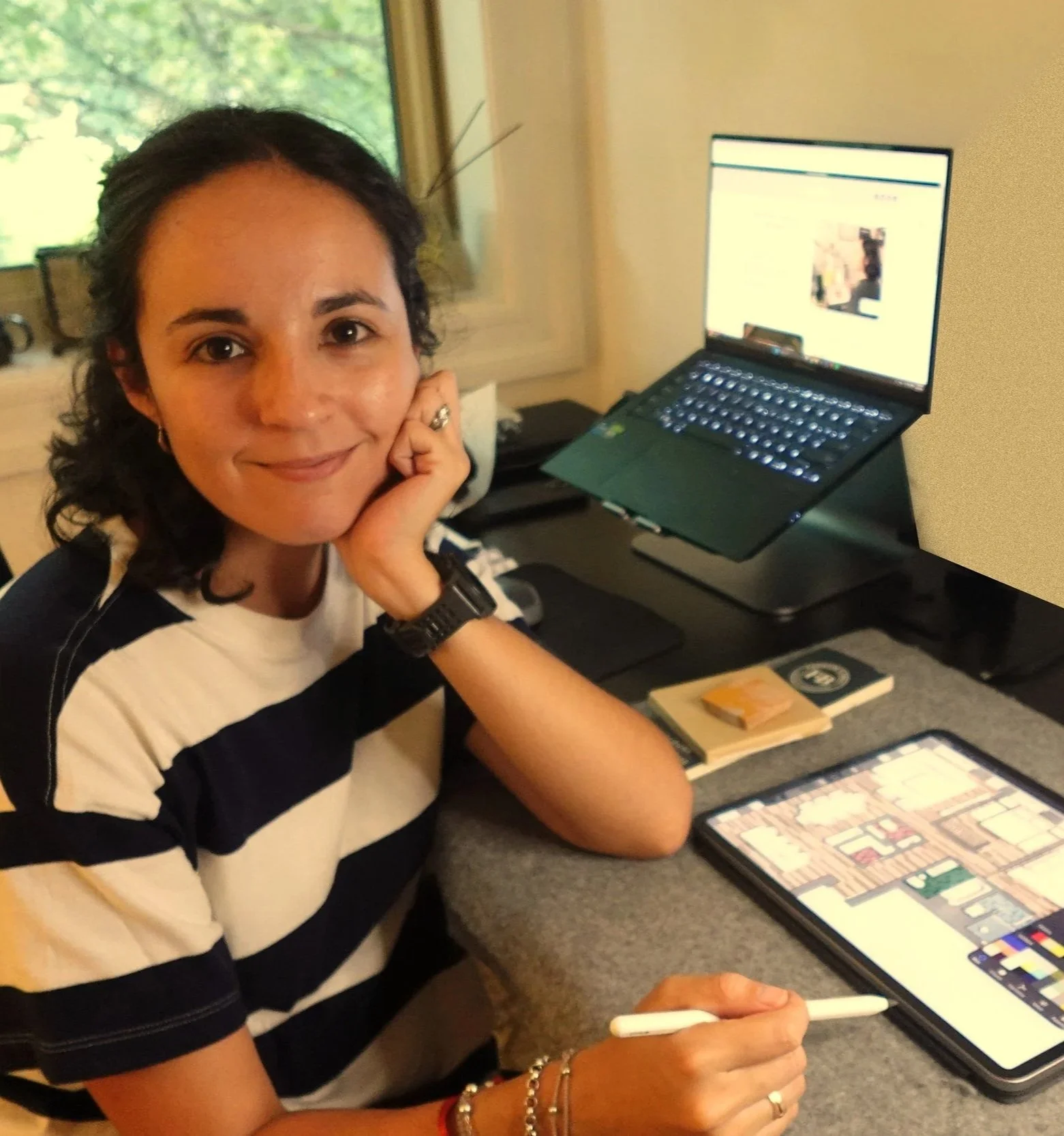
Hola, I'm Andre
Architect, Procreate Lover, & the person who built the resource I needed when I was starting out
Getting my first job at a firm in New York took longer than I'd like to admit — I had the skills, I had the passion, but something wasn't clicking
Then I found Procreate, and everything changed, not overnight, but steadily, one drawing at a time
Seven years later I run Munditos — small worlds in Spanish, because every architect carries a universe of ideas, details, & vision of their own
The problem: most of those worlds never fully make it to the page — they stay stuck between the mind and the screen, half-formed and unseen
That's the gap I built Munditos to close — because your small world deserves to be shown.

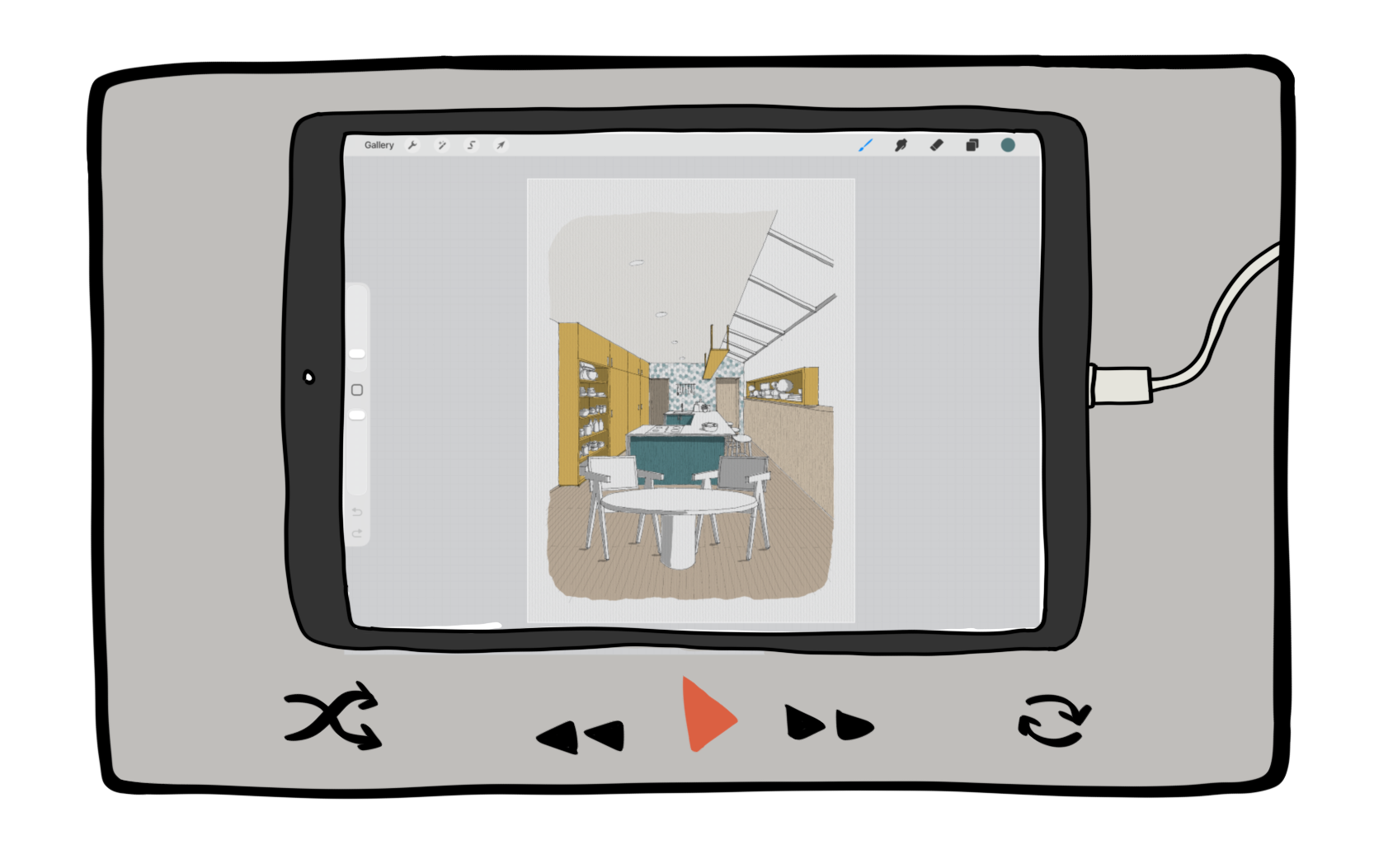
Not ready yet?
Watch the latest Free Webinar Munditos hosted & check if this Workshop is a good fit.